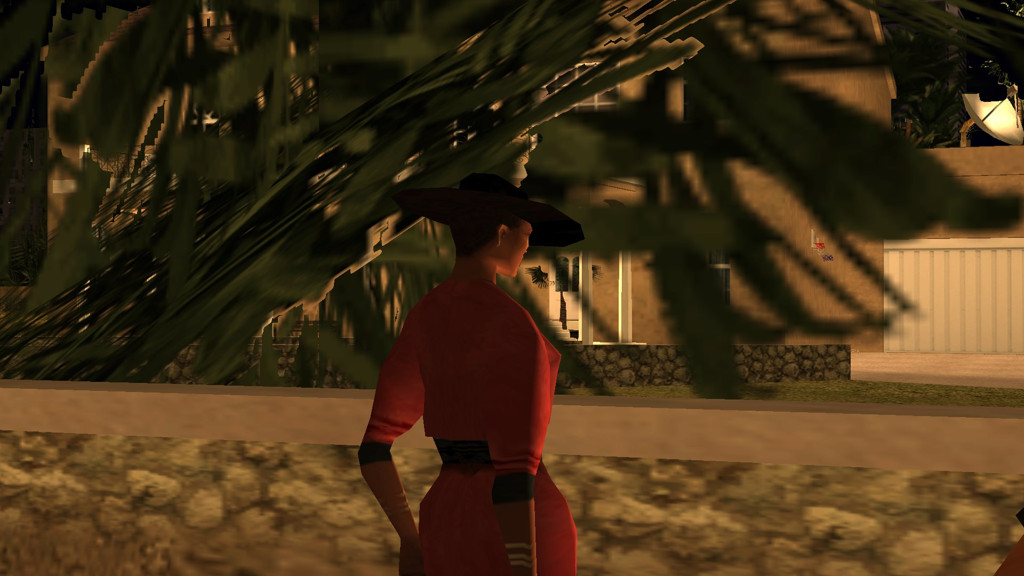
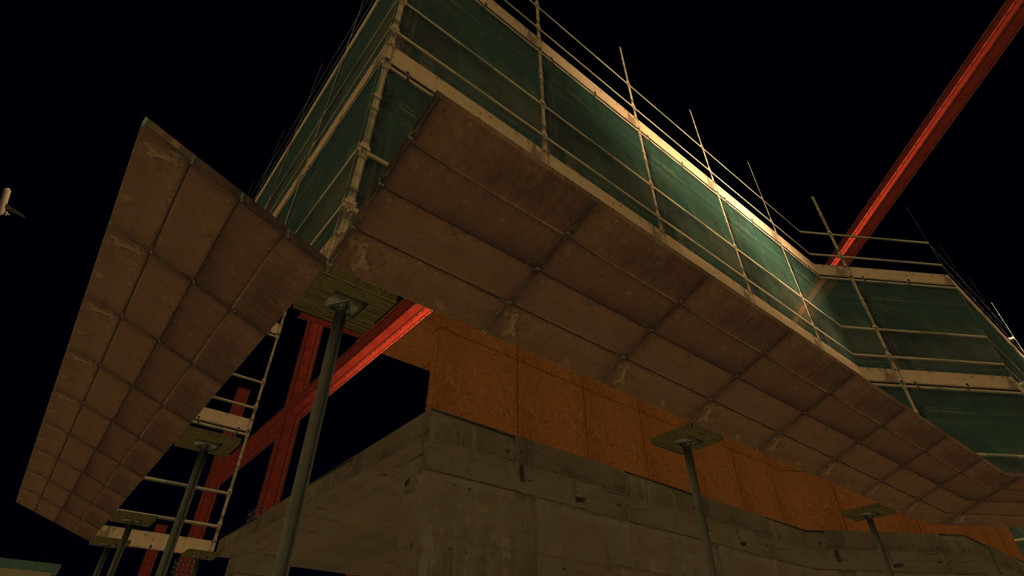
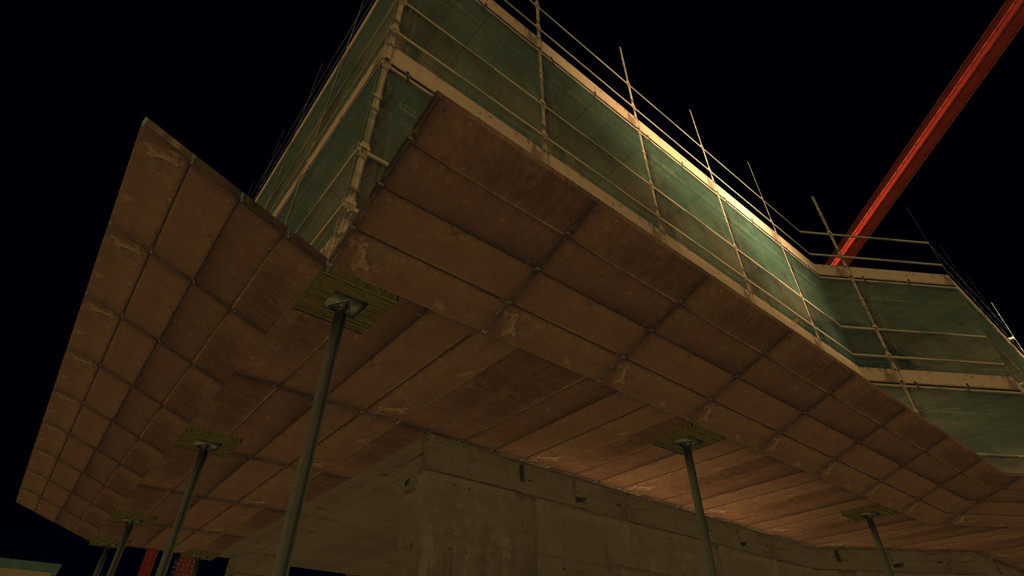
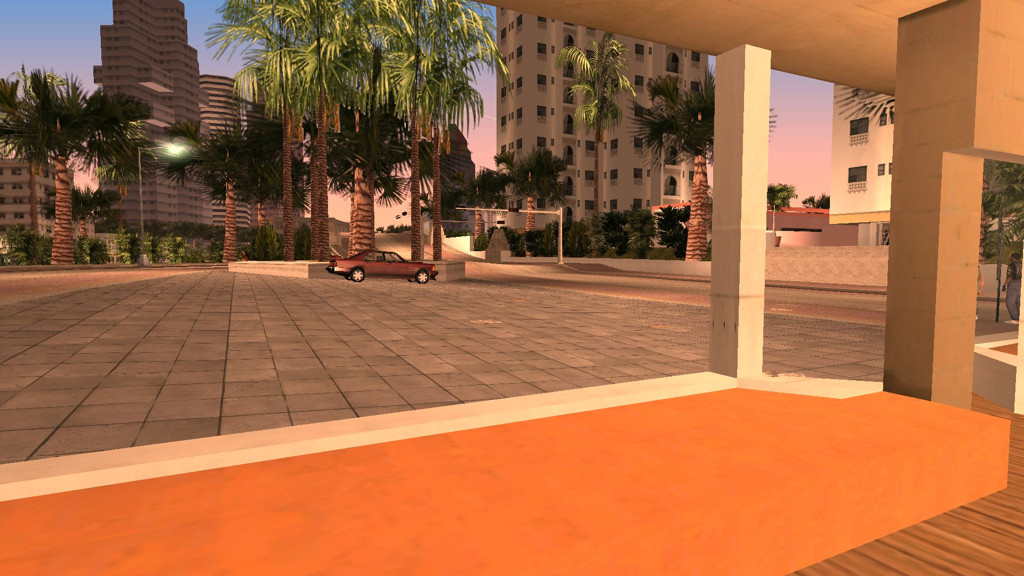
<?xml version="1.0" encoding="utf-8"?><feed xmlns="http://www.w3.org/2005/Atom" ><generator uri="https://jekyllrb.com/" version="4.4.1">Jekyll</generator><link href="https://silentsblog.com/feed/by_tag/Articles.xml" rel="self" type="application/atom+xml" /><link href="https://silentsblog.com/" rel="alternate" type="text/html" /><updated>2026-04-07T19:19:45+00:00</updated><id>https://silentsblog.com/feed/by_tag/Articles.xml</id><title type="html">Silent’s Blog</title><subtitle>A blog and portfolio of Silent</subtitle><entry xml:lang="en"><title type="html">How a 20 year old bug in GTA San Andreas surfaced in Windows 11 24H2</title><link href="https://silentsblog.com/2025/04/23/gta-san-andreas-win11-24h2-bug/" rel="alternate" type="text/html" title="How a 20 year old bug in GTA San Andreas surfaced in Windows 11 24H2" /><published>2025-04-23T13:30:00+00:00</published><updated>2025-04-23T13:30:00+00:00</updated><id>https://silentsblog.com/2025/04/23/gta-san-andreas-win11-24h2-bug</id><content type="html" xml:base="https://silentsblog.com/2025/04/23/gta-san-andreas-win11-24h2-bug/"><![CDATA[<ul id="markdown-toc">
  <li><a href="#introduction" id="markdown-toc-introduction">Introduction</a></li>
  <li><a href="#investigating-the-bug" id="markdown-toc-investigating-the-bug">Investigating the bug</a>    <ul>
      <li><a href="#what-is-broken" id="markdown-toc-what-is-broken">What is broken?</a></li>
      <li><a href="#but-why-and-how" id="markdown-toc-but-why-and-how">But why and how?</a></li>
    </ul>
  </li>
  <li><a href="#here-be-dragons--the-true-root-cause" id="markdown-toc-here-be-dragons--the-true-root-cause">Here be dragons – the true root cause</a>    <ul>
      <li><a href="#diving-deeper" id="markdown-toc-diving-deeper">Diving deeper</a></li>
      <li><a href="#whose-stack-is-it-anyway" id="markdown-toc-whose-stack-is-it-anyway">Whose Stack Is It Anyway?</a></li>
      <li><a href="#what-are-the-odds-this-only-broke-now-darn-windows-11" id="markdown-toc-what-are-the-odds-this-only-broke-now-darn-windows-11">What are the odds this only broke now? Darn Windows 11!</a></li>
    </ul>
  </li>
  <li><a href="#i-want-this-fixed-in-my-game" id="markdown-toc-i-want-this-fixed-in-my-game">I want this fixed in my game!</a></li>
  <li><a href="#final-word" id="markdown-toc-final-word">Final word</a></li>
</ul>

<h2 id="introduction"><a href="#introduction"></a>Introduction</h2>

<p>On the <a href="https://github.com/CookiePLMonster/SilentPatch/issues/172" target="_blank">SilentPatch GitHub issue tracker</a>,
I received a rather specific bug report:</p>

<blockquote>
  <h4 class="no_toc no_anchor" id="skimmer-airplane-doesnt-exist-in-windows-11-24h2"><a href="#skimmer-airplane-doesnt-exist-in-windows-11-24h2"></a>Skimmer airplane doesn’t exist in Windows 11 24H2</h4>

  <p>When I upgraded my windows to version 24H2, the Skimmer plane disappear completely from the game.
It can’t be spawn using trainer nor it can’t be found anywhere on it’s normal spawn points.
I’m using both my modded copy (which is before the update, is completely fine) and vanilla copy with only silentpatch
(I tried the 2018, 2020 and the most recent version of silentpatch) and the plane still won’t exist.</p>
</blockquote>

<p>If this was the first time I had heard about it, I’d likely consider it dubious and suspect there are more things at play,
and it’s not specifically Windows 11 24H2. However, on GTAForums, I’ve been receiving comments about this exact issue since November last year.
Some of them said SilentPatch causes this issue, others however stated the same happens on a completely unmodded game:</p>

<blockquote>
  <p>Apparently the skimmer cant spawn when playing on Windows 11 24h2 update, hope this bug gets fixed.</p>

  <p>EDIT: So I think I confirmed it, I set up a VM with Windows 11 23h2 and the damn plane spawns fine,
and updating that same VM to 24h2 breaks the skimmer, why would a small feature update in 2024 break a random plane in a 2005 game is anyone’s guess.</p>
</blockquote>

<blockquote>
  <p>After the latest Silent patch update there is no Skimmer in the game and when I try to spawn it with RZL-Trainer or Cheat Menu by Grinch,
the game freezes and I have to close it via Task Manager.</p>
</blockquote>

<blockquote>
  <p>[…] I was forced to update to 24H2, and now after the update, I have the same problem with the Skimmer in GTA SA as others.
This means that mods or anything else are not causing the issue, the problem appeared after the latest Windows update.</p>
</blockquote>

<hr />

<p>My home PC is still on Windows 10 22H2, while my work machine is on Windows 11 23H2, and, to no surprise, neither machine reproduced the issue – Skimmer spawned
on the water just fine, creating one via script and putting CJ in a driver’s seat worked too.</p>

<p>That said, I also asked a few people who upgraded to 24H2 to test this on their machines and they <strong>all</strong> hit this bug. Attempts to debug “remotely”
by giving instructions over the chat didn’t go anywhere, so I set up a 24H2 virtual machine on my own. I copied the game over to the machine, set it up for remote
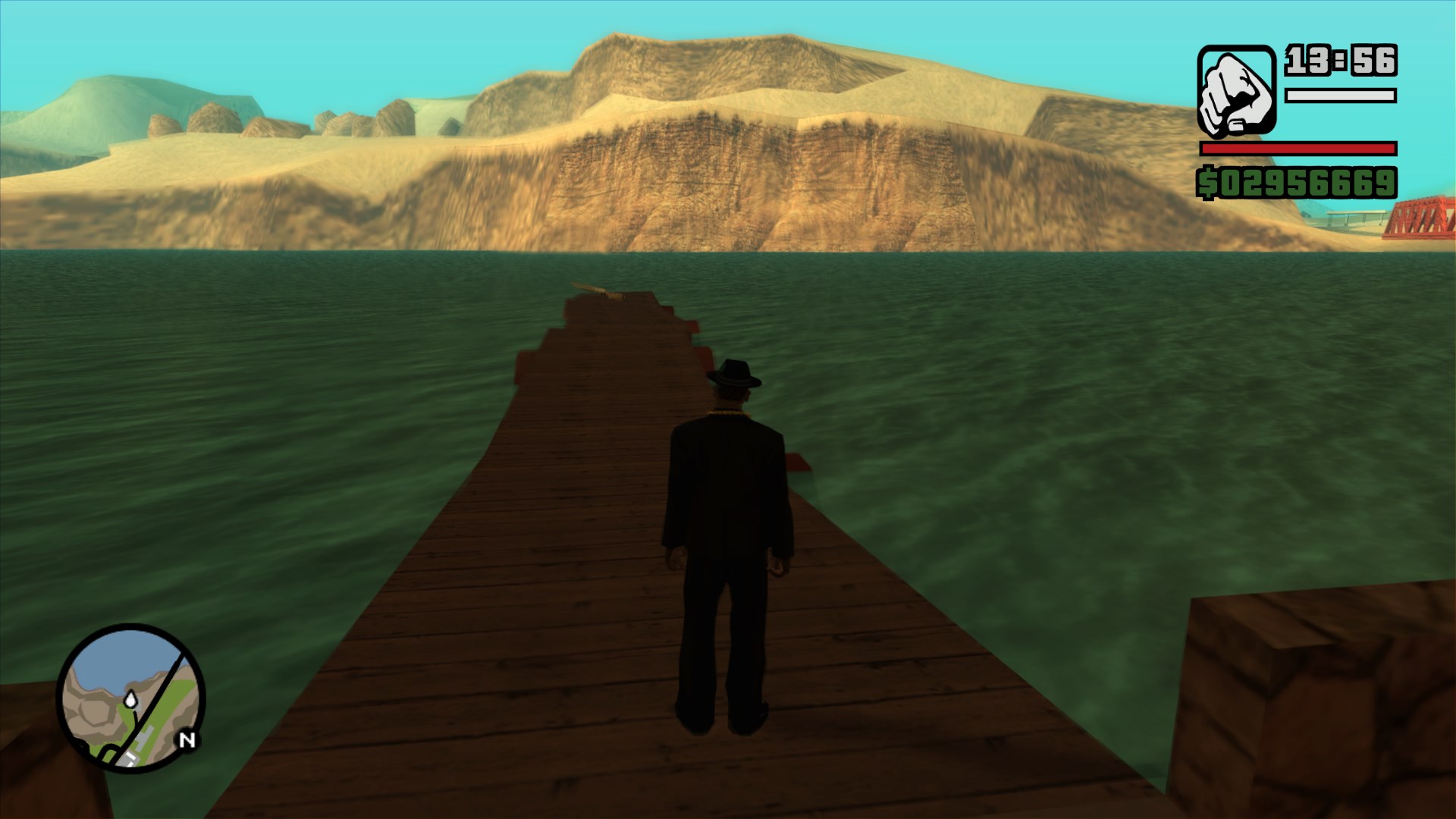
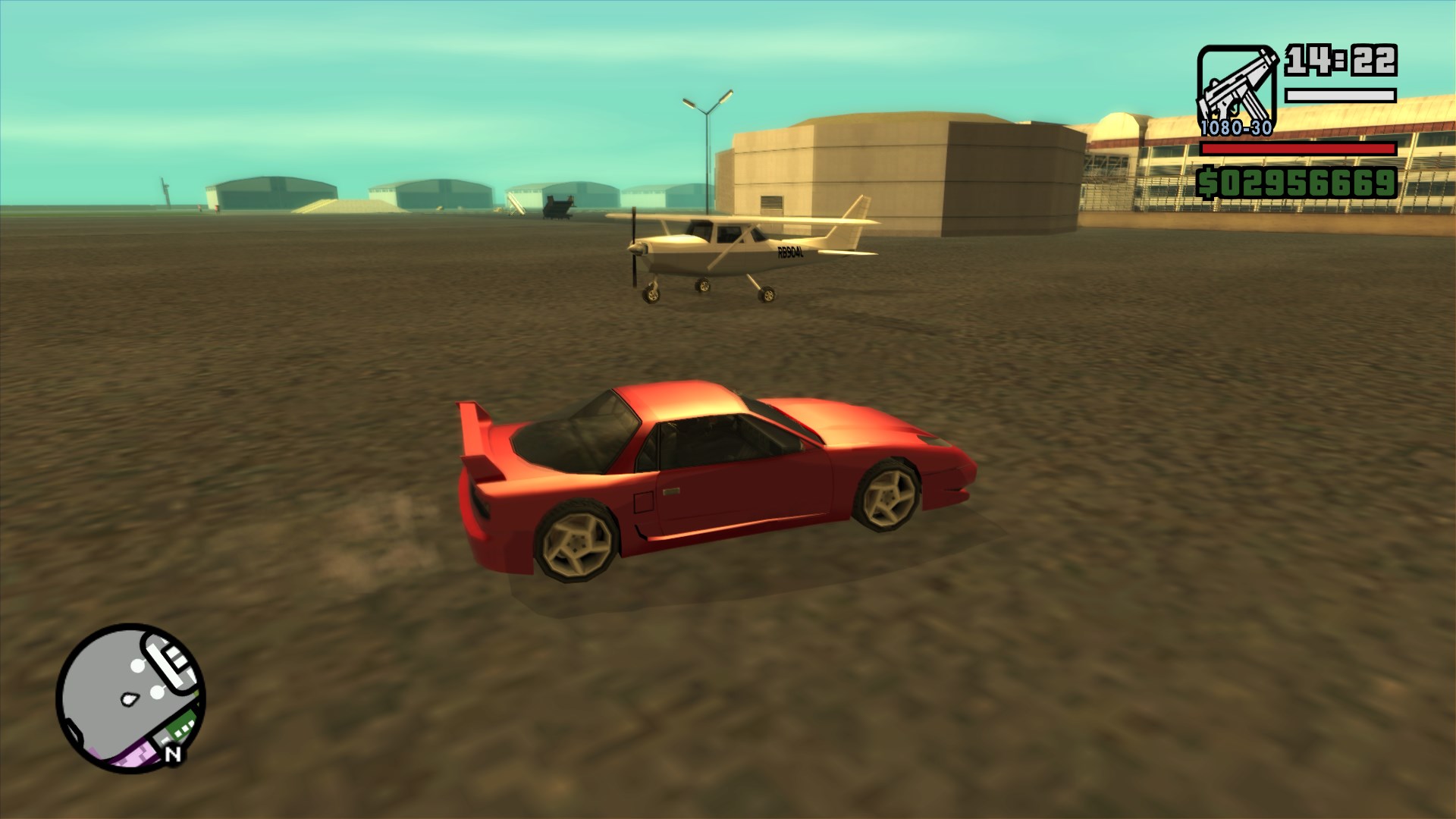
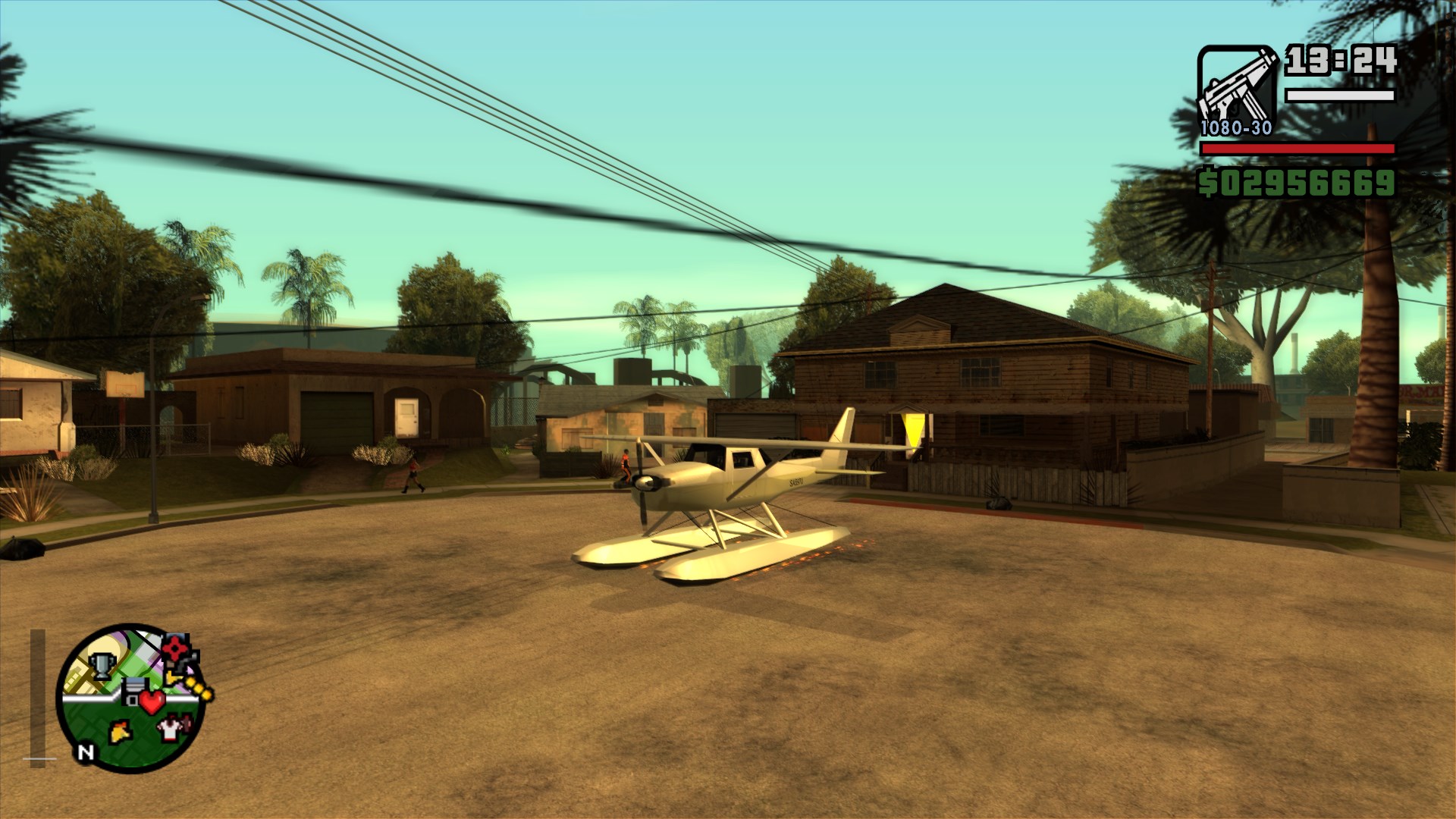
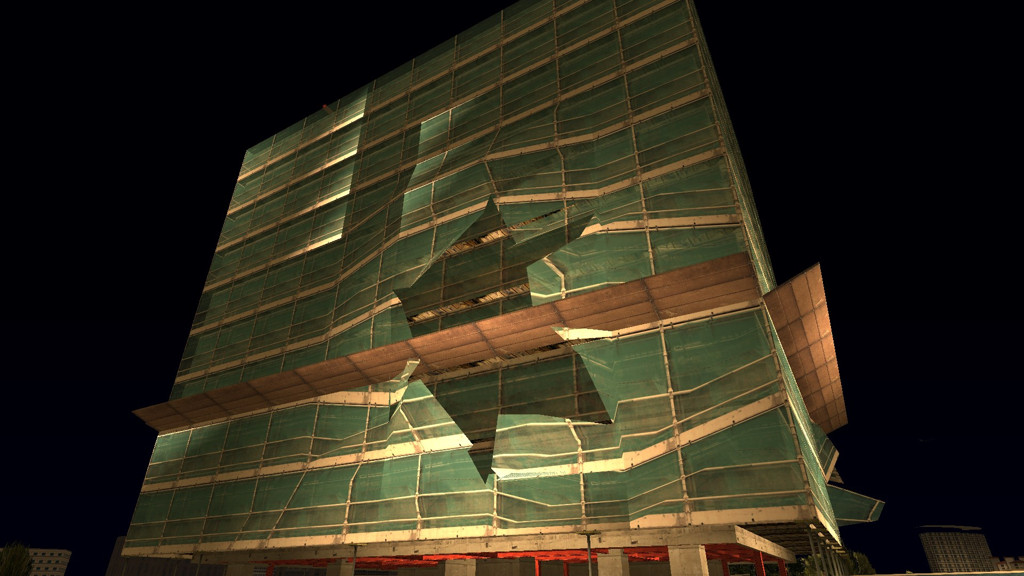
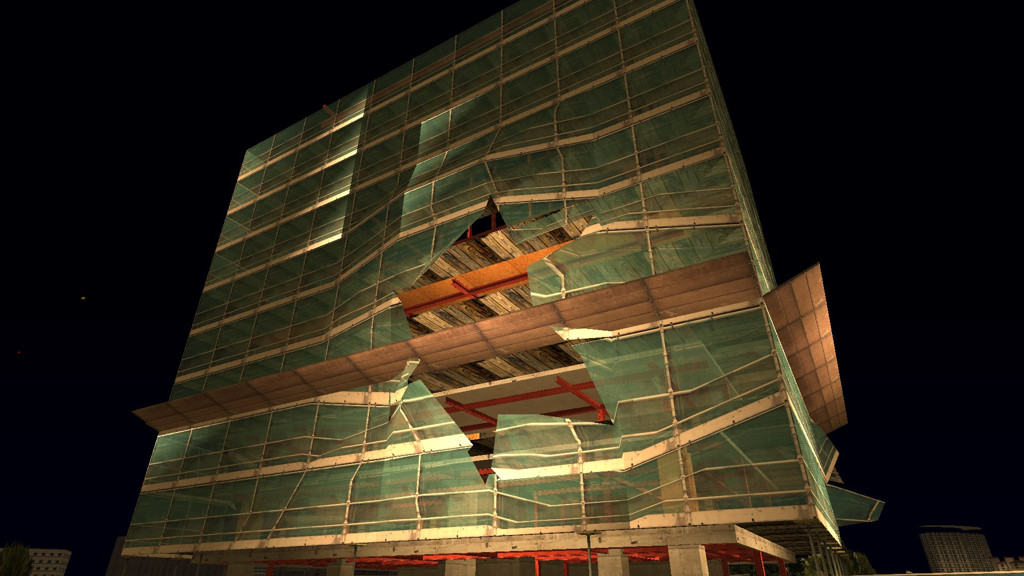
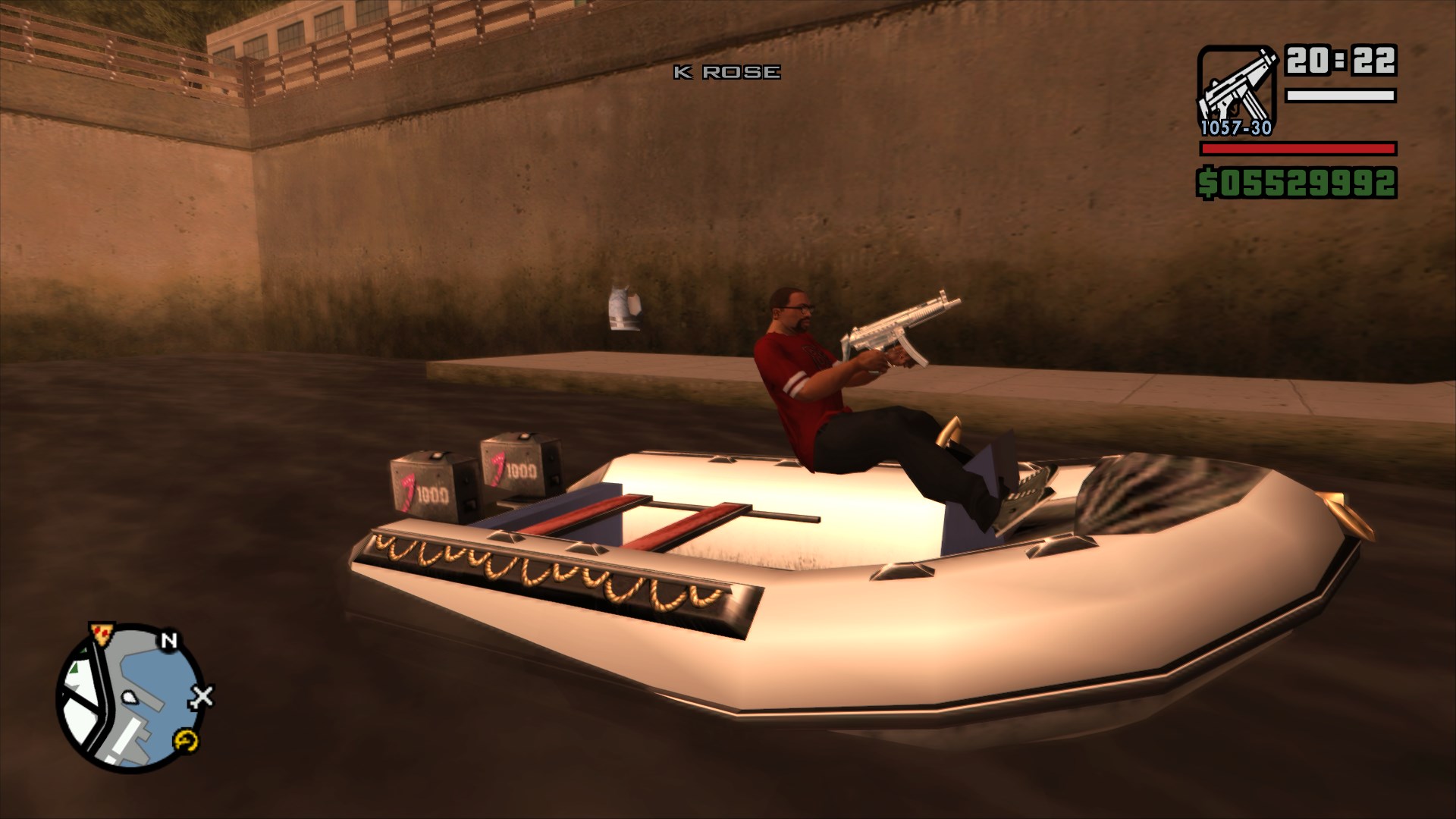
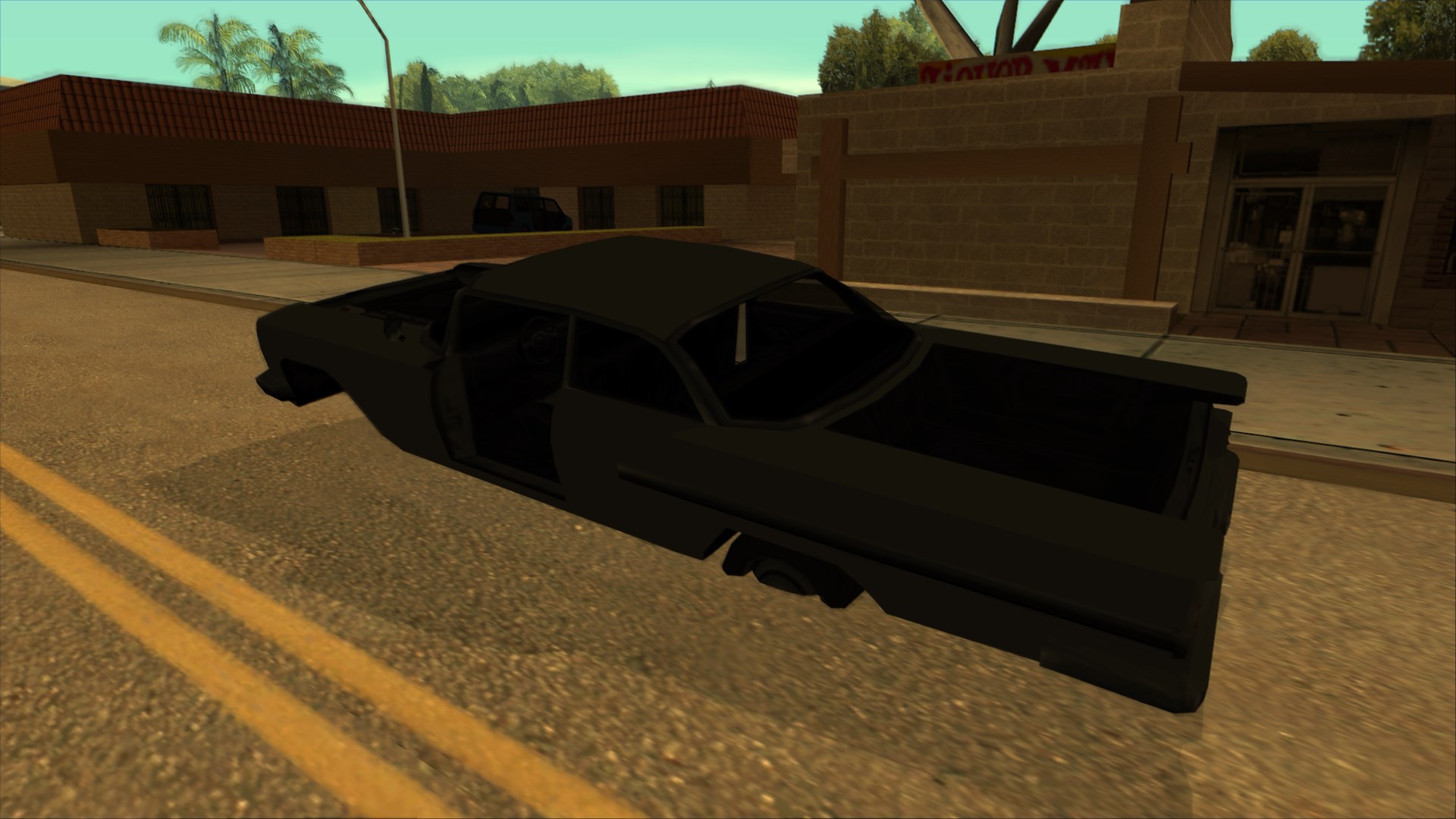
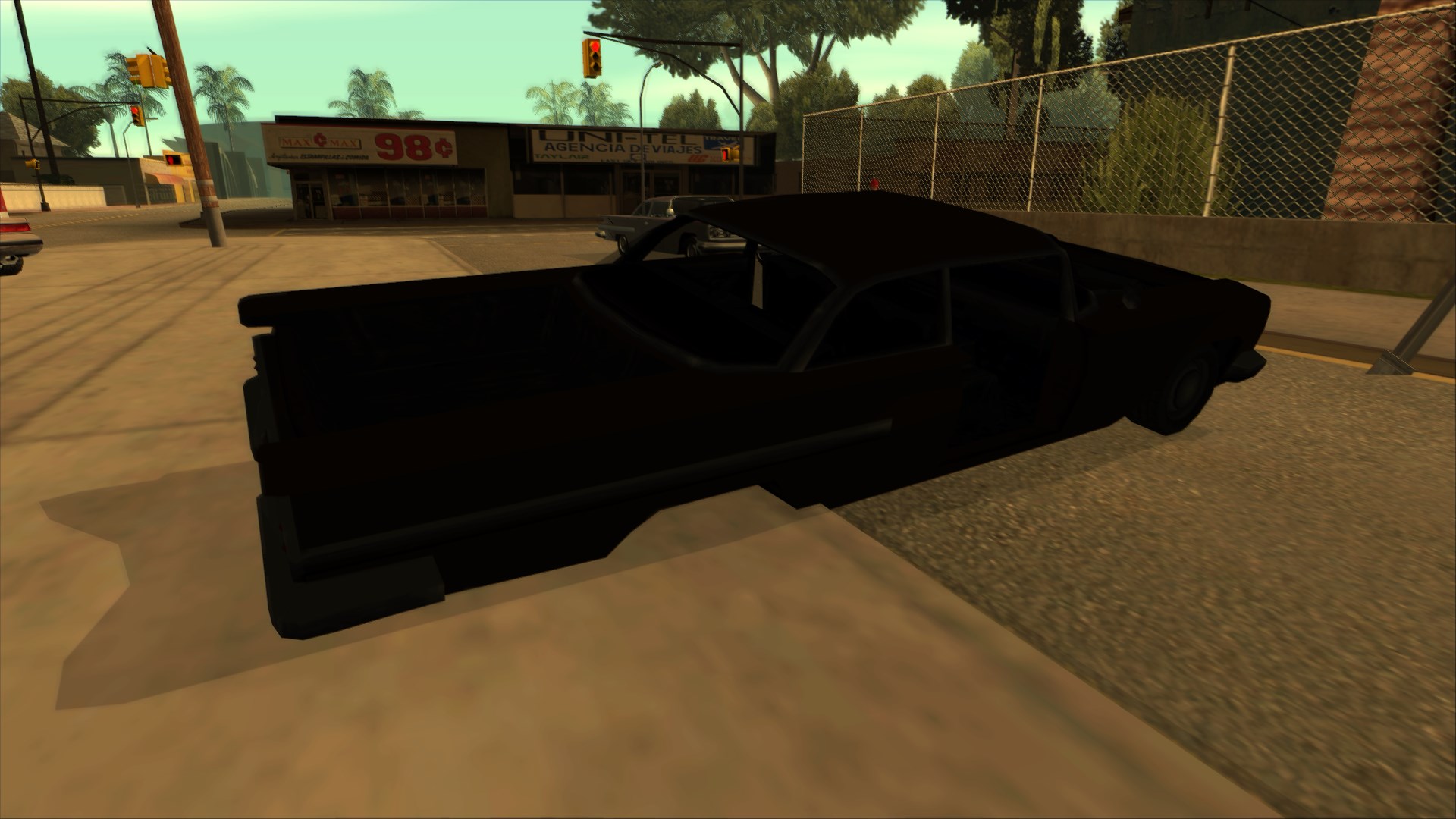
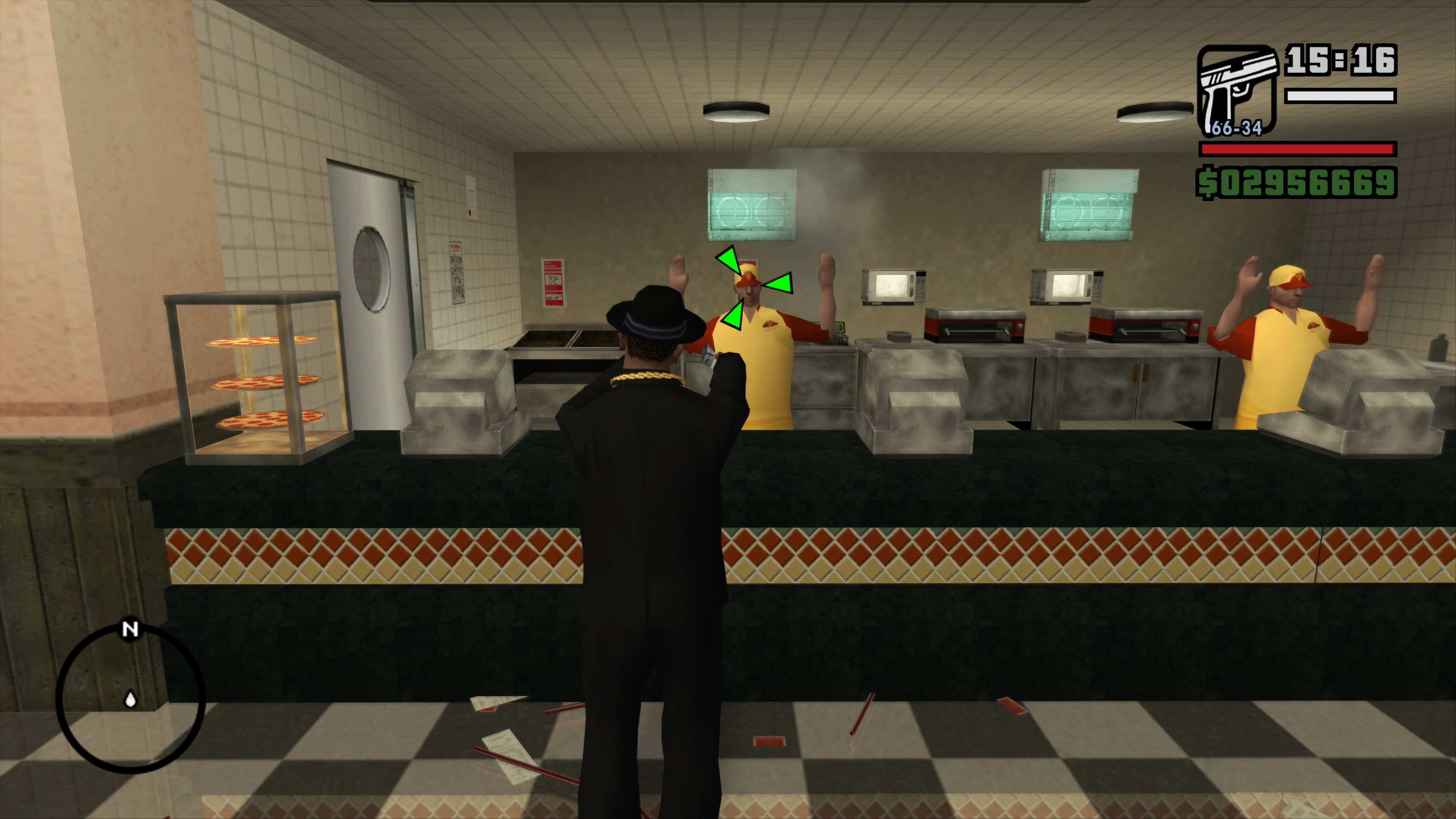
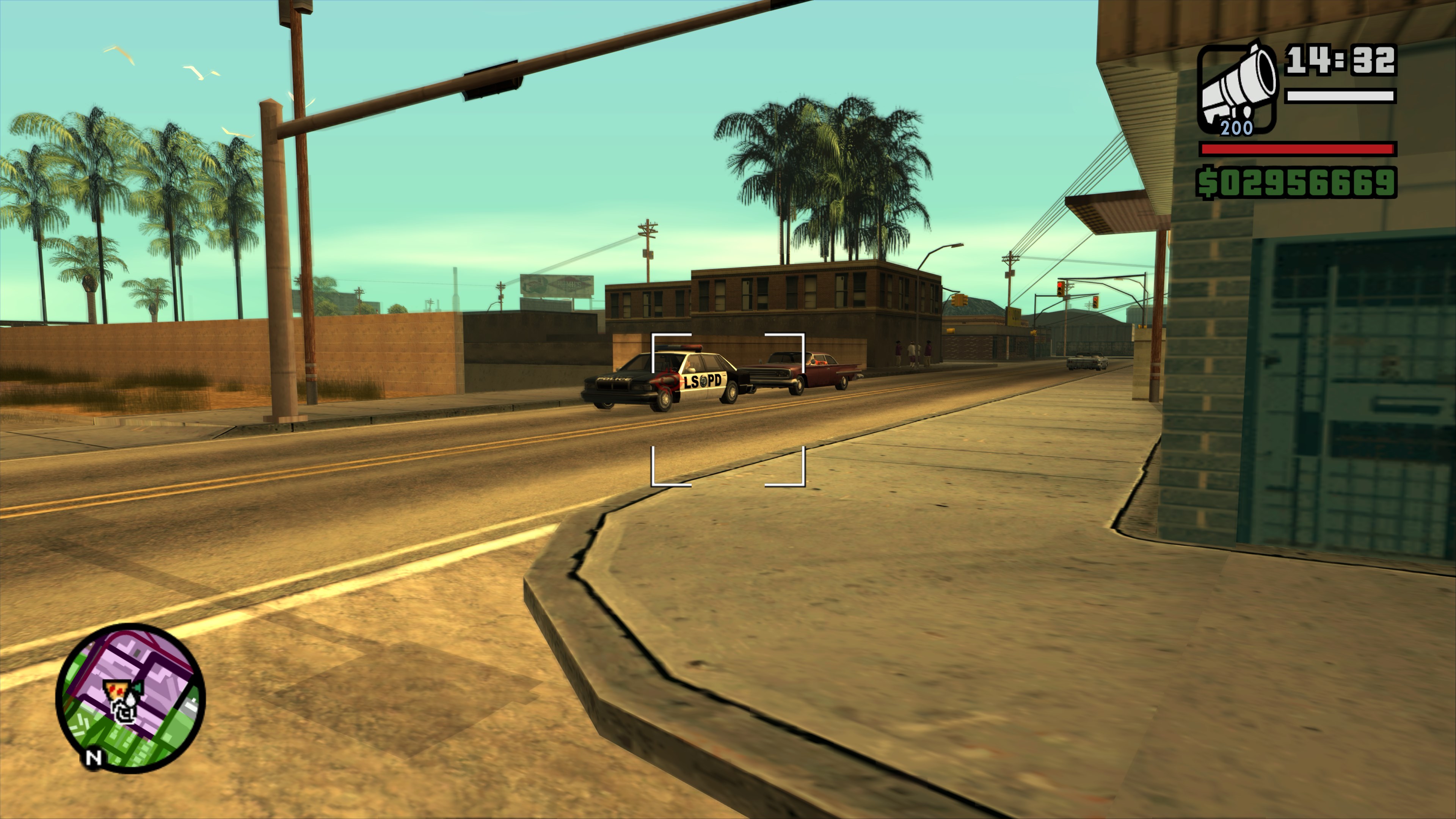
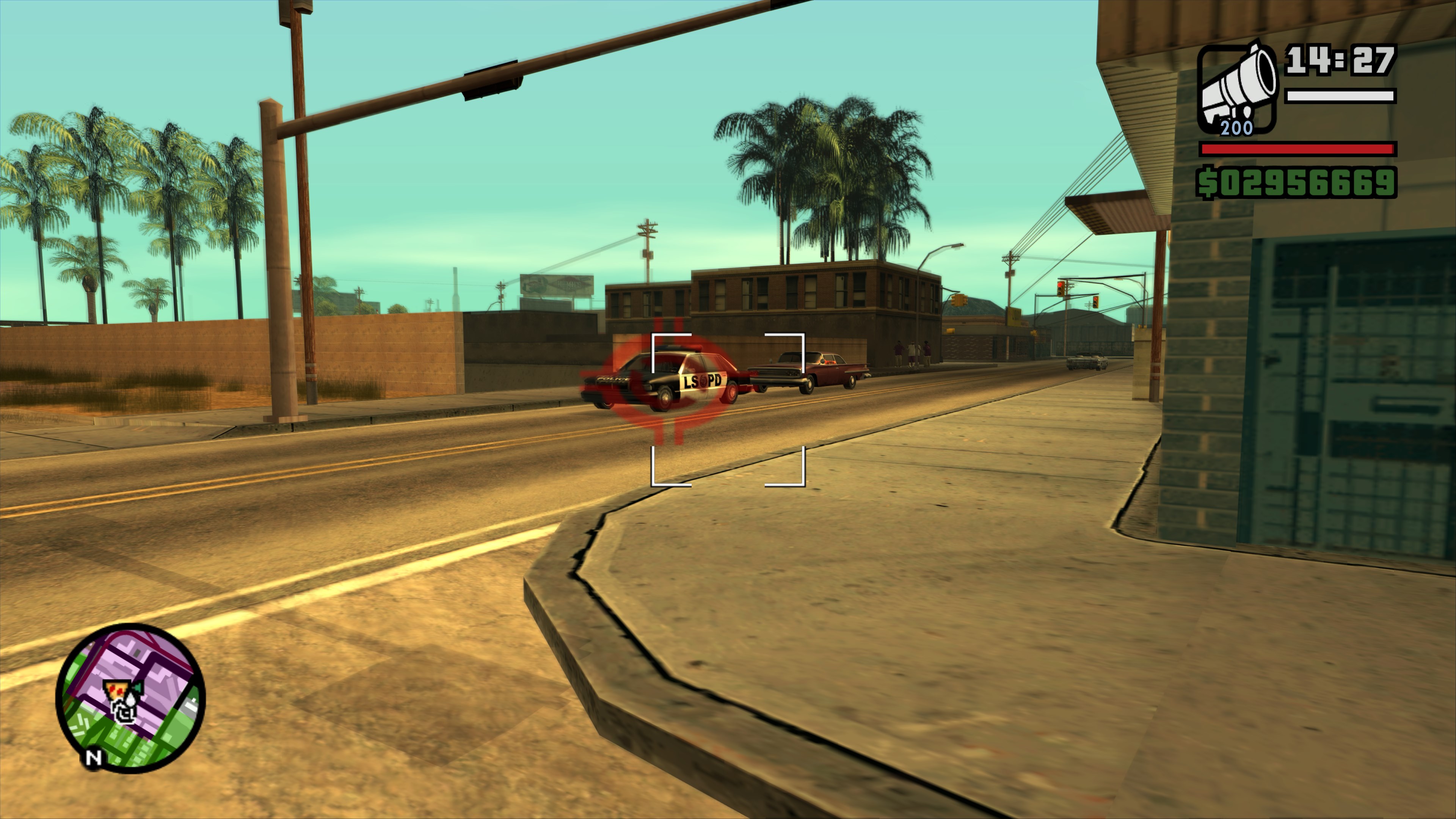
debugging from the host OS, headed to the usual place the Skimmer spawns, and sure enough, it wasn’t there. All other planes and boats still spawned fine,
only this one vehicle did not:</p>

<figure class="media-container small">
<figure class="fig-entry"><a href="/assets/img/posts/sa-win11-24h2-bug/screens/gta_sa_SqUlKDKCRs.jpg" target="_blank"><img src="/assets/img/posts/sa-win11-24h2-bug/screens/thumb/gta_sa_SqUlKDKCRs.jpg" alt="" width="1024" height="576" /></a><figcaption>Skimmer is gone.</figcaption></figure>

<figure class="fig-entry"><a href="/assets/img/posts/sa-win11-24h2-bug/screens/gta_sa_qnldPBAKRl.jpg" target="_blank"><img src="/assets/img/posts/sa-win11-24h2-bug/screens/thumb/gta_sa_qnldPBAKRl.jpg" alt="" width="1024" height="576" /></a><figcaption>Other planes are still here, though.</figcaption></figure>

</figure>

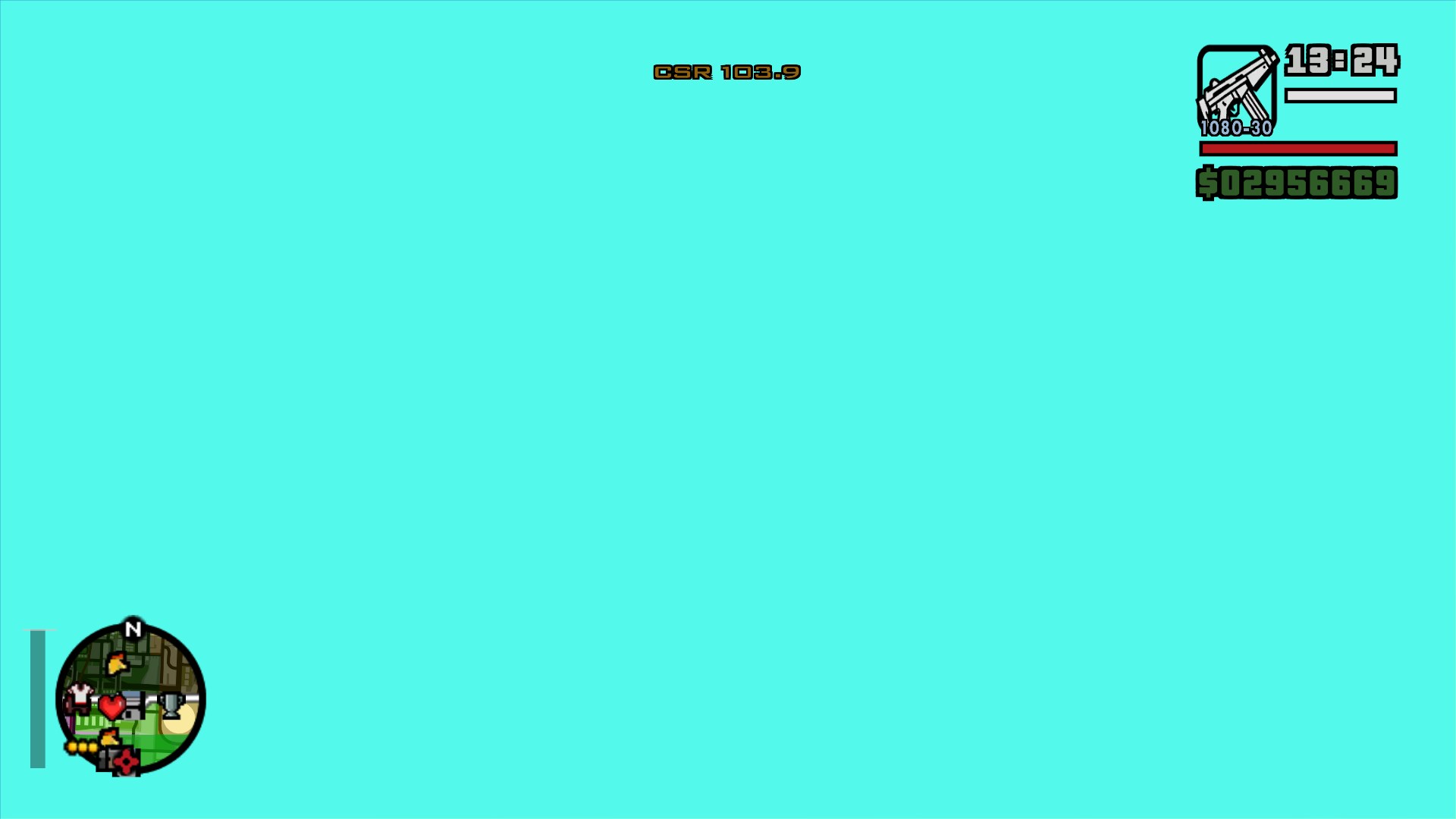
<p>I then used the script to spawn a Skimmer and put CJ inside it, just to be launched
<code class="language-plaintext highlighter-rouge">1.0287648030984853e+0031</code> = <strong>10.3 nonillion meters</strong>, or <strong>10.3 octillion kilometers</strong>, or <strong>1.087 quadrillion light-years</strong> up in the sky 😆</p>

<figure class="fig-entry"><a href="/assets/img/posts/sa-win11-24h2-bug/screens/gta_sa_5KOLUPPHLe.jpg" target="_blank"><img src="/assets/img/posts/sa-win11-24h2-bug/screens/thumb/gta_sa_5KOLUPPHLe.jpg" alt="" width="1024" height="576" /></a><figcaption>Scientists claim to have discovered a ‘new color’ no one has seen before.</figcaption></figure>

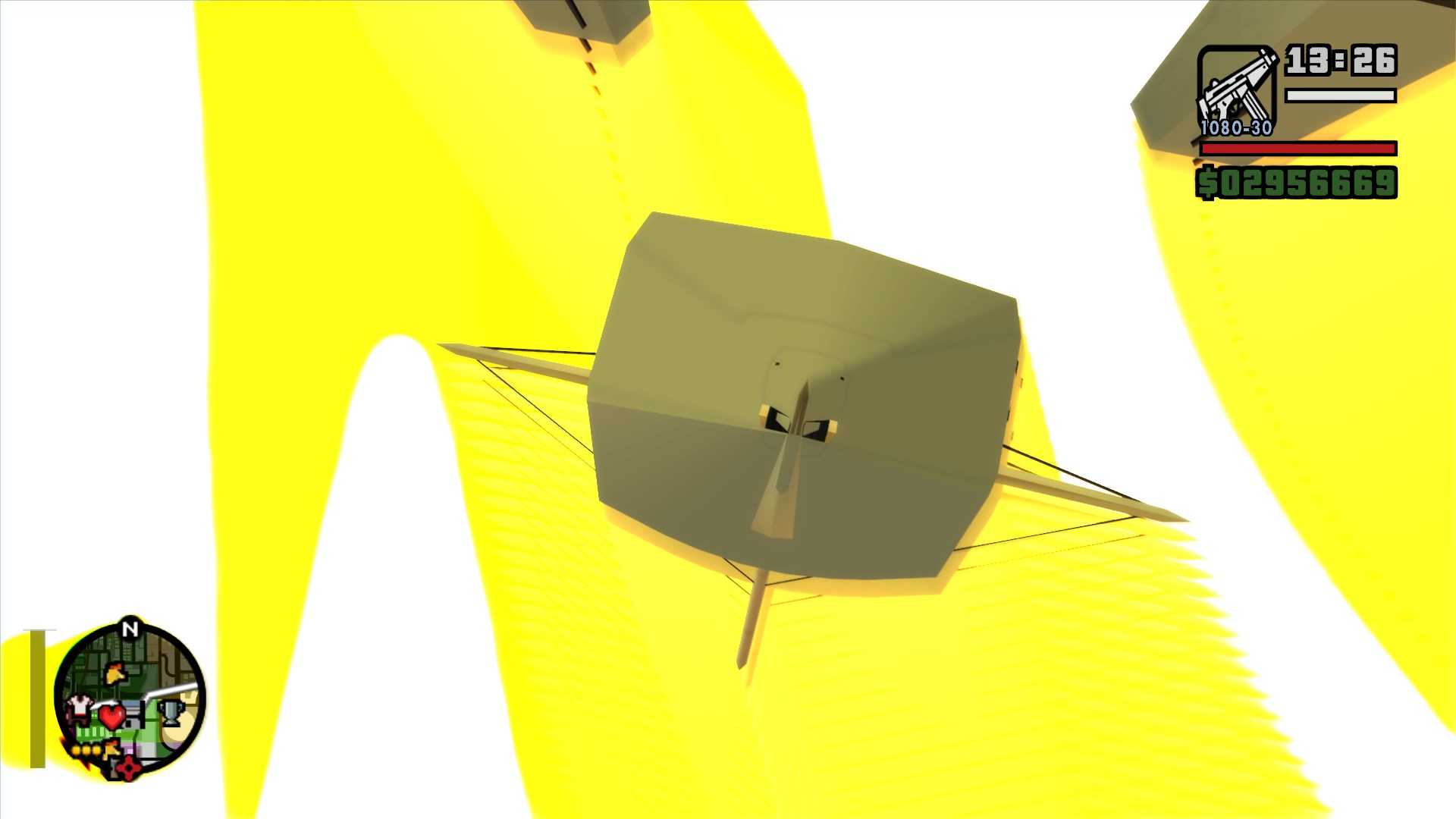
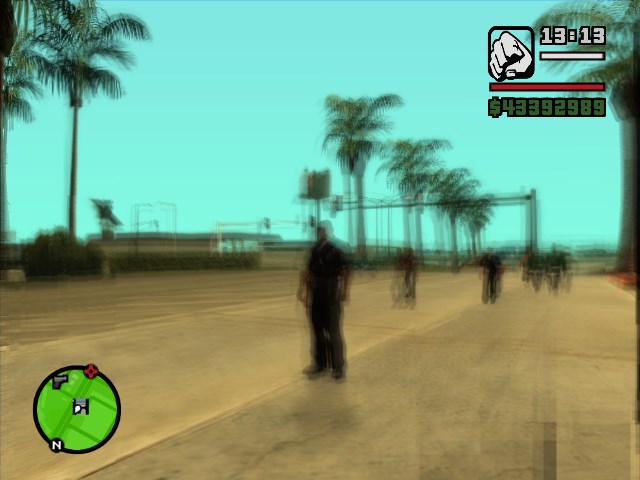
<p>With SilentPatch installed, the game freezes shortly after launching the player up, as the game code gets stuck in a loop.
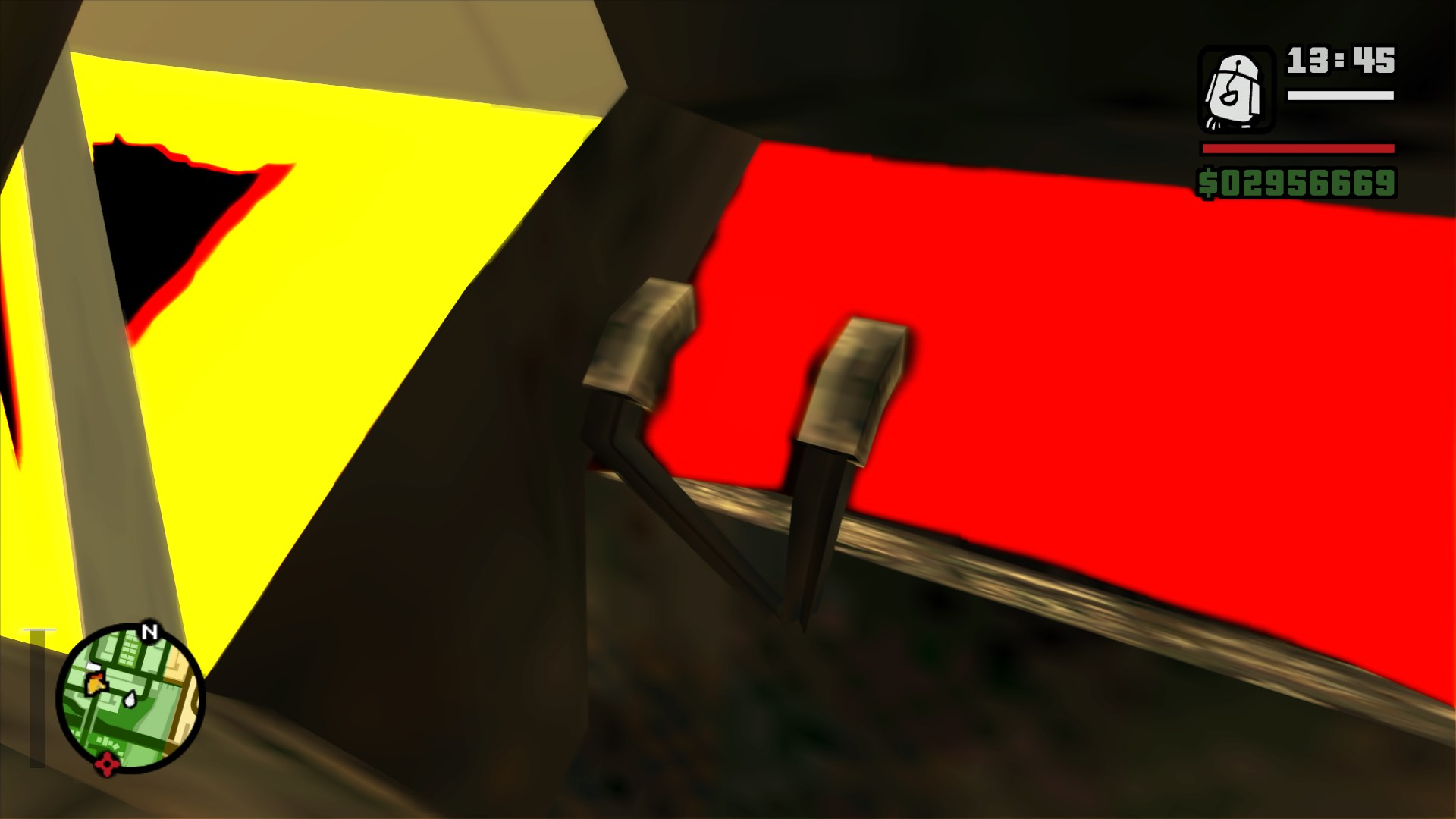
Without SilentPatch, the game doesn’t freeze, but instead, it succumbs to a famous “burn-in effect” known to occur when the camera gets launched into infinity or close to it.
Funny enough, you can still kind of make out the shape of the plane even though the animations give up completely to the inaccuracies of the floating point values:</p>

<figure class="media-container small">
<figure class="fig-entry"><a href="/assets/img/posts/sa-win11-24h2-bug/screens/gta_sa_GXULFRni6Y.jpg" target="_blank"><img src="/assets/img/posts/sa-win11-24h2-bug/screens/thumb/gta_sa_GXULFRni6Y.jpg" alt="" width="1024" height="576" /></a></figure>

<figure class="fig-entry"><a href="/assets/img/posts/sa-win11-24h2-bug/screens/gta_sa_qQUqnmyhV6.jpg" target="_blank"><img src="/assets/img/posts/sa-win11-24h2-bug/screens/thumb/gta_sa_qQUqnmyhV6.jpg" alt="" width="1024" height="576" /></a></figure>

</figure>

<h2 id="investigating-the-bug"><a href="#investigating-the-bug"></a>Investigating the bug</h2>

<h3 id="what-is-broken"><a href="#what-is-broken"></a>What is broken?</h3>

<p>But, enough messing around; now I knew it was a real bug and I needed to figure out the root cause. At this point it wasn’t possible to say
whether the game was at fault, or if I was really dealing with an API bug introduced in 24H2, as looking at how many games have issues with this OS version,
it could go either way.</p>

<p>I didn’t have much to go with, but the fact the game froze with SilentPatch installed provided me with a good starting point. Upon entering the seaplane,
the game froze in a very small loop in <code class="language-plaintext highlighter-rouge">CPlane::PreRender</code>, attempting to normalize the rotor blade angle to the 0-360 degree range:</p>

<div class="language-cpp highlighter-rouge"><div class="highlight"><pre class="highlight"><code><span class="k">this</span><span class="o">-&gt;</span><span class="n">m_fBladeAngle</span> <span class="o">=</span> <span class="n">CTimer</span><span class="o">::</span><span class="n">ms_fTimeStep</span> <span class="o">*</span> <span class="k">this</span><span class="o">-&gt;</span><span class="n">m_fBladeSpeed</span> <span class="o">+</span> <span class="k">this</span><span class="o">-&gt;</span><span class="n">m_fBladeAngle</span><span class="p">;</span>
<span class="k">while</span> <span class="p">(</span><span class="k">this</span><span class="o">-&gt;</span><span class="n">m_fBladeAngle</span> <span class="o">&gt;</span> <span class="mf">6.2831855f</span><span class="p">)</span>
<span class="p">{</span>
  <span class="k">this</span><span class="o">-&gt;</span><span class="n">m_fBladeAngle</span> <span class="o">=</span> <span class="k">this</span><span class="o">-&gt;</span><span class="n">m_fBladeAngle</span> <span class="o">-</span> <span class="mf">6.2831855f</span><span class="p">;</span>
<span class="p">}</span>
</code></pre></div></div>

<p>In the debugged session, <code class="language-plaintext highlighter-rouge">this-&gt;m_fBladeSpeed</code> was <code class="language-plaintext highlighter-rouge">3.73340132e+29</code>. This value is obviously enormous, big enough to make decrementing the value by <code class="language-plaintext highlighter-rouge">6.2831855</code>
entirely ineffective due to the difference in floating point exponents of these two values.<sup id="fnref:fp-explanation"><a href="#fn:fp-explanation" class="footnote" rel="footnote" role="doc-noteref">1</a></sup> But why is the blade speed so ridiculously high?
The blade speed is derived from the following formula:</p>
<div class="language-cpp highlighter-rouge"><div class="highlight"><pre class="highlight"><code><span class="k">this</span><span class="o">-&gt;</span><span class="n">m_fBladeSpeed</span> <span class="o">=</span> <span class="p">(</span><span class="n">v34</span> <span class="o">-</span> <span class="k">this</span><span class="o">-&gt;</span><span class="n">m_fBladeSpeed</span><span class="p">)</span> <span class="o">*</span> <span class="n">CTimer</span><span class="o">::</span><span class="n">ms_fTimeStep</span> <span class="o">/</span> <span class="mf">100.0f</span> <span class="o">+</span> <span class="k">this</span><span class="o">-&gt;</span><span class="n">m_fBladeSpeed</span><span class="p">;</span>
</code></pre></div></div>

<p>where <code class="language-plaintext highlighter-rouge">v34</code> is <strong>proportional to the plane’s altitude</strong>. This matches the initial findings – as mentioned earlier, the “burn-in effect” traditionally happens
when the camera is very far away from the map center, or at a great height.</p>

<p>What caused the plane to shoot so high up? There are two possibilities:</p>
<ol>
  <li>The plane spawns high up in the sky already.</li>
  <li>The plane spawns at ground level and then shoots up in the next frame.</li>
</ol>

<p>As for this test, I was spawning the Skimmer myself with a test script, so I could start from the function used in the game’s SCM (script) interpreter,
named <code class="language-plaintext highlighter-rouge">CCarCtrl::CreateCarForScript</code>. This function spawns a vehicle with a specified ID at the provided coordinates, and those come from my test script,
so I know they are correct. However, this function transforms the supplied Z coordinate slightly:</p>

<div class="language-cpp highlighter-rouge"><div class="highlight"><pre class="highlight"><code><span class="k">if</span> <span class="p">(</span><span class="n">pos</span><span class="p">.</span><span class="n">z</span> <span class="o">&lt;=</span> <span class="o">-</span><span class="mf">100.0f</span><span class="p">)</span>
<span class="p">{</span>
  <span class="n">pos</span><span class="p">.</span><span class="n">z</span> <span class="o">=</span> <span class="n">CWorld</span><span class="o">::</span><span class="n">FindGroundZForCoord</span><span class="p">(</span><span class="n">pos</span><span class="p">.</span><span class="n">x</span><span class="p">,</span> <span class="n">pos</span><span class="p">.</span><span class="n">y</span><span class="p">);</span>
<span class="p">}</span>
<span class="n">pos</span><span class="p">.</span><span class="n">z</span> <span class="o">+=</span> <span class="n">newVehicle</span><span class="o">-&gt;</span><span class="n">GetDistanceFromCentreOfMassToBaseOfModel</span><span class="p">();</span>
</code></pre></div></div>

<p><code class="language-plaintext highlighter-rouge">CEntity::GetDistanceFromCentreOfMassToBaseOfModel</code> contains multiple code paths, but the one used in this case simply gets the negated minimum Z value
of the model’s bounding box:</p>
<div class="language-cpp highlighter-rouge"><div class="highlight"><pre class="highlight"><code><span class="k">return</span> <span class="o">-</span><span class="n">CModelInfo</span><span class="o">::</span><span class="n">ms_modelInfoPtrs</span><span class="p">[</span><span class="k">this</span><span class="o">-&gt;</span><span class="n">m_wModelIndex</span><span class="p">]</span><span class="o">-&gt;</span><span class="n">pColModel</span><span class="o">-&gt;</span><span class="n">bbox</span><span class="p">.</span><span class="n">sup</span><span class="p">.</span><span class="n">z</span><span class="p">;</span>
</code></pre></div></div>

<p>At this point, I expected this value to be incorrect, so I peeked into Skimmer’s bounding box values just to find out that the minimum Z value is indeed corrupted:</p>

<div class="language-plaintext highlighter-rouge"><div class="highlight"><pre class="highlight"><code>- *(RwBBox**)0x00B2AC48	RwBBox *
  - sup	RwV3d
      x	-5.39924574	float
      y	-6.77431822	float
      z	-4.30747210e+33	float
  - inf	RwV3d
      x	5.42313004	float
      y	4.02343750	float
      z	1.87021971	float
</code></pre></div></div>

<p>If all the components of the bounding box were corrupted, I would have suspected some memory corruption, like another code writing past boundaries and overwriting
these values, but it’s specifically <code class="language-plaintext highlighter-rouge">sup.z</code> that is corrupted that is neither the first nor the last field in the bounding box. Once again, two possibilities came to my mind:</p>
<ol>
  <li>The collision file is read incorrectly and some fields remain uninitialized, or read unrelated data instead of the bounding box? Highly unlikely, but not impossible given that
  this issue could potentially have been an OS bug.</li>
  <li>The bounding box is read correctly, but then it’s updated with an outrageously incorrect value.</li>
</ol>

<p>A data breakpoint set up at <code class="language-plaintext highlighter-rouge">pColModel</code> reveals that at the time of the initial setup, the bounding box is correct, and the value of the Z coordinate is completely reasonable:</p>
<div class="language-plaintext highlighter-rouge"><div class="highlight"><pre class="highlight"><code>- *(RwBBox**)0x00B2AC48	RwBBox *
  - sup	RwV3d
    x	-5.39924574	float
    y	-6.77431822	float
    z	-2.21952772	float
  - inf	RwV3d
    x	5.42313004	float
    y	4.02343750	float
    z	1.87021971	float
</code></pre></div></div>

<p>Turns out, the first time a vehicle with a specific model is spawned, the game sets up the suspension in a function <code class="language-plaintext highlighter-rouge">SetupSuspensionLines</code>, and updates the Z coordinate
of the bounding box to reflect the car’s natural suspension height:</p>
<div class="language-cpp highlighter-rouge"><div class="highlight"><pre class="highlight"><code><span class="k">if</span> <span class="p">(</span><span class="n">pSuspensionLines</span><span class="p">[</span><span class="mi">0</span><span class="p">].</span><span class="n">p1</span><span class="p">.</span><span class="n">z</span> <span class="o">&lt;</span> <span class="n">colModel</span><span class="o">-&gt;</span><span class="n">bbox</span><span class="p">.</span><span class="n">sup</span><span class="p">.</span><span class="n">z</span><span class="p">)</span>
<span class="p">{</span>
  <span class="n">colModel</span><span class="o">-&gt;</span><span class="n">bbox</span><span class="p">.</span><span class="n">sup</span><span class="p">.</span><span class="n">z</span> <span class="o">=</span> <span class="n">pSuspensionLines</span><span class="p">[</span><span class="mi">0</span><span class="p">].</span><span class="n">p1</span><span class="p">.</span><span class="n">z</span><span class="p">;</span>
<span class="p">}</span>
</code></pre></div></div>

<p>This is where things went wrong first. The suspension lines are computed using a combination of values from <code class="language-plaintext highlighter-rouge">handling.cfg</code> and the wheel scale parameter
coming from <code class="language-plaintext highlighter-rouge">vehicles.ide</code>:</p>
<div class="language-cpp highlighter-rouge"><div class="highlight"><pre class="highlight"><code><span class="k">for</span> <span class="p">(</span><span class="kt">int</span> <span class="n">i</span> <span class="o">=</span> <span class="mi">0</span><span class="p">;</span> <span class="n">i</span> <span class="o">&lt;</span> <span class="mi">4</span><span class="p">;</span> <span class="n">i</span><span class="o">++</span><span class="p">)</span>
<span class="p">{</span>
  <span class="n">CVector</span> <span class="n">posn</span><span class="p">;</span>
  <span class="n">modelInfo</span><span class="o">-&gt;</span><span class="n">GetWheelPosn</span><span class="p">(</span><span class="n">i</span><span class="p">,</span> <span class="n">posn</span><span class="p">);</span>

  <span class="n">posn</span><span class="p">.</span><span class="n">z</span> <span class="o">+=</span> <span class="n">pHandling</span><span class="o">-&gt;</span><span class="n">fSuspensionUpperLimit</span><span class="p">;</span>
  <span class="n">colModel</span><span class="o">-&gt;</span><span class="n">lines</span><span class="p">[</span><span class="n">i</span><span class="p">].</span><span class="n">p0</span> <span class="o">=</span> <span class="n">posn</span><span class="p">;</span>

  <span class="kt">float</span> <span class="n">wheelScale</span> <span class="o">=</span> <span class="n">i</span> <span class="o">!=</span> <span class="mi">0</span> <span class="o">&amp;&amp;</span> <span class="n">i</span> <span class="o">!=</span> <span class="mi">2</span> <span class="o">?</span> <span class="n">modelInfo</span><span class="o">-&gt;</span><span class="n">m_frontWheelScale</span> <span class="o">:</span> <span class="n">modelInfo</span><span class="o">-&gt;</span><span class="n">m_rearWheelScale</span><span class="p">;</span>

  <span class="n">posn</span><span class="p">.</span><span class="n">z</span> <span class="o">+=</span> <span class="n">pHandling</span><span class="o">-&gt;</span><span class="n">fSuspensionLowerLimit</span> <span class="o">-</span> <span class="n">pHandling</span><span class="o">-&gt;</span><span class="n">fSuspensionUpperLimit</span><span class="p">;</span>
  <span class="n">posn</span><span class="p">.</span><span class="n">z</span> <span class="o">-=</span> <span class="n">wheelScale</span> <span class="o">/</span> <span class="mf">2.0f</span><span class="p">;</span>
  <span class="n">colModel</span><span class="o">-&gt;</span><span class="n">lines</span><span class="p">[</span><span class="n">i</span><span class="p">].</span><span class="n">p1</span> <span class="o">=</span> <span class="n">posn</span><span class="p">;</span>
<span class="p">}</span>
</code></pre></div></div>

<p>Since I knew <code class="language-plaintext highlighter-rouge">colModel-&gt;lines[0].p1</code> is corrupted, this meant either <code class="language-plaintext highlighter-rouge">pHandling-&gt;fSuspensionLowerLimit</code>, <code class="language-plaintext highlighter-rouge">pHandling-&gt;fSuspensionUpperLimit</code>, or <code class="language-plaintext highlighter-rouge">wheelScale</code> were bogus.
Skimmer’s <code class="language-plaintext highlighter-rouge">handling.cfg</code> values didn’t seem any different to any other plane in the game, but then I spotted something interesting in <code class="language-plaintext highlighter-rouge">vehicles.ide</code>. Skimmer’s line looks like this:</p>
<div class="language-plaintext pre-wrap highlighter-rouge"><div class="highlight"><pre class="highlight"><code>460, 	skimmer,	skimmer, 	plane,		SEAPLANE,	SKIMMER,	null,	ignore,		5,	0,	0
</code></pre></div></div>

<p>Compare this line to any other plane in the game, in this example Rustler:</p>
<div class="language-plaintext pre-wrap highlighter-rouge"><div class="highlight"><pre class="highlight"><code>476, 	rustler, 	rustler, 	plane, 		RUSTLER, 	RUSTLER,	rustler, ignore,		10,	0,	0,		-1, 0.6, 0.3,		-1
</code></pre></div></div>

<p>The line is shorter and it’s missing the last four parameters, moreover, <strong>two of the missing parameters are the front and rear wheel scale!</strong>
This is normal for boats, but Skimmer is <strong>the only</strong> plane to omit these parameters.</p>

<p>Does re-adding those parameters fix the seaplane? Unsurprisingly, it does!</p>

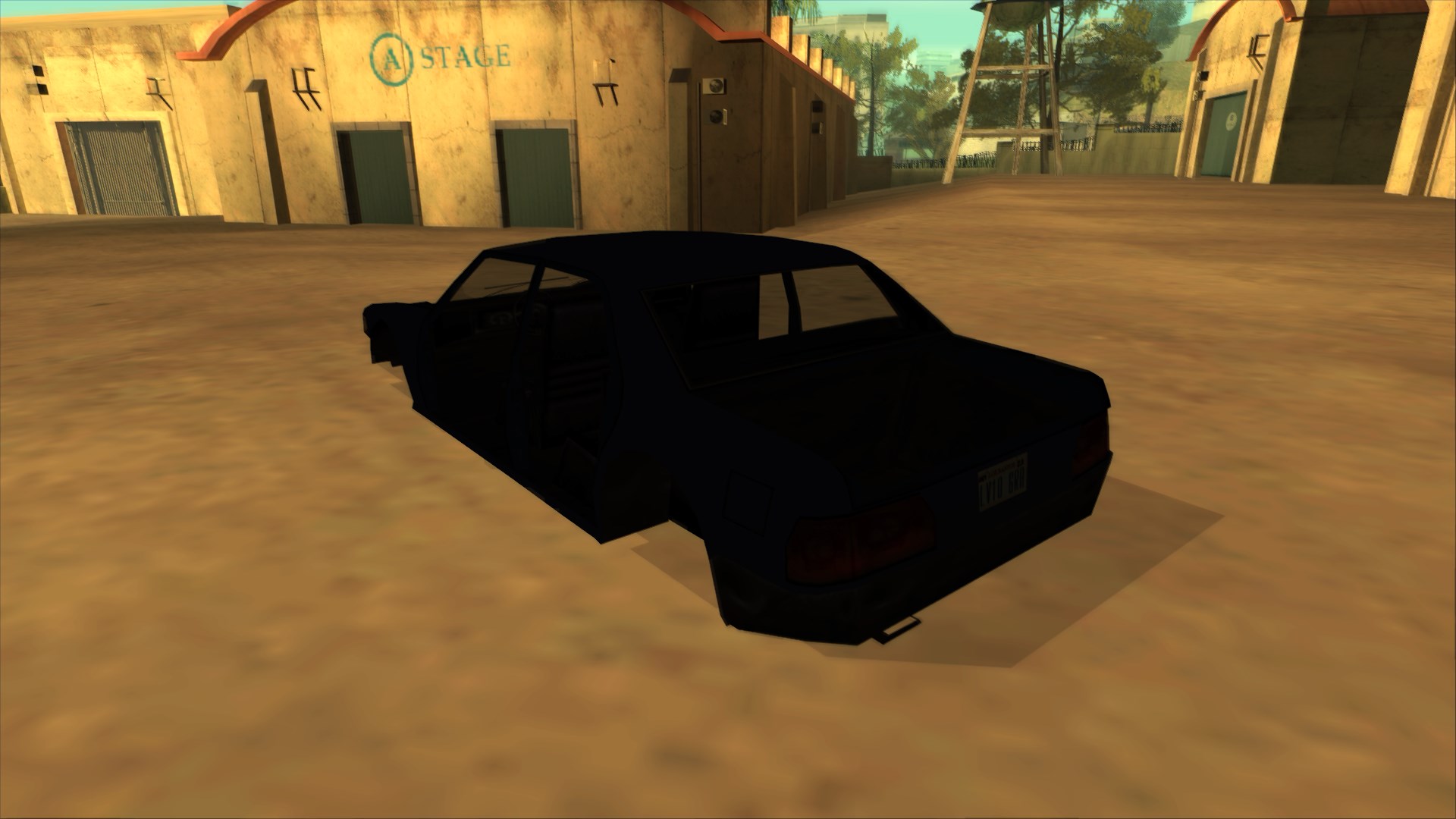
<figure class="fig-entry"><a href="/assets/img/posts/sa-win11-24h2-bug/screens/gta_sa_3hbE1KfRUe.jpg" target="_blank"><img src="/assets/img/posts/sa-win11-24h2-bug/screens/thumb/gta_sa_3hbE1KfRUe.jpg" alt="" width="1024" height="576" /></a></figure>

<h3 id="but-why-and-how"><a href="#but-why-and-how"></a>But why and how?</h3>

<p>I have a likely explanation for why Rockstar made this specific mistake in the data to begin with – in Vice City, Skimmer was defined as a <strong>boat</strong>,
and therefore did not have those values defined by design!
When in San Andreas they changed Skimmer’s vehicle type to a <strong>plane</strong>, someone forgot to add those now-required extra parameters.
Since this game seldom verifies the completeness of its data, this mistake simply slipped under the radar.</p>

<p>Problem solved? Not quite yet, as for SilentPatch, I need to fix it from the code. A peek into the pseudocode of <code class="language-plaintext highlighter-rouge">CFileLoader::LoadVehicleObject</code>
reveals the true nature of this bug: the game assumes all parameters are always present in the definition line and it doesn’t default any but two parameters,
nor it checks the return value of <code class="language-plaintext highlighter-rouge">sscanf</code>, and so in the case of all boats and Skimmer, those parameters remained uninitialized:</p>
<div class="language-cpp highlighter-rouge"><div class="highlight"><pre class="highlight"><code><span class="kt">void</span> <span class="n">CFileLoader</span><span class="o">::</span><span class="n">LoadVehicleObject</span><span class="p">(</span><span class="k">const</span> <span class="kt">char</span><span class="o">*</span> <span class="n">line</span><span class="p">)</span>
<span class="p">{</span>
  <span class="kt">int</span> <span class="n">objID</span> <span class="o">=</span> <span class="o">-</span><span class="mi">1</span><span class="p">;</span>
  <span class="kt">char</span> <span class="n">modelName</span><span class="p">[</span><span class="mi">24</span><span class="p">];</span>
  <span class="kt">char</span> <span class="n">texName</span><span class="p">[</span><span class="mi">24</span><span class="p">];</span>
  <span class="kt">char</span> <span class="n">type</span><span class="p">[</span><span class="mi">8</span><span class="p">];</span>
  <span class="kt">char</span> <span class="n">handlingID</span><span class="p">[</span><span class="mi">16</span><span class="p">];</span>
  <span class="kt">char</span> <span class="n">gameName</span><span class="p">[</span><span class="mi">32</span><span class="p">];</span>
  <span class="kt">char</span> <span class="n">anims</span><span class="p">[</span><span class="mi">16</span><span class="p">];</span>
  <span class="kt">char</span> <span class="n">vehClass</span><span class="p">[</span><span class="mi">16</span><span class="p">];</span>
  <span class="kt">int</span> <span class="n">frq</span><span class="p">;</span>
  <span class="kt">int</span> <span class="n">flags</span><span class="p">;</span>
  <span class="kt">int</span> <span class="n">comprules</span><span class="p">;</span>
  <span class="kt">int</span> <span class="n">wheelModelID</span><span class="p">;</span> <span class="c1">// Uninitialized!</span>
  <span class="kt">float</span> <span class="n">frontWheelScale</span><span class="p">,</span> <span class="n">rearWheelScale</span><span class="p">;</span> <span class="c1">// Uninitialized!</span>
  <span class="kt">int</span> <span class="n">wheelUpgradeClass</span> <span class="o">=</span> <span class="o">-</span><span class="mi">1</span><span class="p">;</span> <span class="c1">// Funny enough, this one IS initialized</span>

  <span class="kt">int</span> <span class="n">TxdSlot</span> <span class="o">=</span> <span class="n">CTxdStore</span><span class="o">::</span><span class="n">FindTxdSlot</span><span class="p">(</span><span class="s">"vehicle"</span><span class="p">);</span>
  <span class="k">if</span> <span class="p">(</span><span class="n">TxdSlot</span> <span class="o">==</span> <span class="o">-</span><span class="mi">1</span><span class="p">)</span>
  <span class="p">{</span>
    <span class="n">TxdSlot</span> <span class="o">=</span> <span class="n">CTxdStore</span><span class="o">::</span><span class="n">AddTxdSlot</span><span class="p">(</span><span class="s">"vehicle"</span><span class="p">);</span>
  <span class="p">}</span>
  <span class="n">sscanf</span><span class="p">(</span><span class="n">line</span><span class="p">,</span> <span class="s">"%d %s %s %s %s %s %s %s %d %d %x %d %f %f %d"</span><span class="p">,</span> <span class="o">&amp;</span><span class="n">objID</span><span class="p">,</span> <span class="n">modelName</span><span class="p">,</span> <span class="n">texName</span><span class="p">,</span> <span class="n">type</span><span class="p">,</span> <span class="n">handlingID</span><span class="p">,</span>
        <span class="n">gameName</span><span class="p">,</span> <span class="n">anims</span><span class="p">,</span> <span class="n">vehClass</span><span class="p">,</span> <span class="o">&amp;</span><span class="n">frq</span><span class="p">,</span> <span class="o">&amp;</span><span class="n">flags</span><span class="p">,</span> <span class="o">&amp;</span><span class="n">comprules</span><span class="p">,</span> <span class="o">&amp;</span><span class="n">wheelModelID</span><span class="p">,</span> <span class="o">&amp;</span><span class="n">frontWheelScale</span><span class="p">,</span> <span class="o">&amp;</span><span class="n">rearWheelScale</span><span class="p">,</span>
        <span class="o">&amp;</span><span class="n">wheelUpgradeClass</span><span class="p">);</span>

  <span class="c1">// More processing here...</span>
<span class="p">}</span>
</code></pre></div></div>

<p>Given the symptoms, those uninitialized values must have evaluated to small, valid floating point values all the way until now,
whereas with Windows 11 24H2 they got out of hand and tripped the bounding box calculations.</p>

<p>In SilentPatch, the fix is easy – I wrap this call to <code class="language-plaintext highlighter-rouge">sscanf</code> and provide reasonable defaults for the final four parameters:</p>
<div class="language-cpp highlighter-rouge"><div class="highlight"><pre class="highlight"><code><span class="k">static</span> <span class="nf">int</span> <span class="p">(</span><span class="o">*</span><span class="n">orgSscanf</span><span class="p">)(</span><span class="k">const</span> <span class="kt">char</span><span class="o">*</span> <span class="n">s</span><span class="p">,</span> <span class="k">const</span> <span class="kt">char</span><span class="o">*</span> <span class="n">format</span><span class="p">,</span> <span class="p">...);</span>
<span class="k">static</span> <span class="kt">int</span> <span class="nf">sscanf_Defaults</span><span class="p">(</span><span class="k">const</span> <span class="kt">char</span><span class="o">*</span> <span class="n">s</span><span class="p">,</span> <span class="k">const</span> <span class="kt">char</span><span class="o">*</span> <span class="n">format</span><span class="p">,</span> <span class="kt">int</span><span class="o">*</span> <span class="n">objID</span><span class="p">,</span> <span class="kt">char</span><span class="o">*</span> <span class="n">modelName</span><span class="p">,</span> <span class="kt">char</span><span class="o">*</span> <span class="n">texName</span><span class="p">,</span> <span class="kt">char</span><span class="o">*</span> <span class="n">type</span><span class="p">,</span>
      <span class="kt">char</span><span class="o">*</span> <span class="n">handlingID</span><span class="p">,</span> <span class="kt">char</span><span class="o">*</span> <span class="n">gameName</span><span class="p">,</span> <span class="kt">char</span><span class="o">*</span> <span class="n">anims</span><span class="p">,</span> <span class="kt">char</span><span class="o">*</span> <span class="n">vehClass</span><span class="p">,</span> <span class="kt">int</span><span class="o">*</span> <span class="n">frequency</span><span class="p">,</span> <span class="kt">int</span><span class="o">*</span> <span class="n">flags</span><span class="p">,</span> <span class="kt">int</span><span class="o">*</span> <span class="n">comprules</span><span class="p">,</span>
      <span class="kt">int</span><span class="o">*</span> <span class="n">wheelModelID</span><span class="p">,</span> <span class="kt">float</span><span class="o">*</span> <span class="n">frontWheelSize</span><span class="p">,</span> <span class="kt">float</span><span class="o">*</span> <span class="n">rearWheelSize</span><span class="p">,</span> <span class="kt">int</span><span class="o">*</span> <span class="n">wheelUpgradeClass</span><span class="p">)</span>
<span class="p">{</span>
  <span class="o">*</span><span class="n">wheelModelID</span> <span class="o">=</span> <span class="o">-</span><span class="mi">1</span><span class="p">;</span>
  <span class="c1">// Why 0.7 and not 1.0, I'll explain later</span>
  <span class="o">*</span><span class="n">frontWheelSize</span> <span class="o">=</span> <span class="mf">0.7f</span><span class="p">;</span>
  <span class="o">*</span><span class="n">rearWheelSize</span> <span class="o">=</span> <span class="mf">0.7f</span><span class="p">;</span>
  <span class="o">*</span><span class="n">wheelUpgradeClass</span> <span class="o">=</span> <span class="o">-</span><span class="mi">1</span><span class="p">;</span>

  <span class="k">return</span> <span class="n">orgSscanf</span><span class="p">(</span><span class="n">s</span><span class="p">,</span> <span class="n">format</span><span class="p">,</span> <span class="n">objID</span><span class="p">,</span> <span class="n">modelName</span><span class="p">,</span> <span class="n">texName</span><span class="p">,</span> <span class="n">type</span><span class="p">,</span> <span class="n">handlingID</span><span class="p">,</span> <span class="n">gameName</span><span class="p">,</span> <span class="n">anims</span><span class="p">,</span> <span class="n">vehClass</span><span class="p">,</span>
                  <span class="n">frequency</span><span class="p">,</span> <span class="n">flags</span><span class="p">,</span> <span class="n">comprules</span><span class="p">,</span> <span class="n">wheelModelID</span><span class="p">,</span> <span class="n">frontWheelSize</span><span class="p">,</span> <span class="n">rearWheelSize</span><span class="p">,</span> <span class="n">wheelUpgradeClass</span><span class="p">);</span>
<span class="p">}</span>
</code></pre></div></div>

<p><a href="https://github.com/CookiePLMonster/SilentPatch/commit/881aded7237067202025934796cc2313104cba8c" target="_blank">Fixed!</a>
Another compatibility win for the patch.</p>

<hr />

<p>If this was a regular bug, I would’ve ended the post right here. However, in the case of this rabbit hole, the discovery of this fix only
raised more questions – why did this break only now? What made the game work fine despite of this issue for over twenty years,
before a new update to Windows 11 suddenly challenged this status quo?</p>

<p><strong>Finally, is this somehow caused by a problem in Windows 11 24H2, or is this just an unfortunate coincidence, stars aligning just right?</strong></p>

<h2 id="here-be-dragons--the-true-root-cause"><a href="#here-be-dragons--the-true-root-cause"></a>Here be dragons – the true root cause</h2>

<h3 id="diving-deeper"><a href="#diving-deeper"></a>Diving deeper</h3>

<p>At this point, the working theory was that the uninitialized local variables in <code class="language-plaintext highlighter-rouge">CFileLoader::LoadVehicleObject</code>
happened to have reasonable values until <em>something</em> changed in Windows 11 24H2, and those values became “unreasonable”.
What I knew could <strong>not</strong> be the cause was the CRT (and thus, the <code class="language-plaintext highlighter-rouge">sscanf</code> call) – San Andreas uses a statically compiled CRT,
and therefore any OS-level hotfixes wouldn’t apply to it.
However, considering the plethora of security enhancements in Windows 11, I couldn’t rule out that one of those enhancements,
for example, <strong>Kernel-mode Hardware-enforced Stack Protection</strong>, ends up scrambling the stack in a way the game’s bugged function doesn’t like.</p>

<p>I set up an experiment where I broke into a debugger before a <code class="language-plaintext highlighter-rouge">sscanf</code> call when parsing Skimmer’s line (vehicle ID 460) specifically,
and the observed variable values supported that claim. On my Windows 10 machine, they happened to be both <code class="language-plaintext highlighter-rouge">0.7</code>:</p>
<div class="language-plaintext highlighter-rouge"><div class="highlight"><pre class="highlight"><code>frontWheelSize  0x01779f14 {0.699999988}
rearWheelSize   0x01779f10 {0.699999988}
</code></pre></div></div>
<p>while on the Win11 24H2 VM, they are huge, similar in order of magnitude to the wrong values observed in the bounding box earlier.
The stack pointer has also shifted by 4 bytes for some reason, but that is unlikely to be related – and it’s likely caused by some changes
to the thread startup boilerplate inside <code class="language-plaintext highlighter-rouge">kernel32.dll</code>:</p>
<div class="language-plaintext highlighter-rouge"><div class="highlight"><pre class="highlight"><code>frontWheelSize  0x01779f18 {7.84421263e+33}
rearWheelSize   0x01779f14 {4.54809690e-38}
</code></pre></div></div>

<p>This got me curious - <code class="language-plaintext highlighter-rouge">0.7</code> is a bit “too good” of a value to be a result of interpreting random garbage from the stack as a floating point;
what’s more likely is that it’s an actual floating point value that was sitting on the stack in exactly the right spot.
I then inspected <code class="language-plaintext highlighter-rouge">vehicles.ide</code> for TopFun – the vehicle defined directly before Skimmer. Sure enough, its wheel scale is <code class="language-plaintext highlighter-rouge">0.7</code>!</p>
<div class="language-plaintext pre-wrap highlighter-rouge"><div class="highlight"><pre class="highlight"><code>459,	topfun,		topfun,		car,		TOPFUN,		TOPFUN,		van,	ignore,		1,	0,	0,		-1, 0.7, 0.7,		-1
</code></pre></div></div>

<p><code class="language-plaintext highlighter-rouge">vehicles.ide</code> is parsed in order, in a function working similarly to this (pseudocode):</p>
<div class="language-cpp highlighter-rouge"><div class="highlight"><pre class="highlight"><code><span class="kt">void</span> <span class="n">CFileLoader</span><span class="o">::</span><span class="n">LoadObjectTypes</span><span class="p">(</span><span class="k">const</span> <span class="kt">char</span><span class="o">*</span> <span class="n">filename</span><span class="p">)</span>
<span class="p">{</span>
  <span class="c1">// Open the file...</span>

  <span class="k">while</span> <span class="p">((</span><span class="n">line</span> <span class="o">=</span> <span class="n">fgets</span><span class="p">(</span><span class="n">file</span><span class="p">))</span> <span class="o">!=</span> <span class="nb">NULL</span><span class="p">)</span>
  <span class="p">{</span>
    <span class="c1">// Parse the section indicators...</span>
    <span class="k">switch</span> <span class="p">(</span><span class="n">section</span><span class="p">)</span>
    <span class="p">{</span>
      <span class="c1">// Different sections...</span>
    <span class="k">case</span> <span class="n">SECTION_CARS</span><span class="p">:</span>
      <span class="n">LoadVehicleObject</span><span class="p">(</span><span class="n">line</span><span class="p">);</span>
      <span class="k">break</span><span class="p">;</span>
    <span class="p">}</span>
  <span class="p">}</span>
<span class="p">}</span>
</code></pre></div></div>

<p>Seems like the code somehow persisted the stale wheel scale values, so Skimmer ends up getting the same wheel scales as Topfun.
I set up another experiment to verify this claim:</p>
<ol>
  <li>Set up a breakpoint before <code class="language-plaintext highlighter-rouge">sscanf</code> again, but this time before Topfun’s line (vehicle ID 459) gets parsed.</li>
  <li>Set up write breakpoints on <code class="language-plaintext highlighter-rouge">frontWheelScale</code> and <code class="language-plaintext highlighter-rouge">rearWheelScale</code>.</li>
  <li>Resume execution until the game gets to parsing the next vehicle definition.</li>
</ol>

<p>Windows 10 verified my claim – <strong>nothing wrote to these two stack values between the calls to <code class="language-plaintext highlighter-rouge">CFileLoader::LoadVehicleObject</code>,
so the function’s effective behavior was to preserve (albeit, unintentionally) the wheel scale values between the consecutive calls!</strong></p>

<p>Repeating the same exercise on Windows 11 24H2 triggered the write breakpoint! However, it wasn’t anywhere close to any security feature:
the stack values were overwritten by… <code class="language-plaintext highlighter-rouge">LeaveCriticalSection</code> inside <code class="language-plaintext highlighter-rouge">fgets</code>:</p>
<div class="language-plaintext pre-wrap highlighter-rouge"><div class="highlight"><pre class="highlight"><code>&gt;	ntdll.dll!_RtlpAbFindLockEntry@4()	Unknown
 	ntdll.dll!_RtlAbPostRelease@8()	Unknown
 	ntdll.dll!_RtlLeaveCriticalSection@4()	Unknown
 	gta_sa.exe!fgets()	Unknown
</code></pre></div></div>

<p>Seems like a change in Windows 11 24H2 modified the way <a href="https://learn.microsoft.com/en-us/windows/win32/sync/critical-section-objects" target="_blank">Critical Section Objects</a>
work internally, and the new code unlocking the critical section uses more stack space than the old one.
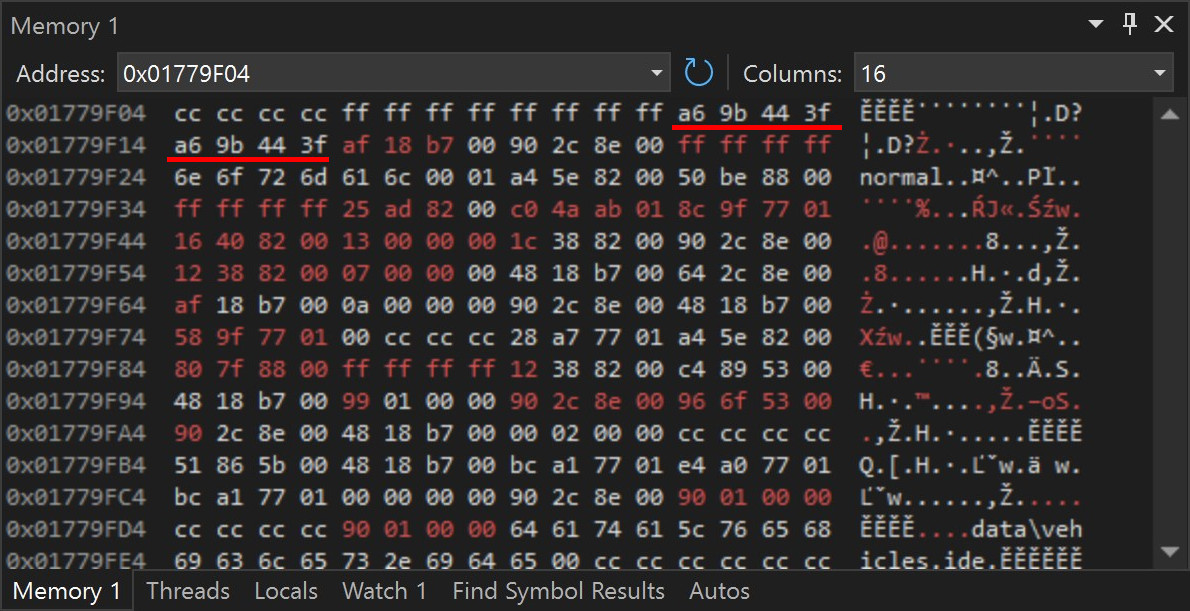
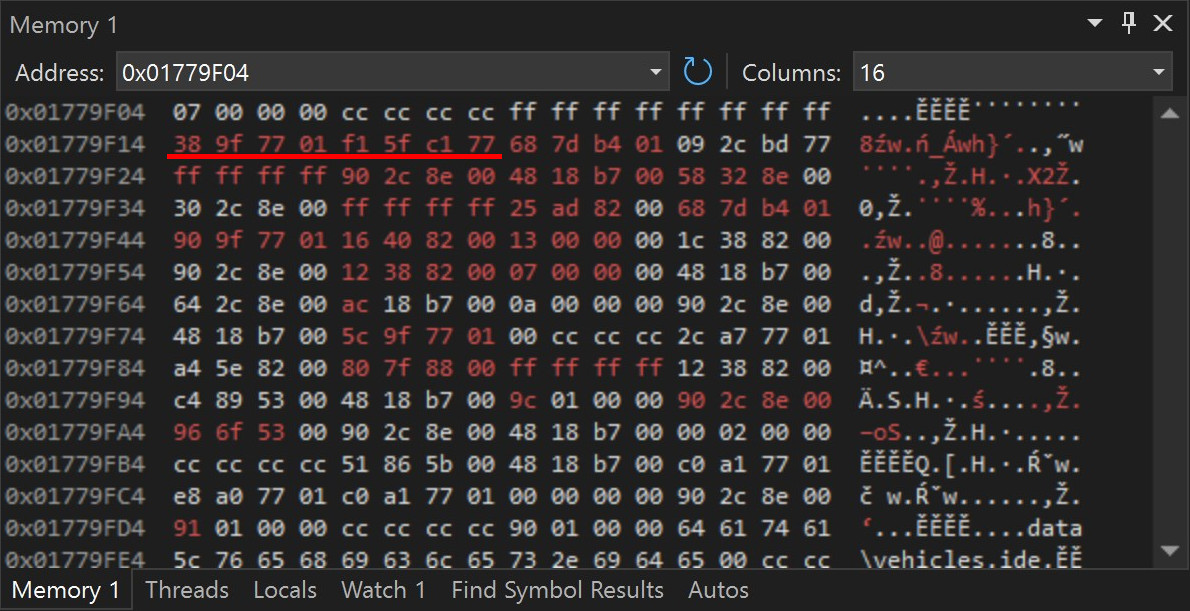
I ran one more experiment, comparing the changes to the stack space that happened after <code class="language-plaintext highlighter-rouge">sscanf</code> inside <code class="language-plaintext highlighter-rouge">LoadVehicleObject</code>, until the next invocation of this function.
Changed values are highlighted in red:</p>

<figure class="media-container">
<figure class="fig-entry"><a href="/assets/img/posts/sa-win11-24h2-bug/stack-win10.jpg" target="_blank"><img src="/assets/img/posts/sa-win11-24h2-bug/stack-win10.jpg" alt="" width="1190" height="611" /></a><figcaption>On Windows 10, the stack values didn’t change much between the calls.
        In fact, you can spot the two values of <code class="language-plaintext highlighter-rouge">0x3F449BA6</code> = <code class="language-plaintext highlighter-rouge">0.768</code> (highlighted on the screenshot).
        They correspond to Landstalker’s wheel scales.</figcaption></figure>

<figure class="fig-entry"><a href="/assets/img/posts/sa-win11-24h2-bug/stack-win11.jpg" target="_blank"><img src="/assets/img/posts/sa-win11-24h2-bug/stack-win11.jpg" alt="" width="1190" height="611" /></a><figcaption>On Windows 11 24H2, more stack space was modified by a new implementation of Critical Sections.
                The wheel scales are nowhere to be found, as they were overwritten!</figcaption></figure>

</figure>

<p>This is the exact proof I needed – notice that in the Windows 10 run, some of the local variables are even still visible to the human eye (like the <code class="language-plaintext highlighter-rouge">normal</code> vehicle class),
while in Windows 11, they are completely gone. It’s also worth pointing out that even in Windows 10, <strong>the very next local variable</strong> after the wheel scales has been overwritten
by <code class="language-plaintext highlighter-rouge">LeaveCriticalSection</code>, which means the game was <strong>4 bytes away</strong> from hitting this exact bug years earlier! The luck at display here is insane.</p>

<h3 id="whose-stack-is-it-anyway"><a href="#whose-stack-is-it-anyway"></a>Whose Stack Is It Anyway?</h3>

<p>To illustrate why the game got away with this bug for so long, I need to show how the stack changes across calls.
Let’s say the stack looks like this after the call to <code class="language-plaintext highlighter-rouge">LoadVehicleObject</code>. <strong>Emphasis</strong> on the local variables we’re interested in:</p>

<table>
  <tbody>
    <tr>
      <td>return address from <code class="language-plaintext highlighter-rouge">LoadObjectTypes</code></td>
    </tr>
    <tr>
      <td style="height:5em">local variables of <code class="language-plaintext highlighter-rouge">LoadObjectTypes</code>…</td>
    </tr>
    <tr>
      <td>return address from <code class="language-plaintext highlighter-rouge">LoadVehicleObject</code></td>
    </tr>
    <tr>
      <td style="height:8em">local variables of <code class="language-plaintext highlighter-rouge">LoadVehicleObject</code>…</td>
    </tr>
    <tr>
      <td><strong>frontWheelScale</strong></td>
    </tr>
    <tr>
      <td><strong>rearWheelScale</strong></td>
    </tr>
    <tr>
      <td>more local variables…</td>
    </tr>
  </tbody>
</table>

<p>The call to <code class="language-plaintext highlighter-rouge">fgets</code>, and consequently <code class="language-plaintext highlighter-rouge">LeaveCriticalSection</code>, that follows the call to <code class="language-plaintext highlighter-rouge">LoadVehicleObject</code>, reuses the stack space previously occupied by that function,
as the lifetime of the function stack is limited to the duration of the function itself and once the function is done, this space is up for grabs again.
On Windows 10, the stack looked like this once <code class="language-plaintext highlighter-rouge">fgets</code> and <code class="language-plaintext highlighter-rouge">LeaveCriticalSection</code> returned:</p>

<table>
  <tbody>
    <tr>
      <td>return address from <code class="language-plaintext highlighter-rouge">LoadObjectTypes</code></td>
    </tr>
    <tr>
      <td style="height:5em">local variables of <code class="language-plaintext highlighter-rouge">LoadObjectTypes</code>…</td>
    </tr>
    <tr>
      <td>return address from <code class="language-plaintext highlighter-rouge">fgets</code></td>
    </tr>
    <tr>
      <td style="height:4em; box-shadow: inset 10px 0 DarkOrange">local variables of <code class="language-plaintext highlighter-rouge">fgets</code>…</td>
    </tr>
    <tr>
      <td style="box-shadow: inset 10px 0 DarkOrange">return address from <code class="language-plaintext highlighter-rouge">LeaveCriticalSection</code></td>
    </tr>
    <tr>
      <td style="height:3em; box-shadow: inset 10px 0 DarkOrange">local variables of <code class="language-plaintext highlighter-rouge">LeaveCriticalSection</code>…</td>
    </tr>
    <tr>
      <td><strong>frontWheelScale</strong></td>
    </tr>
    <tr>
      <td><strong>rearWheelScale</strong></td>
    </tr>
    <tr>
      <td>more local variables…</td>
    </tr>
  </tbody>
</table>

<p><span style="color: DarkOrange">Highlighted parts</span> overwrite what used to be the stack space of <code class="language-plaintext highlighter-rouge">LoadVehicleObject</code>,
but notice how it doesn’t reach the area of the stack where the wheel scales resided.
In Windows 11 24H2, <code class="language-plaintext highlighter-rouge">LeaveCriticalSection</code> uses more stack space, so the stack space instead looks more like this:</p>

<table>
  <tbody>
    <tr>
      <td>return address from <code class="language-plaintext highlighter-rouge">LoadObjectTypes</code></td>
    </tr>
    <tr>
      <td style="height:5em">local variables of <code class="language-plaintext highlighter-rouge">LoadObjectTypes</code>…</td>
    </tr>
    <tr>
      <td>return address from <code class="language-plaintext highlighter-rouge">fgets</code></td>
    </tr>
    <tr>
      <td style="height:4em; box-shadow: inset 10px 0 DarkOrange">local variables of <code class="language-plaintext highlighter-rouge">fgets</code>…</td>
    </tr>
    <tr>
      <td style="box-shadow: inset 10px 0 DarkOrange">return address from <code class="language-plaintext highlighter-rouge">LeaveCriticalSection</code></td>
    </tr>
    <tr>
      <td style="height:3em; box-shadow: inset 10px 0 DarkOrange">local variables of <code class="language-plaintext highlighter-rouge">LeaveCriticalSection</code>…</td>
    </tr>
    <tr>
      <td style="box-shadow: inset 10px 0 Crimson"><strong>frontWheelScale is overwritten!</strong></td>
    </tr>
    <tr>
      <td style="box-shadow: inset 10px 0 Crimson"><strong>rearWheelScale is overwritten!</strong></td>
    </tr>
    <tr>
      <td>more local variables…</td>
    </tr>
  </tbody>
</table>

<p>Parts of the stack <span style="color: Crimson">highlighted in red</span> are now also scrambled
when in the past they were left intact; those parts include the wheel scales read by the previous call to <code class="language-plaintext highlighter-rouge">LoadVehicleObject</code>!
This in turn exposes the bug caused by those variables being uninitialized, and since <code class="language-plaintext highlighter-rouge">sscanf</code> can’t read those values from Skimmer’s <code class="language-plaintext highlighter-rouge">vehicles.ide</code> definition,
they are kept as-is in garbage form, and propagate further to the vehicle’s data.</p>

<h3 id="what-are-the-odds-this-only-broke-now-darn-windows-11"><a href="#what-are-the-odds-this-only-broke-now-darn-windows-11"></a>What are the odds this only broke now? Darn Windows 11!</h3>

<p>I want to make it clear: <strong>all these findings prove that the bug is NOT an issue with Windows 11 24H2,
as things like the way the stack is used by internal WinAPI functions are not contractual and they may change at any time, with no prior notice</strong>.
The real issue here is the game relying on undefined behavior (uninitialized local variables), and to be honest,
I’m shocked that the game didn’t hit this bug on so many OS versions, although as I pointed out earlier, it was extremely close.
San Andreas still supported Windows 98, which means it got away with this bug in <strong>at least</strong> a dozen different Windows versions <strong>and</strong> many more releases of Wine!</p>

<p>…or, did it? I found it hard to believe that the game would never hit this issue on any of the many, many platforms it released on,
so I looked into the binary files of some other releases. While this bug was <strong>not</strong> fixed in the official 1.01 PC patch, it <strong>was</strong> fixed in the original Xbox release,
where a “reasonable default” of <code class="language-plaintext highlighter-rouge">1.0</code> was added to the code, much like in my fix. This fix was then “inherited” by many future versions of San Andreas, including:</p>
<ul>
  <li>Steam 3.0, newsteam, and RGL, as they were all based on the Xbox branch of the code.</li>
  <li>Any releases from War Drum Studios, including Android, X360, and PS3.</li>
  <li>The Definitive Edition.</li>
</ul>

<p>However, unlike Rockstar, I decided to use the wheel scale of <code class="language-plaintext highlighter-rouge">0.7</code> instead of <code class="language-plaintext highlighter-rouge">1.0</code> as a default, for multiple reasons:</p>
<ol>
  <li>This is the effective wheel scale Skimmer had on PC (and possibly PS2) until now since that’s the wheel scale of Topfun.</li>
  <li>Two other non-boat vehicles that float on water, Sea Sparrow and Vortex, both have a wheel scale of <code class="language-plaintext highlighter-rouge">0.7</code>.</li>
  <li>Many cars in the game have a wheel scale of <code class="language-plaintext highlighter-rouge">0.7</code>.</li>
</ol>

<h2 id="i-want-this-fixed-in-my-game"><a href="#i-want-this-fixed-in-my-game"></a>I want this fixed in my game!</h2>

<p>The code fix will be included in <a href="https://github.com/CookiePLMonster/SilentPatch/milestone/3" target="_blank">the next SilentPatch hotfix</a>,
but for now, you may easily fix it yourself by editing <code class="language-plaintext highlighter-rouge">vehicles.ide</code>:</p>
<ol>
  <li>In your San Andreas directory, open <code class="language-plaintext highlighter-rouge">data\vehicles.ide</code> with Notepad.</li>
  <li>Scroll down to Skimmer’s line beginning with <code class="language-plaintext highlighter-rouge">460, 	skimmer</code>.</li>
  <li>Replace the original line with:
    <div class="language-plaintext pre-wrap highlighter-rouge"><div class="highlight"><pre class="highlight"><code>460, 	skimmer,	skimmer, 	plane,		SEAPLANE,	SKIMMER,	null,	ignore,		5,	0,	0,		-1, 0.7, 0.7,		-1
</code></pre></div>    </div>
  </li>
  <li>Save the file.</li>
</ol>

<h2 id="final-word"><a href="#final-word"></a>Final word</h2>

<p>This was the most interesting bug I’ve encountered for a while. I initially had a hard time believing that a bug like this would directly tie to a specific OS release,
but I was proven completely wrong. At the end of the day, it was a simple bug in San Andreas and this function should have never worked right,
and yet, at least on PC it hid itself for two decades.</p>

<p>This is an interesting lesson in compatibility: even changes to the stack layout of the internal implementations can have compatibility implications if an application
is bugged and unintentionally relies on a specific behavior. This is also not the first time I encountered issues like this: regular visitors might remember
<a href="/mods/bully/">Bully: Scholarship Edition</a> which famously broke on Windows 10, for very similar reasons. Just like in this case,
Bully should have never worked properly to begin with, but instead, it got away with making incorrect assumptions for years, before changes in Windows 10 finally
made it run out of luck.</p>

<p>Yet again, we are reminded to:</p>
<ul>
  <li><strong>Validate your input data</strong> – San Andreas was notoriously bad at this, and ultimately this was the main reason why an incomplete config line remained unnoticed.</li>
  <li><strong>Not ignore the compilation warnings</strong> – this code most likely threw a warning in the original code that was either ignored or disabled!</li>
</ul>

<p>In the end, the GTA players are lucky: in many other games, issues like this would’ve remained unfixed and they’d become a folk legend.
Thankfully, GTAs are moddable and well understood, so we can act upon problems like this and ensure the game stays functional for many more years to come.</p>

<hr />
<div class="footnotes" role="doc-endnotes">
  <ol>
    <li id="fn:fp-explanation">
      <p>In other words, due to the way floating point values are represented,
subtracting a small floating point value from a huge floating point value might not change the result at all. <a href="#fnref:fp-explanation" class="reversefootnote" role="doc-backlink">&#8617;</a></p>
    </li>
  </ol>
</div>]]></content><author><name>Silent</name></author><category term="Articles" /><summary type="html"><![CDATA[After over two decades, players are now forbidden from flying a seaplane, all thanks to undefined code behavior.]]></summary><media:thumbnail xmlns:media="http://search.yahoo.com/mrss/" url="https://silentsblog.com/assets/img/posts/sa-win11-24h2-bug/gta_sa_Bg0aamH1rZ.jpg" /><media:content medium="image" url="https://silentsblog.com/assets/img/posts/sa-win11-24h2-bug/gta_sa_Bg0aamH1rZ.jpg" xmlns:media="http://search.yahoo.com/mrss/" /></entry><entry xml:lang="en"><title type="html">Solving the mystery of Need for Speed: Underground’s Magazine 22 with SilentPatch</title><link href="https://silentsblog.com/2025/03/12/need-for-speed-underground-magazine-22-silentpatch/" rel="alternate" type="text/html" title="Solving the mystery of Need for Speed: Underground’s Magazine 22 with SilentPatch" /><published>2025-03-12T18:35:00+00:00</published><updated>2025-03-12T18:35:00+00:00</updated><id>https://silentsblog.com/2025/03/12/need-for-speed-underground-magazine-22-silentpatch</id><content type="html" xml:base="https://silentsblog.com/2025/03/12/need-for-speed-underground-magazine-22-silentpatch/"><![CDATA[<ul id="markdown-toc">
  <li><a href="#the-mysterious-magazine-22" id="markdown-toc-the-mysterious-magazine-22">The mysterious Magazine 22</a>    <ul>
      <li><a href="#theory--the-current-knowledge" id="markdown-toc-theory--the-current-knowledge">Theory – the current knowledge</a></li>
      <li><a href="#reality--sorry-you-are-all-partially-wrong" id="markdown-toc-reality--sorry-you-are-all-partially-wrong">Reality – sorry, you are all (partially) wrong</a></li>
      <li><a href="#fix-it-fix-it-fix-it" id="markdown-toc-fix-it-fix-it-fix-it">Fix it! Fix it! Fix it!</a></li>
    </ul>
  </li>
  <li><a href="#other-fixes-in-silentpatch-going-cross-platform" id="markdown-toc-other-fixes-in-silentpatch-going-cross-platform">Other fixes in SilentPatch, going cross-platform</a></li>
  <li><a href="#downloads" id="markdown-toc-downloads">Downloads</a></li>
</ul>

<h2 id="the-mysterious-magazine-22"><a href="#the-mysterious-magazine-22"></a>The mysterious Magazine 22</h2>

<h3 id="theory--the-current-knowledge"><a href="#theory--the-current-knowledge"></a>Theory – the current knowledge</h3>

<p>The career mode in NFS Underground has a built-in achievements system in form of the Magazine covers.
There are 27 magazines in the game, 4 tied to the Online reputation system, and the remaining 23 awarded for various feats in the career.
The last four offline magazines are awarded for beating the best track times for Circuit, Sprint, Drag and Drift events on Hard difficulty.
Three of those are reasonably easy to achieve – I am currently replaying Underground for the first time since 2003, and I beat the best times for
Circuit, Sprint, and Drag without even trying; I just got them after certain Career races.</p>

<p>The Drift Track record magazine is a whole other story. Thanks to the official strategy guide, we knew this magazine tied to the Drift Track record
so there was no mistake here. However, even though the unlock conditions were known, people were not getting the magazine regardless.</p>

<p>Turns out that the requirements for this magazine are much more difficult than originally assumed – to get the magazine in a Career event,
the high score has to be obtained <strong>in a single lap</strong>. This has been documented online <a href="https://bigsword.tripod.com/NFSU/nfsu-magazines.html" target="_blank">in old guides</a>,
people have been talking about the “one lap requirement” <a href="https://www.neoseeker.com/forums/6608/t515691-magazine-cover-22-impossible/" target="_blank">at least since 2005</a>,
and it’s also been the topic of investigative work on YouTube:</p>
<figure class="iframe-entry"><iframe src="https://www.youtube.com/embed/4m8Hq45rlcI" allowfullscreen=""></iframe></figure>

<p>Recently, this issue saw a resurgence of attention because of the NFS Underground RetroAchievements set that
<a href="https://retroachievements.org/achievement/258361/comments" target="_blank">tied one of the achievements to this magazine</a>. Some of the comments are dire,
showing just how much more difficult this magazine is compared to any other unlock in the game:</p>

<blockquote>
  <p>Damn finally got it, took me almost two days xD</p>
</blockquote>

<blockquote>
  <p>This is the hardest thing I’ve ever done, it took probably 30 hours of attempts on Drift Track 8 to get for me, and I was already “decent” at drifting.</p>
</blockquote>

<blockquote>
  <p>This was probably the worst experience I’ve had in a need for speed game and sooo unnecessary to have as an unlockable in-game.
I’m not blaming the RA dev, but the NFS:U devs themselves.</p>
</blockquote>

<h3 id="reality--sorry-you-are-all-partially-wrong"><a href="#reality--sorry-you-are-all-partially-wrong"></a>Reality – sorry, you are all (partially) wrong</h3>

<p>For my playthrough, I didn’t want to go through all this pain just because of what almost certainly is a bug in the game, so I dived into the code.
I found out that the game unlocks the magazine if the following inequality passes:</p>

\[\frac{player\_score}{laps} &gt; \operatorname{RoundUp}(\frac{preset\_score}{4})\]

<p>This check is not wrong per se. The magazines can also be obtained in Quick Race, where events up to 10 laps can be created.
Comparing the scores directly would make the requirements easy to hit with high lap counts, as all the preset scores in the game were set for 4-lap events.
Therefore, this formula makes it clear that the idea is to compare the <strong>average</strong> lap score, so the achievement is still challenging regardless of how many laps there are.</p>

<p>While the function is correct, the way it is used is not, as instead of the total player score, <strong>the best lap score</strong> is passed to the function as \(player\_score\)!
This aligns with the existing community findings, as with \(laps = 4\), the best lap score effectively must be higher than the preset score (as both are divided by 4).
This more or less means that to get this magazine in the Career, the player must be 4 times better than (most likely) originally intended.</p>

<p>There is one detail everyone missed, though. Contrary to popular belief, you <strong>do not need to necessarily run a 4-lap event while working towards this achievement!</strong>
Everyone incorrectly assumed this since all Drift events in the Career are 4 laps long, but this is simply not true. Therefore, <strong>there is a way to outsmart this issue</strong>
and nullify the effect of this coding mistake: if the player were to run a 1-lap event, the best lap score and the total score would be identical, and the value is not divided by laps,
effectively reducing the check to:</p>

\[total\_score &gt; \operatorname{RoundUp}(\frac{preset\_score}{4})\]

<p>See it now? It is relatively easy to get this magazine after all, despite this bug:</p>
<ol>
  <li>Head to Quick Race and set up a 1-lap Drift event.</li>
  <li>Get at least 25% of the high score points within that single lap.</li>
  <li>Go to the Underground mode and win any event to unlock Magazine 22.</li>
</ol>

<h3 id="fix-it-fix-it-fix-it"><a href="#fix-it-fix-it-fix-it"></a>Fix it! Fix it! Fix it!</h3>

<p>Before I move on to fix this issue myself, I wanted to find out if it was fixed officially in any of the many game versions released.</p>
<ul>
  <li>On PC, this bug is present even in the fully patched game.</li>
  <li>On PS2, there is a single version where this bug was fixed! A Japanese re-release of the game, <strong>Underground J</strong> (or <strong>J-Tune</strong>) changed the high score formula
not to divide the best score by laps. This means that this version of the game <strong>awards the magazine for getting at least 25% of the high score points in the best lap</strong>,
regardless of how many laps the event has.</li>
</ul>

<p>Looking at the code, I am certain the original intention was to compare the average lap score:</p>
<ul>
  <li>The current calculation of dividing the best lap score by laps makes no sense at all, and I cannot think of any plausible reasons for it.</li>
  <li>Rewarding the player only for the best lap makes more sense, but if this was the intention, I don’t think the function unlocking the magazine
would then be taking the \(laps\) parameter. It only makes sense to care about this if you intend to calculate an average score across the entire event.</li>
</ul>

<p>For SilentPatch, it’s an easy fix, with one caveat – this time, I needed this fixed not only in the PC version
but also in the PS2 version, due to the RetroAchievements set. Who says it couldn’t be fixed for both platforms, though?</p>

<p>For this <strong>SilentPatch</strong>, I targeted multiple versions of the game:</p>
<ul>
  <li>For PC, you get an ASI plugin as usual.</li>
  <li>For PS2, you get a PNACH patch for use with PCSX2.</li>
</ul>

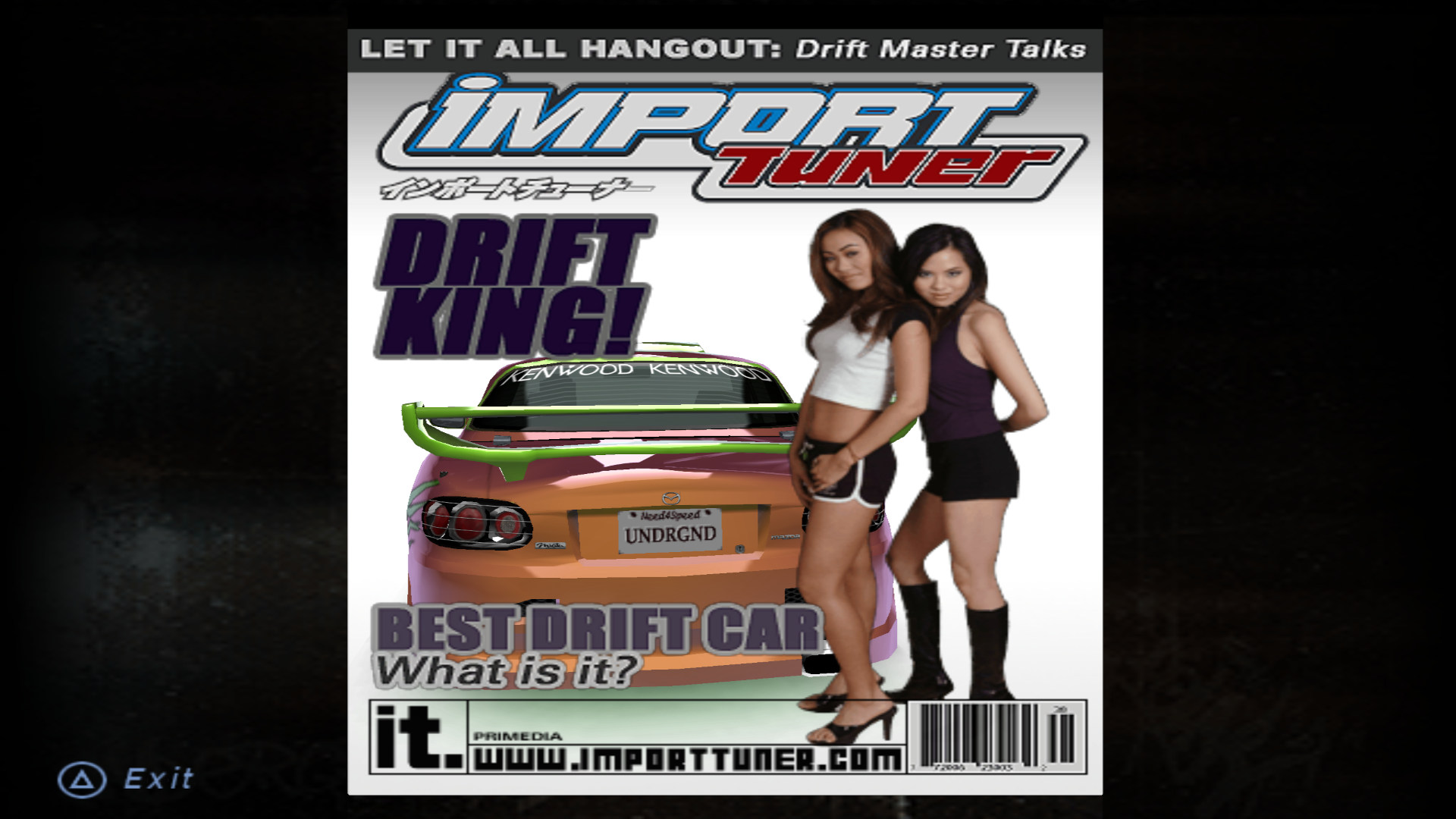
<p>With this bug fixed, I could finally resume my playthrough and at last, get the magazine without much trouble:</p>

<figure class="media-container small">
<figure class="fig-entry"><a href="/assets/img/posts/silentpatch-nfsug/screens/Need%20for%20Speed%20-%20Underground_SLUS-20811_20250305222148.jpg" target="_blank"><img src="/assets/img/posts/silentpatch-nfsug/screens/thumb/Need%20for%20Speed%20-%20Underground_SLUS-20811_20250305222148.jpg" alt="" width="1024" height="576" /></a></figure>

<figure class="fig-entry"><a href="/assets/img/posts/silentpatch-nfsug/screens/Need%20for%20Speed%20-%20Underground_SLUS-20811_20250305222237.jpg" target="_blank"><img src="/assets/img/posts/silentpatch-nfsug/screens/thumb/Need%20for%20Speed%20-%20Underground_SLUS-20811_20250305222237.jpg" alt="" width="1024" height="576" /></a></figure>

</figure>

<p>However, that’s not the only issue fixed in this SilentPatch.</p>

<h2 id="other-fixes-in-silentpatch-going-cross-platform"><a href="#other-fixes-in-silentpatch-going-cross-platform"></a>Other fixes in SilentPatch, going cross-platform</h2>

<ul>
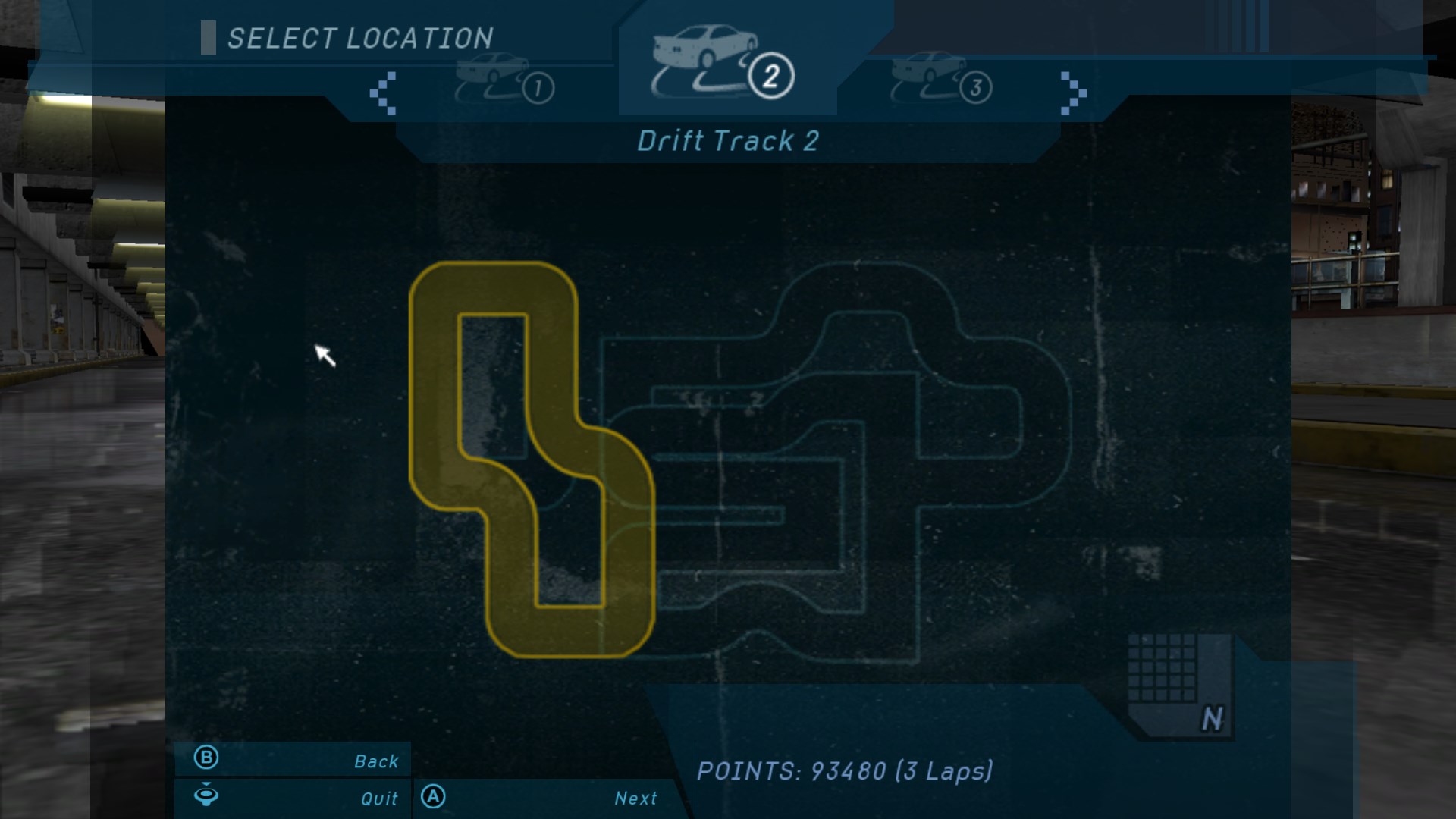
  <li>High scores for Drift events are shown in the menu incorrectly. Before the player sets a score for the first time, the game shows the total target score for the event
(the one you have to beat for the Magazine 22), but after that, it shows a number not related to the player’s score at all. In the video I linked above, <strong>DanielCarter1615</strong>
figured out that the game saves… style points. With SilentPatch, the total event score is saved instead:
    <figure class="fig-entry"><a href="/assets/img/posts/silentpatch-nfsug/screens/SpeedU_ciZyaYL0kV.jpg" target="_blank"><img src="/assets/img/posts/silentpatch-nfsug/screens/thumb/SpeedU_ciZyaYL0kV.jpg" alt="" width="1024" height="576" /></a></figure>
  </li>
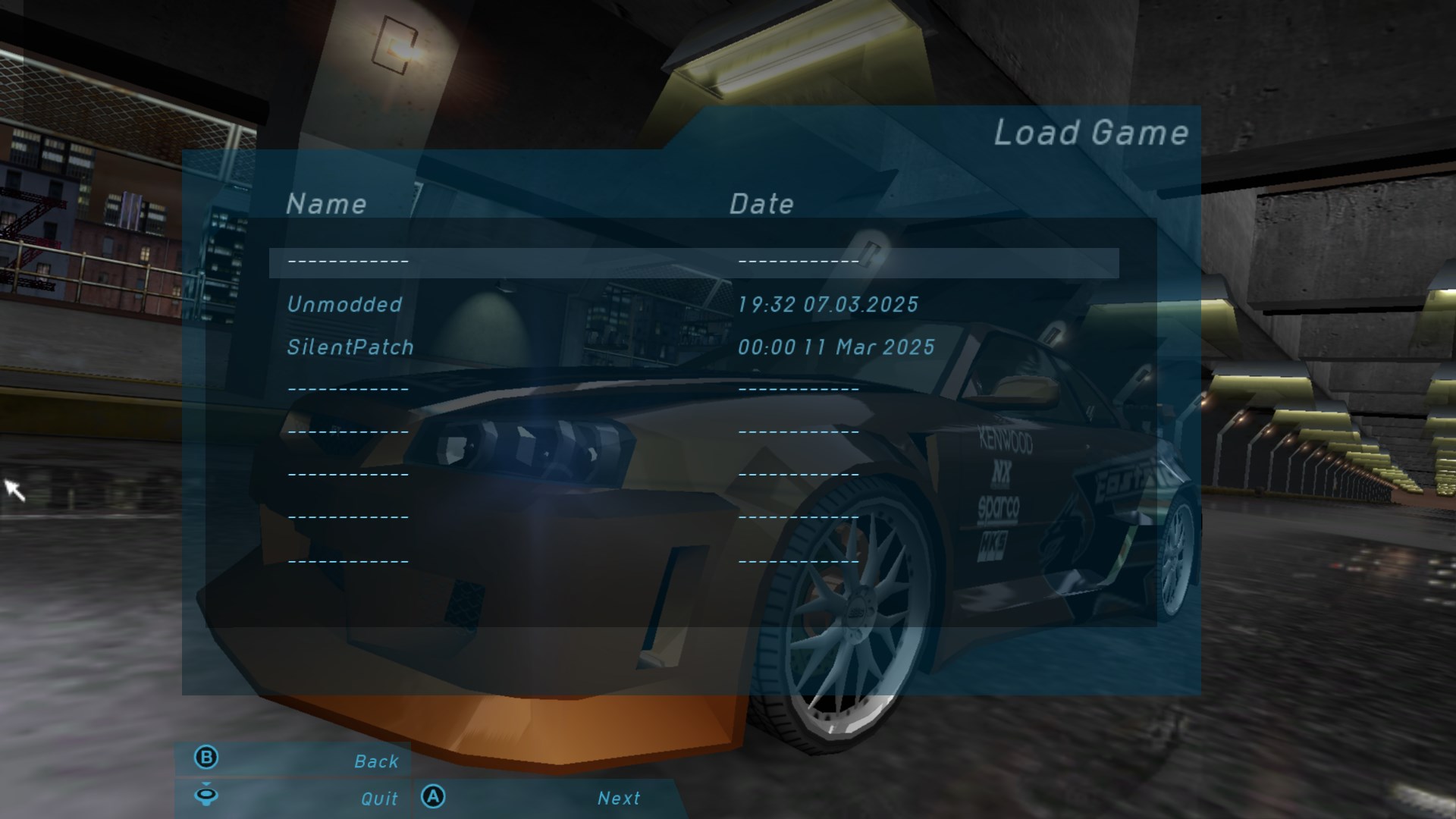
  <li>On PC, under very specific circumstances the game could crash while saving. The game checks the time while saving and formats it according to the user’s system date format,
but it only allocates space for 11 characters. While this is fine with common date formats (for example, on my PC it’s <code class="language-plaintext highlighter-rouge">dd.MM.yyyy</code>), some European locales may have
longer formats (for example <code class="language-plaintext highlighter-rouge">yyyy. MM. dd.</code>). SilentPatch sets a fixed date format without punctuation and with abbreviated month names
(like <strong>12 Mar 2025</strong>), so it looks pretty and unambiguous, while also staying within the limit.
    <figure class="fig-entry"><a href="/assets/img/posts/silentpatch-nfsug/screens/full/SpeedU_Y9umqmzq50.jpg" target="_blank"><img src="/assets/img/posts/silentpatch-nfsug/SpeedU_Y9umqmzq50.jpg" alt="" width="1024" height="244" /></a></figure>
  </li>
  <li>The original PS2 releases had a bug where long opponent names appeared corrupted in the UI. It showed up only in a race against Samantha:
    <figure class="fig-entry"><a href="/assets/img/posts/silentpatch-nfsug/screens/full/Need%20for%20Speed%20-%20Underground_SLUS-20811_20250302130620.jpg" target="_blank"><img src="/assets/img/posts/silentpatch-nfsug/Need%20for%20Speed%20-%20Underground_SLUS-20811_20250302130620.jpg" alt="" width="849" height="717" /></a></figure>

    <p>This bug was later fixed on PC (possibly in a patch), and the PS2 Korean and J-Tune releases, so only the EU/US/JP PS2 SilentPatch includes it.</p>
  </li>
</ul>

<h2 id="downloads"><a href="#downloads"></a>Downloads</h2>

<p>SilentPatch for the PC and PS2 versions of Need for Speed: Underground can be downloaded from <em>Mods &amp; Patches</em>. Click here to head to the respective pages:</p>

<p class="flexible-buttons"><a href="/mods/need-for-speed-underground/#silentpatch" class="button" target="_blank"><i class="fas fa-download"></i> Download SilentPatch for the PC version</a>
<a href="/mods/need-for-speed-underground-ps2/#silentpatch" class="button" target="_blank"><i class="fas fa-download"></i> Download SilentPatch for the PS2 version</a></p>]]></content><author><name>Silent</name></author><category term="Articles" /><category term="Releases" /><summary type="html"><![CDATA[You no longer need to be superhuman to beat the drift record.]]></summary><media:thumbnail xmlns:media="http://search.yahoo.com/mrss/" url="https://silentsblog.com/assets/img/posts/silentpatch-nfsug/card-image.jpg" /><media:content medium="image" url="https://silentsblog.com/assets/img/posts/silentpatch-nfsug/card-image.jpg" xmlns:media="http://search.yahoo.com/mrss/" /></entry><entry xml:lang="en"><title type="html">SilentPatch for Grand Theft Auto goes open source!</title><link href="https://silentsblog.com/2024/10/25/silentpatch-goes-open-source/" rel="alternate" type="text/html" title="SilentPatch for Grand Theft Auto goes open source!" /><published>2024-10-25T12:00:00+00:00</published><updated>2024-11-02T13:00:00+00:00</updated><id>https://silentsblog.com/2024/10/25/silentpatch-goes-open-source</id><content type="html" xml:base="https://silentsblog.com/2024/10/25/silentpatch-goes-open-source/"><![CDATA[<aside class="sidenote">
  <p>TL;DR: This article details the various fixes introduced in this update, making it a relatively long read.
If you want to jump straight to SilentPatch or check the source code, <strong>go to the
<a href="#download-and-source-code">Download and source code</a> section for the links.</strong></p>
</aside>

<hr />

<p><strong class="upcase"><time datetime="2024-11-02">November 2, 2024</time> update:</strong> Hotfix #1 has been released for GTA III, Vice City, and San Andreas!
This hotfix addresses several known issues introduced by the latest update, and addresses compatibility issues with multiple modifications.
Updating is strongly recommended.</p>

<ul id="markdown-toc">
  <li><a href="#introduction" id="markdown-toc-introduction">Introduction</a></li>
  <li><a href="#new-fixes" id="markdown-toc-new-fixes">New fixes</a>    <ul>
      <li><a href="#shared-fixes" id="markdown-toc-shared-fixes">Shared fixes</a></li>
      <li><a href="#grand-theft-auto-iii" id="markdown-toc-grand-theft-auto-iii">Grand Theft Auto III</a></li>
      <li><a href="#grand-theft-auto-vice-city" id="markdown-toc-grand-theft-auto-vice-city">Grand Theft Auto: Vice City</a></li>
      <li><a href="#grand-theft-auto-san-andreas" id="markdown-toc-grand-theft-auto-san-andreas">Grand Theft Auto: San Andreas</a></li>
    </ul>
  </li>
  <li><a href="#internal-changes" id="markdown-toc-internal-changes">Internal changes</a></li>
  <li><a href="#download-and-source-code" id="markdown-toc-download-and-source-code">Download and source code</a></li>
  <li><a href="#credits-and-acknowledgments" id="markdown-toc-credits-and-acknowledgments">Credits and acknowledgments</a></li>
  <li><a href="#future-of-silentpatch" id="markdown-toc-future-of-silentpatch">Future of SilentPatch?</a></li>
</ul>

<h2 id="introduction"><a href="#introduction"></a>Introduction</h2>

<p>Tomorrow, on <time datetime="2024-10-26">October 26th, 2024</time>, GTA San Andreas turns 20 years old. I haven’t had the chance to play it upon its release in <time datetime="2004">2004</time> – I was a kid
who, back then, played exclusively on PC and would play Vice City whenever my parents allowed me. My first experience with San Andreas was
in <time datetime="2005">mid-2005</time> when the game was released on PC; little did I know back then how influential GTA in general, but most specifically San Andreas,
would later be for my life and my professional career – and that nearly two decades later, well into my adult life, I would still be fixing
it to make it as enjoyable an experience as I possibly can.</p>

<p><strong>Today, on <time datetime="2024-10-25">October 25th</time>, I’m honored to publish the biggest update of SilentPatch for the classic Grand Theft Auto trilogy to date,
with the full source code now available on GitHub under the MIT license!</strong>
While I originally planned for the open source release to go live <a href="/2023/12/29/silentpatch-10th-anniversary/">in January</a>,
a combination of an increased update scope and several real-life issues happening in the background resulted in this much of a delay,
for which I sincerely apologize.</p>

<p>However, this delay comes with a silver lining – what I initially planned to be a simple upload of the source code
cleaned up for a public release turned into the biggest content update I’ve ever released.
This release contains not only a wide selection of new fixes; I also went back to many older fixes and upgraded them to be safer, simpler,
more compatible with other modifications, and free of side effects. Numerous minor regressions introduced by SilentPatch are now resolved,
ensuring the patch goes open source in as perfect a state as possible.</p>

<p>In this blog post, I’ll break down the most significant fixes introduced in this update, a culmination of approximately 10 months of development
(although not without breaks), and a lot of testing over <strong>nine</strong> Release Candidate builds. My explanations may get a bit more technical
than usual, but I did my best to keep them digestible. No code names this time! The last time I tried that,
my code name of choice aged poorly very quickly 😑.</p>

<hr />

<p>Before we move on, a small unrelated announcement – regular visitors to the blog may have noticed that it has been updated a bit!
Most of the changes are purely cosmetic, but there are also a few things that should be immediately noticeable:</p>
<ol>
  <li>PNACH codes in <em>Consoles</em> can now be downloaded directly! There is no need to go through GitHub anymore.</li>
  <li>Fonts have been slightly updated.</li>
  <li>Buttons have been redesigned. They are now thicker, consistently placed, and don’t have useless padding around them.</li>
  <li>Embedded Tweets now respect the Dark Mode setting.</li>
  <li>My <a href="/portfolio/">Portfolio</a> has been updated with the latest work projects I’ve been involved in,
including the one I’m currently on when I’m not patching games on the side.</li>
</ol>

<h2 id="new-fixes"><a href="#new-fixes"></a>New fixes</h2>

<h3 id="shared-fixes"><a href="#shared-fixes"></a>Shared fixes</h3>

<p>Numerous fixes included in this update apply to multiple games from the trilogy. Those are:</p>

<ul class="additional-toc">
  <li><a href="#im-a-good-citizen-and-i-always-keep-my-headlights-on">I’m a good citizen, and I always keep my headlights on</a></li>
  <li><a href="#did-that-car-explode-twice">Did that car explode twice!?</a></li>
  <li><a href="#ooh-shiny">Ooh, shiny!</a></li>
  <li><a href="#credits-roll-zzzzzzzz">Credits roll! <em>…ZZzzzZZZ….</em></a></li>
  <li><a href="#mission-passed-now-please-let-me-play-i-get-it">Mission passed! Now please let me play, I get it</a></li>
  <li><a href="#minimal-hud">Minimal HUD</a></li>
  <li><a href="#other-fixes-shared">Other fixes</a></li>
</ul>

<h4 id="im-a-good-citizen-and-i-always-keep-my-headlights-on"><a href="#im-a-good-citizen-and-i-always-keep-my-headlights-on"></a>I’m a good citizen, and I always keep my headlights on</h4>

<p class="sidenote">Affects: All trilogy games.</p>

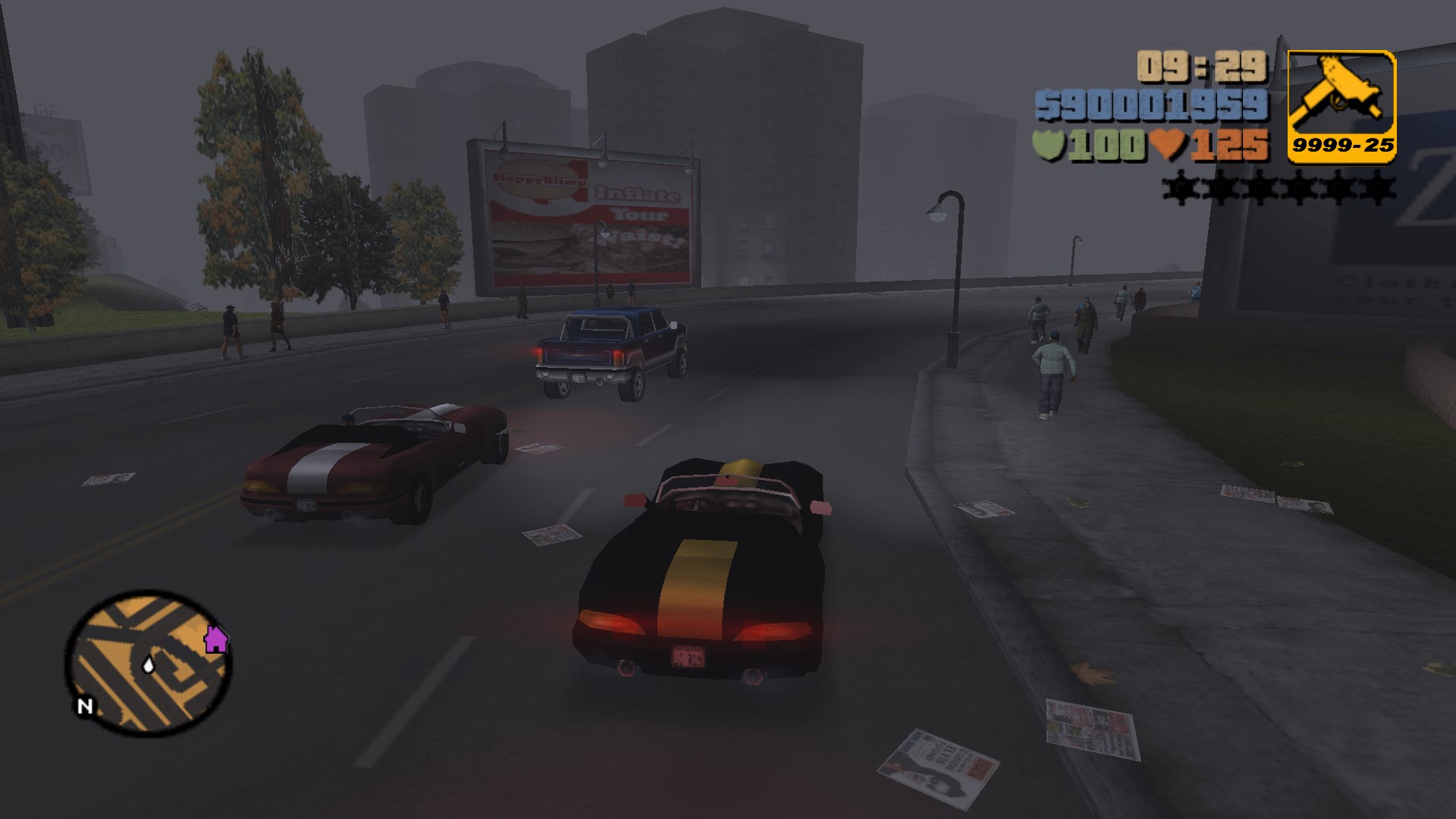
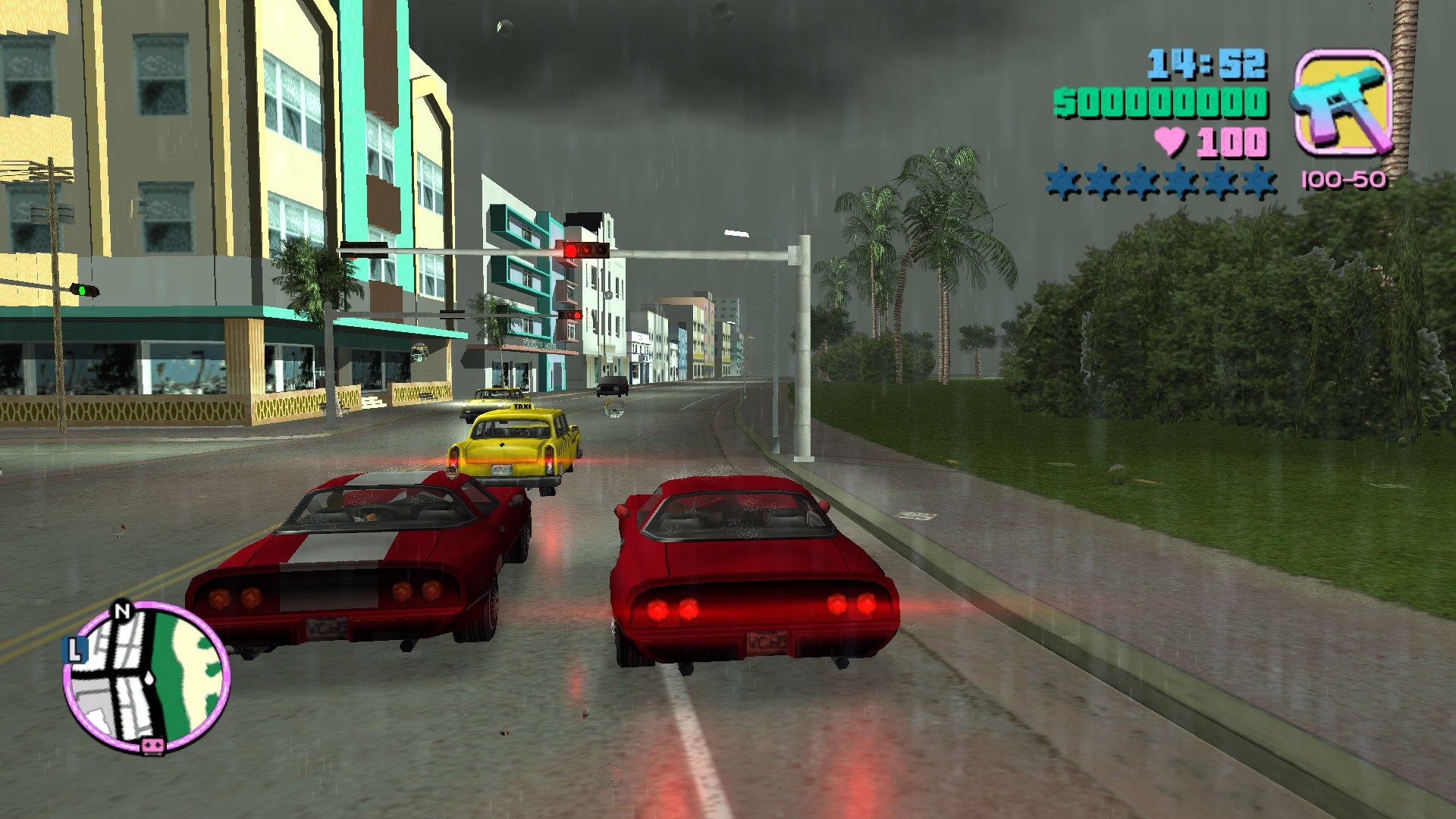
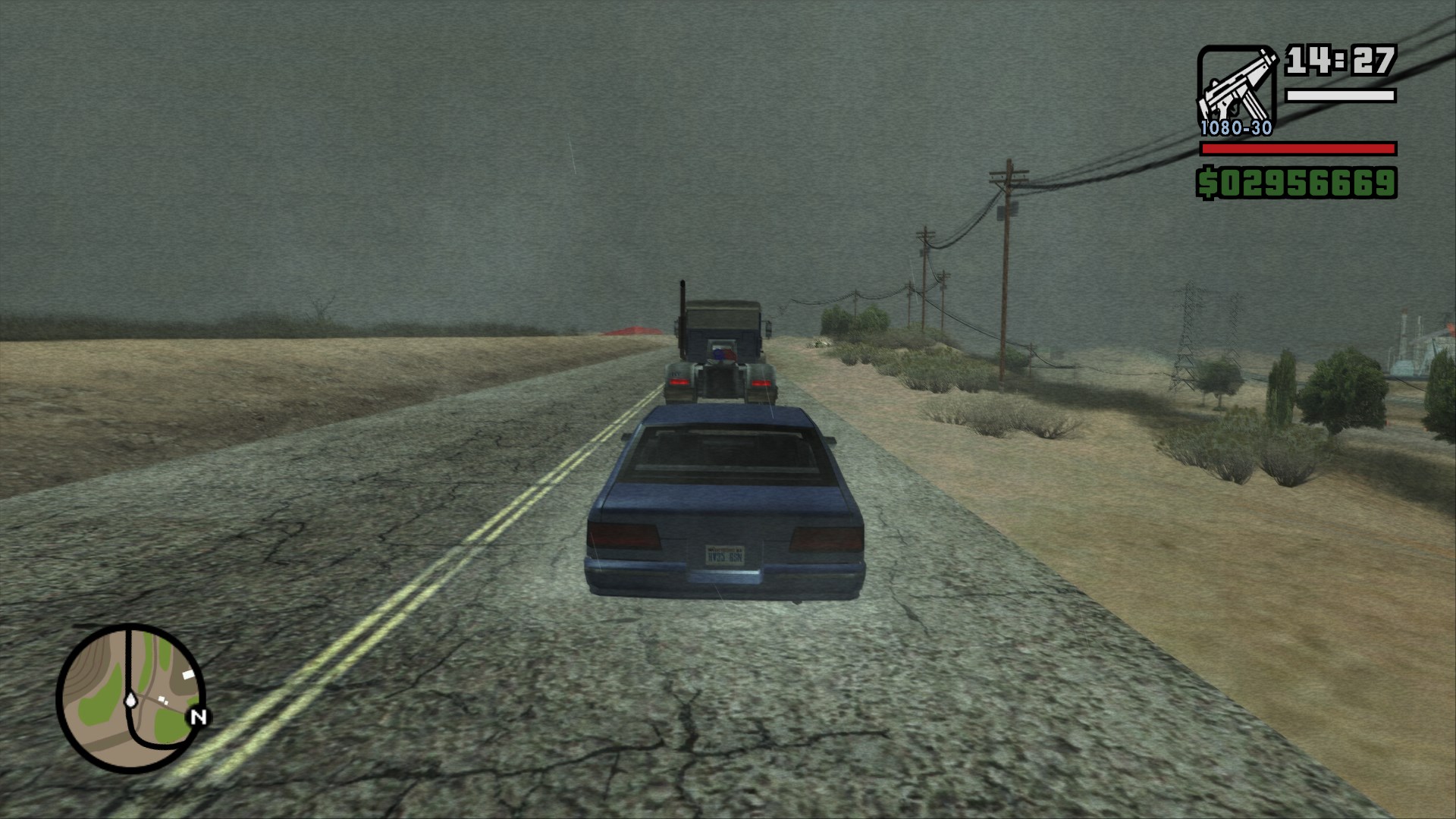
<p>To provide some variety in the game world, traffic vehicles act with a degree of randomness. One of the random decisions
they make is when they turn the lights on at night, or when it gets foggy or rainy. For each vehicle in the world,
a random “threshold” gets picked, deciding how dark, rainy, or foggy it has to be for the vehicle to turn the headlights on.</p>

<p>However, this tiny feature suffers from a difference in how randomness works on PC vs PS2 – the range of randomness
is lower on PC (<code class="language-plaintext highlighter-rouge">0-32767</code>) than it is on PS2 (<code class="language-plaintext highlighter-rouge">0-65535</code>), but the code calculating the thresholds has not been updated.
This keeps the variance in decisions, but unintentionally gets rid of an interesting outcome – on the PS2, during rainy or foggy conditions,
some vehicles may decide to never turn their headlights on! On PC, because the range of randomness is smaller, they will all eventually
turn on their headlights.</p>

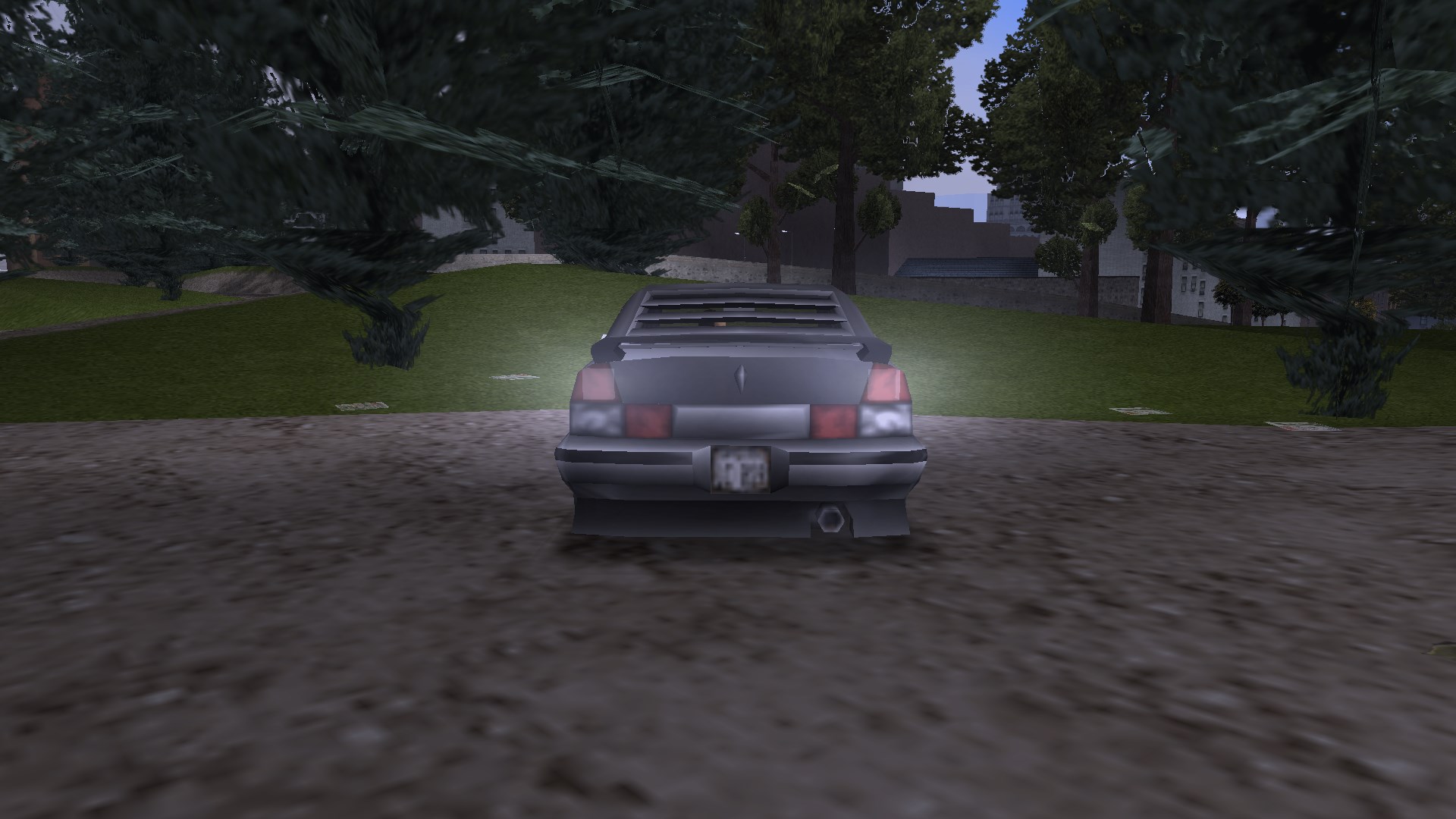
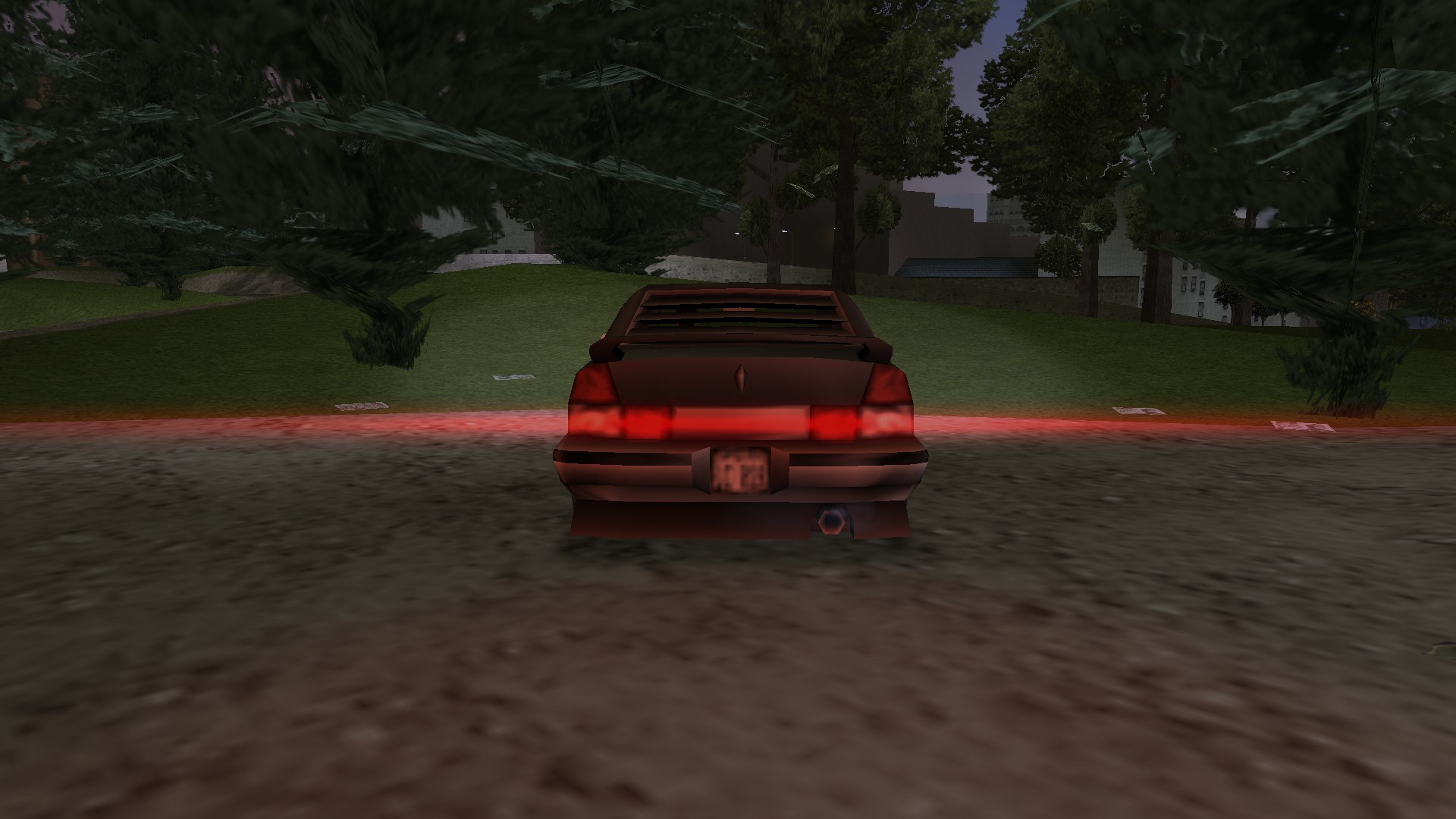
<p>SilentPatch rescales the code calculating the thresholds to match the PS2 behavior, so starting with this update,
you may encounter some unlawful drivers who don’t use their lights even when they really should:</p>

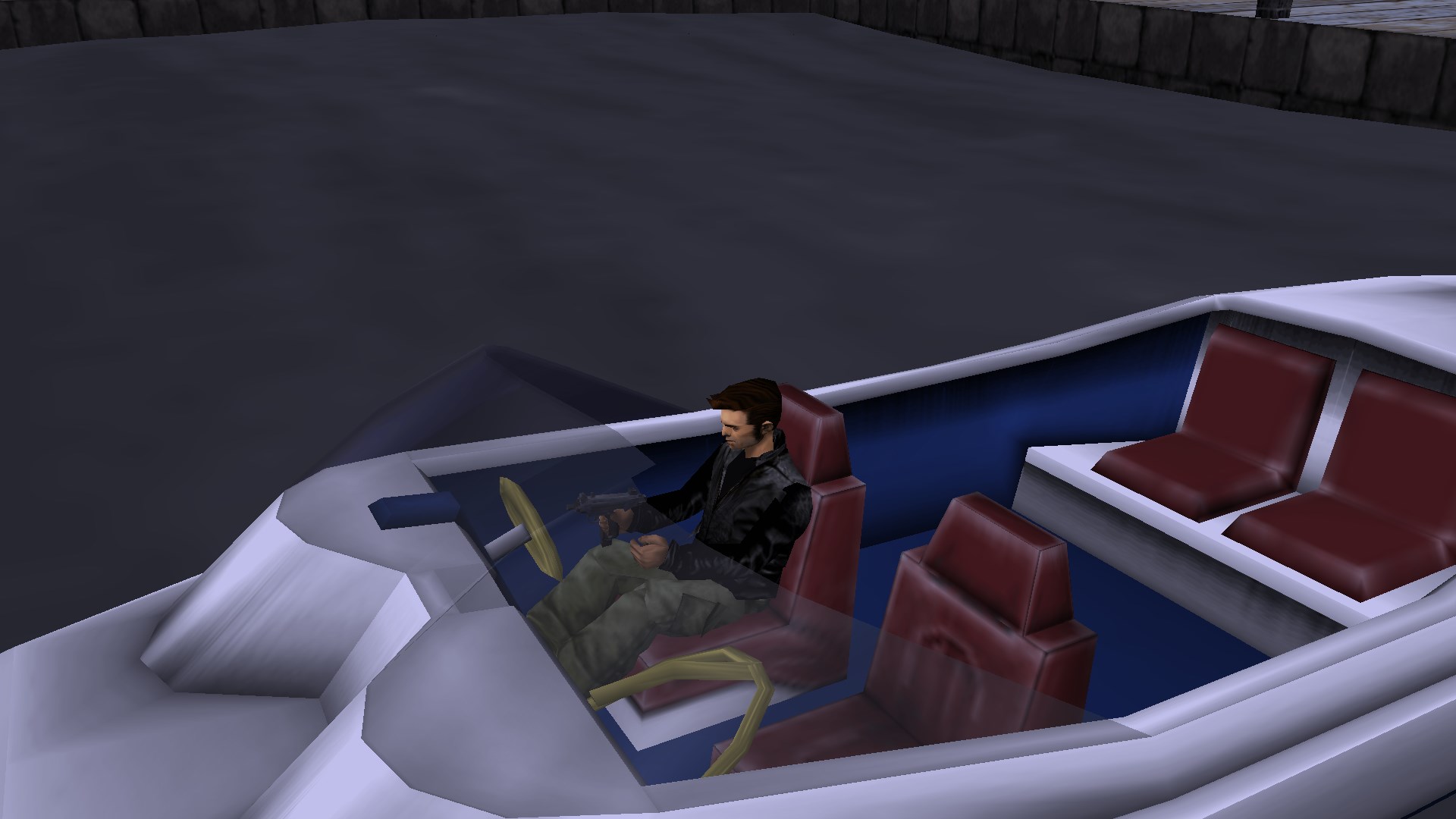
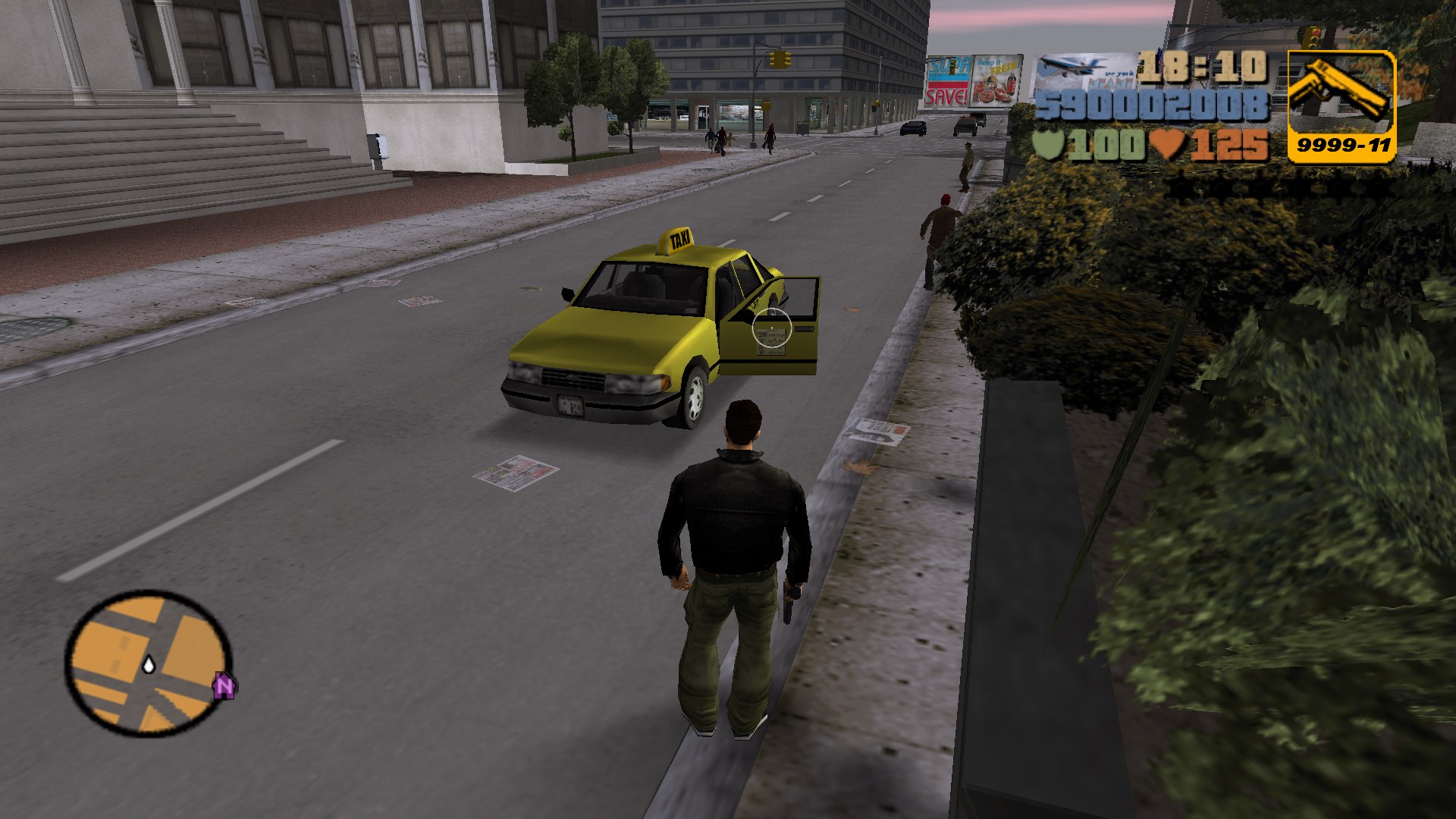
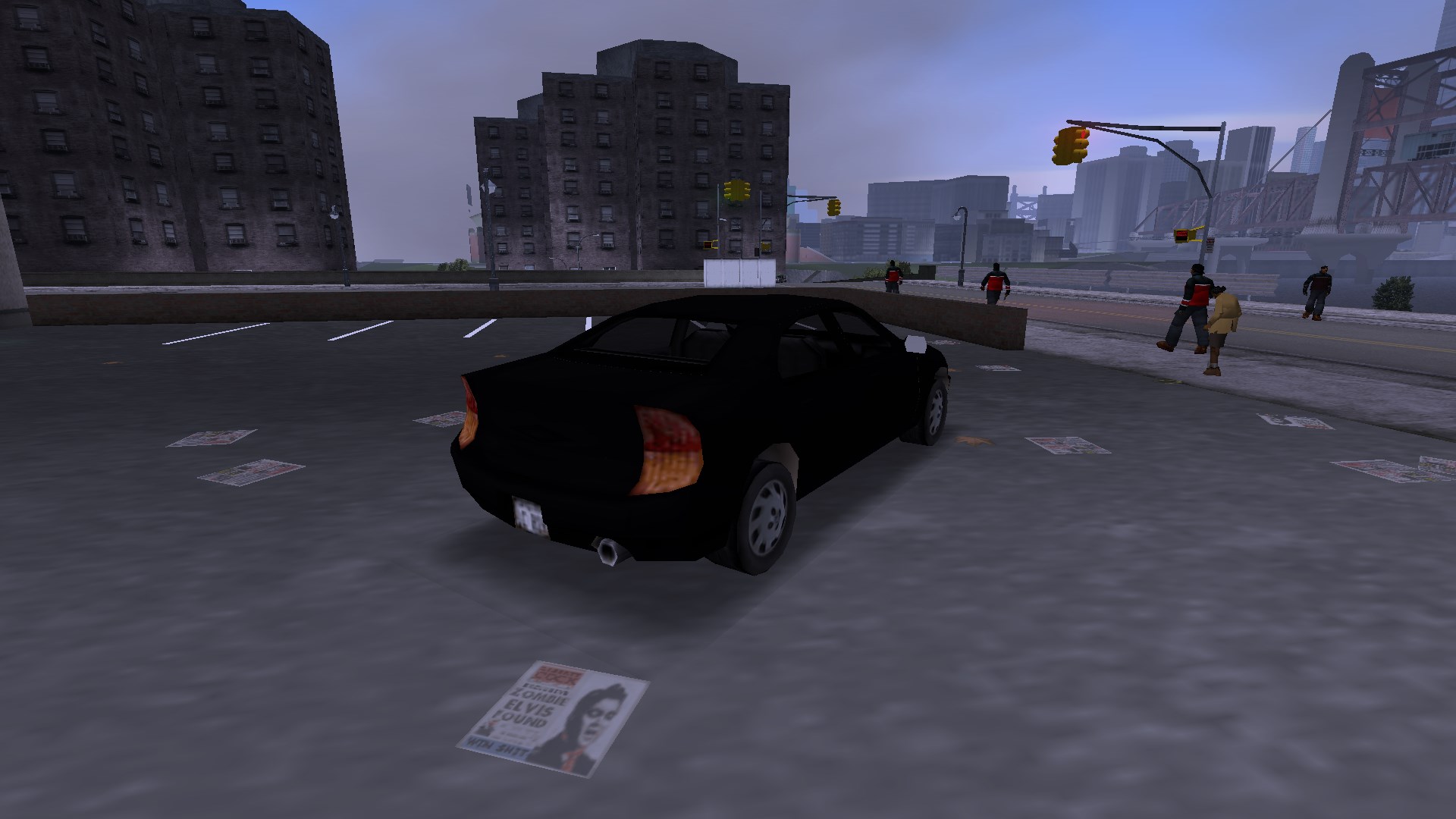
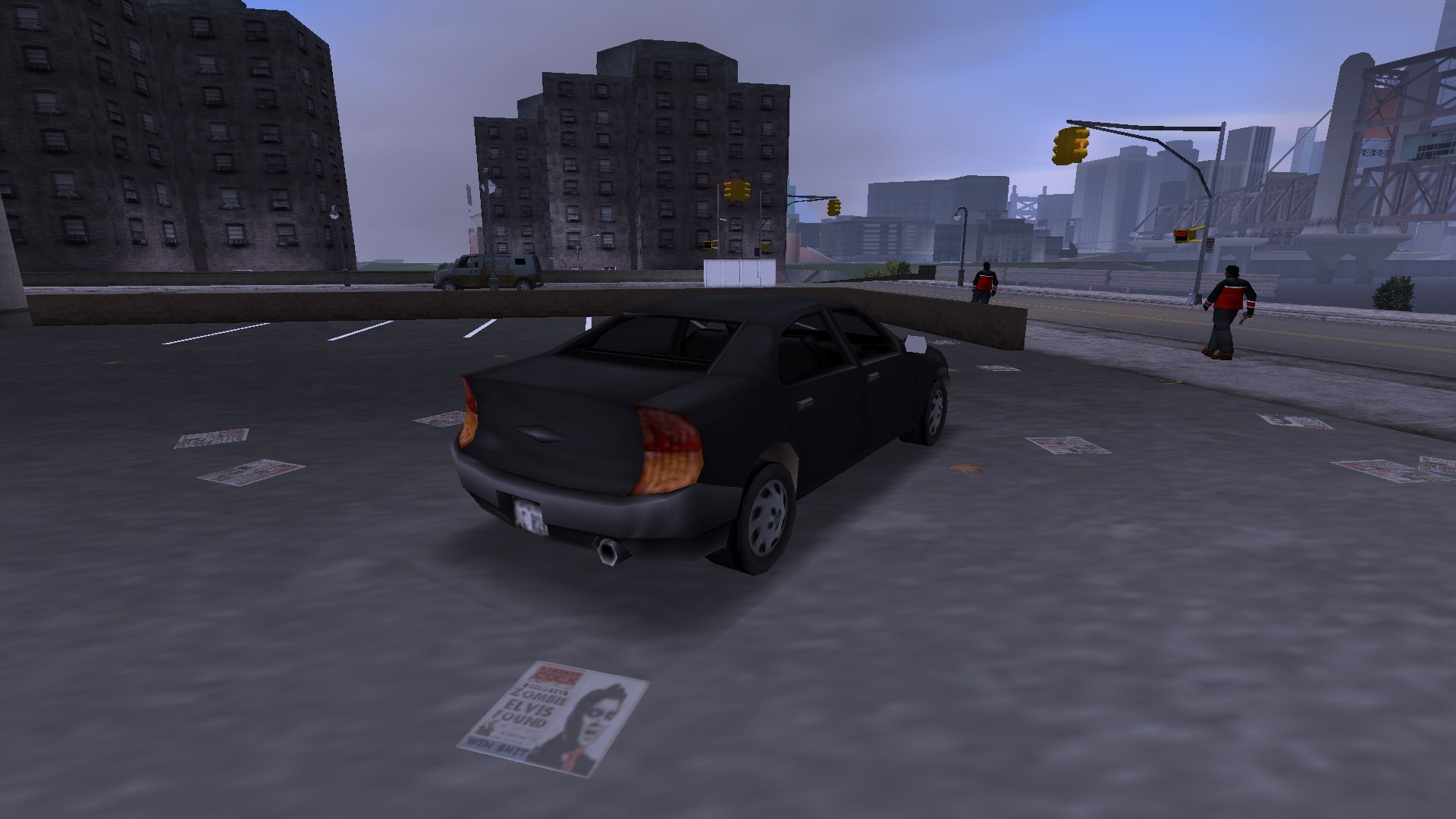
<figure class="media-container small">
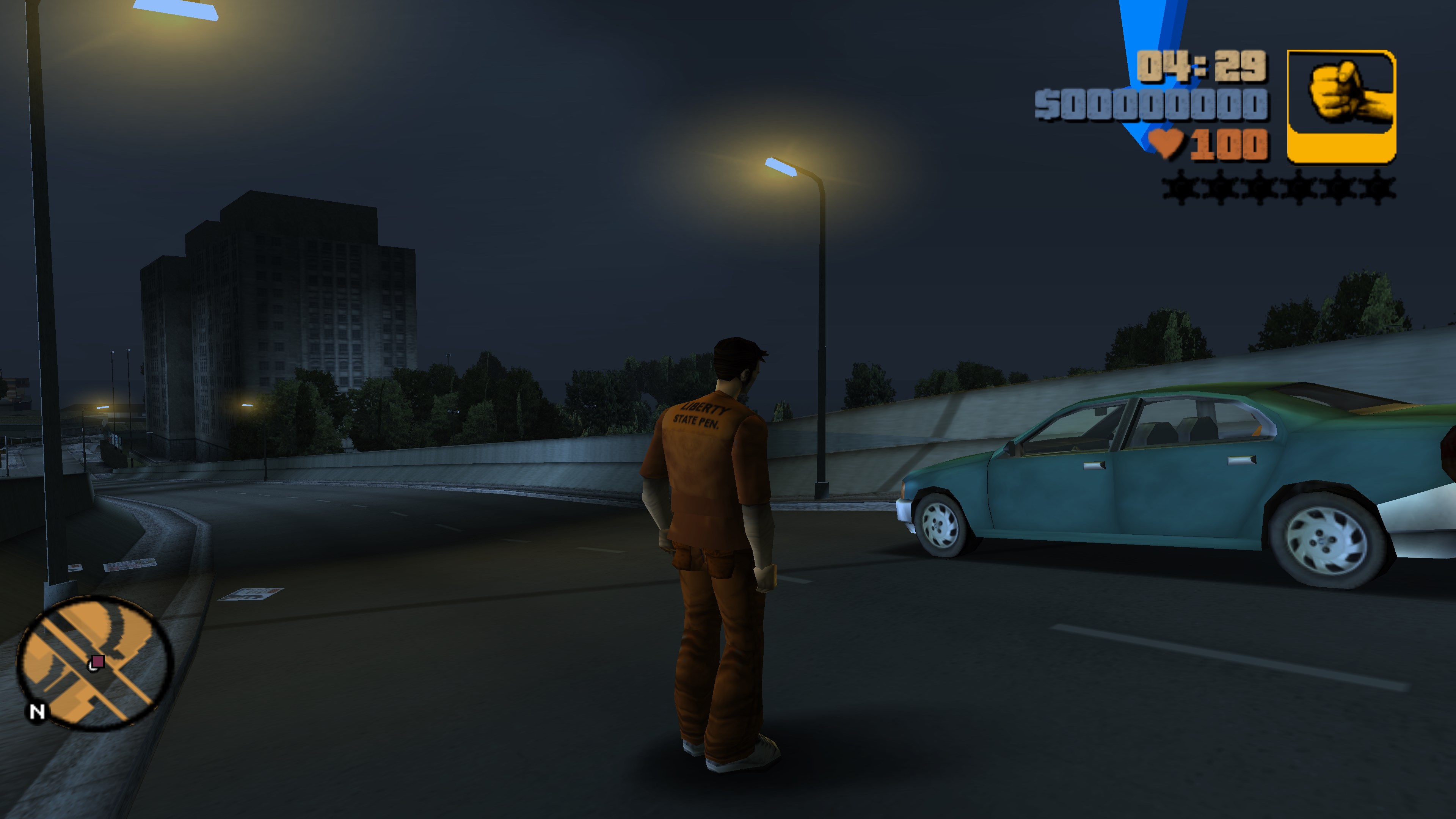
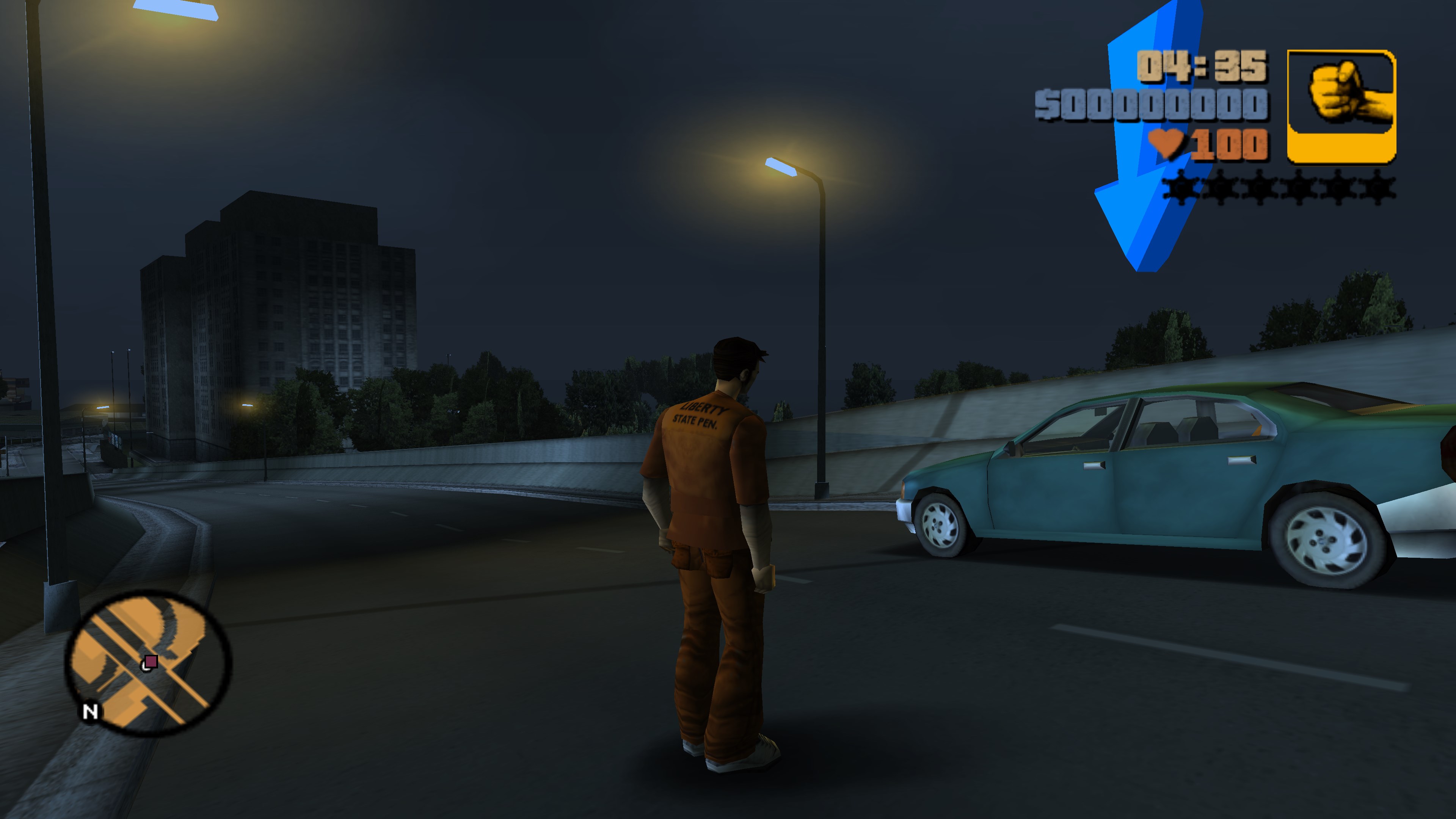
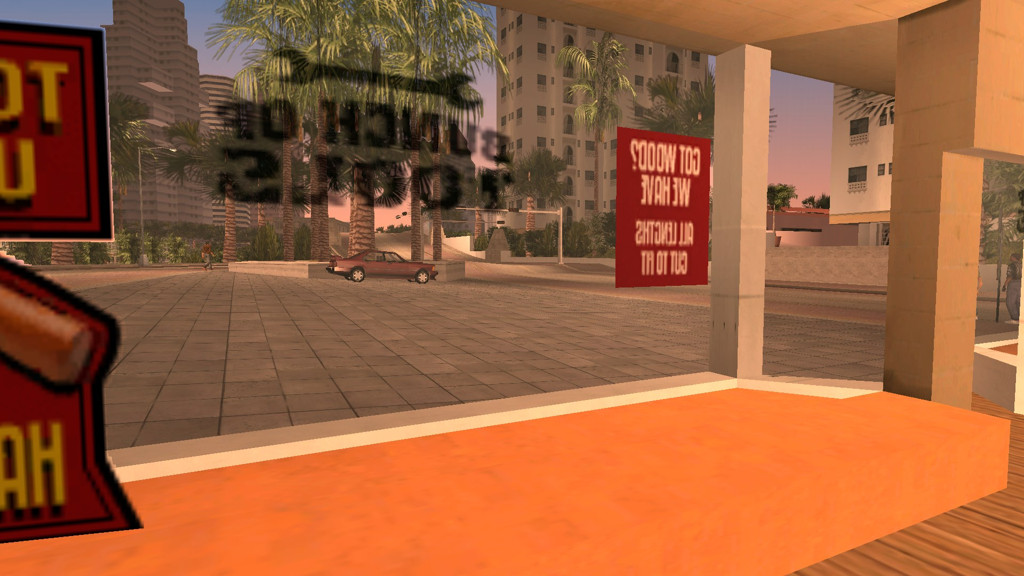
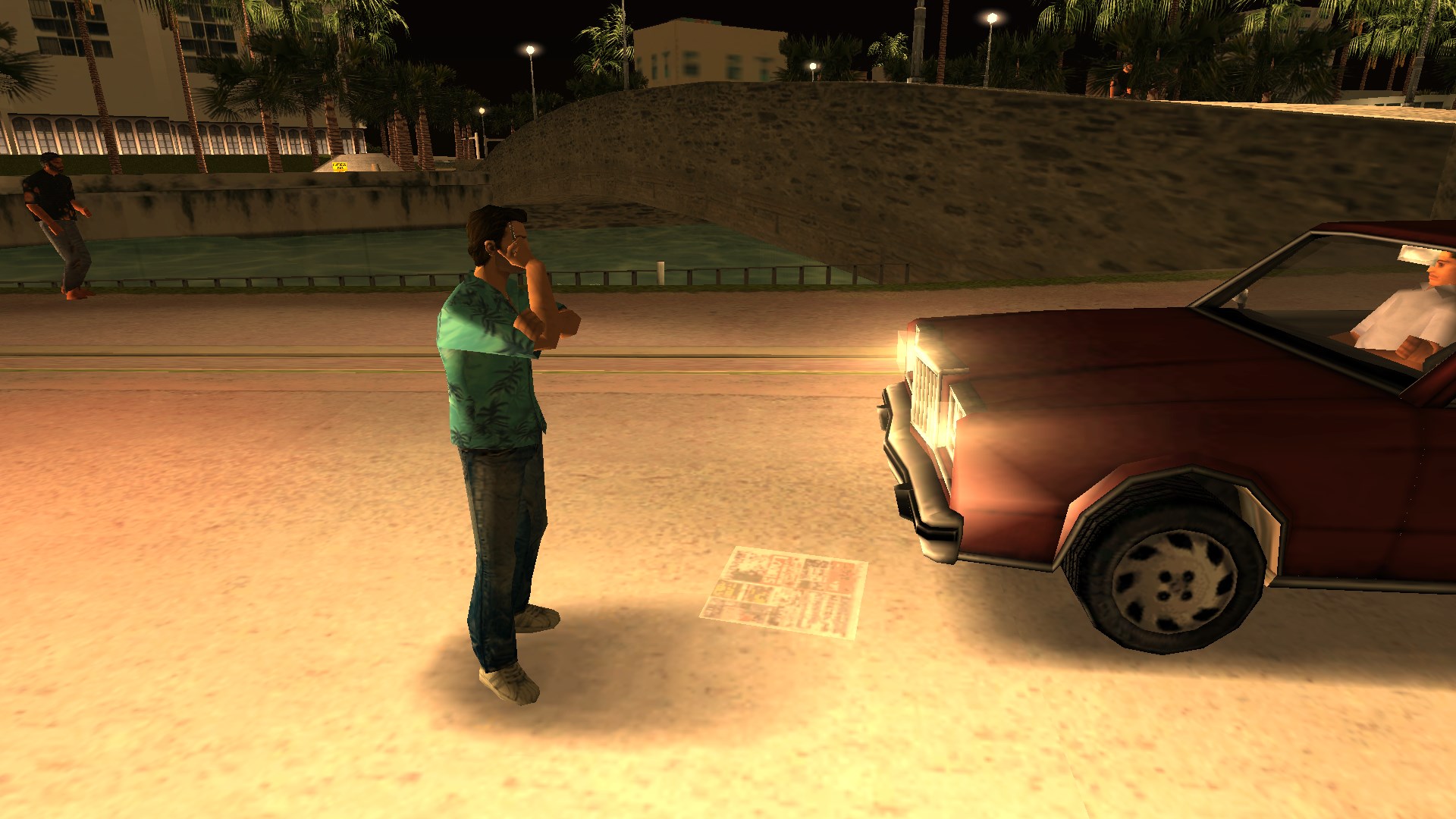
<figure class="fig-entry"><a href="/assets/img/posts/sp-2024-update/screens/10_gta3_BmzkrTlOVp.jpg" target="_blank"><img src="/assets/img/posts/sp-2024-update/screens/thumb/10_gta3_BmzkrTlOVp.jpg" alt="" width="1024" height="576" /></a></figure>

<figure class="fig-entry"><a href="/assets/img/posts/sp-2024-update/screens/10_gta-vc_msp2NecMU8.jpg" target="_blank"><img src="/assets/img/posts/sp-2024-update/screens/thumb/10_gta-vc_msp2NecMU8.jpg" alt="" width="1024" height="576" /></a></figure>

<figure class="fig-entry"><a href="/assets/img/posts/sp-2024-update/screens/compact_gta_sa_dCmPAXdhFO.jpg" target="_blank"><img src="/assets/img/posts/sp-2024-update/screens/thumb/compact_gta_sa_dCmPAXdhFO.jpg" alt="" width="1024" height="576" /></a></figure>

</figure>

<hr />

<h4 id="did-that-car-explode-twice"><a href="#did-that-car-explode-twice"></a>Did that car explode twice!?</h4>

<p class="sidenote">Affects: All trilogy games.</p>

<p>The entire trilogy had a weird bug where cars would sometimes explode more than once for no discernible reason.
Together with <strong>Nick007J</strong> we dived into this issue and figured out that it’s caused by the following chain of events:</p>
<ol>
  <li>The vehicle is set on fire.</li>
  <li>The driver bails out. Before they finish their bailing animation, the vehicle explodes and changes its status to “wrecked”.</li>
  <li>The driver finished their bailing animation. This changes the vehicle status to “abandoned”, <strong>overwriting the previous state</strong>.</li>
  <li>Changing the vehicle’s status doesn’t replenish its health, so it’s set on fire again, and explodes shortly after.</li>
</ol>

<p>From these steps, the fix becomes apparent: SilentPatch now doesn’t allow the game to transition the vehicle state from “wrecked”
back to “abandoned”, fixing this issue.</p>

<p>Unfortunately, this fix also corrects another well-known issue that for once I did <strong>not</strong> intend to fix:<sup id="fnref:harmless-bugs"><a href="#fn:harmless-bugs" class="footnote" rel="footnote" role="doc-noteref">1</a></sup> it is no longer possible
to execute a famous trick allowing the player to drive exploded vehicles in GTA III and Vice City:</p>

<figure class="iframe-entry narrower"><iframe src="https://www.youtube.com/embed/DQP7cbLk8hg" allowfullscreen=""></iframe></figure>

<p>With this fix, the first vehicle explosion simply kills the player 😥</p>

<hr />

<h4 id="ooh-shiny"><a href="#ooh-shiny"></a>Ooh, shiny!</h4>

<p class="sidenote">Affects: GTA III, GTA Vice City.</p>

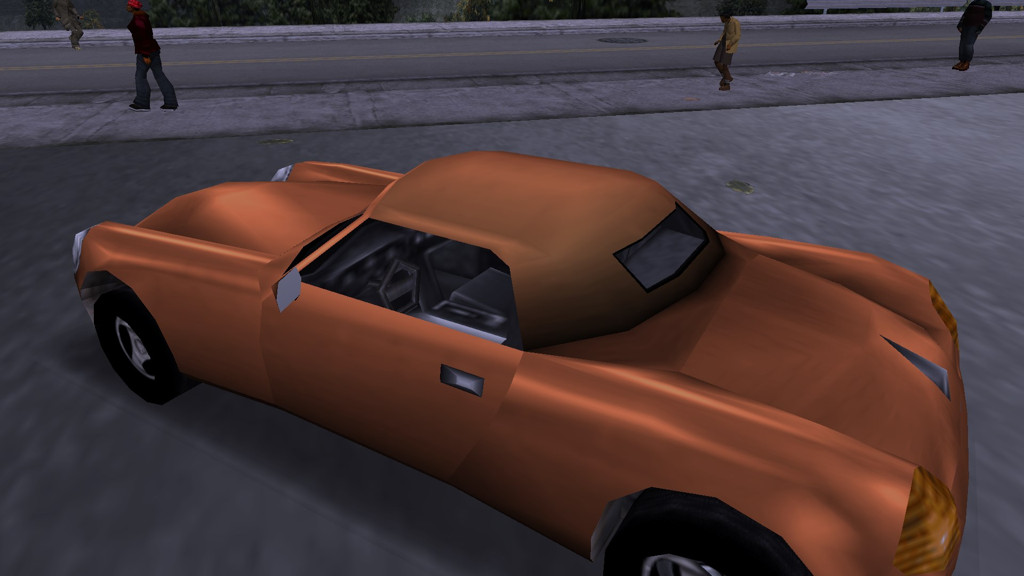
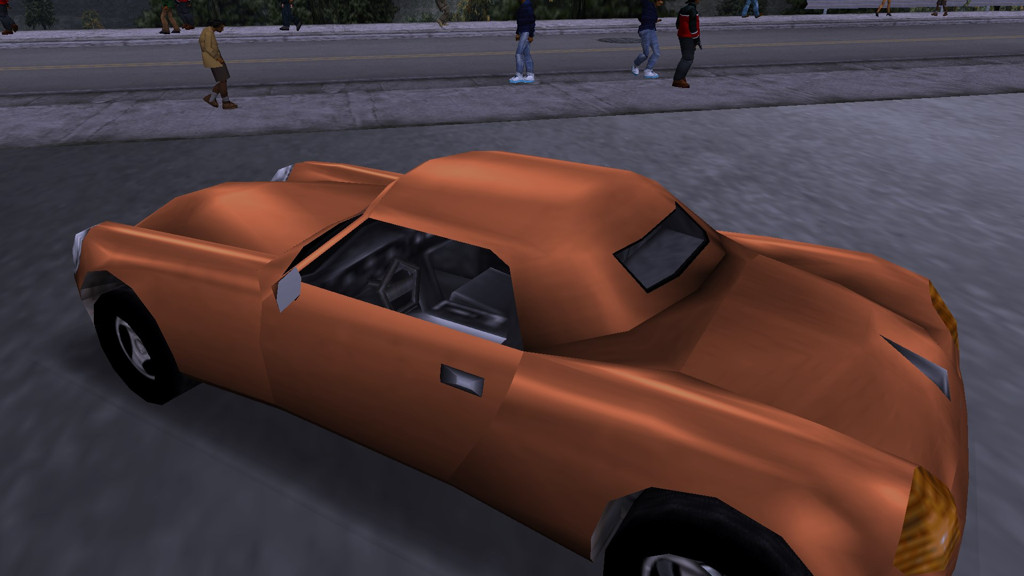
<p>In III and Vice City, environment mapping wasn’t applied to vehicle extras. This resulted in all extras appearing matte
(with no specularity), which is fine for parts like leather roofs on Stallion and Mesa Grande, but not necessarily
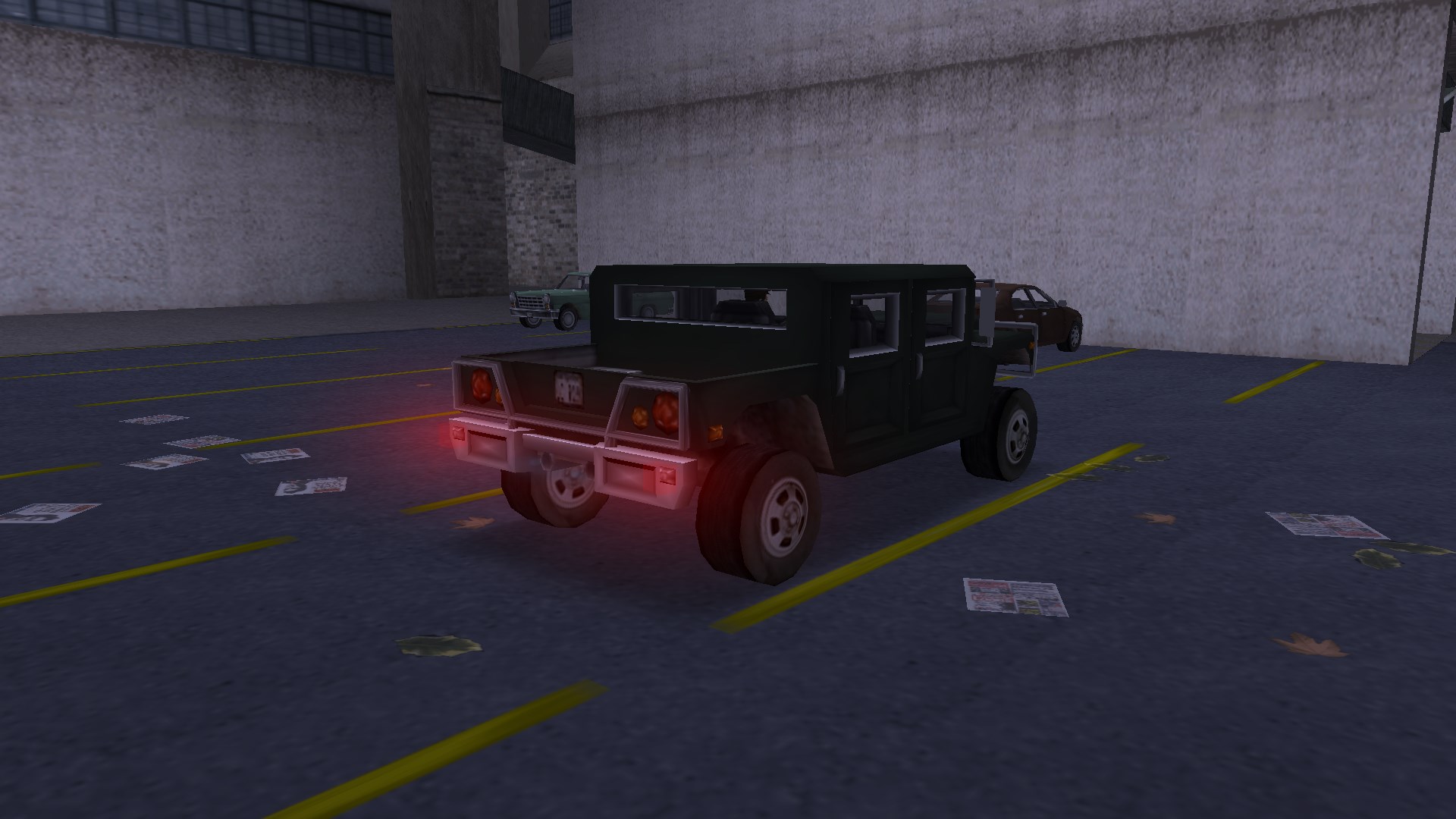
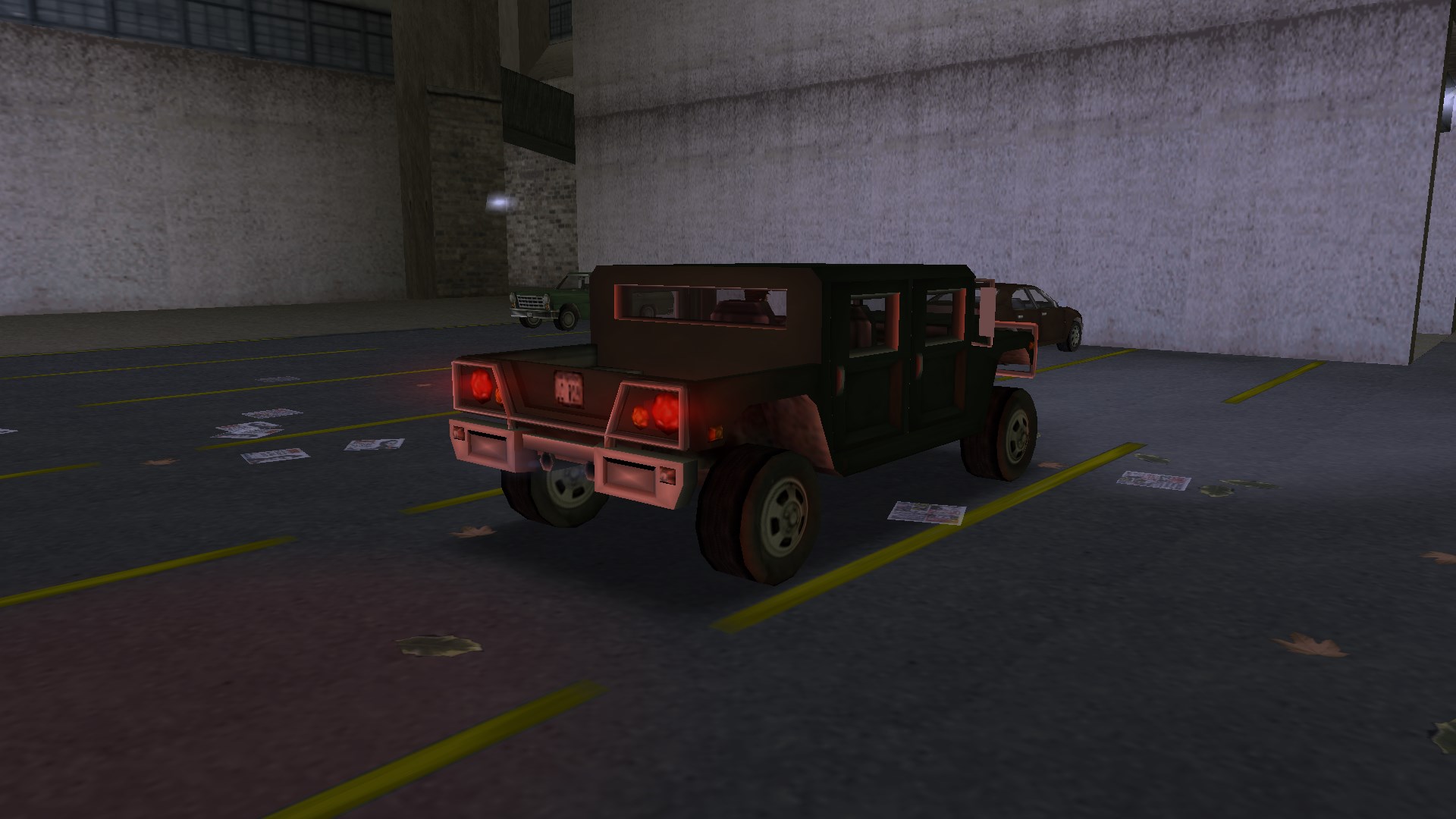
on metallic extras, like Stinger’s roof, that now matches the way Yakuza Stinger looks:</p>

<figure class="fig-entry">
    <div class="juxtapose" data-startingposition="">
        <img src="/assets/img/posts/sp-2024-update/juxtapose/10_gta3_j3mlIPWdar.jpg" data-label="Stock" alt="Stock" width="1024" height="576" />
        <img src="/assets/img/posts/sp-2024-update/juxtapose/10_gta3_KRUzeezr03.jpg" data-label="SilentPatch" alt="SilentPatch" width="1024" height="576" />
    </div></figure>

<p>However, there is a catch: theoretically, non-reflective parts should just have their specularity set to zero,
but this isn’t done with multiple stock models. For this reason, the INI file now includes an exception list <code class="language-plaintext highlighter-rouge">ExtraCompSpecularityExceptions</code>
where models with non-reflective extras can be specified. By default, this is Stallion (for III and Vice City)
and Mesa Grande (for Vice City). Additionally, I also made sure that these exceptions don’t apply to glass materials,
which gives Mesa Grande a reflective rear windshield:</p>

<figure class="fig-entry"><a href="/assets/img/posts/sp-2024-update/screens/10_gta-vc_8GsQjiOJpW.jpg" target="_blank"><img src="/assets/img/posts/sp-2024-update/screens/thumb/10_gta-vc_8GsQjiOJpW.jpg" alt="" width="1024" height="576" /></a></figure>

<p>For custom models, the fix is simple: just make sure that your extras have specularity and the environment map coefficient set correctly.
This value is simply ignored on extras without SilentPatch.</p>

<hr />

<h4 id="credits-roll-zzzzzzzz"><a href="#credits-roll-zzzzzzzz"></a>Credits roll! <em>…ZZzzzZZZ….</em></h4>

<p class="sidenote">Affects: All trilogy games.</p>

<p>Congratulations, you completed the final mission and beat the game! Now it’s time to watch the credits.
<em>“Ugh, why are they so small and slow?”</em>, you think to yourself. Well played, you just spotted a bug!
The credits don’t scale to resolution, so they appear smaller and slower the higher your selected resolution is,
to the point where they are nearly unreadable at 4K.</p>

<p>Starting with this SilentPatch update, credits scale to the resolution correctly and thus now look just like on the PS2.
Because they now move at a consistent speed regardless of resolution, their run time now also matches the original release.
Additionally, in GTA III, credits would run for a bit longer than needed, so for the last camera cut, the game would show it
and immediately fade out again, as the credits have already rolled to completion. To fix this, I made the credits scroll a few percent faster,
so they end on the previous camera cut instead.</p>

<figure class="fig-entry">
    <div class="juxtapose" data-startingposition="">
        <img src="/assets/img/posts/sp-2024-update/juxtapose/compact_gta_sa_uEnA1Q6eVX.jpg" data-label="Stock" alt="Stock" width="1024" height="576" />
        <img src="/assets/img/posts/sp-2024-update/juxtapose/compact_gta_sa_lW8hg9vrwc.jpg" data-label="SilentPatch" alt="SilentPatch" width="1024" height="576" />
    </div><figcaption>What is this, credits for ants?</figcaption></figure>

<hr />

<h4 id="mission-passed-now-please-let-me-play-i-get-it"><a href="#mission-passed-now-please-let-me-play-i-get-it"></a>Mission passed! Now please let me play, I get it</h4>

<p class="sidenote">Affects: All trilogy games.</p>

<p>This is one of the issues that make the lives of speedrunners harder: in all three trilogy games,
the bigger your selected resolution is, the longer the mission title and mission completion/failure texts stay on the screen!
At first, this sounds completely crazy and I wouldn’t blame anyone for thinking it’s a lie or placebo – alas, it’s true.</p>

<p>It all only comes together thanks to one of the pre-release clips from GTA III. Pay attention to the “Reward” text:</p>
<figure class="iframe-entry narrower"><iframe src="https://www.youtube.com/embed/R0bczv7HGgw" allowfullscreen=""></iframe></figure>

<p>At some point, this text (called “odd job text” internally), mission titles, and the mission completion/failure text
were intended to slide from left to right. Although this feature never made it to the final game, much of the code remained.
When the games were ported to PC, a (perhaps automated) attempt was made to scale the sliding animation to arbitrary resolutions.
However, this attempt was incomplete – while the scaling margins scale, the sliding speed does not.
Texts stay on screen longer, because the game waits for the slide to complete, even though the results of those calculations
are not used in the end.</p>

<p>In this update, SilentPatch fixes this logic, so now the “sliding speed” remains consistent regardless of the resolution.
Additionally, since I had to modify this code either way, two new INI (and <a href="https://github.com/aap/debugmenu" target="_blank">debug menu</a>)
options were added to all 3 games – <code class="language-plaintext highlighter-rouge">SlidingMissionTitleText</code> and <code class="language-plaintext highlighter-rouge">SlidingOddJobText</code> may be used to re-enable this cut feature.
Even though the mission passed texts technically can slide too, they were always centered, so sliding does not look right,
and therefore it makes no sense to enable it.</p>

<figure class="media-container small">
<figure class="fig-entry">
    <video playsinline="" controls="" src="/assets/img/posts/sp-2024-update/10_gta3_zw2w48UrzV.mp4">Your browser does not support the video tag.</video></figure>

<figure class="fig-entry">
    <video playsinline="" controls="" src="/assets/img/posts/sp-2024-update/10_gta-vc_u7eV9X6byH.mp4">Your browser does not support the video tag.</video></figure>

</figure>

<hr />

<h4 id="minimal-hud"><a href="#minimal-hud"></a>Minimal HUD</h4>

<p class="sidenote">Affects: GTA Vice City, GTA San Andreas.</p>

<p>The games have an unused, yet mostly finished mode of displaying the HUD – when it’s enabled, only the clock displays continuously.
Money, the weapon icon, wanted level stars, and the energy bars only display when their statuses change (e.g. you lose health, or pick up money),
and after that, they fade out after several seconds. SilentPatch fixes multiple visual bugs this feature exhibited,
and can optionally enable it via the INI file.</p>

<p>Even with my fixes, it’s still hard to call it “production ready” – health and armor don’t show up when replenishing health or losing oxygen (in San Andreas),
and, unlike in GTA IV, it’s not possible to show the entire HUD on demand, so you are unable to peek at your health or money whenever you wish.</p>

<figure class="fig-entry"><a href="/assets/img/posts/sp-2024-update/screens/compact_gta_sa_aV44c4zODc.jpg" target="_blank"><img src="/assets/img/posts/sp-2024-update/screens/thumb/compact_gta_sa_aV44c4zODc.jpg" alt="" width="1024" height="576" /></a><figcaption>Very… minimal.</figcaption></figure>

<p>Minimal HUD in San Andreas isn’t introduced in this update – it existed in SilentPatch since <strong>late 2017</strong> and was first made public in Build 29 released
<a href="/2018/05/20/silentpatch-r29/">in May 2018</a>. However, for some reason, I never documented this option,
so it remained “hidden” and the users had to add it to the INI file by themselves.
With this build, I finally officially documented it, so it appears in the configuration file, and consequently,
also in the <a href="https://github.com/aap/debugmenu" target="_blank">debug menu</a>.</p>

<p>However, it <strong>is</strong> new for Vice City – as only recently I was made aware that this feature existed also there! Therefore, in this update,
Minimal HUD can now also be enabled in VC. Be mindful that the same shortcomings as in San Andreas apply.</p>

<figure class="fig-entry"><a href="/assets/img/posts/sp-2024-update/screens/10_gta-vc_o7iNtRF2Ce.jpg" target="_blank"><img src="/assets/img/posts/sp-2024-update/screens/thumb/10_gta-vc_o7iNtRF2Ce.jpg" alt="" width="1024" height="576" /></a></figure>

<hr />

<h4 id="other-fixes-shared"><a href="#other-fixes-shared"></a>Other fixes</h4>

<ul>
  <li><em class="sidenote">(All trilogy):</em> Script randomness has now been made 16-bit, like on the PS2, instead of 15-bit.
The results are the most noticeable in GTA III:
    <ul>
      <li>“Bling-bling Scramble” has three possible checkpoint paths on the PS2, but the script could only pick two on the PC.</li>
      <li>The ambulance in “Plaster Blaster” can pick three possible destinations on the PS2, but only two on the PC.</li>
    </ul>

    <p>This fix makes those two missions reach feature parity with the original PS2 version.</p>
  </li>
  <li><em class="sidenote">(GTA III, GTA VC):</em> Text lines read in <code class="language-plaintext highlighter-rouge">CPlane::LoadPath</code> and <code class="language-plaintext highlighter-rouge">CTrain::ReadAndInterpretTrackFile</code> are now null-terminated.
This technical-sounding issue has an amusing and easily noticeable effect: under very specific conditions that are only possible
to happen in modded games, the Z values of predefined train, plane, and yacht paths could be read incorrectly,
leading to them resetting back to 0. Funny enough, I unknowingly hit that issue 11 years ago, when working on III Aircraft – and even
recorded it in one of the test gameplays! In this video, starting from 0:40, you may observe the plane flying at sea level,
exactly because of… some long file names causing this issue:
    <figure class="iframe-entry"><iframe src="https://www.youtube.com/embed/NcXtlT6UcsQ?start=40" allowfullscreen=""></iframe></figure>
  </li>
</ul>

<hr />

<h3 id="grand-theft-auto-iii"><a href="#grand-theft-auto-iii"></a>Grand Theft Auto III</h3>

<ul class="additional-toc">
  <li><a href="#boat-driving-animations">Boat driving animations</a></li>
  <li><a href="#platform-specific-diving-for-your-life">Platform-specific diving for your life?</a></li>
  <li><a href="#platform-specific-speeding-for-your-life">Platform-specific speeding for your life??</a></li>
  <li><a href="#stealth-fbi-cars">Stealth FBI cars</a></li>
  <li><a href="#nasty-game-with-improvements">“Nasty game” with improvements</a></li>
  <li><a href="#why-is-this-radar-so-ugly">Why is this radar so ugly?</a></li>
  <li><a href="#are-car-models-broken-on-pc-no-the-code-is">Are car models broken on PC? No, the code is</a></li>
  <li><a href="#other-fixes-gta-iii">Other fixes</a></li>
</ul>

<h4 id="boat-driving-animations"><a href="#boat-driving-animations"></a>Boat driving animations</h4>

<p>Careful observers likely noticed a long time ago that in GTA III, Speeder is the only boat with a driver’s seat.
This doesn’t stop Claude from standing inside that seat, though, as only in Vice City Rockstar had introduced a flag indicating
that the boat driver should use the sitting animation. <strong>Fire_Head</strong> also noticed this issue years ago
and made a fix for it. In this update of SilentPatch, Fire_Head’s work has been integrated:</p>

<figure class="media-container small">
<figure class="fig-entry"><a href="/assets/img/posts/sp-2024-update/screens/full/10_gta3_FQVyBT9nb0.jpg" target="_blank"><img src="/assets/img/posts/sp-2024-update/10_gta3_FQVyBT9nb0.jpg" alt="" width="1024" height="1024" /></a><figcaption>In the stock game, Claude looked rather restless when driving a Speeder.</figcaption></figure>

<figure class="fig-entry"><a href="/assets/img/posts/sp-2024-update/screens/full/10_gta3_om6I5fB06p.jpg" target="_blank"><img src="/assets/img/posts/sp-2024-update/10_gta3_om6I5fB06p.jpg" alt="" width="1024" height="1024" /></a><figcaption>Now, he can finally sit down. He is still steering the boat with his mind powers, though.</figcaption></figure>

</figure>

<p>Together with this change, Fire_Head also backported a small fix from Vice City: now, a small delay between entering
the boat and the game considering Claude to be inside one has been removed; the game was waiting for the entering animation to finish,
but boats don’t have one, so that made no sense. This fix has also been integrated into SilentPatch.</p>

<p>Good news for III Aircraft users – for this change, SilentPatch applies an identical fix to Skimmer.</p>

<hr />

<h4 id="platform-specific-diving-for-your-life"><a href="#platform-specific-diving-for-your-life"></a>Platform-specific diving for your life?</h4>

<p>The PC version of GTA III has an interesting gameplay regression compared to the original PS2 release.
Usually, pedestrians can react to incoming cars in three ways – they can:</p>
<ul>
  <li>Turn towards the car and raise their hands,</li>
  <li>Try to step out of the way,</li>
  <li>Try to dive to the side, out of the car’s way.</li>
</ul>

<p>On PC, raising hands and stepping away works fine. However, pedestrians dive… towards the car instead!</p>

<figure class="fig-entry">
    <video playsinline="" autoplay="" muted="" loop="" src="/assets/img/posts/sp-2024-update/10_gta3_Xp6OaZF9uY.mp4">Your browser does not support the video tag.</video><figcaption>Does this not constitute an insurance fraud? Also hats off to the police arriving at the scene,
              I could never have achieved better comedic timing if I tried doing it on purpose.</figcaption></figure>

<p>It’s difficult to know exactly what happened in this instance, but I have my guess based on a particular quirk
of this feature: when the “threatening” vehicle is honking, this makes the NPC more alert and they <strong>always</strong> try to dive out of the way.
Coincidentally, in this scenario, the bug doesn’t manifest. I can only theorize based on the code differences between PS2 and PC,
but the fact PC is missing some calculations makes me believe that this bug was introduced by a failed code
optimization – someone may have misread the code, then thought the dive angle was calculated twice, and introduced a bug,
since the two calculations happened under different circumstances.</p>

<p>In this update, SilentPatch restores the missing code from the PS2 release, making the dive behave just like it did originally:</p>

<figure class="fig-entry">
    <video playsinline="" autoplay="" muted="" loop="" src="/assets/img/posts/sp-2024-update/10_gta3_sRHLrBH1Sn.mp4">Your browser does not support the video tag.</video><figcaption>Ouch! That must’ve hurt.</figcaption></figure>

<hr />

<h4 id="platform-specific-speeding-for-your-life"><a href="#platform-specific-speeding-for-your-life"></a>Platform-specific speeding for your life??</h4>

<p>In GTA III, drivers may react in several ways to being shot at. When bullets hit their car, they randomly pick one of the three actions:</p>
<ul>
  <li>Speed up and escape in the car,</li>
  <li>Do nothing,</li>
  <li>Leave the car and flee on foot in panic.</li>
</ul>

<p>This list may have raised eyebrows – do you feel like you’ve never encountered some of these events? If you did, you’d be correct,
as this feature is bugged on all platforms, in more ways than one.</p>

<p>All entities in the game world have a random seed value assigned to them,
allowing different pedestrians and cars to behave differently, yet ensuring that each entity remains consistent in its actions.
On the PS2, this random seed is an integer value in the range <code class="language-plaintext highlighter-rouge">0-65535</code>, on PC (and likely Xbox too) it’s <code class="language-plaintext highlighter-rouge">0-32767</code>.
The issue with the drivers’ behavior lies in the function assigning those behaviors to the random seed:</p>
<ul>
  <li><code class="language-plaintext highlighter-rouge">0-34999</code> – flee in car.</li>
  <li><code class="language-plaintext highlighter-rouge">35000-69999</code> – do nothing.</li>
  <li><code class="language-plaintext highlighter-rouge">70000-99999</code> – flee on foot.</li>
</ul>

<p>Do you see the issue now? An incorrect assumption about the range of the random seed led to one (on PS2) or two (on PC/Xbox)
cases being unreachable. In SilentPatch, the ranges have been rescaled for the real range of the random seed,
so now drivers may either ignore the bullets or flee on foot, for the first time.</p>

<figure class="fig-entry"><a href="/assets/img/posts/sp-2024-update/screens/10_gta3_N8FrQFphLN.jpg" target="_blank"><img src="/assets/img/posts/sp-2024-update/screens/thumb/10_gta3_N8FrQFphLN.jpg" alt="" width="1024" height="576" /></a></figure>

<hr />

<h4 id="stealth-fbi-cars"><a href="#stealth-fbi-cars"></a>Stealth FBI cars</h4>

<p>In all 3D-era games, FBI vehicles are pitch black. However, this does not apply to some FBI Kurumas in GTA III.
Unlike the later games, in GTA III, the car’s <code class="language-plaintext highlighter-rouge">carcols.dat</code> entry specifies a dark grey body color with unpainted bumpers.
Cars that spawn in roadblocks and cars imported via the Import/Export cranes adhere to this setting,
while the chasing units are forcibly set to black via the game’s code. This leads to a discrepancy between the cars depending on where they come from
and also causes the pitch-black Kurumas to permanently change their color when resprayed.</p>

<figure class="media-container small">
<figure class="fig-entry"><a href="/assets/img/posts/sp-2024-update/screens/full/10_gta3_0zot9q3bRy.jpg" target="_blank"><img src="/assets/img/posts/sp-2024-update/10_gta3_0zot9q3bRy.jpg" alt="" width="1024" height="1024" /></a><figcaption>The default color makes the FBI Kuruma look comically dark.</figcaption></figure>

<figure class="fig-entry"><a href="/assets/img/posts/sp-2024-update/screens/full/10_gta3_p3Tcj0dg0M.jpg" target="_blank"><img src="/assets/img/posts/sp-2024-update/10_gta3_p3Tcj0dg0M.jpg" alt="" width="1024" height="1024" /></a><figcaption>With SilentPatch, details are visible and the color is natural, as it was intended all along.</figcaption></figure>

</figure>

<p>I am not sure why the game forces FBI cars to black via code. Perhaps at some point in development FBI used regular civilian cars
painted black, and this was never reverted when they were given their dedicated vehicle? Regardless, SilentPatch now removes this code,
so all FBI cars use the colors specified in <code class="language-plaintext highlighter-rouge">carcols.dat</code>.</p>

<hr />

<h4 id="nasty-game-with-improvements"><a href="#nasty-game-with-improvements"></a>“Nasty game” with improvements</h4>

<p>Exclusively in the PS2 and PC versions of GTA III, the player could shoot limbs off the other characters.
However, the detached limbs never looked quite right, but not because the models weren’t detailed enough – a simple code mistake
caused both the normal model and the LOD model to show at once, ignoring the game’s LOD system. This has now been fixed.</p>

<figure class="media-container small">
<figure class="fig-entry"><a href="/assets/img/posts/sp-2024-update/screens/full/10_gta3_xJxPnJUBRp.jpg" target="_blank"><img src="/assets/img/posts/sp-2024-update/10_gta3_xJxPnJUBRp.jpg" alt="" width="1024" height="1024" /></a><figcaption>Blocky legs and two hands on each arm? In Liberty City, Halloween lasts all year long.</figcaption></figure>

<figure class="fig-entry"><a href="/assets/img/posts/sp-2024-update/screens/full/10_gta3_kr77vOlWDB.jpg" target="_blank"><img src="/assets/img/posts/sp-2024-update/10_gta3_kr77vOlWDB.jpg" alt="" width="1024" height="1024" /></a><figcaption>…until now, that is.</figcaption></figure>

</figure>

<hr />

<h4 id="why-is-this-radar-so-ugly"><a href="#why-is-this-radar-so-ugly"></a>Why is this radar so ugly?</h4>

<p>Ever since the very first release, SilentPatch fixed numerous UI elements not scaling to resolution correctly.
This included the text shadows and a few specialized message types. Turns out, more things needed fixing,
although they weren’t immediately obvious.</p>

<p>On PS2, the radar disc texture extends 4 pixels around the rendered map. On PC, that map, as well as the radar disc,
scale to resolutions, but that 4px margin does not. Back in the day, this was likely barely noticeable on resolutions like 1024x768,
but with modern resolutions like 4K, the issue becomes so pronounced that the radar disc no longer even covers the map underneath:</p>

<figure class="media-container small">
<figure class="fig-entry"><a href="/assets/img/posts/sp-2024-update/screens/full/10_gta3_hH8zWDPtK9.jpg" target="_blank"><img src="/assets/img/posts/sp-2024-update/10_gta3_hH8zWDPtK9.jpg" alt="" width="1024" height="1024" /></a><figcaption>The only reason this shipped is because it looks less bad at smaller resolutions. In 4K, the stock radar looks unacceptable.</figcaption></figure>

<figure class="fig-entry"><a href="/assets/img/posts/sp-2024-update/screens/full/10_gta3_dZChwtGC9u.jpg" target="_blank"><img src="/assets/img/posts/sp-2024-update/10_gta3_dZChwtGC9u.jpg" alt="" width="1024" height="1024" /></a><figcaption>With SilentPatch, the radar looks tidy. I also feel like it looks more circular. Do you also see it?</figcaption></figure>

</figure>

<p>You’ve likely noticed that the positioning has changed too – that’s because the horizontal position also didn’t scale to resolution
(even though the <strong>vertical</strong> position does), so the radar was always a constant 40 pixels away from the screen edge.
In this update, both issues are fixed, so the entire radar scales correctly.</p>

<hr />

<h4 id="are-car-models-broken-on-pc-no-the-code-is"><a href="#are-car-models-broken-on-pc-no-the-code-is"></a>Are car models broken on PC? No, the code is</h4>

<p>In the GTA modding circles it’s relatively well known that a few pieces of code from an early version of Vice City made their way
to the PC version of GTA III; helicopter physics, bike hierarchy (but no other bike leftovers!), etc. For example, III Aircraft was only possible thanks to those leftovers.
This theory has also been confirmed by Obbe Vermeij himself:</p>

<blockquote class="twitter-tweet" data-align="center" data-conversation="none"><p lang="en" dir="ltr">For a number of months, the pc version of gta3 and Vice City shared a codebase.<br />So it&#39;s probably stuff that was done for Vice that &#39;leaked back&#39; into gta3-pc.</p>&mdash; Obbe Vermeij (@ObbeVermeij) <a href="https://twitter.com/ObbeVermeij/status/1848524615574032617?ref_src=twsrc%5Etfw">October 22, 2024</a></blockquote>
<script async="" src="https://platform.twitter.com/widgets.js" charset="utf-8"></script>

<p>Just a few days before this post goes live, we learned about yet another PS2 vs PC difference that is a consequence of this code mixup: cars in GTA III have separate
<code class="language-plaintext highlighter-rouge">taillights</code> and <code class="language-plaintext highlighter-rouge">brakelights</code> dummies,<sup id="fnref:more-dummies"><a href="#fn:more-dummies" class="footnote" rel="footnote" role="doc-noteref">2</a></sup> while Vice City only kept the former! This had an adverse effect on the way these lights work.
That’s how they were intended to function:</p>
<ul>
  <li>During the day, when the lights are off, brake and reverse lights use the <code class="language-plaintext highlighter-rouge">brakelights</code> dummy.</li>
  <li>At night, when the lights are on, all lights use the <code class="language-plaintext highlighter-rouge">taillight</code> dummy, and the tail light’s corona changes intensity or color accordingly.
This also means that the reverse lights “move” to another spot at night.</li>
</ul>

<p>With the brake lights dummy gone, III on PC fell back to the Vice City behavior: that is, always putting all the lights on a <code class="language-plaintext highlighter-rouge">taillight</code> dummy.
In this SilentPatch update, I re-introduced the missing code to the PC version, restoring feature parity. It’s quite a neat detail,
so I’m glad to see it working again. On many cars, the differences are hard to spot, but on others it’s much more prominent:</p>

<figure class="media-container small">
<figure class="fig-entry"><a href="/assets/img/posts/sp-2024-update/screens/full/10_gta3_Gj10tW8xHj.jpg" target="_blank"><img src="/assets/img/posts/sp-2024-update/10_gta3_Gj10tW8xHj.jpg" alt="" width="1024" height="1024" /></a></figure>

<figure class="fig-entry"><a href="/assets/img/posts/sp-2024-update/screens/full/10_gta3_rrLKsoozpK.jpg" target="_blank"><img src="/assets/img/posts/sp-2024-update/10_gta3_rrLKsoozpK.jpg" alt="" width="1024" height="1024" /></a></figure>

<figcaption>Sentinel’s rear lamps now see more use. The reverse lights have a dummy placed in the white area of the lamp, but sadly the game does not use it,
and the reverse lights go where the brake lights are.</figcaption>
</figure>

<figure class="media-container small">
<figure class="fig-entry"><a href="/assets/img/posts/sp-2024-update/screens/full/10_gta3_XITnO313p6.jpg" target="_blank"><img src="/assets/img/posts/sp-2024-update/10_gta3_XITnO313p6.jpg" alt="" width="1024" height="1024" /></a></figure>

<figure class="fig-entry"><a href="/assets/img/posts/sp-2024-update/screens/full/10_gta3_Rj0Hf1WQvL.jpg" target="_blank"><img src="/assets/img/posts/sp-2024-update/10_gta3_Rj0Hf1WQvL.jpg" alt="" width="1024" height="1024" /></a></figure>

<figcaption>Patriot’s brake lights are placed in quite an unusual spot.</figcaption>
</figure>

<figure class="media-container small">
<figure class="fig-entry"><a href="/assets/img/posts/sp-2024-update/screens/full/10_gta3_PWegamZSwR.jpg" target="_blank"><img src="/assets/img/posts/sp-2024-update/10_gta3_PWegamZSwR.jpg" alt="" width="1024" height="1024" /></a></figure>

<figure class="fig-entry"><a href="/assets/img/posts/sp-2024-update/screens/full/10_gta3_RFG9vdPTwL.jpg" target="_blank"><img src="/assets/img/posts/sp-2024-update/10_gta3_RFG9vdPTwL.jpg" alt="" width="1024" height="1024" /></a></figure>

<figcaption>Multiple large vehicles, like the Enforcer, are supposed to have their brake lights placed up top.</figcaption>
</figure>

<hr />

<h4 id="other-fixes-gta-iii"><a href="#other-fixes-gta-iii"></a>Other fixes</h4>

<ul>
  <li>In version 1.0, the Stats menu now has the correct font, like in the 1.1 and Steam versions.
    <figure class="fig-entry">
  <div class="juxtapose" data-startingposition="">
      <img src="/assets/img/posts/sp-2024-update/juxtapose/10_gta3_0emL5bqZA9.jpg" data-label="Stock 1.0" alt="Stock 1.0" width="1024" height="576" />
      <img src="/assets/img/posts/sp-2024-update/juxtapose/10_gta3_UtqngYRw3a.jpg" data-label="SilentPatch" alt="SilentPatch" width="1024" height="576" />
  </div></figure>
  </li>
  <li><strong>Nick007J</strong> contributed a fix to <code class="language-plaintext highlighter-rouge">CCarCtrl::PickNextNodeRandomly</code> (backported from Vice City) that allows traffic
to turn right from one-way roads. Previously, they could only go straight or turn left.
    <figure class="fig-entry"><a href="/assets/img/posts/sp-2024-update/screens/10_gta3_9g8QPzE2Gs.jpg" target="_blank"><img src="/assets/img/posts/sp-2024-update/screens/thumb/10_gta3_9g8QPzE2Gs.jpg" alt="" width="1024" height="576" /></a></figure>
  </li>
  <li>Bilinear filtering is now applied on the player’s skin, just like in Vice City, or when SkyGfx is installed.
This makes Claude’s skin texture look smoother when viewed close up.
    <figure class="media-container small">
 <figure class="fig-entry"><a href="/assets/img/posts/sp-2024-update/screens/full/10_gta3_GoqJFGSgSl.jpg" target="_blank"><img src="/assets/img/posts/sp-2024-update/10_gta3_GoqJFGSgSl.jpg" alt="" width="1024" height="1024" /></a><figcaption>What year is this, 1999?</figcaption></figure>

 <figure class="fig-entry"><a href="/assets/img/posts/sp-2024-update/screens/full/10_gta3_5N7AMYmlSj.jpg" target="_blank"><img src="/assets/img/posts/sp-2024-update/10_gta3_5N7AMYmlSj.jpg" alt="" width="1024" height="1024" /></a><figcaption>Oh Fido, you look so handsome now.</figcaption></figure>

 </figure>
  </li>
  <li>Temporary pickups (like money) are now properly cleaned up if there are too many of them, fixing a possible object leak.
This issue, officially fixed in Vice City, is now also resolved in GTA III.</li>
  <li>Dodo keyboard controls were previously not enabled for all cars when the “Flying Vehicles” cheat was activated.
This issue, officially fixed in Vice City, is now also resolved in GTA III.</li>
  <li>Timers now reset on the New Game, preventing the playtime from carrying over from the saves.</li>
  <li>A semi-placebo fix for broken car reflections in the Steam version of GTA III has been replaced with a proper fix,
integrating <a href="https://gtaforums.com/topic/816604-steam-car-colour-fix-gta-iii/" target="_blank">Steam Car Colour Fix</a> from <strong>Sergeanur</strong>.</li>
  <li>A bug in the way the game saves the Brightness option has been fixed, allowing lower brightness values to save and load properly.
Because the game stored a 2-byte long brightness variable as a 1-byte value in the configuration file, the option was only loaded partially.
This caused increased brightness values to load correctly, while the decreased values appeared overly bright.</li>
</ul>

<hr />

<h3 id="grand-theft-auto-vice-city"><a href="#grand-theft-auto-vice-city"></a>Grand Theft Auto: Vice City</h3>

<ul class="additional-toc">
  <li><a href="#pickups-and-glows">Pickups and glows</a></li>
  <li><a href="#backface-culling-fixes">Backface culling fixes</a></li>
  <li><a href="#construction-site-lod">Construction Site LOD</a></li>
  <li><a href="#greetings-from-vice-city-but-not-for-this-long-please"><em>Greetings from Vice City…</em> but not for this long, please!</a></li>
  <li><a href="#giving-a-finger-in-style">Giving a finger in style</a></li>
  <li><a href="#why-is-this-radar-so-ugly-part-2">Why is this radar so ugly? Part 2</a></li>
  <li><a href="#other-fixes-gta-vc">Other fixes</a></li>
</ul>

<h4 id="pickups-and-glows"><a href="#pickups-and-glows"></a>Pickups and glows</h4>

<p>Vice City had multiple issues with the pickup objects fixed:</p>

<ul>
  <li>Almost all pickups have predefined text colors for cases where something (like a price or collected revenue) displays over them.
However, this wasn’t the case for the asset money pickup, which led to the pickup text having random colors (on the PS2)
or flickering colors every frame (on the PC). In this update, a generic red color (also used e.g. by the clothes) has been assigned to this pickup.
    <figure class="fig-entry"><a href="/assets/img/posts/sp-2024-update/screens/10_gta-vc_IuoYYhgM5A.jpg" target="_blank"><img src="/assets/img/posts/sp-2024-update/screens/thumb/10_gta-vc_IuoYYhgM5A.jpg" alt="" width="1024" height="576" /></a></figure>
  </li>
  <li>Every weapon type has a unique color of the glow.<sup id="fnref:corona"><a href="#fn:corona" class="footnote" rel="footnote" role="doc-noteref">3</a></sup> For sniper rifles, the glow is pink, while for heavy weapons, it is purple.
However, the minigun’s glow was much brighter than the one of a flamethrower or an RPG, closer to the glow of a sniper rifle.
While this initially looked like a wrong color assignment, turns out it’s because the pickup of a minigun consists of two models – the static base
and a rotating barrel. For some reason, this barrel was given a white glow, so it had an additional white glowing spot and also lightened the overall
weapon pickup. This has now been corrected.
    <figure class="media-container small">
 <figure class="fig-entry"><a href="/assets/img/posts/sp-2024-update/screens/full/10_gta-vc_7Oq3BKWNDg.jpg" target="_blank"><img src="/assets/img/posts/sp-2024-update/10_gta-vc_7Oq3BKWNDg.jpg" alt="" width="1024" height="1024" /></a><figcaption>By default, the minigun’s glow is more pink than purple and looks closer to the color of the sniper rifle.</figcaption></figure>

 <figure class="fig-entry"><a href="/assets/img/posts/sp-2024-update/screens/full/10_gta-vc_bwQupxNW2C.jpg" target="_blank"><img src="/assets/img/posts/sp-2024-update/10_gta-vc_bwQupxNW2C.jpg" alt="" width="1024" height="1024" /></a><figcaption>With SilentPatch, it’s consistent with the other heavy weapons.</figcaption></figure>

 </figure>
  </li>
</ul>

<hr />

<h4 id="backface-culling-fixes"><a href="#backface-culling-fixes"></a>Backface culling fixes</h4>

<p>While it is a useful GPU performance improvement, backface culling wasn’t always a thing in the 3D-era GTAs:<sup id="fnref:bfc-explanation"><a href="#fn:bfc-explanation" class="footnote" rel="footnote" role="doc-noteref">4</a></sup></p>
<ul>
  <li>No original version of GTA III has it enabled.</li>
  <li>GTA Vice City enables it on PC, but not the PS2.</li>
  <li>GTA San Andreas enables it on all platforms.</li>
</ul>

<p>While Rockstar fixed many models in the PC version of Vice City to render correctly with backface culling, many more were missed.
In this update, I implemented several exceptions to the backface culling, similar to what was done in the mobile versions of GTA III and Vice City:</p>

<ul>
  <li>Backface culling was always disabled on vehicles, but that did not extend to the detached car parts.
This was fixed in SilentPatch for San Andreas for the longest time, but now it’s also present in Vice City.
    <figure class="fig-entry">
  <div class="juxtapose" data-startingposition="">
      <img src="/assets/img/posts/sp-2024-update/juxtapose/10_gta-vc_VVlYLUo8Mr.jpg" data-label="Stock" alt="Stock" width="1024" height="576" />
      <img src="/assets/img/posts/sp-2024-update/juxtapose/10_gta-vc_30JyNQR3tZ.jpg" data-label="SilentPatch" alt="SilentPatch" width="1024" height="576" />
  </div></figure>
  </li>
  <li>Multiple ped models (including Tommy’s outfits) break with backface culling. To fix this, it has been disabled on all peds, much like in San Andreas.
    <figure class="media-container">
<figure class="fig-entry">
  <div class="juxtapose" data-startingposition="">
      <img src="/assets/img/posts/sp-2024-update/juxtapose/10_gta-vc_p2DuCpFU7E.jpg" data-label="Stock" alt="Stock" width="1024" height="576" />
      <img src="/assets/img/posts/sp-2024-update/juxtapose/10_gta-vc_zlWjzQNrHN.jpg" data-label="SilentPatch" alt="SilentPatch" width="1024" height="576" />
  </div><figcaption>Tommy’s collar finally looks right.</figcaption></figure>

<figure class="fig-entry">
  <div class="juxtapose" data-startingposition="">
      <img src="/assets/img/posts/sp-2024-update/juxtapose/10_gta-vc_qPHO6hUNMo.jpg" data-label="Stock" alt="Stock" width="1024" height="576" />
      <img src="/assets/img/posts/sp-2024-update/juxtapose/10_gta-vc_8ygKMaqc5X.jpg" data-label="SilentPatch" alt="SilentPatch" width="1024" height="576" />
  </div><figcaption>This lady got her hat back.</figcaption></figure>

</figure>
  </li>
  <li>For map models, an exception list similar to <code class="language-plaintext highlighter-rouge">DrawBackfaces.txt</code> from the mobile releases has been implemented.
This list includes all the models from the mobile versions, along with many more that have been meticulously identified by <strong>Tomasak</strong>.
    <figure class="media-container">
<figure class="fig-entry">
  <div class="juxtapose" data-startingposition="">
      <img src="/assets/img/posts/sp-2024-update/juxtapose/10_gta-vc_l2OMePiXdQ.jpg" data-label="Stock" alt="Stock" width="1024" height="576" />
      <img src="/assets/img/posts/sp-2024-update/juxtapose/10_gta-vc_mXpG88Ncbc.jpg" data-label="SilentPatch" alt="SilentPatch" width="1024" height="576" />
  </div><figcaption>This construction site didn’t look like it’d pass a safety inspection before.</figcaption></figure>

<figure class="fig-entry">
  <div class="juxtapose" data-startingposition="">
      <img src="/assets/img/posts/sp-2024-update/juxtapose/10_gta-vc_kWKdcpmsJ6.jpg" data-label="Stock" alt="Stock" width="1024" height="576" />
      <img src="/assets/img/posts/sp-2024-update/juxtapose/10_gta-vc_9DhTaRuvAf.jpg" data-label="SilentPatch" alt="SilentPatch" width="1024" height="576" />
  </div><figcaption>The magic windows are no more.</figcaption></figure>

</figure>
  </li>
</ul>

<hr />

<h4 id="construction-site-lod"><a href="#construction-site-lod"></a>Construction Site LOD</h4>

<p>In the infamous “Demolition Man” mission, the player is tasked with destroying a construction site with the use of a remote-controlled helicopter.
Due to a bug in the mission’s script, when the regular construction site model gets swapped for the damaged model, the building’s LOD model becomes “orphaned”
(as in, it loses a link to its corresponding high-quality model) and starts showing at all times, resulting in the low-quality building rendering “inside” the damaged model.
Starting from this update, the LOD gets re-linked to the newly swapped damaged model and thus retains the correct behavior.</p>

<figure class="fig-entry">
    <div class="juxtapose" data-startingposition="">
        <img src="/assets/img/posts/sp-2024-update/juxtapose/10_gta-vc_WXShkKj3SL.jpg" data-label="Stock" alt="Stock" width="1024" height="576" />
        <img src="/assets/img/posts/sp-2024-update/juxtapose/10_gta-vc_C2NDoIpPxA.jpg" data-label="SilentPatch" alt="SilentPatch" width="1024" height="576" />
    </div><figcaption>It’s one of those “How did it ship?” issues.</figcaption></figure>

<p>Fun fact – the behavior where LOD models without a corresponding high-quality model render at any distance is new to Vice City,
and Rockstar most likely introduced it to fix cranes disappearing up close. If that sounds familiar, it’s because
<a href="/2019/12/28/silentpatch-corona-update/#cranes-fix">I introduced a similar fix to GTA III in the Corona Update</a>!</p>

<hr />

<h4 id="greetings-from-vice-city-but-not-for-this-long-please"><a href="#greetings-from-vice-city-but-not-for-this-long-please"></a><span><em>Greetings from Vice City…</em> but not for this long, please!</span></h4>

<p>The outro splash in the PC version of Vice City kind of seems to take forever, doesn’t it?</p>

<figure class="fig-entry natural"><img src="/assets/img/posts/sp-2024-update/outro-vc.webp" alt="" width="447" height="336" /></figure>

<p>For this release, I was asked if SilentPatch could shorten the duration of this splash,
and upon looking into the code, I discovered that there is more to this request than just a subjective wish.
The game determines the duration of this splash as follows:</p>

<ul>
  <li>When the fade-in is complete, the game starts counting time in milliseconds.</li>
  <li>Every 10 milliseconds, a counter increments.</li>
  <li>Once this counter reaches 150, the game exits.</li>
</ul>

<p>There is a problem, though – when the game is capped to 30FPS, this function executes every 33.(3) milliseconds,
so the counter increments only 30 times per second. This means that instead of taking <strong>10ms * 150 = 1.5 seconds</strong>,
it actually takes <strong>33.(3)ms * 150 = ~5 seconds</strong>! With the Frame Limiter disabled, or in the main menu (where the game locks to VSync only),
this time would be proportionally shorter.</p>

<p>The fix in SilentPatch is to re-time the fade – if we increase the counter every 33ms, and count up to 45, the splash takes around 1.5 seconds
regardless of the frame rate. I implemented this fix but then realized that while the original 5s was way too long, 1.5s is also kind of short.
Therefore, SilentPatch now settles on a time of 2.5 seconds (<strong>33ms * 75</strong>).</p>

<hr />

<h4 id="giving-a-finger-in-style"><a href="#giving-a-finger-in-style"></a>Giving a finger in style</h4>

<p>In both GTA III and Vice City, the protagonists shake their fists<sup id="fnref:shake-fist"><a href="#fn:shake-fist" class="footnote" rel="footnote" role="doc-noteref">5</a></sup> at incoming traffic vehicles. Usually, this is supposed to happen when the player is unarmed
or holds a melee weapon, pistol, or an SMG. However, in Vice City, this feature had several distinct bugs, now all fixed in SilentPatch:</p>
<ul>
  <li>Holding Brass Knuckles made Tommy never shake his fist.</li>
  <li>Holding the Chainsaw didn’t prevent Tommy from shaking his fist, even though it’s a two-handed weapon.</li>
  <li>In one instance, where the game code was not updated to account for weapons introduced in Vice City, Tommy didn’t shake his fist at stopped traffic when holding any melee weapons,
pistols, or SMGs introduced in this game.</li>
</ul>

<figure class="fig-entry"><a href="/assets/img/posts/sp-2024-update/screens/10_gta-vc_kpGusxKptw.jpg" target="_blank"><img src="/assets/img/posts/sp-2024-update/screens/thumb/10_gta-vc_kpGusxKptw.jpg" alt="" width="1024" height="576" /></a><figcaption>Here, I used the PS2 animations. In a completely stock PC version, this gesture looks… a bit different.</figcaption></figure>

<hr />

<h4 id="why-is-this-radar-so-ugly-part-2"><a href="#why-is-this-radar-so-ugly-part-2"></a>Why is this radar so ugly? Part 2</h4>

<p>Radar again? Yep, but this time, it’s even worse.</p>

<p>The issue <a href="#why-is-this-radar-so-ugly">I mentioned earlier in the context of GTA III</a> is still present, and on top of that, new issues have appeared:
in Vice City, the radar disc has been rescaled and re-styled – the outer disc now extends 6 pixels around the map, and a fancy shadow effect has been added 2
pixels below the disc. This worked fine on PS2, but is broken in multiple ways on other platforms:</p>
<ul>
  <li>The shadow doesn’t scale to resolution either, so at high resolutions, it’s hardly noticeable.</li>
  <li>Making the radar disc scale reveals another issue: its size of 6 pixels (or 6 “units”, when scaling) is too much, and there is now a gap between the bottom half of
the radar disc and the map! I initially thought I incorrectly scaled this element, but… the same gap shows in the Xbox version! Pay close attention
to the radar in a timestamped segment of this gameplay video, and you’ll notice a 1-2 pixel wide gap, through which the scene can be seen:
    <figure class="media-container">
<figure class="iframe-entry"><iframe src="https://www.youtube.com/embed/DhWylVJnCvI?start=1243" allowfullscreen=""></iframe></figure>

<figcaption>The entire HUD of the Xbox version looks kind of bad, but this is a cherry on top IMO.</figcaption>
</figure>
  </li>
</ul>

<p>SilentPatch rolls out multiple fixes to make the radar look consistent and tidy:</p>
<ul>
  <li>Just like in GTA III, the horizontal placement and the radar disc margin, as well as the shadow, scale to resolution.</li>
  <li>The radar disc has been shrunk by 2 pixels​/​“units”, so the gap in the bottom never shows up.</li>
  <li>The outline of the destination blip now scales to resolution – while Vice City fixed the bug where the blip itself didn’t scale,
the outline remained of a constant thickness. Interestingly, when fixing this bug in the first release of SilentPatch for GTA III,
I also addressed the scaling of the outline, not realizing that it was still partially broken in Vice City.</li>
</ul>

<figure class="media-container small">
<figure class="fig-entry"><a href="/assets/img/posts/sp-2024-update/screens/full/10_gta-vc_5aU7jfvA1R.jpg" target="_blank"><img src="/assets/img/posts/sp-2024-update/10_gta-vc_5aU7jfvA1R.jpg" alt="" width="1024" height="1024" /></a><figcaption>By default, the radar is too close to the edge of the screen, the shadow effect is almost non-existent, and the destination blip has a 1px outline.</figcaption></figure>

<figure class="fig-entry"><a href="/assets/img/posts/sp-2024-update/screens/full/10_gta-vc_AOgkVUIIjm.jpg" target="_blank"><img src="/assets/img/posts/sp-2024-update/10_gta-vc_AOgkVUIIjm.jpg" alt="" width="1024" height="1024" /></a><figcaption>With SilentPatch, the radar’s placement and all elements scale to resolution correctly. Its overall appearance is now much more tidy.</figcaption></figure>

</figure>

<p>Additionally, the onscreen counter bar’s shadow and the loading bar outline now also scale to resolution:</p>
<figure class="media-container small">
<figure class="fig-entry"><a href="/assets/img/posts/sp-2024-update/screens/full/10_gta-vc_mCJR5mXNXH.jpg" target="_blank"><img src="/assets/img/posts/sp-2024-update/10_gta-vc_mCJR5mXNXH.jpg" alt="" width="1024" height="161" /></a><figcaption>The text looks fine, but the health bar, not so much.</figcaption></figure>

<figure class="fig-entry"><a href="/assets/img/posts/sp-2024-update/screens/full/10_gta-vc_bohuybDR1p.jpg" target="_blank"><img src="/assets/img/posts/sp-2024-update/10_gta-vc_bohuybDR1p.jpg" alt="" width="1024" height="161" /></a><figcaption>Another tiny consistency win.</figcaption></figure>

</figure>

<hr />

<h4 id="other-fixes-gta-vc"><a href="#other-fixes-gta-vc"></a>Other fixes</h4>

<ul>
  <li>Fixed an issue where muzzle flashes from assault rifles faced the wrong direction. This fix was contributed by <strong>Wesser</strong>.
    <figure class="media-container small">
<figure class="fig-entry"><a href="/assets/img/posts/sp-2024-update/screens/full/10_gta-vc_sDxrK7QV45.jpg" target="_blank"><img src="/assets/img/posts/sp-2024-update/10_gta-vc_sDxrK7QV45.jpg" alt="" width="1024" height="1024" /></a><figcaption>In the stock game, the muzzle flash effect makes very little sense.</figcaption></figure>

<figure class="fig-entry"><a href="/assets/img/posts/sp-2024-update/screens/full/10_gta-vc_PEqsdrUJ7U.jpg" target="_blank"><img src="/assets/img/posts/sp-2024-update/10_gta-vc_PEqsdrUJ7U.jpg" alt="" width="1024" height="1024" /></a><figcaption>With SilentPatch, it’s much better.</figcaption></figure>

</figure>
  </li>
  <li>Fixed an issue where looking at a shopkeeper while using Classic controls counted as aiming at them. This happened because the
<code class="language-plaintext highlighter-rouge">IS_PLAYER_TARGETTING_CHAR</code> script command, updated for Standard controls on PC, didn’t previously differentiate between those control styles.
This fix was also contributed by <strong>Wesser</strong>.</li>
  <li>Starting a New Game would previously reset the mouse sensitivity, the same as when restoring settings to defaults. This has now been resolved.</li>
  <li>In this release, I revisited the Rosenberg Audio fix, famously the very first fix made for SilentPatch.
The results are surprising – 12 years later, it turns out this fix <strong>was placebo all along</strong>! Contrary to popular belief, this feature was never broken on PC
after all, and all of Rosenberg’s lines can be heard even without mods. The perceived difference in frequency of those lines may boil down
to a different randomness function across platforms. Therefore, just for a good measure, together with the removal of a placebo fix,
I also made this feature use a PS2 randomness function, to ensure the odds of this audio playing match the console.</li>
  <li><a href="https://gtaforums.com/topic/817075-ped-speech-patch-gta-vc/" target="_blank">Ped Speech Patch</a> from <strong>Sergeanur</strong> has now been integrated into SilentPatch.
This makes pedestrians and Tommy much more talkative than by default.
My variation of this fix also includes a fix for improper randomness of the chat initiation action – the odds of that now match the PS2 version.</li>
  <li>Hitting vehicles and objects with a screwdriver now produces an impact sound.
Previously, screwdriver was the only weapon that was completely quiet.</li>
  <li>Tear gas can now deal damage to Tommy and other mission characters, like in the PS2 version.</li>
  <li>Thanks to <strong>Tomasak</strong>, more interiors have been updated to have their outside areas visible from the inside.</li>
  <li>The rain stream effect on roads, which displays for a short period after the rain stops, now resets on loading a save. This prevents the effect from showing
when the weather in the loaded save is sunny.</li>
</ul>

<hr />

<h3 id="grand-theft-auto-san-andreas"><a href="#grand-theft-auto-san-andreas"></a>Grand Theft Auto: San Andreas</h3>

<p>While all three games received countless new fixes, this time, San Andreas took center stage.
After all, its 20th anniversary is just around the corner:</p>

<ul class="additional-toc">
  <li><a href="#improving-vehicles-one-animation-at-a-time">Improving vehicles, one animation at a time</a></li>
  <li><a href="#cant-recruit-anyone-thats-what-you-get-for-playing-without-a-disc">Can’t recruit anyone? That’s what you get for playing without a disc!</a></li>
  <li><a href="#fire-fire-oh-wait">Fire! Fire! Oh, wait…</a></li>
  <li><a href="#carl-johnson-is-an-innocent-man">Carl Johnson is an innocent man!</a></li>
  <li><a href="#boom-where-did-that-wheel-go">BOOM! Where did that wheel go?</a></li>
  <li><a href="#thats-not-a-bazooka-zero">That’s not a bazooka, Zero</a></li>
  <li><a href="#where-are-you-going-homie-we-got-work-to-do">Where are you going, homie? We got work to do!</a></li>
  <li><a href="#ufo-shooting-star-or-both">UFO, shooting star, or both?</a></li>
  <li><a href="#ninja-jacking-begone">Ninja jacking begone!</a></li>
  <li><a href="#multiple-monitors-multiple-problems">Multiple monitors, multiple problems</a></li>
  <li><a href="#im-dizzy-hazy-and-i-see-funny-under-the-water">I’m dizzy, hazy, and I see funny under the water</a></li>
  <li><a href="#other-fixes-gta-sa">Other fixes</a></li>
</ul>

<h4 id="improving-vehicles-one-animation-at-a-time"><a href="#improving-vehicles-one-animation-at-a-time"></a>Improving vehicles, one animation at a time</h4>

<p>For this release, <strong>Wesser</strong> has contributed several fixes related to CJ’s animations in vehicles:</p>
<ul>
  <li>CJ’s clothes are being moved by the wind when driving a bike, but not when driving the Quad. This is now corrected.</li>
  <li>When coasting at low speeds, Quad’s handlebar movements didn’t match CJ’s animations. This is now corrected.</li>
  <li>Inverse to a fix <a href="#boat-driving-animations">featured previously in GTA III</a>, changing radio stations while driving a boat
where CJ stands upright would make him play the sitting animation. This is now corrected, although the game lacks a suitable
animation for changing radio stations when upright, so now this is done with no animation at all.
    <figure class="fig-entry"><a href="/assets/img/posts/sp-2024-update/screens/compact_gta_sa_rucVAWSHi9.jpg" target="_blank"><img src="/assets/img/posts/sp-2024-update/screens/thumb/compact_gta_sa_rucVAWSHi9.jpg" alt="" width="1024" height="576" /></a><figcaption>You are a wizard, Carl.</figcaption></figure>
  </li>
</ul>

<hr />

<h4 id="cant-recruit-anyone-thats-what-you-get-for-playing-without-a-disc"><a href="#cant-recruit-anyone-thats-what-you-get-for-playing-without-a-disc"></a>Can’t recruit anyone? That’s what you get for playing without a disc!</h4>

<p>This is a fun bug, and likely the main reason why speedrunning San Andreas on a 1.01 patch is preferable!
On the surface, it’s just a simple error – once the player activates a replay, recruiting gang members by aiming them and pressing
a button is no longer possible. Although it was never mentioned in the official changelog, no one ever observed this issue in the 1.01 version
of the game, only in 1.0, so it was assumed that it was just fixed there.</p>

<p>However, <strong>Wesser</strong> found out there’s more to that.
This is not a game bug – instead, it was a mistake made when HOODLUM initially defeated SecuROM in the 1.0 executable back in <time datetime="2005">2005</time>!
A chunk of code obfuscated by DRM was decrypted incorrectly, resulting in this breakage, which has later been carried over by <strong>listener</strong>
to his famous Compact EXE. Wesser figured out this issue in detail and reimplemented the missing chunk of code that’s now also included in SilentPatch.</p>

<p>If only listener was still around to update the Compact EXE… 😔</p>

<hr />

<h4 id="fire-fire-oh-wait"><a href="#fire-fire-oh-wait"></a>Fire! Fire! Oh, wait…</h4>

<p>Has this ever happened to you? You’re minding your business somewhere in San Andreas, then out of nowhere, a <strong>🔥 fire 🔥</strong> breaks out! You don’t have a fire extinguisher with you,
but there’s a solution: you recall that there are fire extinguishers spawned in all food joints, and there’s The Well Stacked Pizza Co. just around the corner!
You mash the sprint button as fast as you can, hoping to save the day, you enter the place and…</p>

<p><strong>The pickup is not there!? 🧯❌😭</strong></p>

<p>Fortunately (or unfortunately?) for you, that’s not randomness, but a bug. While San Andreas is generally OK at resetting the game state on restarting a new game within the same session,
and SilentPatch further improves the situation by resetting a few more variables that were missed, map IPL files also exhibited a similar bug. While binary IPLs re-initialized fine
due to their streamed nature, text IPLs initialized several in-game spawns only once on game start, and never again – so starting a new game after loading an existing save
resulted in those spawns simply not being present. Those are:</p>
<ul>
  <li>Weapon pickups (five in the stock game, including fire extinguishers in kitchens)</li>
  <li>Car generators (none in the stock game, but supported)</li>
  <li>Unique stunt jumps (none in the stock game, but supported)</li>
</ul>

<p>In this release, SilentPatch keeps track of those IPL definitions and re-initializes them when starting a New Game.
Sadly, the existing saves affected by this issue cannot be automatically fixed, but at least any future playthroughs will have
the missing items spawn reliably.</p>

<hr />

<h4 id="carl-johnson-is-an-innocent-man"><a href="#carl-johnson-is-an-innocent-man"></a>Carl Johnson is an innocent man!</h4>

<p>Back in <time datetime="2005">2005</time> or <time datetime="2006">2006</time>,
when I was casually messing around in San Andreas as a kid, I often found myself in a familiar situation: I’d get a wanted level,
biker cops would come after me, then I’d enter the legendary <strong>AEZAKMI</strong> cheat code to get rid of the pursuit, and yet…
the biker cops would keep shooting at CJ. Annoying, right?</p>

<figure class="fig-entry"><a href="/assets/img/posts/sp-2024-update/screens/compact_gta_sa_xyEWIFtogB.jpg" target="_blank"><img src="/assets/img/posts/sp-2024-update/screens/thumb/compact_gta_sa_xyEWIFtogB.jpg" alt="" width="1024" height="576" /></a><figcaption>Rude.</figcaption></figure>

<p>In <time datetime="2024">2024</time>, I finally dived into this issue, and after some heavy debugging, I realized it happens because of an oddity in
how the specific Drive-By task used by the biker cops is coded: unlike all the other pursuit activities, the drive-by task
is actually the same as the one used by the gang members, and thus it’s not coded to automatically finish when the player
loses pursuit!</p>

<p>In SilentPatch, I updated the code to check if a cop aborting pursuit has a <code class="language-plaintext highlighter-rouge">TASK_SIMPLE_GANG_DRIVEBY</code> task active,
and if they do, cancel it. It works great and fixes one of the game’s quirks that used to annoy an 11-year-old Silent 😅.</p>

<hr />

<h4 id="boom-where-did-that-wheel-go"><a href="#boom-where-did-that-wheel-go"></a>BOOM! Where did that wheel go?</h4>

<p>In GTA III and Vice City, exploding vehicles would always lose their front left wheel. In an attempt to improve this feature
in San Andreas, the developers made it detach a random wheel on explosion instead. However,
Rockstar half-baked this improvement – the wheel may have detached visually just fine, but as far as the physics was concerned,
the old behavior of always losing the front left wheel persisted. This results in a new visual glitch, where the wrong wheel sinks:</p>

<figure class="fig-entry"><a href="/assets/img/posts/sp-2024-update/screens/compact_gta_sa_2EBUGkr5z3.jpg" target="_blank"><img src="/assets/img/posts/sp-2024-update/screens/thumb/compact_gta_sa_2EBUGkr5z3.jpg" alt="" width="1024" height="576" /></a><figcaption>That… isn’t how physics works.</figcaption></figure>

<p>In this update, I fixed multiple bugs related to this feature:</p>
<ul>
  <li>The detached wheel now matches “visually” and “physically”.</li>
  <li>The rear right wheel can now also be detached. Previously, the random function would only consider the front wheels and the rear left wheel.</li>
</ul>

<figure class="fig-entry"><a href="/assets/img/posts/sp-2024-update/screens/compact_gta_sa_VpNpSA8TP6.jpg" target="_blank"><img src="/assets/img/posts/sp-2024-update/screens/thumb/compact_gta_sa_VpNpSA8TP6.jpg" alt="" width="1024" height="576" /></a><figcaption>Much better.</figcaption></figure>

<p>This fix also comes with an unintentional but cool side effect – exploding the vehicle multiple times using cheat codes can make it lose
multiple wheels, eventually leaving a wreck with all four wheels detached!</p>

<figure class="fig-entry"><a href="/assets/img/posts/sp-2024-update/screens/compact_gta_sa_5QScgz55IH.jpg" target="_blank"><img src="/assets/img/posts/sp-2024-update/screens/thumb/compact_gta_sa_5QScgz55IH.jpg" alt="" width="1024" height="576" /></a></figure>

<hr />

<h4 id="thats-not-a-bazooka-zero"><a href="#thats-not-a-bazooka-zero"></a>That’s not a bazooka, Zero</h4>

<p>“Air Raid”, the first mission given to the player by Zero, is an interesting case of Rockstar trying to fix script errors…
and failing. This mission places CJ in a turret mode operating a minigun that is given to him only for the duration of the mission.
In the original PS2 version, and PC 1.0, this mission “steals” the player’s heavy weapon entirely, and there is no way to avoid it.
In 2.0, Rockstar attempted to fix it by saving information about the existing weapon on this slot, and it was given back to the player afterward.
However, the script fails to load the weapon model, so the player… is given back an invisible weapon instead. Don’t try to use it – your game will crash!</p>

<figure class="fig-entry"><a href="/assets/img/posts/sp-2024-update/screens/compact_gta_sa_10nRIQhRy2.jpg" target="_blank"><img src="/assets/img/posts/sp-2024-update/screens/thumb/compact_gta_sa_10nRIQhRy2.jpg" alt="" width="1024" height="576" /></a><figcaption>Don’t touch that <del>dial</del> gun.</figcaption></figure>

<p>Thankfully, this mistake wasn’t severe, and simply saving the game, and then reloading that save, fixes it.
Nonetheless, in this update SilentPatch injects a proper fix to this mission, ensuring that the weapon is preserved,
and the model is loaded correctly.</p>

<hr />

<h4 id="where-are-you-going-homie-we-got-work-to-do"><a href="#where-are-you-going-homie-we-got-work-to-do"></a>Where are you going, homie? We got work to do!</h4>

<p>Amidst the chaos of the Los Santos riots in the final parts of San Andreas’ story, the game presents a rather frustrating quirk.
At random points, gang members in CJ’s group can abandon him and flee, seemingly for no reason.
While this might add some interesting dynamics during free roam, it can be a deal breaker during missions. Therefore, <strong>Nick007J</strong> dived into the code
to thoroughly understand these events.</p>
<ol>
  <li>At regular intervals, the police chopper flying above the city targets a random gang member. This can be someone from CJ’s group or any other random person.</li>
  <li>The targeted person starts fleeing, trying to escape the chopper.</li>
</ol>

<p>SilentPatch refines this feature slightly to prevent it from being a hindrance – during missions, CJ’s group can no longer be targeted by the chopper.</p>

<hr />

<h4 id="ufo-shooting-star-or-both"><a href="#ufo-shooting-star-or-both"></a>UFO, shooting star, or both?</h4>

<p>One of the mysteries “haunting” San Andreas since the dawn of time is the presence of unusual black dots rapidly moving in the sky.
People theorized it may be a strange raindrop, a shooting star, or… UFO. This was something I was aware of for a while,
but only after <strong>Bob El Aventurero</strong> made a detailed video trying the unravel this mystery I looked into this phenomenon in more detail:</p>

<figure class="iframe-entry"><iframe src="https://www.youtube.com/embed/3-Dr2zcT3sw" allowfullscreen=""></iframe></figure>

<p>The video touches on the technical side of this effect a bit, stating that it is supposed to be rendered as a single-pixel-wide white line,
but doesn’t answer the question as to why it comes out black instead. Turns out it renders as such only because… it attempts to draw using the cloud texture.
Since the line is just a single pixel wide and it has no UV data, it most likely sampled the top left corner of
the cloud texture, ignoring alpha. The fix, as usual, is trivial – draw the star with no texture. At last, the mystery is put to rest:</p>

<figure class="fig-entry">
    <video playsinline="" autoplay="" muted="" loop="" src="/assets/img/posts/sp-2024-update/shooting-star.mp4">Your browser does not support the video tag.</video></figure>

<hr />

<h4 id="ninja-jacking-begone"><a href="#ninja-jacking-begone"></a>Ninja jacking begone!</h4>

<p>Twitter user <strong>Radiant Eclipse</strong> asked Obbe Vermeij an interesting question regarding a well-known, yet mysterious bug/feature:</p>

<blockquote class="twitter-tweet" data-align="center"><p lang="en" dir="ltr">Hi <a href="https://twitter.com/ObbeVermeij?ref_src=twsrc%5Etfw">@ObbeVermeij</a>, in GTA SA when you steal a car through the passenger door while holding the run button the driver leaves the car dead. Do you know of this is intentional or is it a bug? I&#39;m asking this because the game never talks about it. I made a short video showing this <a href="https://t.co/WnsqlYEnQE">pic.twitter.com/WnsqlYEnQE</a></p>&mdash; Radiant Eclipse (@RadiantEclips10) <a href="https://twitter.com/RadiantEclips10/status/1794440479901098141?ref_src=twsrc%5Etfw">May 25, 2024</a></blockquote>
<script async="" src="https://platform.twitter.com/widgets.js" charset="utf-8"></script>

<p>I asked <strong>Nick007J</strong> if he looked into this before, and he did, but without a definite answer – so we decided to look into this again.
It turns out that in the event of the player holding the throttle and/or brake buttons while jacking the car from the passenger side, the game does the following checks:</p>
<ul>
  <li>If the driver is alive, make them leave the car dead.</li>
  <li>If the driver is dead, make them step out of the car as normal.</li>
</ul>

<p>This sounds… backwards, especially since a different code path in the same function had those checks switched around.
We theorized that this was likely just a mistake and the conditions were meant to be swapped, but only once <strong>ultragirl468</strong> ran tests themselves,
we had definite proof. They managed to jack the car from an already dead driver, and…</p>
<figure class="fig-entry natural">
    <video playsinline="" controls="" src="/assets/img/posts/sp-2024-update/sa-jack-car-dead-ped.mp4">Your browser does not support the video tag.</video><figcaption>The driver leaves the car, then promptly dies (again).</figcaption></figure>

<p>This was the proof we needed – simply inverting the check fixes this issue. Now alive drivers stay alive, and dead drivers stay dead.
This issue was also fixed in the Definitive Edition (but not the “classic” mobile/PS3/X360 releases),
where it behaves the same way as the classic San Andreas with my fix applied.</p>

<div style="display: flex; align-items: center; text-align: center; margin: 1em 0">
  <div style="flex: 0.1; border-top: 1px solid var(--line-color)"></div>
  <p style="margin: 0 2.5em; font-size: 1%">You could say that someone… <em>told Obbe it happened again</em> ;)</p>
  <div style="flex: 1; border-top: 1px solid var(--line-color)"></div>
</div>

<h4 id="multiple-monitors-multiple-problems"><a href="#multiple-monitors-multiple-problems"></a>Multiple monitors, multiple problems</h4>

<p class="disclaimer info">This section contains affiliate links, meaning I get a commission for every purchase made through them.</p>

<p>Recently, I was invited to a promo campaign and received a <a href="https://www.jsaux.com/products/flipgo-portable-dual-monitor?sca_ref=6671512.IBblIIjr8x" target="_blank" rel="nofollow">JSAUX FlipGo</a>,
a portable dual-screen monitor. Before I only had a single monitor, so only now I realized how strange the monitor selection dialog in GTA San Andreas is. Since I was now “affected” by it,
I fixed several annoyances present in that dialog and enhanced it with some QoL improvements.</p>

<figure class="media-container small">
<figure class="fig-entry"><img src="/assets/img/posts/sp-2024-update/res-dialog-old.png" alt="" width="281" height="173" /><figcaption>The stock dialog looks a bit sad and lists the GPU names, which can be confusing.</figcaption></figure>

<figure class="fig-entry"><img src="/assets/img/posts/sp-2024-update/res-dialog-new.png" alt="" width="281" height="181" /><figcaption>With SilentPatch, the dialog looks modern, uses user-friendly monitor names, and can be skipped.</figcaption></figure>

</figure>

<ul>
  <li>Remade the dialog with modern Common Controls, so it looks native, instead of being limited to Win9x style controls.</li>
  <li>Made the dialog use user-friendly monitor names (on Windows 7 and newer) instead of the DirectX 9 adapter names, which for most people just duplicated the GPU names.
In my case, I had three <code class="language-plaintext highlighter-rouge">NVIDIA GeForce GTX 1070</code> entries, and now they are named after the screens.</li>
  <li>The dialog ignored the X control and the <kbd>Esc</kbd> button, now it closes on those properly.</li>
  <li>The dialog now gets keyboard focus on creation.</li>
  <li>The taskbar icon now shows reliably, and the title bar displays a small icon.</li>
  <li>The dialog now remembers the selected screen. Previously, it remembered the resolution index but not the screen index (despite storing this information in the <code class="language-plaintext highlighter-rouge">.set</code> file),
so it instead pointed at some random resolution on the first screen.</li>
  <li>The dialog now defaults back to the first screen if a non-existent screen is selected, for example when starting the game after unplugging one of the screens.</li>
  <li>The dialog is now explicitly DPI unaware, so DPI compatibility settings can’t prevent it from scaling.</li>
  <li>Most importantly – <strong>monitor and resolution choices can now be remembered in a separate <code class="language-plaintext highlighter-rouge">.set</code> file, and the dialog can be suppressed!</strong>
A tooltip has been added to the new checkbox, instructing the player to delete <code class="language-plaintext highlighter-rouge">device_remembered.set</code> from GTA San Andreas User Files if they want the dialog to show again.</li>
</ul>

<hr />

<h4 id="im-dizzy-hazy-and-i-see-funny-under-the-water"><a href="#im-dizzy-hazy-and-i-see-funny-under-the-water"></a>I’m dizzy, hazy, and I see funny under the water</h4>

<p>Thought we were done with the resolution scaling issues, after all the problems I already detailed earlier? Haha, no.</p>

<p>San Andreas post effects are not only the most elaborate out of all 3D-era games but also quite different between PS2 and the other platforms.
That said, the heat haze effect appears to be identical between PS2 and PC… at least if you don’t keep changing the resolution in-game.
If you do, weird things can happen – here’s how the effect looks if you run the game in 4K, and then change the resolution to 640x480:</p>

<figure class="fig-entry"><a href="/assets/img/posts/sp-2024-update/screens/compact_gta_sa_hI9FOMH1LF.jpg" target="_blank"><img src="/assets/img/posts/sp-2024-update/screens/compact_gta_sa_hI9FOMH1LF.jpg" alt="" width="640" height="480" /></a><figcaption>This edible ain’t shi-</figcaption></figure>

<p>A simple game restart solves this, so it’s not a critical bug – nonetheless, it has been fixed in this update of SilentPatch,
so now the effect rescales properly once settings are changed.</p>

<hr />

<p>But, there is more! The ripple effect when the camera is underwater, as nice as it is, also looks slightly distinct at different resolutions.
It’s not broken per se, as it mostly scales fine, but the frequency of the wave effect is noticeably higher at high resolutions.
This has now been fixed, so the effect looks consistent:</p>

<figure class="fig-entry"><a href="/assets/img/posts/sp-2024-update/screens/compact_gta_sa_i1mMeHdPww.webp" target="_blank"><img src="/assets/img/posts/sp-2024-update/screens/thumb/compact_gta_sa_i1mMeHdPww.webp" alt="" width="1024" height="576" /></a><figcaption>From left to right – stock game at 640x480, stock game at 4K, SilentPatched game at 4K.</figcaption></figure>

<hr />

<h4 id="other-fixes-gta-sa"><a href="#other-fixes-gta-sa"></a>Other fixes</h4>

<ul>
  <li>Stats counted in kilograms now display correctly in the Stats menu.</li>
  <li>Past SilentPatch builds already made the game accept several typos in the vehicle hierarchy, fixing e.g. a missing middle wheel in DFT-30.
For this release, two more typos are now accepted by the game:
    <ul>
      <li><code class="language-plaintext highlighter-rouge">transmision</code> in Dumper, making the suspension animated, like in the Monster Truck.</li>
      <li><code class="language-plaintext highlighter-rouge">tailights</code> in Uranus, relocating the tail light coronas from the interior of the car to the rear lamps.</li>
    </ul>
  </li>
  <li>A significant memory leak when taking photos with an in-game camera has been fixed.</li>
  <li><strong>Wesser</strong> contributed a fix to the gang members taking a photo of CJ. Previously, holding a sniper rifle changed the camera “crosshair”
to the sniper rifle crosshair. This has now been resolved.</li>
  <li>Racing checkpoints are now correctly colored even if no <abbr title="Entry/Exit">enex</abbr> markers were displayed on-screen before.
This obscure bug was practically impossible to witness in a stock game, but could easily be seen with mods, or in MTA races.
    <figure class="media-container small">
<figure class="fig-entry"><a href="/assets/img/posts/sp-2024-update/screens/full/compact_gta_sa_UjkQ0BxFYu.jpg" target="_blank"><img src="/assets/img/posts/sp-2024-update/compact_gta_sa_UjkQ0BxFYu.jpg" alt="" width="1024" height="1024" /></a><figcaption>RenderWare geometry instancing memes are in full swing – the arrow geometry got instanced without the material colors.</figcaption></figure>

<figure class="fig-entry"><a href="/assets/img/posts/sp-2024-update/screens/full/compact_gta_sa_wYArX9B9LE.jpg" target="_blank"><img src="/assets/img/posts/sp-2024-update/compact_gta_sa_wYArX9B9LE.jpg" alt="" width="1024" height="1024" /></a><figcaption>With SilentPatch, it’s no longer an issue.</figcaption></figure>

</figure>
  </li>
  <li>Fixed a crash that occurred when mashing the replay button near groups of gang members holding items.
This involves a rather elaborate list of steps that went wrong in the game logic, but I documented it in detail in the patch source code,
so I’ll just quote my technical explanation here:
    <blockquote>
      <p><code class="language-plaintext highlighter-rouge">CWorld::Process</code> processes all entries in the moving list, calling <code class="language-plaintext highlighter-rouge">ProcessControl</code> on them.
<code class="language-plaintext highlighter-rouge">CPlayerPed::ProcessControl</code> handles the gang recruitment which in turn can result in homies dropping cigarettes or bottles.
When this happens, they are destroyed <strong>immediately</strong>. If those props are in the moving list right after the PlayerPed,
this corrupts a pre-cached <code class="language-plaintext highlighter-rouge">node-&gt;next</code> pointer and references an already freed entity.
To fix this, queue the entity for delayed destruction instead of destroying it immediately,
and let it destroy itself in <code class="language-plaintext highlighter-rouge">CWorld::Process</code> later.</p>
    </blockquote>
  </li>
  <li><strong>Wesser</strong> contributed a fix to the SCM interpreter, where spawning a biker cop (<code class="language-plaintext highlighter-rouge">lapdm1</code>) with a type
<code class="language-plaintext highlighter-rouge">PEDTYPE_COP</code> spawned a normal cop instead. This issue doesn’t affect the default script but might have affected mods.</li>
  <li>Impound garages can now only impound cars and bikes (and their subtypes), as other vehicle types are either too big or cannot leave
the garage without exploding. This puts a stop to helicopters and boats being impounded.
    <figure class="fig-entry"><a href="/assets/img/posts/sp-2024-update/screens/compact_gta_sa_rern5vrm2H.jpg" target="_blank"><img src="/assets/img/posts/sp-2024-update/screens/thumb/compact_gta_sa_rern5vrm2H.jpg" alt="" width="1024" height="576" /></a><figcaption>I… whatever, man.</figcaption></figure>
  </li>
  <li>Several more crashes related to replays have been fixed:
    <ul>
      <li>A crash occurred when starting a cutscene after playing a replay where CJ wore different clothes from what he is currently wearing.</li>
      <li>A crash occurred when playing back a replay with CJ having a different body type (fat/muscular/normal) than his current one.</li>
    </ul>
  </li>
  <li>The spawning logic of planes has been slightly improved. While they can still crash after spawning, this should now occur less frequently.</li>
  <li>Hovering with a jetpack is now possible using the keyboard controls by holding the next/previous weapon buttons simultaneously (<kbd>Q</kbd> + <kbd>E</kbd> by default).
    <figure class="fig-entry">
  <video playsinline="" autoplay="" muted="" loop="" src="/assets/img/posts/sp-2024-update/compact_gta_sa_vBJEQfYyk5.mp4">Your browser does not support the video tag.</video><figcaption>I never realized before how much easier the jetpack is to control when you can hover effortlessly.</figcaption></figure>
  </li>
  <li>Heat-seeking missile crosshair and the weapon crosshair shown while aiming with a gamepad now properly scale to resolution.
    <figure class="media-container small">
<figure class="fig-entry"><a href="/assets/img/posts/sp-2024-update/screens/full/compact_gta_sa_Bhx9LphOdb.jpg" target="_blank"><img src="/assets/img/posts/sp-2024-update/compact_gta_sa_Bhx9LphOdb.jpg" alt="" width="1024" height="1024" /></a><figcaption>Not unusable, but way too small for comfort.</figcaption></figure>

<figure class="fig-entry"><a href="/assets/img/posts/sp-2024-update/screens/full/compact_gta_sa_SmUshfkuFj.jpg" target="_blank"><img src="/assets/img/posts/sp-2024-update/compact_gta_sa_SmUshfkuFj.jpg" alt="" width="1024" height="1024" /></a><figcaption>I think it looks much nicer at this size.</figcaption></figure>

</figure>
    <figure class="media-container small">
<figure class="fig-entry"><a href="/assets/img/posts/sp-2024-update/screens/full/compact_gta_sa_y3MMwTp364.jpg" target="_blank"><img src="/assets/img/posts/sp-2024-update/compact_gta_sa_y3MMwTp364.jpg" alt="" width="1024" height="1024" /></a><figcaption>At 4K, you can barely see this crosshair to begin with.</figcaption></figure>

<figure class="fig-entry"><a href="/assets/img/posts/sp-2024-update/screens/full/compact_gta_sa_JGca4siWbL.jpg" target="_blank"><img src="/assets/img/posts/sp-2024-update/compact_gta_sa_JGca4siWbL.jpg" alt="" width="1024" height="1024" /></a><figcaption>At last, now it’s usable.</figcaption></figure>

</figure>
  </li>
  <li><strong>Wesser</strong> contributed a fix for a well-known script glitch in the Driving and Bike Schools. Previously, an error in how these scripts
destroyed the cones used in lessons could cause random objects to be removed from the game. This glitch was most famously known
as the “Blackboard glitch”. Unfortunately, SilentPatch cannot repair saves already affected by this issue.</li>
  <li>The cursor on the Map screen now scales to resolution and it can now always reach the top left corner of the map, regardless of resolution. This fix was contributed by <strong>Wesser</strong>.</li>
  <li>The inner 4-pixel padding of the text boxes with a background now scales to resolution correctly. This fix was contributed by <strong>Wesser</strong>.</li>
  <li>Nitrous will no longer regenerate faster when reversing the car. Instead, recharging speed while reversing is now identical to when the car is stationary.
Once again, this fix was contributed by <strong>Wesser</strong>.</li>
</ul>

<hr />

<h2 id="internal-changes"><a href="#internal-changes"></a>Internal changes</h2>

<p>Aside from all the new fixes, for this release, the codebase of SilentPatch has also been heavily modernized,
and multiple fixes have been… <em>well, fixed</em>. Some of those changes are well worth highlighting.</p>

<p><strong>Some of those points might get a little technical</strong>, but they may be useful for modders who want to be mindful
of keeping compatibility with SilentPatch or are looking for tips on how to make their projects
apply code patches in a more resilient way.</p>

<ul>
  <li>
    <p>The most severe regression introduced by SilentPatch has finally been addressed. Ever since the first build,
SilentPatch attempted to fix the ‘<samp>Cannot find 640x480 video mode</samp>’ error.
While my fix worked fine for users not using DPI scaling, it made things worse for those using that
feature – and the game would instead complain about being unable to find impossible resolutions like 1152x867.
This bug has finally been addressed, and the new fix works correctly regardless of the DPI scaling.</p>
  </li>
  <li>
    <p>Migrated several fixes to use <code class="language-plaintext highlighter-rouge">HookEach</code>. These fixes would hook multiple calls to a function,
and add my own changes on top. However, previously SilentPatch assumed all those calls were pointing
to the same function, which is true for an unmodded game, but another modification installed alongside
SP may have broken this assumption. With <code class="language-plaintext highlighter-rouge">HookEach</code>, each instance is treated separately, without the risk
of stomping on another hook, and “stacking” with other modifications gracefully.
In fact, multiple fixes within SilentPatch also stack on each other like this, and they’re completely unaware
of each other, even when they hook the same call in the code.</p>
  </li>
  <li>
    <p>All SilentPatches released after May 2021 use <strong>transactional patterns</strong>. For this release,
I upgraded the codebase to use those too. Previously, if <strong>any</strong> pattern failed to match while the patch was applied,
the entire library would unload and either crash the game or just do nothing.
With transactional patterns, every single fix is applied separately, and if any pattern forming a particular fix fails to match,
an exception is thrown and the entire fix is aborted without making any changes to the game’s memory.</p>

    <p>For the patch code, this simplifies the way fixes are applied to the game and makes it impossible
for me to accidentally break the entire patch if I forget to account e.g. for another mod making changes to the code.
This comes with benefits for users too, as compatibility with other mods should be improved even further!
Other recent SilentPatches showed that with transactional patterns, it’s nearly impossible to “break” SP completely.</p>
  </li>
  <li>SilentPatch for San Andreas introduced this fix several releases ago:
    <blockquote>
      <ul>
        <li>A muzzle flash will now show up when firing the last bullet from the clip.</li>
      </ul>
    </blockquote>

    <p>However, this introduced a regression where “firing” from an empty gun while on a jetpack still displayed the muzzle flash:</p>
    <figure class="fig-entry"><a href="/assets/img/posts/sp-2024-update/screens/gta_sa_nAHcd3qnmv.jpg" target="_blank"><img src="/assets/img/posts/sp-2024-update/screens/thumb/gta_sa_nAHcd3qnmv.jpg" alt="" width="1024" height="576" /></a></figure>

    <p>This fix has been remade, addressing the issue.</p>
  </li>
  <li>SilentPatch for San Andreas has had this fix ever since the first release:
    <blockquote>
      <ul>
        <li>Detached vehicle parts will now remain the same color as the vehicle they came from.</li>
      </ul>
    </blockquote>

    <p>In this release, this fix has received multiple improvements:</p>
    <ul>
      <li>Recently, it was discovered that this change would cause the game to crash if a part detached from a modded vehicle
had more than 15 materials. This has now been resolved.</li>
      <li>While the colors of the detached parts were always preserved, turns out they were never correctly lit. Furthermore,
later SilentPatch updates removed the auxiliary vehicle light in favor of properly working directional lighting,
so the lighting appeared as if it had regressed. In this update, detached parts are now lit the same way the cars are.</li>
    </ul>
  </li>
  <li>
    <p>Earlier releases of SilentPatch for San Andreas rolled out multiple fixes for the license plates not working correctly.
Recently, it’s been discovered that this fix would cause the license plates to stop generating if a vehicle with custom plates was fitted with tuning parts.
I reimplemented this fix from scratch, making it simpler, and in turn also resolving this issue.</p>
  </li>
  <li>The last release of SilentPatch for San Andreas introduced a fix for the parachute animations. However, at that time this fix came at the expense
of the removal of Night Vertex Colors from the parachute model, making it appear too bright at night. Thanks to <strong>B1ack_Wh1te</strong>, for this update this
fix has been revisited and now it combines <strong>both</strong> the correct colors with working animations. Additionally, since this fix caused rendering issues
in SA-MP, it’s now disabled in multiplayer, unless Graphics Restore is installed.
    <figure class="media-container small">
<figure class="fig-entry"><a href="/assets/img/posts/sp-2024-update/screens/full/compact_gta_sa_V50SgMrU4c.jpg" target="_blank"><img src="/assets/img/posts/sp-2024-update/compact_gta_sa_V50SgMrU4c.jpg" alt="" width="1024" height="1024" /></a><figcaption>In “The Corona Update”, the parachute was animated correctly but looked kind of bright.</figcaption></figure>

<figure class="fig-entry"><a href="/assets/img/posts/sp-2024-update/screens/full/compact_gta_sa_uSsu8BO7Gs.jpg" target="_blank"><img src="/assets/img/posts/sp-2024-update/compact_gta_sa_uSsu8BO7Gs.jpg" alt="" width="1024" height="1024" /></a><figcaption>In this update, both lighting and animations work fine.</figcaption></figure>

</figure>
  </li>
  <li>In the last update, this fix present in GTA III and Vice City was rewritten:
    <blockquote>
      <ul>
        <li>Reintroduced light glows under weapon/health/armor pickups, bribes, hidden packages, and money pickups – they showed only on PS2 due to a bug in all PC versions.</li>
      </ul>
    </blockquote>

    <p>However, back then I didn’t notice that my rewrite caused those light glows to disappear when “light boxes” on cars were rendered on-screen
(because the widescreen fix disables those boxes). I now updated this fix again to resolve this issue
and bring parity with the San Andreas version of this change.</p>
  </li>
  <li>
    <p>In III and Vice City, variable resets like the Pay ‘n Spray flag have been upgraded to use the same, less invasive,
approach as the one used in SilentPatch for San Andreas.</p>
  </li>
  <li>
    <p>Patches for GTA III and Vice City have been upgraded to support 32-bit model IDs from
<a href="https://gtaforums.com/topic/733982-fastman92-limit-adjuster/" target="_blank">fastman92 limit adjuster</a>.
The San Andreas version was already supported previously.</p>
  </li>
  <li>
    <p>Patches for GTA III and Vice City have been updated to support <abbr title="Address Space Layout Randomization">ASLR</abbr>. Whilst no officially released executable of those games has this security feature enabled,
some of them contain valid relocation info, and therefore a Windows security option forcing <abbr title="Address Space Layout Randomization">ASLR</abbr> wherever possible could have caused SilentPatch not to apply correctly.
This has now been resolved.</p>

    <p>In case you are wondering what is <abbr title="Address Space Layout Randomization">ASLR</abbr> good for, here’s a great example – an exploit in <a href="https://store.steampowered.com/app/284160/" target="_blank">BeamNG.drive</a>
(that was additionally made easier and more reliable to pull off due to the game disabling <abbr title="Address Space Layout Randomization">ASLR</abbr> on one of its libraries<sup id="fnref:beamng-drive"><a href="#fn:beamng-drive" class="footnote" rel="footnote" role="doc-noteref">6</a></sup>)
<a href="https://www.thedrive.com/news/culture/hackers-exploited-a-pc-driving-sim-to-pull-off-massive-disney-data-breach" target="_blank">has been used to hack Disney</a>!
If <abbr title="Address Space Layout Randomization">ASLR</abbr> wasn’t disabled, this exploit would have been much harder to create; the code comments in the proof-of-concept exploit even mention a “static base address”
specifically.</p>
  </li>
  <li>
    <p>In all 3 games, fixes related to randomness now use the same randomness engine, based on the PS2 algorithm.
It’s unlikely to result in any noticeable differences, but it simplifies the code.</p>
  </li>
  <li>In all 3 games, the INI options listing vehicle model IDs (like <code class="language-plaintext highlighter-rouge">RotorFixExceptions</code>) can now also accept model names.</li>
</ul>

<h2 id="download-and-source-code"><a href="#download-and-source-code"></a>Download and source code</h2>

<p>The latest SilentPatch builds can be downloaded from the <em>Mods &amp; Patches</em> section:</p>

<p class="flexible-buttons"><a href="/mods/gta-iii/#silentpatch" class="button" target="_blank"><i class="fas fa-download"></i> Download for GTA III</a>
<a href="/mods/gta-vc/#silentpatch" class="button" target="_blank"><i class="fas fa-download"></i> Download for GTA Vice City</a>
<a href="/mods/gta-sa/#silentpatch" class="button" target="_blank"><i class="fas fa-download"></i> Download for GTA San Andreas</a></p>

<p>Those new to SilentPatch are encouraged to check the <a href="/setup-instructions/" target="_blank">Setup Instructions</a>.
However, the easiest way to install SP boils down to:</p>
<ul>
  <li>For GTA III and Vice City, get both downloads for the respective game and extract them to the game directory.</li>
  <li>For GTA San Andreas, players using a 1.0 or Steam version can use <a href="/mods/gta-sa/#asiloader" target="_blank">my ASI Loader</a>.
Rockstar Games Launcher versions of the game need to use
<a href="https://github.com/ThirteenAG/Ultimate-ASI-Loader/releases/latest/download/Ultimate-ASI-Loader.zip" target="_blank">Ultimate ASI Loader</a> instead.</li>
</ul>

<p>Wish to check out the source code instead? Check it out on GitHub. I have also included the compilation instructions and contribution guidelines:</p>

<p><a href="https://github.com/CookiePLMonster/SilentPatch" class="button github" target="_blank"><i class="fab fa-github"></i> See source on GitHub</a></p>

<p><strong>TJGM</strong> has also published a showcase video focusing on San Andreas, covering many of the additions introduced in this update of SilentPatch:</p>
<figure class="iframe-entry"><iframe src="https://www.youtube.com/embed/Yb4_6fVaLrY" allowfullscreen=""></iframe></figure>

<h2 id="credits-and-acknowledgments"><a href="#credits-and-acknowledgments"></a>Credits and acknowledgments</h2>

<p>This update was only possible thanks to the contributions of many individuals. Multiple modders generously shared their findings and fixes,
which were later integrated into SilentPatch. Others took their time to test the patch through its many iterations to ensure I could ship it
in a near-perfect state:</p>

<h4 id="contributors"><a href="#contributors"></a>Contributors:</h4>
<ul>
  <li>B1ack_Wh1te</li>
  <li>Fire_Head</li>
  <li>Nick007J</li>
  <li>Sergeanur</li>
  <li>Wesser</li>
</ul>

<h4 id="testing-and-socials"><a href="#testing-and-socials"></a>Testing and socials:</h4>
<ul>
  <li><a href="https://x.com/Ash_735" target="_blank">Ash_735</a></li>
  <li><a href="https://www.youtube.com/@TJGM" target="_blank">TJGM</a></li>
</ul>

<h4 id="testing"><a href="#testing"></a>Testing:</h4>
<ul>
  <li>Team at Luigi’s Club</li>
  <li>Tomasak</li>
  <li>Wr3nch</li>
</ul>

<p>Last but not least, a special shout-out to <a href="https://x.com/ObbeVermeij" target="_blank">Obbe Vermeij</a> for all the GTA development
trivia he’s shared with the world, and most importantly, for all the work he put into the games we still care about decades later 🙌.</p>

<h2 id="future-of-silentpatch"><a href="#future-of-silentpatch"></a>Future of SilentPatch?</h2>

<p>Will there ever be another SilentPatch for the GTA games? <em>I don’t know.</em> Half a decade passed between “The Corona Update”
and this post, so if that’s any indicator, it’s likely there won’t be. However, I am acutely aware I’ve said “no more new fixes” at least
twice throughout the lifespan of SilentPatch for San Andreas, so… you never know.</p>

<p>SilentPatch has since thrived as a “brand” outside of GTA, breathing new life into many other old (and newer) games.
Whether or not GTA receives more updates in the future, I’m sure many more releases and blog posts are to come.
May classic games continue to bring joy to both new players and those reliving their childhood memories!</p>

<hr />
<div class="footnotes" role="doc-endnotes">
  <ol>
    <li id="fn:harmless-bugs">
      <p>Another example of a bug I deliberately left intact would be the <a href="https://www.youtube.com/watch?v=PAQblkQvNfI" target="_blank">car crusher glitch</a>
– it’s amusing, harmless, and requires an elaborate setup, so there’s almost no chance of an unaware player stumbling upon it by accident. <a href="#fnref:harmless-bugs" class="reversefootnote" role="doc-backlink">&#8617;</a></p>
    </li>
    <li id="fn:more-dummies">
      <p><code class="language-plaintext highlighter-rouge">reverselights</code> and <code class="language-plaintext highlighter-rouge">indicators</code> dummies also exist on GTA III’s models, but they were never used, even on the PS2. <a href="#fnref:more-dummies" class="reversefootnote" role="doc-backlink">&#8617;</a></p>
    </li>
    <li id="fn:corona">
      <p>Yes, these glows are infamous coronas. <a href="#fnref:corona" class="reversefootnote" role="doc-backlink">&#8617;</a></p>
    </li>
    <li id="fn:bfc-explanation">
      <p>I explained backface culling <a href="/2019/02/03/clever-bug-exploitation-backface-culling/">a while ago</a> in the context of cars in San Andreas. <a href="#fnref:bfc-explanation" class="reversefootnote" role="doc-backlink">&#8617;</a></p>
    </li>
    <li id="fn:shake-fist">
      <p>In reality, the gesture looks different, but the game refers to it internally as shaking the fist. <a href="#fnref:shake-fist" class="reversefootnote" role="doc-backlink">&#8617;</a></p>
    </li>
    <li id="fn:beamng-drive">
      <p>Regular followers on my Twitter know how vocal I am about this particular issue, to the point of being annoying.
I don’t intend to stop, as it’s for the benefit of all the players, including myself. <a href="#fnref:beamng-drive" class="reversefootnote" role="doc-backlink">&#8617;</a></p>
    </li>
  </ol>
</div>]]></content><author><name>Silent</name></author><category term="Releases" /><category term="Articles" /><summary type="html"><![CDATA[A long overdue update packed with new fixes and a public source code release.]]></summary><media:thumbnail xmlns:media="http://search.yahoo.com/mrss/" url="https://silentsblog.com/assets/img/posts/sp-2024-update/sp_opensource_banner.jpg" /><media:content medium="image" url="https://silentsblog.com/assets/img/posts/sp-2024-update/sp_opensource_banner.jpg" xmlns:media="http://search.yahoo.com/mrss/" /></entry><entry xml:lang="en"><title type="html">Fan research vs official fix – EA Sports WRC decal rendering on GeForce GTX 10 series cards</title><link href="https://silentsblog.com/2023/12/22/ea-sports-wrc-geforce-gtx-10-series-bug-pt2/" rel="alternate" type="text/html" title="Fan research vs official fix – EA Sports WRC decal rendering on GeForce GTX 10 series cards" /><published>2023-12-22T20:30:00+00:00</published><updated>2023-12-22T20:30:00+00:00</updated><id>https://silentsblog.com/2023/12/22/ea-sports-wrc-geforce-gtx-10-series-bug-pt2</id><content type="html" xml:base="https://silentsblog.com/2023/12/22/ea-sports-wrc-geforce-gtx-10-series-bug-pt2/"><![CDATA[<ul id="markdown-toc">
  <li><a href="#introduction" id="markdown-toc-introduction">Introduction</a></li>
  <li><a href="#the-official-fix" id="markdown-toc-the-official-fix">The official fix</a></li>
  <li><a href="#other-fixes-in-the-v140-update" id="markdown-toc-other-fixes-in-the-v140-update">Other fixes in the v1.4.0 update</a></li>
</ul>

<p>This article is a follow-up to <a href="/2023/11/22/ea-sports-wrc-geforce-gtx-10-series-bug/">Fixing EA Sports WRC decal rendering on GeForce GTX 10 series cards</a>.</p>

<h2 id="introduction"><a href="#introduction"></a>Introduction</h2>

<p>On <time datetime="2023-12-14">December 14, 2023</time>, Codemasters released <a href="http://x.ea.com/78991" target="_blank">the v1.4.0 update</a> for EA Sports WRC.
Among countless fixes, two items align with the fixes previously published in SilentPatch:</p>

<blockquote>
  <ul>
    <li>Fixed an issue where Fanatec and location event plates would appear stretched when using NVIDIA GTX 10 series GPUs.</li>
    <li>Fixed an issue where framerate would drop to below 10 fps when using the Livery Editor on NVIDIA 10 series GPUs.</li>
  </ul>
</blockquote>

<p>This was somewhat expected, since by the time I released SilentPatch last month, I’ve had the opportunity to get in touch with Codemasters
and share my findings in as much detail as possible. I was later informed that the issue was fixed internally and was given an OK to publish
SilentPatch as a stop-gap solution for the affected users. My efforts have also been highlighted on the official EA Sports WRC Discord 🙂
In the end, everyone won.</p>

<p>With this out of the way (and with SilentPatch officially deprecated), I was curious about the approach used for the official fix.
In this short article, I’ll dissect the official fix and compare it with mine.</p>

<h2 id="the-official-fix"><a href="#the-official-fix"></a>The official fix</h2>

<p>Let’s start with a recap. When I figured out the root cause of the original bug, I outlined two possible approaches that could be taken here:</p>

<blockquote>
  <ol>
    <li>Make the <abbr title="Shader-resource View">SRV</abbr> typeless by defining the stride explicitly and setting the format to <code class="language-plaintext highlighter-rouge">DXGI_FORMAT_UNKNOWN</code>. This approach does not require modifying the shaders.</li>
    <li>Modify the shader the same way I did, replacing <code class="language-plaintext highlighter-rouge">StructuredBuffer&lt;uint&gt;</code> with <code class="language-plaintext highlighter-rouge">Buffer&lt;float2&gt;</code>. This way the shader handles the existing input buffer layout correctly,
regardless of the GPU vendor/generation, and a current way of accessing the buffers is used.</li>
  </ol>
</blockquote>

<p>In my fix, I went for the second approach, because replacing shaders is a much easier task than tracking down specific resource creation.
However, I was under the impression that the official fix would adopt the other approach, as that would’ve fixed all similar broken cases.
Surprisingly, I was wrong – with the v1.4.0 update, the buffer definitions remain unchanged:</p>
<figure class="fig-entry natural"><a href="/assets/img/posts/ea-wrc-2/input-buffers.jpg" target="_blank"><img src="/assets/img/posts/ea-wrc-2/input-buffers.jpg" alt="" width="1347" height="132" /></a><figcaption>Notice that the resources still have a defined format and are not <code class="language-plaintext highlighter-rouge">UNKNOWN</code>.</figcaption></figure>

<p>Instead, automatic variable names from RenderDoc immediately show that Codemasters changed the shaders themselves – in v1.3.0, the automatically generated name
of the first bound resource was <code class="language-plaintext highlighter-rouge">structuredbuffer0</code>, in v1.4.0 it’s <code class="language-plaintext highlighter-rouge">texture0</code>, indicating that the way the resource is accessed by the shader has changed!</p>

<p>Indeed, looking at the shader assembly of the fixed shader, it now looks identical to the shader from SilentPatch – which means my suggested solution of changing
the shader inputs was used as-is:</p>

<div class="language-hlsl highlighter-rouge"><div class="highlight"><pre class="highlight"><code>   <span class="n">imad</span> <span class="n">r0</span><span class="p">.</span><span class="n">x</span><span class="p">,</span> <span class="n">v1</span><span class="p">.</span><span class="n">x</span><span class="p">,</span> <span class="n">cb0</span><span class="p">[</span><span class="mi">1</span><span class="p">].</span><span class="n">x</span><span class="p">,</span> <span class="n">cb0</span><span class="p">[</span><span class="mi">1</span><span class="p">].</span><span class="n">y</span>
   <span class="n">ld_indexable</span><span class="p">(</span><span class="n">buffer</span><span class="p">)(</span><span class="n">float</span><span class="p">,</span><span class="n">float</span><span class="p">,</span><span class="n">float</span><span class="p">,</span><span class="n">float</span><span class="p">)</span> <span class="n">r0</span><span class="p">.</span><span class="n">xy</span><span class="p">,</span> <span class="n">r0</span><span class="p">.</span><span class="n">xxxx</span><span class="p">,</span> <span class="n">t0</span><span class="p">.</span><span class="n">xyzw</span>
   <span class="n">mov</span> <span class="n">o3</span><span class="p">.</span><span class="n">xy</span><span class="p">,</span> <span class="n">r0</span><span class="p">.</span><span class="n">xyxx</span>
</code></pre></div></div>

<p>Is this the best solution? I can’t say this with absolute certainty of course, but I am somewhat surprised at the approach taken.
However, the other solution (making the buffers typeless) may have introduced problems with other shaders, so perhaps the current solution
was thought of as the safest.</p>

<p>However, I have a few more points to raise about this fix. It technically is complete, but it could have been done better, as I believe the current solution
is not complete, and DirectX specification is still violated by those shaders:</p>

<ol>
  <li><code class="language-plaintext highlighter-rouge">texture1</code> is of type <code class="language-plaintext highlighter-rouge">R8G8B8A8_SNORM</code>, but the shader accesses it through <code class="language-plaintext highlighter-rouge">Buffer&lt;float4&gt;</code>. If my knowledge of <abbr title="High-level Shader Language">HLSL</abbr> is correct,
the sampler used here should have been <code class="language-plaintext highlighter-rouge">Buffer&lt;snorm float4&gt;</code>.</li>
  <li><code class="language-plaintext highlighter-rouge">structuredbuffer2</code> and <code class="language-plaintext highlighter-rouge">structuredbuffer3</code> still use <code class="language-plaintext highlighter-rouge">StructuredBuffer&lt;&gt;</code> samplers, despite those buffers not being typeless.
In an ideal case, they should also have been changed to use <code class="language-plaintext highlighter-rouge">Buffer&lt;&gt;</code>. <strong>This is most likely a violation of the DirectX spec.</strong></li>
  <li><code class="language-plaintext highlighter-rouge">texture0</code> is of type <code class="language-plaintext highlighter-rouge">R16G16_FLOAT</code>, therefore the shader could have leveraged GPU’s support for 16-bit floating point values if the resource was sampled as <code class="language-plaintext highlighter-rouge">min16float2</code>.
This type combines compatibility with specialization – as it leverages native support for half-floats on supported hardware, and falls back to full floating point values otherwise.</li>
</ol>

<h2 id="other-fixes-in-the-v140-update"><a href="#other-fixes-in-the-v140-update"></a>Other fixes in the v1.4.0 update</h2>

<p>The changelog of this update is massive, but I’d like to highlight two other things:</p>

<ol>
  <li>Aside from the aforementioned changes, the Livery Editor performance is now improved on all PC configurations.
  Before this update, the editor was slow for everyone since the game was re-rendering all decals to an 8192x8192 render target <strong>every frame</strong>.
  In v1.4.0, this is only done when the decals are added/removed/moved/scaled.</li>
  <li>This update introduced the Central European Rally, a new location in the Czech Republic.
  Unfortunately, this has <a href="https://x.ea.com/79082">introduced a critical issue with the existing Career Mode saves</a>, making saves from further WRC seasons unusable.
  This is a gameplay issue that in a game of this scope is effectively un-fixable from the outside, and the fix addressing it is scheduled only for mid-January – so
  it’s a bummer 😔</li>
</ol>]]></content><author><name>Silent</name></author><category term="Articles" /><summary type="html"><![CDATA[SilentPatch vs the official v1.4.0 update.]]></summary><media:thumbnail xmlns:media="http://search.yahoo.com/mrss/" url="https://silentsblog.com/assets/img/posts/ea-wrc-2/rd-square.jpg" /><media:content medium="image" url="https://silentsblog.com/assets/img/posts/ea-wrc-2/rd-square.jpg" xmlns:media="http://search.yahoo.com/mrss/" /></entry><entry xml:lang="en"><title type="html">Fixing EA Sports WRC decal rendering on GeForce GTX 10 series cards</title><link href="https://silentsblog.com/2023/11/22/ea-sports-wrc-geforce-gtx-10-series-bug/" rel="alternate" type="text/html" title="Fixing EA Sports WRC decal rendering on GeForce GTX 10 series cards" /><published>2023-11-22T18:20:00+00:00</published><updated>2023-11-22T18:20:00+00:00</updated><id>https://silentsblog.com/2023/11/22/ea-sports-wrc-geforce-gtx-10-series-bug</id><content type="html" xml:base="https://silentsblog.com/2023/11/22/ea-sports-wrc-geforce-gtx-10-series-bug/"><![CDATA[<aside class="sidenote">
  <p>TL;DR: If you are not interested in a technical dive into the graphical glitch fixed by SilentPatch, scroll down to the <a href="#download"><strong>Download</strong></a>
section for a download link.</p>
</aside>

<hr />

<ul id="markdown-toc">
  <li><a href="#introduction" id="markdown-toc-introduction">Introduction</a></li>
  <li><a href="#investigation-and-debugging" id="markdown-toc-investigation-and-debugging">Investigation and debugging</a></li>
  <li><a href="#putting-the-fix-into-the-game" id="markdown-toc-putting-the-fix-into-the-game">Putting the fix into the game</a></li>
  <li><a href="#download" id="markdown-toc-download">Download</a></li>
</ul>

<p>For the follow-up article, see
<a href="/2023/12/22/ea-sports-wrc-geforce-gtx-10-series-bug-pt2/">Fan research vs official fix – EA Sports WRC decal rendering on GeForce GTX 10 series cards</a>.</p>

<h2 id="introduction"><a href="#introduction"></a>Introduction</h2>

<p>Ever since the newest WRC game from Codemasters and EA was released on <time datetime="2023-11-03">November 3, 2023</time>, I’ve had <em>a lot</em> of fun playing it.
Although my GTX 1070 is close to its end of life, I managed to find a good compromise between performance and quality somewhere in the middle ground
between Medium and High graphical details, and I’m able to play the game comfortably.</p>

<p id="broken-screenshots">Throughout my playthrough, I’d also post a few screenshots on social media, such as those – you’ll see later why I bring it up.</p>
<figure class="media-container small">
<figure class="fig-entry"><a href="/assets/img/posts/ea-wrc/screens/20231103172210_1.jpg" target="_blank"><img src="/assets/img/posts/ea-wrc/screens/thumb/20231103172210_1.jpg" alt="" width="1024" height="576" /></a></figure>

<figure class="fig-entry"><a href="/assets/img/posts/ea-wrc/screens/20231105172831_1.jpg" target="_blank"><img src="/assets/img/posts/ea-wrc/screens/thumb/20231105172831_1.jpg" alt="" width="1024" height="576" /></a></figure>

<figure class="fig-entry"><a href="/assets/img/posts/ea-wrc/screens/20231110211229_1.jpg" target="_blank"><img src="/assets/img/posts/ea-wrc/screens/thumb/20231110211229_1.jpg" alt="" width="1024" height="576" /></a></figure>

<figure class="fig-entry"><a href="/assets/img/posts/ea-wrc/screens/F-rc13EWAAAANmf.jpg" target="_blank"><img src="/assets/img/posts/ea-wrc/screens/thumb/F-rc13EWAAAANmf.jpg" alt="" width="1024" height="576" /></a></figure>

<figcaption>You may already be able to spot what’s wrong with those screenshots, but at the time I completely missed all the clues.</figcaption>
</figure>

<p>I had already overheard the news about some people being unable to use the Livery Editor, but I didn’t put too much thought into it until I tried to use it myself.
I tried to put a decal on my car, but without much success:</p>
<figure class="fig-entry"><a href="/assets/img/posts/ea-wrc/screens/F-rMUNjXEAAEWiN.jpg" target="_blank"><img src="/assets/img/posts/ea-wrc/screens/thumb/F-rMUNjXEAAEWiN.jpg" alt="" width="1024" height="576" /></a><figcaption>Two questions come to mind: where is my decal, and why is the game running at 8 FPS?</figcaption></figure>

<p>I shared this screen on Discord in hopes of finding someone else with the same issue, and one person pointed out that other than the decal, I am missing something
else – <strong>the driver number and the driver/co-driver names are completely missing from the side window!</strong> Sure enough, all cars were broken for me in one way or another,
but I think Vauxhall Nova takes the crown with just how gloriously unusable it had become:</p>
<figure class="fig-entry"><a href="/assets/img/posts/ea-wrc/screens/broken-nova.jpg" target="_blank"><img src="/assets/img/posts/ea-wrc/screens/thumb/broken-nova.jpg" alt="" width="1024" height="576" /></a></figure>

<p>Indeed, it seems that I hit the very Livery Editor bug I was warned about. <a href="https://answers.ea.com/t5/Bug-Reports/Stretched-car-decals/td-p/13146747">A thread in EA Answers HQ</a>
has entire pages of people reporting this bug, with one interesting point – <strong>everyone</strong> disclosing their PC specs in that thread is playing the game on GTX 9xx or 10xx series!
It would seem that no other GPU vendor and/or generation except for those is affected. While Maxwell (9xx series) cards are not officially supported by the game, Pascal (10xx series)
are, as the game’s minimum system requirements list the GTX 1060. Additionally, this issue is partially mentioned in the current version
of the <a href="https://answers.ea.com/t5/General-Discussion/EA-SPORTS-WRC-Release-Notes/m-p/13145127/thread-id/559">Known Issues</a> page, although it’s more widespread than the thread says:</p>
<blockquote>
  <p>On GTX 1060 GPU the Fanatec and Flag Decals on vehicles have stretching glitch</p>
</blockquote>

<p>Now <a href="#broken-screenshots">scroll up</a>. See all these weird “scratches” and lines on these cars and rear windshields? Only then did I realize that the broken Livery Editor
and these are actually related – the artifacts on rear windshields are the flags and driver numbers, while “scratches” on cars are most likely the rally-specific/Fanatec decals!</p>

<p>Me being me, I didn’t want to just continue playing the game in this state – it was time to set up <a href="https://renderdoc.org/">RenderDoc</a>.</p>

<h2 id="investigation-and-debugging"><a href="#investigation-and-debugging"></a>Investigation and debugging</h2>

<p>For this investigation, I took a frame capture of the aforementioned Nova. These decals are rendered only once and not every frame, so capturing the exact frame required
a few attempts. I then remoted to another PC with RTX 3070 and opened the same capture on it. Usually, RenderDoc captures are not guaranteed to work across different PCs
with different graphics cards, especially with low-level APIs like D3D12 used by WRC, but in this case, a capture from the GTX 1070 PC played back on the RTX 3070 PC just fine
(the opposite crashes the D3D12 device, though). Not only that, but on that PC the very same capture also… did not display the bug!</p>
<figure class="fig-entry">
    <div class="juxtapose" data-startingposition="">
        <img src="/assets/img/posts/ea-wrc/screens/thumb/nova-1070.jpg" data-label="GTX 1070" alt="GTX 1070" width="1024" height="576" />
        <img src="/assets/img/posts/ea-wrc/screens/thumb/nova-3070.jpg" data-label="RTX 3070" alt="RTX 3070" width="1024" height="576" />
    </div></figure>

<p>Cases like this are always interesting and reminiscent of my <a href="/2018/07/07/farcry-d3d9-bug/">Far Cry investigation</a>. RenderDoc captures the record of every single D3D command
issued by the game in the frame, together with the input data; then, previewing events in the capture involves replaying the saved sequence of events up to the point of the selected event.
In other words, if two PCs show different results on the same capture, the bug is not the matter of the game setting things up differently between hardware,
but rather <strong>the hardware itself interpreting the given commands and data in a diverging way!</strong></p>

<p>RenderDoc’s Mesh Viewer provides another clue – apparently, these draws take the car’s body mesh as input, and it obviously looks the same across different hardware…</p>
<figure class="fig-entry natural"><a href="/assets/img/posts/ea-wrc/input-mesh.jpg" target="_blank"><img src="/assets/img/posts/ea-wrc/input-mesh.jpg" alt="" width="388" height="423" /></a></figure>

<p>…but the outputs look… let’s just say, <em>drastically</em> different.</p>
<figure class="fig-entry" style="max-width: 551px">
    <div class="juxtapose" data-startingposition="">
        <img src="/assets/img/posts/ea-wrc/output-mesh-1070.jpg" data-label="GTX 1070" alt="GTX 1070" width="551" height="550" />
        <img src="/assets/img/posts/ea-wrc/output-mesh-3070.jpg" data-label="RTX 3070" alt="RTX 3070" width="551" height="550" />
    </div><figcaption>Oh no.</figcaption></figure>

<p>The above comparison concerns the body decals, but it’s the same for nameplates on windows. This is how they render:</p>
<figure class="fig-entry" style="max-width: 512px">
    <div class="juxtapose" data-startingposition="">
        <img src="/assets/img/posts/ea-wrc/output-decal-1070.png" data-label="GTX 1070" alt="GTX 1070" width="512" height="512" />
        <img src="/assets/img/posts/ea-wrc/output-decal-3070.png" data-label="RTX 3070" alt="RTX 3070" width="512" height="512" />
    </div></figure>

<p>Or presented in a different view, highlighting one of the draw calls in pink:</p>
<figure class="fig-entry" style="max-width: 512px">
    <div class="juxtapose" data-startingposition="">
        <img src="/assets/img/posts/ea-wrc/output-decal-draw-1070.jpg" data-label="GTX 1070" alt="GTX 1070" width="512" height="512" />
        <img src="/assets/img/posts/ea-wrc/output-decal-draw-3070.jpg" data-label="RTX 3070" alt="RTX 3070" width="512" height="512" />
    </div></figure>

<p>I initially feared that this could be a low-level D3D12 issue (missing synchronization, etc.), but the issue persisted when running the game in a D3D11 mode
through a <code class="language-plaintext highlighter-rouge">-dx11</code> command line argument. With this in mind, the first obvious culprit is a vertex shader, especially since they are shared between backends.
RenderDoc gives an option to preview the shader assembly, and the vertex shader used for these decals is not too long:</p>

<div class="language-hlsl highlighter-rouge"><div class="highlight"><pre class="highlight"><code><span class="n">vs_5_0</span>
      <span class="n">dcl_globalFlags</span> <span class="n">refactoringAllowed</span>
      <span class="n">dcl_constantbuffer</span> <span class="n">cb0</span><span class="p">[</span><span class="mi">2</span><span class="p">],</span> <span class="n">immediateIndexed</span>
      <span class="n">dcl_resource_structured</span> <span class="n">t0</span><span class="p">,</span> <span class="mi">4</span>
      <span class="n">dcl_resource_buffer</span> <span class="p">(</span><span class="n">float</span><span class="p">,</span><span class="n">float</span><span class="p">,</span><span class="n">float</span><span class="p">,</span><span class="n">float</span><span class="p">)</span> <span class="n">t1</span>
      <span class="n">dcl_resource_structured</span> <span class="n">t2</span><span class="p">,</span> <span class="mi">16</span>
      <span class="n">dcl_resource_structured</span> <span class="n">t3</span><span class="p">,</span> <span class="mi">4</span>
      <span class="n">dcl_input</span> <span class="n">v0</span><span class="p">.</span><span class="n">xyz</span>
      <span class="n">dcl_input_sgv</span> <span class="n">v1</span><span class="p">.</span><span class="n">x</span><span class="p">,</span> <span class="n">vertexid</span>
      <span class="n">dcl_output_siv</span> <span class="n">o0</span><span class="p">.</span><span class="n">xyzw</span><span class="p">,</span> <span class="n">position</span>
      <span class="n">dcl_output</span> <span class="n">o1</span><span class="p">.</span><span class="n">xyz</span>
      <span class="n">dcl_output</span> <span class="n">o2</span><span class="p">.</span><span class="n">xyz</span>
      <span class="n">dcl_output</span> <span class="n">o3</span><span class="p">.</span><span class="n">xy</span>
      <span class="n">dcl_temps</span> <span class="mi">4</span>
   <span class="mi">0</span><span class="o">:</span> <span class="n">imad</span> <span class="n">r0</span><span class="p">.</span><span class="n">x</span><span class="p">,</span> <span class="n">v1</span><span class="p">.</span><span class="n">x</span><span class="p">,</span> <span class="n">cb0</span><span class="p">[</span><span class="mi">1</span><span class="p">].</span><span class="n">x</span><span class="p">,</span> <span class="n">cb0</span><span class="p">[</span><span class="mi">1</span><span class="p">].</span><span class="n">y</span>
   <span class="mi">1</span><span class="o">:</span> <span class="n">ld_structured_indexable</span><span class="p">(</span><span class="n">structured_buffer</span><span class="p">,</span> <span class="n">stride</span><span class="o">=</span><span class="mi">4</span><span class="p">)(</span><span class="n">mixed</span><span class="p">,</span><span class="n">mixed</span><span class="p">,</span><span class="n">mixed</span><span class="p">,</span><span class="n">mixed</span><span class="p">)</span> <span class="n">r0</span><span class="p">.</span><span class="n">x</span><span class="p">,</span> <span class="n">r0</span><span class="p">.</span><span class="n">x</span><span class="p">,</span> <span class="n">l</span><span class="p">(</span><span class="mi">0</span><span class="p">),</span> <span class="n">t0</span><span class="p">.</span><span class="n">xxxx</span>
   <span class="mi">2</span><span class="o">:</span> <span class="n">ushr</span> <span class="n">r0</span><span class="p">.</span><span class="n">y</span><span class="p">,</span> <span class="n">r0</span><span class="p">.</span><span class="n">x</span><span class="p">,</span> <span class="n">l</span><span class="p">(</span><span class="mi">16</span><span class="p">)</span>
   <span class="mi">3</span><span class="o">:</span> <span class="nb">f16tof32</span> <span class="n">r1</span><span class="p">.</span><span class="n">xy</span><span class="p">,</span> <span class="n">r0</span><span class="p">.</span><span class="n">xyxx</span>
   <span class="mi">4</span><span class="o">:</span> <span class="n">frc</span> <span class="n">r0</span><span class="p">.</span><span class="n">xy</span><span class="p">,</span> <span class="n">r1</span><span class="p">.</span><span class="n">xyxx</span>
   <span class="mi">5</span><span class="o">:</span> <span class="n">mov</span> <span class="n">o3</span><span class="p">.</span><span class="n">xy</span><span class="p">,</span> <span class="n">r1</span><span class="p">.</span><span class="n">xyxx</span>
   <span class="mi">6</span><span class="o">:</span> <span class="nb">mad</span> <span class="n">r0</span><span class="p">.</span><span class="n">xy</span><span class="p">,</span> <span class="n">r0</span><span class="p">.</span><span class="n">xyxx</span><span class="p">,</span> <span class="n">l</span><span class="p">(</span><span class="mi">2</span><span class="p">.</span><span class="mo">0000</span><span class="p">,</span> <span class="mi">2</span><span class="p">.</span><span class="mo">0000</span><span class="p">,</span> <span class="mi">0</span><span class="p">.</span><span class="mo">0000</span><span class="p">,</span> <span class="mi">0</span><span class="p">.</span><span class="mo">0000</span><span class="p">),</span> <span class="n">l</span><span class="p">(</span><span class="o">-</span><span class="mi">1</span><span class="p">.</span><span class="mo">0000</span><span class="p">,</span> <span class="o">-</span><span class="mi">1</span><span class="p">.</span><span class="mo">0000</span><span class="p">,</span> <span class="mi">0</span><span class="p">.</span><span class="mo">0000</span><span class="p">,</span> <span class="mi">0</span><span class="p">.</span><span class="mo">0000</span><span class="p">)</span>
   <span class="mi">7</span><span class="o">:</span> <span class="n">mov</span> <span class="n">o0</span><span class="p">.</span><span class="n">y</span><span class="p">,</span> <span class="o">-</span><span class="n">r0</span><span class="p">.</span><span class="n">y</span>
   <span class="mi">8</span><span class="o">:</span> <span class="n">mov</span> <span class="n">o0</span><span class="p">.</span><span class="n">x</span><span class="p">,</span> <span class="n">r0</span><span class="p">.</span><span class="n">x</span>
   <span class="mi">9</span><span class="o">:</span> <span class="n">mov</span> <span class="n">o0</span><span class="p">.</span><span class="n">zw</span><span class="p">,</span> <span class="n">l</span><span class="p">(</span><span class="mi">0</span><span class="p">.</span><span class="mo">0000</span><span class="p">,</span> <span class="mi">0</span><span class="p">.</span><span class="mo">0000</span><span class="p">,</span> <span class="mi">0</span><span class="p">.</span><span class="mo">0000</span><span class="p">,</span> <span class="mi">1</span><span class="p">.</span><span class="mo">0000</span><span class="p">)</span>
  <span class="mi">10</span><span class="o">:</span> <span class="n">ld_structured_indexable</span><span class="p">(</span><span class="n">structured_buffer</span><span class="p">,</span> <span class="n">stride</span><span class="o">=</span><span class="mi">4</span><span class="p">)(</span><span class="n">mixed</span><span class="p">,</span><span class="n">mixed</span><span class="p">,</span><span class="n">mixed</span><span class="p">,</span><span class="n">mixed</span><span class="p">)</span> <span class="n">r0</span><span class="p">.</span><span class="n">x</span><span class="p">,</span> <span class="n">v1</span><span class="p">.</span><span class="n">x</span><span class="p">,</span> <span class="n">l</span><span class="p">(</span><span class="mi">0</span><span class="p">),</span> <span class="n">t3</span><span class="p">.</span><span class="n">xxxx</span>
  <span class="mi">11</span><span class="o">:</span> <span class="n">and</span> <span class="n">r0</span><span class="p">.</span><span class="n">x</span><span class="p">,</span> <span class="n">r0</span><span class="p">.</span><span class="n">x</span><span class="p">,</span> <span class="n">l</span><span class="p">(</span><span class="mh">0x0000ffff</span><span class="p">)</span>
  <span class="mi">12</span><span class="o">:</span> <span class="n">imul</span> <span class="n">null</span><span class="p">,</span> <span class="n">r0</span><span class="p">.</span><span class="n">y</span><span class="p">,</span> <span class="n">r0</span><span class="p">.</span><span class="n">x</span><span class="p">,</span> <span class="n">l</span><span class="p">(</span><span class="mi">3</span><span class="p">)</span>
  <span class="mi">13</span><span class="o">:</span> <span class="n">imad</span> <span class="n">r0</span><span class="p">.</span><span class="n">xz</span><span class="p">,</span> <span class="n">r0</span><span class="p">.</span><span class="n">xxxx</span><span class="p">,</span> <span class="n">l</span><span class="p">(</span><span class="mi">3</span><span class="p">,</span> <span class="mi">0</span><span class="p">,</span> <span class="mi">3</span><span class="p">,</span> <span class="mi">0</span><span class="p">),</span> <span class="n">l</span><span class="p">(</span><span class="mi">1</span><span class="p">,</span> <span class="mi">0</span><span class="p">,</span> <span class="mi">2</span><span class="p">,</span> <span class="mi">0</span><span class="p">)</span>
  <span class="mi">14</span><span class="o">:</span> <span class="n">ld_structured_indexable</span><span class="p">(</span><span class="n">structured_buffer</span><span class="p">,</span> <span class="n">stride</span><span class="o">=</span><span class="mi">16</span><span class="p">)(</span><span class="n">mixed</span><span class="p">,</span><span class="n">mixed</span><span class="p">,</span><span class="n">mixed</span><span class="p">,</span><span class="n">mixed</span><span class="p">)</span> <span class="n">r1</span><span class="p">.</span><span class="n">xyzw</span><span class="p">,</span> <span class="n">r0</span><span class="p">.</span><span class="n">y</span><span class="p">,</span> <span class="n">l</span><span class="p">(</span><span class="mi">0</span><span class="p">),</span> <span class="n">t2</span><span class="p">.</span><span class="n">xyzw</span>
  <span class="mi">15</span><span class="o">:</span> <span class="n">mov</span> <span class="n">r2</span><span class="p">.</span><span class="n">xyz</span><span class="p">,</span> <span class="n">v0</span><span class="p">.</span><span class="n">xyzx</span>
  <span class="mi">16</span><span class="o">:</span> <span class="n">mov</span> <span class="n">r2</span><span class="p">.</span><span class="n">w</span><span class="p">,</span> <span class="n">l</span><span class="p">(</span><span class="mi">1</span><span class="p">.</span><span class="mo">0000</span><span class="p">)</span>
  <span class="mi">17</span><span class="o">:</span> <span class="n">dp4</span> <span class="n">o1</span><span class="p">.</span><span class="n">x</span><span class="p">,</span> <span class="n">r1</span><span class="p">.</span><span class="n">xyzw</span><span class="p">,</span> <span class="n">r2</span><span class="p">.</span><span class="n">xyzw</span>
  <span class="mi">18</span><span class="o">:</span> <span class="n">ld_structured_indexable</span><span class="p">(</span><span class="n">structured_buffer</span><span class="p">,</span> <span class="n">stride</span><span class="o">=</span><span class="mi">16</span><span class="p">)(</span><span class="n">mixed</span><span class="p">,</span><span class="n">mixed</span><span class="p">,</span><span class="n">mixed</span><span class="p">,</span><span class="n">mixed</span><span class="p">)</span> <span class="n">r3</span><span class="p">.</span><span class="n">xyzw</span><span class="p">,</span> <span class="n">r0</span><span class="p">.</span><span class="n">x</span><span class="p">,</span> <span class="n">l</span><span class="p">(</span><span class="mi">0</span><span class="p">),</span> <span class="n">t2</span><span class="p">.</span><span class="n">xyzw</span>
  <span class="mi">19</span><span class="o">:</span> <span class="n">ld_structured_indexable</span><span class="p">(</span><span class="n">structured_buffer</span><span class="p">,</span> <span class="n">stride</span><span class="o">=</span><span class="mi">16</span><span class="p">)(</span><span class="n">mixed</span><span class="p">,</span><span class="n">mixed</span><span class="p">,</span><span class="n">mixed</span><span class="p">,</span><span class="n">mixed</span><span class="p">)</span> <span class="n">r0</span><span class="p">.</span><span class="n">xyzw</span><span class="p">,</span> <span class="n">r0</span><span class="p">.</span><span class="n">z</span><span class="p">,</span> <span class="n">l</span><span class="p">(</span><span class="mi">0</span><span class="p">),</span> <span class="n">t2</span><span class="p">.</span><span class="n">xyzw</span>
  <span class="mi">20</span><span class="o">:</span> <span class="n">dp4</span> <span class="n">o1</span><span class="p">.</span><span class="n">y</span><span class="p">,</span> <span class="n">r3</span><span class="p">.</span><span class="n">xyzw</span><span class="p">,</span> <span class="n">r2</span><span class="p">.</span><span class="n">xyzw</span>
  <span class="mi">21</span><span class="o">:</span> <span class="n">dp4</span> <span class="n">o1</span><span class="p">.</span><span class="n">z</span><span class="p">,</span> <span class="n">r0</span><span class="p">.</span><span class="n">xyzw</span><span class="p">,</span> <span class="n">r2</span><span class="p">.</span><span class="n">xyzw</span>
  <span class="mi">22</span><span class="o">:</span> <span class="n">imad</span> <span class="n">r0</span><span class="p">.</span><span class="n">w</span><span class="p">,</span> <span class="n">v1</span><span class="p">.</span><span class="n">x</span><span class="p">,</span> <span class="n">cb0</span><span class="p">[</span><span class="mi">1</span><span class="p">].</span><span class="n">z</span><span class="p">,</span> <span class="n">l</span><span class="p">(</span><span class="mi">1</span><span class="p">)</span>
  <span class="mi">23</span><span class="o">:</span> <span class="n">ld_indexable</span><span class="p">(</span><span class="n">buffer</span><span class="p">)(</span><span class="n">float</span><span class="p">,</span><span class="n">float</span><span class="p">,</span><span class="n">float</span><span class="p">,</span><span class="n">float</span><span class="p">)</span> <span class="n">r2</span><span class="p">.</span><span class="n">xyz</span><span class="p">,</span> <span class="n">r0</span><span class="p">.</span><span class="n">wwww</span><span class="p">,</span> <span class="n">t1</span><span class="p">.</span><span class="n">xyzw</span>
  <span class="mi">24</span><span class="o">:</span> <span class="n">dp3</span> <span class="n">o2</span><span class="p">.</span><span class="n">x</span><span class="p">,</span> <span class="n">r1</span><span class="p">.</span><span class="n">xyzx</span><span class="p">,</span> <span class="n">r2</span><span class="p">.</span><span class="n">xyzx</span>
  <span class="mi">25</span><span class="o">:</span> <span class="n">dp3</span> <span class="n">o2</span><span class="p">.</span><span class="n">y</span><span class="p">,</span> <span class="n">r3</span><span class="p">.</span><span class="n">xyzx</span><span class="p">,</span> <span class="n">r2</span><span class="p">.</span><span class="n">xyzx</span>
  <span class="mi">26</span><span class="o">:</span> <span class="n">dp3</span> <span class="n">o2</span><span class="p">.</span><span class="n">z</span><span class="p">,</span> <span class="n">r0</span><span class="p">.</span><span class="n">xyzx</span><span class="p">,</span> <span class="n">r2</span><span class="p">.</span><span class="n">xyzx</span>
  <span class="mi">27</span><span class="o">:</span> <span class="n">ret</span>
</code></pre></div></div>

<p>Nothing seems obviously wrong here, and any attempts at debugging this shader in RenderDoc failed since the shader interpreter did not manifest this issue
when stepping through the shader assembly (or in other words, the output positions matched the expected result, not the “broken” result from Pascal cards).
However, RenderDoc also gives an option of replacing shaders on runtime, so I could debug this issue by editing the shader in-capture.
Unfortunately, re-assembling shaders is not possible in newer APIs (used to be possible back in D3D8/D3D9 days), so to be able to do that,
I had to reimplement the entire shader in <abbr title="High-level Shader Language">HLSL</abbr>. I rewrote it exactly in the way I understood the above shader assembly, and the result was surprising – the bug was gone:</p>
<figure class="fig-entry"><a href="/assets/img/posts/ea-wrc/screens/nova-3070.jpg" target="_blank"><img src="/assets/img/posts/ea-wrc/screens/thumb/nova-3070.jpg" alt="" width="1024" height="576" /></a><figcaption>Yes, it’s technically the exact same screenshot as above – but since it’s a render of the very same RenderDoc capture, they look 1:1 identical.</figcaption></figure>

<p>I initially thought I rewrote the shader 1:1 to the original, so I started investigating the differences. The only two different components were the output position and <code class="language-plaintext highlighter-rouge">TEXCOORD2</code>,
and the shader derives both from the same input. Therefore, I could isolate the changes down to only the writes to <code class="language-plaintext highlighter-rouge">o3</code>.
In my shader, I declared the <code class="language-plaintext highlighter-rouge">t0</code> sampler as <code class="language-plaintext highlighter-rouge">StructuredBuffer&lt;half2&gt;</code>, as that’s what I thought the original shader did. However, this results in the generated code looking slightly different:</p>
<figure class="media-container small">
<figure class="fig-entry" style="text-align: left">
    <div class="language-hlsl highlighter-rouge"><div class="highlight"><pre class="highlight"><code>   <span class="n">imad</span> <span class="n">r0</span><span class="p">.</span><span class="n">x</span><span class="p">,</span> <span class="n">v1</span><span class="p">.</span><span class="n">x</span><span class="p">,</span> <span class="n">cb0</span><span class="p">[</span><span class="mi">1</span><span class="p">].</span><span class="n">x</span><span class="p">,</span> <span class="n">cb0</span><span class="p">[</span><span class="mi">1</span><span class="p">].</span><span class="n">y</span>
   <span class="n">ld_structured_indexable</span><span class="p">(</span><span class="n">structured_buffer</span><span class="p">,</span> <span class="n">stride</span><span class="o">=</span><span class="mi">4</span><span class="p">)(</span><span class="n">mixed</span><span class="p">,</span><span class="n">mixed</span><span class="p">,</span><span class="n">mixed</span><span class="p">,</span><span class="n">mixed</span><span class="p">)</span> <span class="n">r0</span><span class="p">.</span><span class="n">x</span><span class="p">,</span> <span class="n">r0</span><span class="p">.</span><span class="n">x</span><span class="p">,</span> <span class="n">l</span><span class="p">(</span><span class="mi">0</span><span class="p">),</span> <span class="n">t0</span><span class="p">.</span><span class="n">xxxx</span>
   <span class="n">ushr</span> <span class="n">r0</span><span class="p">.</span><span class="n">y</span><span class="p">,</span> <span class="n">r0</span><span class="p">.</span><span class="n">x</span><span class="p">,</span> <span class="n">l</span><span class="p">(</span><span class="mi">16</span><span class="p">)</span>
   <span class="nb">f16tof32</span> <span class="n">r1</span><span class="p">.</span><span class="n">xy</span><span class="p">,</span> <span class="n">r0</span><span class="p">.</span><span class="n">xyxx</span>
   <span class="n">mov</span> <span class="n">o3</span><span class="p">.</span><span class="n">xy</span><span class="p">,</span> <span class="n">r1</span><span class="p">.</span><span class="n">xyxx</span>
</code></pre></div>    </div>
    <figcaption>The original shader samples the buffer with a stride of 4, and unpacks 16-bit floats from the sampled value.</figcaption>
  </figure>
<figure class="fig-entry" style="text-align: left">
    <div class="language-hlsl highlighter-rouge"><div class="highlight"><pre class="highlight"><code>   <span class="n">imad</span> <span class="n">r0</span><span class="p">.</span><span class="n">x</span><span class="p">,</span> <span class="n">v1</span><span class="p">.</span><span class="n">x</span><span class="p">,</span> <span class="n">cb0</span><span class="p">[</span><span class="mi">1</span><span class="p">].</span><span class="n">x</span><span class="p">,</span> <span class="n">cb0</span><span class="p">[</span><span class="mi">1</span><span class="p">].</span><span class="n">y</span>
   <span class="n">ld_structured_indexable</span><span class="p">(</span><span class="n">structured_buffer</span><span class="p">,</span> <span class="n">stride</span><span class="o">=</span><span class="mi">8</span><span class="p">)(</span><span class="n">mixed</span><span class="p">,</span><span class="n">mixed</span><span class="p">,</span><span class="n">mixed</span><span class="p">,</span><span class="n">mixed</span><span class="p">)</span> <span class="n">r0</span><span class="p">.</span><span class="n">xy</span><span class="p">,</span> <span class="n">r0</span><span class="p">.</span><span class="n">x</span><span class="p">,</span> <span class="n">l</span><span class="p">(</span><span class="mi">0</span><span class="p">),</span> <span class="n">t0</span><span class="p">.</span><span class="n">xyxx</span>
   <span class="n">mov</span> <span class="n">o3</span><span class="p">.</span><span class="n">xy</span><span class="p">,</span> <span class="n">r0</span><span class="p">.</span><span class="n">xyxx</span>
</code></pre></div>    </div>
    <figcaption>My custom shader samples the buffer with a stride of 8, and uses these values directly.</figcaption>
  </figure>
</figure>

<p>It’s reasonable to assume that this difference is responsible for my accidental bug fix, but I couldn’t confirm it until I figured out <strong>why</strong>
is the generated code different. I initially thought it was maybe because the original shader was compiled with support for 16-bit floats and mine wasn’t,
but then my colleague and I casually chatted about this issue with pointed out that for Unreal Engine games, it’s common to declare their input buffers with
type <code class="language-plaintext highlighter-rouge">uint</code> and manually extract the half-floats, like so:</p>
<div class="language-hlsl highlighter-rouge"><div class="highlight"><pre class="highlight"><code><span class="n">uint</span> <span class="n">uvSample</span> <span class="o">=</span> <span class="n">t0</span><span class="p">[</span><span class="n">n</span><span class="p">];</span>
<span class="kt">float2</span> <span class="n">uv</span> <span class="o">=</span> <span class="nb">f16tof32</span><span class="p">(</span><span class="n">uint2</span><span class="p">(</span><span class="n">uvSample</span><span class="p">,</span> <span class="n">uvSample</span> <span class="o">&gt;&gt;</span> <span class="mi">16</span><span class="p">));</span>
</code></pre></div></div>

<p>What is the result of mirroring this approach in the affected shader? This time, the generated shader assembly is line-to-line identical to the original shader, stride of 4 bytes included.
And when it comes to rendering, well…</p>
<figure class="fig-entry"><a href="/assets/img/posts/ea-wrc/screens/nova-1070.jpg" target="_blank"><img src="/assets/img/posts/ea-wrc/screens/thumb/nova-1070.jpg" alt="" width="1024" height="576" /></a><figcaption>The same disclaimer as above applies.</figcaption></figure>

<p>Just to be clear – what the original shader is doing is not always wrong, but in the case of the <strong>current setup</strong> it is, and I don’t know why it works on the other
GPU vendors and architectures. Maybe it’s worked around via a driver-level hack that is not enabled for the Nvidia 9xx and 10xx series.</p>

<p>What is the setup that makes sampling the buffer as <code class="language-plaintext highlighter-rouge">uint</code> not work? RenderDoc presents it as a set of four typed buffers:</p>
<figure class="fig-entry natural"><a href="/assets/img/posts/ea-wrc/input-buffers.jpg" target="_blank"><img src="/assets/img/posts/ea-wrc/input-buffers.jpg" alt="" width="1347" height="132" /></a></figure>

<p>There are two problems with this approach:</p>
<ol>
  <li>When accessing the buffers via <code class="language-plaintext highlighter-rouge">StructuredBuffer</code>, it is assumed that the buffer is laid out in an arbitrary structure with a predefined stride.
It is explained nicely by János Turánszki in their <a href="https://wickedengine.net/2023/11/16/dynamic-vertex-formats/">Dynamic vertex formats post</a>,
but the main clue is provided <a href="https://learn.microsoft.com/windows/win32/direct3dhlsl/sm5-object-structuredbuffer">by MSDN</a>:
    <blockquote>
      <p>The <abbr title="Shader-resource View">SRV</abbr> format bound to this resource needs to be created with the <code class="language-plaintext highlighter-rouge">DXGI_FORMAT_UNKNOWN</code> format.</p>
    </blockquote>

    <p>This is clearly not the case with the above setup, as RenderDoc reports the format of the first bound buffer as <code class="language-plaintext highlighter-rouge">R16G16_FLOAT</code>.
However, even though this mistake is technically a spec violation, it’s <strong>not</strong> causing rendering issues on my end – <code class="language-plaintext highlighter-rouge">StructuredBuffer&lt;half2&gt;</code>
and <code class="language-plaintext highlighter-rouge">StructuredBuffer&lt;float2&gt;</code> both work “fine”, even though they are incorrect.</p>
  </li>
  <li>Another much worse mistake is the buffer format itself. Because the <abbr title="Shader-resource View">SRV</abbr> of the first buffer has a predefined <code class="language-plaintext highlighter-rouge">FLOAT</code> type, sampling it as <code class="language-plaintext highlighter-rouge">uint</code> is forbidden
and <strong>this</strong> is what causes the rendering glitches on my GPU! With typed buffers, it doesn’t matter that the data is technically the same if it is to be
read as bytes directly – <abbr title="Shader-resource View">SRV</abbr> format and sampler type <strong>must</strong> match, with no exceptions. The fact it works elsewhere is either due to sheer luck, or an existing driver-level hack.</li>
</ol>

<p>With this in mind, it is clear that there are two possible fixes for this:</p>
<ol>
  <li>Make the <abbr title="Shader-resource View">SRV</abbr> typeless by defining the stride explicitly and setting the format to <code class="language-plaintext highlighter-rouge">DXGI_FORMAT_UNKNOWN</code>. This approach does not require modifying the shaders.</li>
  <li>Modify the shader the same way I did, replacing <code class="language-plaintext highlighter-rouge">StructuredBuffer&lt;uint&gt;</code> with <code class="language-plaintext highlighter-rouge">Buffer&lt;float2&gt;</code>. This way the shader handles the existing input buffer layout correctly,
regardless of the GPU vendor/generation, and a current way of accessing the buffers is used.</li>
</ol>

<p>Are any other shaders broken in the same way? At least one more shader is – in the Livery Editor, the user has an option of painting the roof/bonnet/mirror/spoiler in different
colors to the rest of the body. On the below comparison, all these parts should be orange, but due to an identical bug in the paint shader this doesn’t work on the 10 series:</p>
<figure class="fig-entry">
    <div class="juxtapose" data-startingposition="">
        <img src="/assets/img/posts/ea-wrc/screens/thumb/F-v8RUQXIAABxkz.jpg" data-label="GTX 1070" alt="GTX 1070" width="1024" height="576" />
        <img src="/assets/img/posts/ea-wrc/screens/thumb/F-v8R5fXUAA_DgA.jpg" data-label="RTX 3070" alt="RTX 3070" width="1024" height="576" />
    </div><figcaption>The liveries used here are <strong>not</strong> identical, so this is only about the colored parts.</figcaption></figure>

<h2 id="putting-the-fix-into-the-game"><a href="#putting-the-fix-into-the-game"></a>Putting the fix into the game</h2>

<p>OK, but now what? I have a theoretical fix for this issue ready, but it’s all isolated to RenderDoc captures. Having technically solved this issue,
I wanted to put it in my game to have a stop-gap solution for this bug until it’s been officially fixed.</p>

<p>It then struck me I already released a very similar modification 3.5 years ago
– <a href="/2020/04/26/dxhr-dc-gold-filter/">Gold Filter Restoration for Deus Ex: Human Revolution Director’s Cut</a> largely relies on replacing shaders on runtime,
much like what I would need to do here. It’s only done for D3D11, but that is not an issue, since I can run the game using this API via a command line argument.
Unreal’s D3D11 implementation might be a little bit less performant than D3D12, but that’s fine for the time being – I prefer to trade a bit of performance for
correct visuals.</p>

<p>Gold Filter Restoration seems like an ideal base for this fix – it acts as a D3D11 wrapper, no different from <a href="https://reshade.me/">ReShade</a>.
No code is hooked in the game, so if WRC uses an anti-cheat, it’s extremely unlikely to become upset at this.</p>

<p>In practice, this approach is easy to code and reliable. A wrapper around <code class="language-plaintext highlighter-rouge">ID3D11Device</code> lets me intercept the vertex shader creation,
so the two broken shaders can just be replaced with my custom implementations, and the game is none the wiser:</p>

<div class="language-cpp highlighter-rouge"><div class="highlight"><pre class="highlight"><code><span class="n">HRESULT</span> <span class="n">STDMETHODCALLTYPE</span> <span class="n">D3D11Device</span><span class="o">::</span><span class="n">CreateVertexShader</span><span class="p">(</span><span class="k">const</span> <span class="kt">void</span><span class="o">*</span> <span class="n">pShaderBytecode</span><span class="p">,</span> <span class="n">SIZE_T</span> <span class="n">BytecodeLength</span><span class="p">,</span>
                                <span class="n">ID3D11ClassLinkage</span><span class="o">*</span> <span class="n">pClassLinkage</span><span class="p">,</span> <span class="n">ID3D11VertexShader</span><span class="o">**</span> <span class="n">ppVertexShader</span><span class="p">)</span>
<span class="p">{</span>
  <span class="k">if</span> <span class="p">(</span><span class="n">BytecodeLength</span> <span class="o">&gt;=</span> <span class="mi">4</span> <span class="o">+</span> <span class="mi">16</span><span class="p">)</span>
  <span class="p">{</span>
    <span class="k">static</span> <span class="k">constexpr</span> <span class="n">std</span><span class="o">::</span><span class="n">array</span><span class="o">&lt;</span><span class="kt">uint32_t</span><span class="p">,</span> <span class="mi">4</span><span class="o">&gt;</span> <span class="n">decalShader</span> <span class="o">=</span> <span class="p">{</span> <span class="mh">0x428ffe45</span><span class="p">,</span> <span class="mh">0x1c518347</span><span class="p">,</span> <span class="mh">0xb48bed82</span><span class="p">,</span> <span class="mh">0x25dc2319</span> <span class="p">};</span>
    <span class="k">static</span> <span class="k">constexpr</span> <span class="n">std</span><span class="o">::</span><span class="n">array</span><span class="o">&lt;</span><span class="kt">uint32_t</span><span class="p">,</span> <span class="mi">4</span><span class="o">&gt;</span> <span class="n">paintShader</span> <span class="o">=</span> <span class="p">{</span> <span class="mh">0xfae61074</span><span class="p">,</span> <span class="mh">0xefbc29b0</span><span class="p">,</span> <span class="mh">0xa9ec5152</span><span class="p">,</span> <span class="mh">0x837d0756</span> <span class="p">};</span>

    <span class="k">const</span> <span class="kt">uint32_t</span><span class="o">*</span> <span class="n">hash</span> <span class="o">=</span> <span class="k">reinterpret_cast</span><span class="o">&lt;</span><span class="k">const</span> <span class="kt">uint32_t</span><span class="o">*&gt;</span><span class="p">(</span><span class="k">reinterpret_cast</span><span class="o">&lt;</span><span class="k">const</span> <span class="kt">uint8_t</span><span class="o">*&gt;</span><span class="p">(</span><span class="n">pShaderBytecode</span><span class="p">)</span> <span class="o">+</span> <span class="mi">4</span><span class="p">);</span>
    <span class="k">if</span> <span class="p">(</span><span class="n">std</span><span class="o">::</span><span class="n">equal</span><span class="p">(</span><span class="n">decalShader</span><span class="p">.</span><span class="n">begin</span><span class="p">(),</span> <span class="n">decalShader</span><span class="p">.</span><span class="n">end</span><span class="p">(),</span> <span class="n">hash</span><span class="p">))</span>
    <span class="p">{</span>
      <span class="k">return</span> <span class="n">m_orig</span><span class="o">-&gt;</span><span class="n">CreateVertexShader</span><span class="p">(</span><span class="n">FIXED_DECAL_SHADER</span><span class="p">,</span> <span class="k">sizeof</span><span class="p">(</span><span class="n">FIXED_DECAL_SHADER</span><span class="p">),</span> <span class="n">pClassLinkage</span><span class="p">,</span> <span class="n">ppVertexShader</span><span class="p">);</span>
    <span class="p">}</span>
    <span class="k">else</span> <span class="nf">if</span> <span class="p">(</span><span class="n">std</span><span class="o">::</span><span class="n">equal</span><span class="p">(</span><span class="n">paintShader</span><span class="p">.</span><span class="n">begin</span><span class="p">(),</span> <span class="n">paintShader</span><span class="p">.</span><span class="n">end</span><span class="p">(),</span> <span class="n">hash</span><span class="p">))</span>
    <span class="p">{</span>
      <span class="k">return</span> <span class="n">m_orig</span><span class="o">-&gt;</span><span class="n">CreateVertexShader</span><span class="p">(</span><span class="n">FIXED_PAINT_SHADER</span><span class="p">,</span> <span class="k">sizeof</span><span class="p">(</span><span class="n">FIXED_PAINT_SHADER</span><span class="p">),</span> <span class="n">pClassLinkage</span><span class="p">,</span> <span class="n">ppVertexShader</span><span class="p">);</span>
    <span class="p">}</span>
  <span class="p">}</span>
  <span class="k">return</span> <span class="n">m_orig</span><span class="o">-&gt;</span><span class="n">CreateVertexShader</span><span class="p">(</span><span class="n">pShaderBytecode</span><span class="p">,</span> <span class="n">BytecodeLength</span><span class="p">,</span> <span class="n">pClassLinkage</span><span class="p">,</span> <span class="n">ppVertexShader</span><span class="p">);</span>
<span class="p">}</span>
</code></pre></div></div>

<p>With this one single change, liveries are working in-game as they should 🙂 Additionally, the aforementioned horrible performance of the Livery Editor
is resolved – on my GTX 1070, resulting in an uplift of 5 FPS → 55 FPS while editing decals!</p>
<figure class="fig-entry">
    <div class="juxtapose" data-startingposition="">
        <img src="/assets/img/posts/ea-wrc/screens/thumb/20231119194714_1.jpg" data-label="GTX 1070 (Default)" alt="GTX 1070 (Default)" width="1024" height="576" />
        <img src="/assets/img/posts/ea-wrc/screens/thumb/20231119194407_1.jpg" data-label="GTX 1070 (SilentPatch)" alt="GTX 1070 (SilentPatch)" width="1024" height="576" />
    </div></figure>

<p>One more thing – the fix is technically ready as-is, but I wanted to make extra sure it cannot cause any conflicts if this issue gets fixed officially in the future.
If the devs fix this bug by modifying the shaders, their hashes will change, and they will not be intercepted with my replacements.
However, if they opt to fix the SRVs instead, it could result in a conflict.</p>

<p>To avoid this, I “gated off” this SilentPatch. If the user attempts to run it on a game build that is newer than what is public at the time of writing this post,
they’ll be greeted with a warning message instructing the user to remove my fix and remove the command line argument:</p>
<figure class="fig-entry natural"><a href="/assets/img/posts/ea-wrc/patched-warning.jpg" target="_blank"><img src="/assets/img/posts/ea-wrc/patched-warning.jpg" alt="" width="413" height="302" /></a></figure>

<p>If the next official patch doesn’t address the issue, I will update my fix against that future patch. It may be annoying for the end user, but it’s the only way
to be completely sure no unintended side effects occur.</p>

<h2 id="download"><a href="#download"></a>Download</h2>

<p>The modification can be downloaded from <em>Mods &amp; Patches</em>. Click here to head to the game’s page directly:</p>

<p><a href="/mods/ea-sports-wrc/#silentpatch" class="button" target="_blank"><i class="fas fa-download"></i> Download SilentPatch for EA Sports WRC</a></p>

<p>After downloading, you set up the patch with the following:</p>
<ol>
  <li>Extract the archive to the game directory, so the <code class="language-plaintext highlighter-rouge">d3d11.dll</code> file resides next to the <code class="language-plaintext highlighter-rouge">WRC.exe</code> file.</li>
  <li>On Steam/EA App, add <code class="language-plaintext highlighter-rouge">-dx11</code> to the game’s launch arguments.</li>
</ol>

<p>Not sure how to proceed? Check the <a href="/setup-instructions/">Setup Instructions</a>.</p>

<hr />

<p>For those interested,
the full source code of the mod has been published on GitHub, so it can be freely used as a reference:
<a href="https://github.com/CookiePLMonster/SilentPatchEAWRC" class="button github" target="_blank"><i class="fab fa-github"></i> See source on GitHub</a></p>]]></content><author><name>Silent</name></author><category term="Articles" /><category term="Releases" /><summary type="html"><![CDATA[Pascal cards exposing broken shaders.]]></summary><media:thumbnail xmlns:media="http://search.yahoo.com/mrss/" url="https://silentsblog.com/assets/img/posts/ea-wrc/mini-banner.jpg" /><media:content medium="image" url="https://silentsblog.com/assets/img/posts/ea-wrc/mini-banner.jpg" xmlns:media="http://search.yahoo.com/mrss/" /></entry><entry xml:lang="en"><title type="html">Remastering Colin McRae Rally 3 with SilentPatch</title><link href="https://silentsblog.com/2023/01/15/remastering-colin-mcrae-rally-3-silentpatch/" rel="alternate" type="text/html" title="Remastering Colin McRae Rally 3 with SilentPatch" /><published>2023-01-15T15:15:00+00:00</published><updated>2023-01-15T15:15:00+00:00</updated><id>https://silentsblog.com/2023/01/15/remastering-colin-mcrae-rally-3-silentpatch</id><content type="html" xml:base="https://silentsblog.com/2023/01/15/remastering-colin-mcrae-rally-3-silentpatch/"><![CDATA[<aside class="sidenote">
  <p>TL;DR: This article is longer than any other blog post I’ve published to date, so be ready for a long read. If you aren’t currently
interested in a deep dive through the game’s history, internals and fixes, <strong>scroll down to the <a href="#changelog-and-download">Changelog and download</a>
section for a download link.</strong></p>
</aside>

<hr />

<ul id="markdown-toc">
  <li><a href="#introduction" id="markdown-toc-introduction">Introduction</a></li>
  <li><a href="#in-search-of-a-perfect-executable" id="markdown-toc-in-search-of-a-perfect-executable">Chapter 1: In search of a perfect executable</a></li>
  <li><a href="#regional-release-oddities" id="markdown-toc-regional-release-oddities">Chapter 2: Regional releases and their oddities</a>    <ul>
      <li><a href="#polish-release" id="markdown-toc-polish-release">Polish (3 CD) release</a></li>
      <li><a href="#polish-re-release" id="markdown-toc-polish-re-release">Polish (2 CD) re-release</a></li>
      <li><a href="#czech-release" id="markdown-toc-czech-release">Czech release</a></li>
    </ul>
  </li>
  <li><a href="#fixes" id="markdown-toc-fixes">Chapter 3: Fixes, so many fixes</a>    <ul>
      <li><a href="#fixes-fixes" id="markdown-toc-fixes-fixes">Fixes &amp; improvements</a></li>
      <li><a href="#fixes-new-options" id="markdown-toc-fixes-new-options">New options</a></li>
    </ul>
  </li>
  <li><a href="#hd-interface" id="markdown-toc-hd-interface">Chapter 4: The perfect remaster – adding an HD interface</a>    <ul>
      <li><a href="#scaling-issues" id="markdown-toc-scaling-issues">Scaling issues</a></li>
      <li><a href="#font-filtering" id="markdown-toc-font-filtering">Font filtering</a></li>
      <li><a href="#half-pixel-issues" id="markdown-toc-half-pixel-issues">Half pixel issues</a></li>
    </ul>
  </li>
  <li><a href="#merging-regional-releases" id="markdown-toc-merging-regional-releases">Chapter 5: Merging regional releases together</a></li>
  <li><a href="#changelog-and-download" id="markdown-toc-changelog-and-download">Changelog and download</a></li>
  <li><a href="#acknowledgments" id="markdown-toc-acknowledgments">Credits and acknowledgments</a></li>
</ul>

<h2 id="introduction"><a href="#introduction"></a>Introduction</h2>

<p><time datetime="2022-10">October 2022</time> marked <a href="https://twitter.com/EASPORTSRally/status/1584889076762697730" target="_blank">the 20th anniversary of Colin McRae Rally 3</a>.
A little over two months later, I’m happy to reveal the biggest SilentPatch since GTA San Andreas.
In this release, developed together with <a href="https://twitter.com/Bek0ha" target="_blank">Bekoha</a>, we deliver more than just a set of fixes – with full
widescreen support, numerous compatibility fixes, new technical features, Quality of Life improvements, and a scratch-made high definition
UI optimized for 4K displays, we bring an experience comparable to an unofficial remaster of this classic 2002 rally game.</p>

<p>Originally, this project didn’t start as a SilentPatch. Instead, I only intended to document the different releases of the game,
but given the anniversary timing and the attention Colin McRae Rally 3 received around that time, it was hard to pass on an opportunity
to give it a new life, especially once Bekoha expressed interest in retouching the game’s fonts and UI.</p>

<p>For this reason, this blog post details the entire journey – from scavenging for different versions of the game,
documenting them, through the process of fixing the game, and finally merging regional releases together.
Feel free to take a break between chapters, as it’s going to be a lot – it’s the longest post published on my blog to date.</p>

<p>This post may get technical at times, but don’t get discouraged; I intend it to be clear and informative for everyone – players, game developers, and reverse engineers.</p>

<hr />

<p>But first, a few words about the game for the uninitiated. Colin McRae Rally 3 is a racing game from Codemasters, released originally
for the PS2 and Xbox on <time datetime="2002-10-25">October 25, 2002</time>, later ported to PC by Six by Nine Ltd.
and released there on <time datetime="2003-06-13">June 13, 2003</time>.<sup id="fnref:cmr3-release-date"><a href="#fn:cmr3-release-date" class="footnote" rel="footnote" role="doc-noteref">1</a></sup> It was received well and was succeeded by two more sequels in 2003 and 2004
before the franchise moved on to a Colin McRae DiRT series.</p>

<p>Unlike Colin McRae Rally 2.0, where the game shined on PC, CMR3 was an enhanced console port. Nonetheless, I have fond memories from playing
this game as a kid (although they’ve blurred together with memories from CMR04 and CMR2005). Curiously, back in the day,
<a href="https://web.archive.org/web/20190404033201/https://arstechnica.com/civis/viewtopic.php?f=22&amp;t=661429">this was considered a sub-par port</a>,
and some people did not enjoy the long wait for the PC port, especially since by then CMR04 was just a few months away from release.
I find this comment the most amusing…</p>

<blockquote>
  <p>Unfortunately it’s a sign of the times and it’s sad to see Codemaster’s, once big supporter’s of the PC, becoming member’s of the lazy developer’s club.</p>
</blockquote>

<p>…since it sounds like something that could have been said online in July 2022, not July 2003 – I guess some things never change 😜</p>

<h2 id="in-search-of-a-perfect-executable"><a href="#in-search-of-a-perfect-executable"></a>Chapter 1: In search of a perfect executable</h2>

<p>It’s commonly known that DRM on retail discs sucked. The three leading DRM solutions all came with a varying level of breakage,
and these days, two of them are intentionally disabled by Windows; furthermore, one of those DRM solutions is so contrived
it can make a Windows 10/11 machine unbootable (shout out to TOCA Race Driver 2 &amp; 3). Much like I did
<a href="https://twitter.com/__silent_/status/1547975239379718145">for the TOCA Race Driver games</a>, I wanted to know if the trilogy
of later Colin McRae Rally games were all released DRM-free somewhere:</p>
<ul>
  <li>Colin McRae Rally 04 is easy – much like TOCA Race Driver and TOCA Race Driver 2, <a href="http://redump.org/disc/60860/">it was re-released in Italy by FX Interactive</a>,
opting for “physical” DRM (ring on the disc’s surface to make copying unreliable and time consuming) instead of a software solution.</li>
  <li>Colin McRae Rally 2005 was released DRM-free on GOG.com, so even though the game has since been delisted, getting a hold of the DRM-free executable is not hard.</li>
  <li>This left only Colin McRae Rally 3 in an unknown state, as at that time all CMR3 discs submitted to Redump had SecuROM DRM – <a href="http://redump.org/disc/93705/">except for the Polish release</a>.</li>
</ul>

<p>I initially brushed off that hint, since I thought this listing is incomplete or incorrect. After all, I own a Polish CMR3 release from back in the day – it uses SafeDisc<sup id="fnref:safedisc-antipiracy"><a href="#fn:safedisc-antipiracy" class="footnote" rel="footnote" role="doc-noteref">2</a></sup>,
making it impossible to launch without workarounds or a no-CD executable, and it comes on <strong>three</strong> discs, while this listing only had two.</p>

<p>However, turns out that this wasn’t an error, as a later re-release of the game did indeed come on 2 CDs:</p>

<blockquote class="twitter-tweet" data-align="center"><p lang="en" dir="ltr">Anyone around with this specific version of Colin McRae Rally 3? I suspect this 2x CD re-release (compared to a 3x CD original) might be DRM-free, or at least might contain just a simple CD check. <a href="https://t.co/n7MQIAuTmJ">pic.twitter.com/n7MQIAuTmJ</a></p>&mdash; Silent (@__silent_) <a href="https://twitter.com/__silent_/status/1578800516523388928?ref_src=twsrc%5Etfw">October 8, 2022</a></blockquote>
<script async="" src="https://platform.twitter.com/widgets.js" charset="utf-8"></script>

<p>With the help of <a href="https://twitter.com/KarolWjcik19" target="_blank">Krusantusz</a>, I got access to this executable for analysis. While it indeed is DRM-free, its usability with assets of the “international” version is
limited – with the range of issues ranging from a hardcoded French co-driver (replaced with Polish in the actual release)…</p>

<blockquote class="twitter-tweet" data-align="center"><p lang="en" dir="ltr">Turns out this release is indeed fully DRM-free, and its executable also works with an English version! Well, almost, and to get what&#39;s the catch you need to watch with sound on.<br /><br />I hope it&#39;s patchable, as DRM-free exes &gt; no-CD exes all the way <a href="https://t.co/6bABq0Atvy">https://t.co/6bABq0Atvy</a> <a href="https://t.co/tinKdKicbR">pic.twitter.com/tinKdKicbR</a></p>&mdash; Silent (@__silent_) <a href="https://twitter.com/__silent_/status/1578873780973473792?ref_src=twsrc%5Etfw">October 8, 2022</a></blockquote>
<script async="" src="https://platform.twitter.com/widgets.js" charset="utf-8"></script>

<p>…various UI issues…</p>

<figure class="media-container small">
<figure class="fig-entry"><a href="/assets/img/posts/spcmr3/cmr3-broken-pl-keyboard.png" target="_blank"><img src="/assets/img/posts/spcmr3/cmr3-broken-pl-keyboard.png" alt="" width="1400" height="1050" /></a></figure>

<figure class="fig-entry"><a href="/assets/img/posts/spcmr3/cmr3-broken-secrets-screen.png" target="_blank"><img src="/assets/img/posts/spcmr3/cmr3-broken-secrets-screen.png" alt="" width="1400" height="1050" /></a></figure>

</figure>

<p>…through crashes on various screens, e.g. Telemetry and Controls. While salvageable, this means that the Polish release has received a non-trivial amount of code changes.</p>

<p>Shortly after that, I also bought my own second hand copy of the eXtra Klasyka release, so now I’m a proud owner of two CMR3 PL copies:</p>
<figure class="fig-entry"><a href="/assets/img/posts/spcmr3/cmr3-copies.jpg" target="_blank"><img src="/assets/img/posts/spcmr3/cmr3-copies.jpg" alt="" width="1920" height="1440" /></a><figcaption>Because why not?</figcaption></figure>

<p>If the rabbit hole of different versions ended here, this would have been a story of how I created an international DRM-free executable by “internationalizing” the Polish one
and removing CD Projekt’s modifications to it (more on that later). There <strong>is</strong> one more version, though – CMR3 was also re-released in Germany on a single DVD. As SecuROM worked with DVDs
just fine, we expected this release to have DRM identical to the original – however, <a href="https://twitter.com/memorix101/status/1581632281311334400?s=20">Memorix101 proved us wrong</a>.
Together with <a href="https://twitter.com/RibShark" target="_blank">RibShark</a> we tracked down a copy for sale and <a href="http://redump.org/disc/98620/">submitted its metadata to Redump</a> – at which point it became clear
that this re-release is so late, its disc was mastered after <a href="https://en.wikipedia.org/wiki/Colin_McRae_Rally_2005">the release of Colin McRae Rally 2005</a>!</p>

<p>At this point, I’ve already been “internationalizing” the Polish executable, so this work was technically rendered useless (for now). Regardless, thanks to the German version,
we got <em>The Perfect CMR3 Version</em> we wanted – an easy to install, DRM-free, future proof release that ensures the game remains accessible indefinitely.
My initial goal was done.</p>

<h2 id="regional-release-oddities"><a href="#regional-release-oddities"></a>Chapter 2: Regional releases and their oddities</h2>

<p>Note: Although the DVD version was only sold in Germany, its content is identical to the international release,
so I don’t consider it a regional release per se.</p>

<h3 id="polish-release"><a href="#polish-release"></a>Polish (3 CD) release</h3>
<p>As mentioned earlier, the Polish release is more than a straightforward text and speech translation. Aside from making Polish the only
language in the game, CD Projekt (or Codemasters) introduced several changes to the international version, localizing the game further:</p>

<ul>
  <li>Localized onscreen keyboard and keyboard typing – the international version displays a basic keyboard regardless of a selected in-game language:
    <figure class="fig-entry">
  <div class="juxtapose" data-startingposition="">
      <img src="/assets/img/posts/spcmr3/cmr3-english-keyboard.webp" data-label="International" alt="International" width="1920" height="1080" />
      <img src="/assets/img/posts/spcmr3/cmr3-polish-keyboard.webp" data-label="Polish" alt="Polish" width="1920" height="1080" />
  </div><figcaption>These screenshots are from a patched game, but you get the idea.</figcaption></figure>
  </li>
  <li>Menu cubes received new graphics to match Polish wording:
    <figure class="media-container small">
<figure class="fig-entry">
  <div class="juxtapose" data-startingposition="75%">
      <img src="/assets/img/posts/spcmr3/Rally_3PC_NP59FE2Oim.png" data-label="International" alt="International" width="1920" height="1080" />
      <img src="/assets/img/posts/spcmr3/Rally_3PC.1.1.drmfree_Rea1oHQcc6.png" data-label="Polish" alt="Polish" width="1920" height="1080" />
  </div></figure>

<figure class="fig-entry">
  <div class="juxtapose" data-startingposition="75%">
      <img src="/assets/img/posts/spcmr3/Rally_3PC_maqdLz06dg.png" data-label="International" alt="International" width="1920" height="1080" />
      <img src="/assets/img/posts/spcmr3/Rally_3PC.1.1.drmfree_FhPHLUBq8f.png" data-label="Polish" alt="Polish" width="1920" height="1080" />
  </div></figure>

<figure class="fig-entry">
  <div class="juxtapose" data-startingposition="75%">
      <img src="/assets/img/posts/spcmr3/Rally_3PC_ccriJQ3022.png" data-label="International" alt="International" width="1920" height="1080" />
      <img src="/assets/img/posts/spcmr3/Rally_3PC.1.1.drmfree_mByVxA6C4k.png" data-label="Polish" alt="Polish" width="1920" height="1080" />
  </div><figcaption>Polish cubes are exceptionally rude.</figcaption></figure>

</figure>
  </li>
  <li>The Secrets screen was modified to refer to CD Projekt’s resources rather than the Codemasters’ ones – this is what resulted in a previously shown “Call your Germany”
issue if a PL executable is used with English localization:
    <figure class="fig-entry">
  <div class="juxtapose" data-startingposition="">
      <img src="/assets/img/posts/spcmr3/Rally_3PC_s6Ph0TjTCs.png" data-label="International" alt="International" width="1920" height="1080" />
      <img src="/assets/img/posts/spcmr3/Rally_3PC_bdpquWzrTJ.png" data-label="Polish" alt="Polish" width="1920" height="1080" />
  </div></figure>
  </li>
  <li>By the way, have you noticed how Polish fonts are spaced further apart than international ones? Odd change, but I assume they had a reason to do so.</li>
  <li>Polish introduces 40 new localization strings for texts that were previously hardcoded to English. This is what caused an unpatched PL executable to crash with English localization.</li>
  <li>As other languages have been removed, the Language screen is renamed to “Co-driver’s voice” and gives you a choice between Nicky Grist, the original English co-driver,
and Janusz Kulig, the voice of a popular Polish rally driver.</li>
</ul>

<h3 id="polish-re-release"><a href="#polish-re-release"></a>Polish (2 CD) re-release</h3>
<p>Around a year after the original release, Colin McRae Rally 3 was re-released in Poland under an eXtra Klasyka label (as you may have noticed above).
Aside from being completely DRM-free, it also ships on 2 discs instead of 3. While I initially thought this is solely due to better compression,
this isn’t the case – the changes in this release are:</p>
<ul>
  <li>The removal of Nicky Grist as a selectable co-driver</li>
  <li>The change of the Polish co-driver’s voice from Janusz Kulig to Janusz Wituch</li>
</ul>

<p>I couldn’t find any in-game comparisons online <a href="https://polski-dubbing.fandom.com/wiki/Colin_McRae_Rally_3">other than the Polish dubbing wiki</a>,
so here is one:</p>

<figure class="iframe-entry" id="polish-codrivers"><iframe src="https://www.youtube.com/embed/hiMuxipp5X4" allowfullscreen=""></iframe></figure>

<p>The removal of Nicky Grist explains why the game was now shipped on 2 CDs – while localized co-drivers only use one-shot samples that
are played at specific triggers during the stage, Nicky Grist’s pace notes are full audio recordings, created for each stage individually.
This makes Grist’s notes sound much more natural than the other co-drivers, at the cost of much higher file size – while each localized
co-driver is typically between 1.5 MB and 2 MB in size, Grist’s pace notes are 435 MB!</p>

<p>What about Janusz Kulig, though? We will of course never know for sure if this change was dictated by licensing,
but one more plausible reason may be a little clearer for those familiar with the Polish rallying scene.
For those unfamiliar, it’s best to show it on a timeline of what I <strong>think</strong> has happened:</p>

<ol>
  <li><strong><time datetime="2003-06-26">June 26, 2003</time></strong> – The original PL Colin McRae Rally 3 featuring Janusz Kulig gets released.<sup id="fnref:pl-release"><a href="#fn:pl-release" class="footnote" rel="footnote" role="doc-noteref">3</a></sup></li>
  <li><strong><time datetime="2004-02-13">February 13, 2004</time></strong> – Janusz Kulig, a Polish rally driver, dies in a road accident after his car collides with a train on a level crossing.<sup id="fnref:kulig-date"><a href="#fn:kulig-date" class="footnote" rel="footnote" role="doc-noteref">4</a></sup></li>
  <li><strong>After <time datetime="2004-04">April 2004</time></strong> – Colin McRae Rally 3 gets re-released in eXtra Klasyka, featuring Janusz Wituch – a prolific voice actor, also starring
in TOCA Race Driver and TOCA Race Driver 2.<sup id="fnref:pl-release:1"><a href="#fn:pl-release" class="footnote" rel="footnote" role="doc-noteref">3</a></sup> <sup id="fnref:klasyka-release"><a href="#fn:klasyka-release" class="footnote" rel="footnote" role="doc-noteref">5</a></sup></li>
</ol>

<p>While there is no definite proof to support that claim, it seems reasonably likely that CD Projekt quickly opted for a new co-driver after Kulig’s death.
Their choice to feature Janusz Wituch may or may not have been related to the fact he was presumably recording lines for TOCA Race Driver 2 around that time – as
it was released in Poland on <time datetime="2004-06-24">June 24, 2004</time>.<sup id="fnref:toca2-release"><a href="#fn:toca2-release" class="footnote" rel="footnote" role="doc-noteref">6</a></sup></p>

<h3 id="czech-release"><a href="#czech-release"></a>Czech release</h3>
<p>A Czech release, published by CD Projekt, also exists – albeit the details on it are sparse:</p>
<blockquote class="twitter-tweet" data-align="center"><p lang="en" dir="ltr">Let&#39;s see if I can once again seek help through Twitter - do any of you own this? A Czech release of Colin McRae Rally 3. <a href="https://t.co/M2CFIqeCZN">https://t.co/M2CFIqeCZN</a> <a href="https://t.co/fDD4LSOlIz">pic.twitter.com/fDD4LSOlIz</a></p>&mdash; Silent (@__silent_) <a href="https://twitter.com/__silent_/status/1588315889228599296?ref_src=twsrc%5Etfw">November 3, 2022</a></blockquote>
<script async="" src="https://platform.twitter.com/widgets.js" charset="utf-8"></script>

<p>Albeit much like the Polish release it was released by CD Projekt in eXtra Klasika, I don’t know if it ever was released outside of it (it likely was, though).
From the technical side, this Czech release is much less interesting than the Polish one – compiled on <time datetime="2004-08-31">August 31, 2004</time>,
it’s not a special version but rather a translated international release replacing Spanish with Czech. None of the changes from CD Projekt are present in this release,
although it’s clear that it must have been translated from Polish, not from English – as the Czech translation file contains (now unused) strings introduced in the Polish release!</p>

<p>That said, there <strong>is</strong> something interesting about this release, and I only noticed it during the final tests of SilentPatch – although the contents of the Czech
executable appear to be identical to the international executable, it has at least one unique UI bug, not present anywhere else! I have no idea how this happened,
but the results screens for time trials are completely broken in this release.<sup id="fnref:sp-czech-fix"><a href="#fn:sp-czech-fix" class="footnote" rel="footnote" role="doc-noteref">7</a></sup></p>

<figure class="media-container small">
<figure class="fig-entry"><a href="/assets/img/posts/spcmr3/Rally_3PC_Kuqw351FSw.png" target="_blank"><img src="/assets/img/posts/spcmr3/Rally_3PC_Kuqw351FSw.png" alt="" width="1400" height="1050" /></a></figure>

<figure class="fig-entry"><a href="/assets/img/posts/spcmr3/Rally_3PC_fHCSJQmaYu.png" target="_blank"><img src="/assets/img/posts/spcmr3/Rally_3PC_fHCSJQmaYu.png" alt="" width="1400" height="1050" /></a></figure>

</figure>

<p>I’m disappointed, as this screen was not even changed for the localized release – it’s a completely unwarranted regression.</p>

<h2 id="fixes"><a href="#fixes"></a>Chapter 3: Fixes, so many fixes</h2>

<p>In this section, I want to highlight the most interesting and unusual improvements present in the patch. This is <strong>not</strong> a full changelog – for that,
refer to <a href="#changelog-and-download"><strong>Changelog and download</strong></a>.</p>

<h3 id="fixes-fixes"><a href="#fixes-fixes"></a>Fixes &amp; improvements</h3>

<p id="fix-widescreen">Console versions of CMR3 included a Widescreen option in Graphics Options, switching the aspect ratio from 4:3 to 16:9. While this option is gone from the PC versions,
it’s still functional – it’s just that this option is underwhelming to begin with (also in the console versions), as it only corrects the 3D aspect ratio,
and the only UI element it corrects is the co-driver arrow. That said, it’s not the worst, as it opts to fix the aspect ratio by increasing the horizontal FOV,
rather than by shrinking it vertically:</p>

<figure class="media-container small">
<figure class="fig-entry"><a href="/assets/img/posts/spcmr3/Rally_3PC_F84XcsPYJ9.jpg" target="_blank"><img src="/assets/img/posts/spcmr3/Rally_3PC_F84XcsPYJ9.jpg" alt="" width="1920" height="1080" /></a></figure>

<figure class="fig-entry"><a href="/assets/img/posts/spcmr3/Rally_3PC_mSVB76OLLL.jpg" target="_blank"><img src="/assets/img/posts/spcmr3/Rally_3PC_mSVB76OLLL.jpg" alt="" width="1920" height="1080" /></a></figure>

</figure>

<p>Curiously, the PC demo <strong>did</strong> list 16:9 resolutions, unlike the full version of the game – but unlike the console versions, it is <abbr title="Vertical Minus; a method for adjusting aspect ratio for widescreen by reducing vertical FOV">Vert-</abbr>;
the co-driver arrow also appears to be broken. In my opinion, it’s possible that because of issues like this it was decided that the full
version should limit the available options:</p>

<figure class="fig-entry"><a href="/assets/img/posts/spcmr3/cmr3-demo-ws.jpg" target="_blank"><img src="/assets/img/posts/spcmr3/cmr3-demo-ws.jpg" alt="" width="1920" height="1080" /></a></figure>

<p>SilentPatch doesn’t rely on the stock widescreen support at all – instead, much like in
<a href="/mods/cmr-2-0/#silentpatch" target="_blank">SilentPatch for Colin McRae Rally 2.0</a>, I scale the game to arbitrary aspect ratios.
The entire UI and menus are positioned dynamically, ensuring that everything looks consistent regardless of resolution. This required an obscene amount of work,
as literally all the UI and menus had their layouts designed with a constant 4:3 aspect ratio – therefore, SilentPatch takes control of nearly all the UI and menus
to keep elements aligned consistently regardless of the aspect ratio:</p>

<figure class="fig-entry natural"><a href="/assets/img/posts/spcmr3/cmr3-wide.jpg" target="_blank"><img src="/assets/img/posts/spcmr3/cmr3-wide.jpg" alt="" width="5760" height="1080" /></a><figcaption>W I D E</figcaption></figure>

<p>For more screenshots showcasing widescreen support, check <a href="#hd-interface">the next chapter</a>.</p>

<hr />

<p id="fix-sun-colors">The PC version of Colin McRae Rally 3 had a strange bug where <a href="https://www.youtube.com/watch?v=3ci8sFPCLpU" target="_blank">the sun would flash in random colors</a>
(<strong>WARNING:</strong> rapidly flashing colors) if the FSAA (anti-aliasing) option was enabled. This happens regardless of whether anti-aliasing is enabled in-game, or forced externally;
dgVoodoo would also not help resolve it, proving that it’s <strong>not</strong> a Direct3D 9 bug.</p>

<figure class="media-container small">
<figure class="fig-entry"><a href="/assets/img/posts/spcmr3/cmr3-sun1.jpg" target="_blank"><img src="/assets/img/posts/spcmr3/cmr3-sun1.jpg" alt="" width="1920" height="1080" /></a></figure>

<figure class="fig-entry"><a href="/assets/img/posts/spcmr3/cmr3-sun2.jpg" target="_blank"><img src="/assets/img/posts/spcmr3/cmr3-sun2.jpg" alt="" width="1920" height="1080" /></a></figure>

</figure>

<p>I tracked down this issue to the game’s occlusion queries that would return values much higher than what the game had expected when multisampling is enabled
(due to queries returning the number of <strong>samples</strong>, not <strong>pixels</strong>).
I find it hard to blame the developers for this, as even the official Microsoft docs got it wrong! Since then,
I have <a href="https://github.com/MicrosoftDocs/win32/pull/1388" target="_blank">submitted a pull request to correct the docs</a>, and my proof in form of a fix for CMR3
was enough for the change to be accepted 😃 This link also includes a more technical writeup on this issue, in case you want to learn more about it.</p>

<p>Interestingly, this bug has been “fixed” officially in the sequels, but I was able to verify that it’s not fixed “properly”<sup id="fnref:spcmr04"><a href="#fn:spcmr04" class="footnote" rel="footnote" role="doc-noteref">8</a></sup> – instead of accounting for
the value of multisampling, the game now clamps the result of the occlusion query to <code class="language-plaintext highlighter-rouge">(0.0 - 1.0)</code>. On one hand, this prevents the sun from being miscolored;
on the other hand, sun occlusion is now wrong with multisampling enabled, which means the sun visibility increases quicker the higher the multisampling value is.</p>

<hr />

<p id="fix-sun-hitch">This isn’t the only issue related to the sun rendering – aside from broken colors, the sun occlusion would cause a consistent and noticeable hitch every time
the sun would either appear on screen or go off screen:</p>

<figure class="fig-entry natural"><a href="/assets/img/posts/spcmr3/cmr3-frametime-bad.jpg" target="_blank"><img src="/assets/img/posts/spcmr3/cmr3-frametime-bad.jpg" alt="" width="426" height="619" /></a></figure>

<p>This bug, fixed only in Colin McRae Rally 2005, is caused by the game waiting for the sun occlusion query to return its results as soon as it’s finished.
I don’t need to provide pseudocode, as the code flow looks nearly identical to
<a href="https://learn.microsoft.com/en-us/windows/win32/direct3d9/queries#check-the-query-state-and-get-the-answer-to-the-query" target="_blank">this Query State sample code from MSDN</a>.
The important memo that the game ignores goes as follows (emphasis mine):</p>

<blockquote>
  <p>Note that applications should pay special attention to the large cost associated with flushing the command buffer because this causes the operating system
to switch into kernel mode, thus incurring a sizeable performance penalty. <strong>Applications should also be aware of wasting CPU cycles by waiting for queries to complete.</strong></p>

  <p>Queries are an optimization to be used during rendering to increase performance. <strong>Therefore, it is not beneficial to spend time waiting for a query to finish.</strong>
If a query is issued and if the results are not yet ready by the time the application checks for them, the attempt at optimizing did
not succeed and rendering should continue as normal.</p>
</blockquote>

<p>In this case, the game waits for the query to finish <strong>twice per frame</strong>, therefore forcibly syncing the CPU with the GPU two times per frame for no reason.
With this in mind, it’s strange that this hitch isn’t more consistent than that – the sync is done every frame, and so technically it should be blocking each time.
This is exactly what happens when dgVoodoo is used to make the game use Direct3D 11, but I couldn’t get it to ever happen in Direct3D 9 – perhaps due to a runtime
or a driver level optimization/hack:</p>

<figure class="fig-entry natural"><a href="/assets/img/posts/spcmr3/cmr3-frametime-d3d11.jpg" target="_blank"><img src="/assets/img/posts/spcmr3/cmr3-frametime-d3d11.jpg" alt="" width="426" height="619" /></a><figcaption>These timings are even worse than by default, but in a way, they also make “more sense”.</figcaption></figure>

<p>The fix is trivial in theory, but a little harder to implement – instead of always waiting for the latest result, the game should keep the old sun
occlusion data (and not start another query) for as long as the new result is not ready. This means that the value of the sun occlusion (and therefore, its brightness)
lags behind the camera by 2-3 frames. However, in practice this is not noticeable during gameplay, and resolves any hitches completely:</p>

<figure class="fig-entry natural"><a href="/assets/img/posts/spcmr3/cmr3-frametime-good.jpg" target="_blank"><img src="/assets/img/posts/spcmr3/cmr3-frametime-good.jpg" alt="" width="426" height="619" /></a><figcaption>The stutter struggle is no more.</figcaption></figure>

<p><em>Something I only noticed just now when writing this post: I don’t know if the huge difference in CPU9 and CPU11 usage is related to this fix.
However, it likely is – the old code essentially included a CPU spin lock waiting for the GPU, and the quote from the docs I included above specifically
points out “wasting CPU cycles by waiting for queries to complete”.</em></p>

<hr />

<p id="fix-shadows">Thought we’re done with issues caused by anti-aliasing? So did I, but as it turns out – I was wrong.</p>

<p>Car shadows in CMR3 are simple but effective. They are essentially rendered in two phases:</p>
<ol>
  <li>Render the car from the sun’s perspective, with depth testing and writing disabled, and with no color – always drawing full white.</li>
  <li>Take the 256x256 car shadow render target, downsample it to a smaller 128x128 target, and then upscale it again to achieve a blur effect. Repeat this step <em>n</em> times (<strong>8</strong> in the stock CMR3).</li>
</ol>

<p>Although the effect isn’t complex, it seemingly breaks with anti-aliasing enabled – upon starting the game with FSAA, shadows were there but they were too sharp;
even worse, changing the display mode with FSAA enabled would make the shadow vanish entirely for that game session:</p>

<figure class="fig-entry"><a href="/assets/img/posts/spcmr3/cmr3-shadow-comparison.webp" target="_blank"><img src="/assets/img/posts/spcmr3/cmr3-shadow-comparison.webp" alt="" width="1920" height="1080" /></a><figcaption>From left to right – Shadows without FSAA (looking correct), shadows with FSAA (too sharp), shadows after changing graphics options (not there at all).</figcaption></figure>

<p>Turns out the issue lies in the “softening” pass. In theory, both shadow passes should be performed with depth test and depth write disabled;
this means that all draws should go through regardless of depth, and depth should not be updated by these draws.
Although the game sets up the depth states for shadow rendering correctly, an error in the 2D drawing functions made downsampling perform with a depth test enabled.<sup id="fnref:gta-sa-sun"><a href="#fn:gta-sa-sun" class="footnote" rel="footnote" role="doc-noteref">9</a></sup>
Furthermore, in cases where a render target has no depth buffer associated with it, the game’s graphics engine uses a fallback instead and binds the backbuffer’s depth buffer!
Therefore, downsample draws used this as depth:</p>

<figure class="fig-entry"><a href="/assets/img/posts/spcmr3/cmr3-shadow-depth.jpg" target="_blank"><img src="/assets/img/posts/spcmr3/cmr3-shadow-depth.jpg" alt="" width="1280" height="960" /></a><figcaption>You don’t have to know what a depth buffer is to realize that this looks nothing like a car shadow.</figcaption></figure>

<p>In theory, this should only make draws fail if the top left part of the screen was obscured (making the depth test fail),
but with FSAA it gets worse since it resulted in matching a non-multisampled shadow buffer with a multisampled depth buffer. I don’t know exactly if D3D9
is required to handle this mismatch correctly, but seeing how this can break shadows in multiple ways – I suspect the results here are undefined.</p>

<p>Those familiar with GTA San Andreas might have a déjà vu, as <a href="https://gtaforums.com/topic/556386-relsa-multi-sampling-fix/">this game had an identical bug</a>
affecting mirrors.</p>

<p>SilentPatch fixes this issue and goes a step further – admittedly, those “sharp shadows” look kind of nice, but at the same time, I didn’t want to disable
the softening pass entirely. Thankfully, Colin McRae Rally 2005 reduces the number of soften passes from 8 to 2, making shadows a little sharper.
I “backported” this change to Colin McRae Rally 3, making shadows a little more defined:</p>

<figure class="fig-entry">
    <div class="juxtapose" data-startingposition="">
        <img src="/assets/img/posts/spcmr3/cmr3-soft-shadows.jpg" data-label="Stock (Soft)" alt="Stock (Soft)" width="3840" height="2160" />
        <img src="/assets/img/posts/spcmr3/cmr3-sharp-shadows.jpg" data-label="SilentPatch (Sharper)" alt="SilentPatch (Sharper)" width="3840" height="2160" />
    </div></figure>

<p>If you prefer to keep the stock, blurrier shadows, this change can be disabled from the <code class="language-plaintext highlighter-rouge">SilentPatchCMR3.ini</code> file – by adding these lines at the very bottom of the file:</p>

<div class="language-ini highlighter-rouge"><div class="highlight"><pre class="highlight"><code><span class="nn">[Advanced]</span><span class="w">
</span><span class="py">SHARPER_SHADOWS</span><span class="p">=</span><span class="s">0</span>
</code></pre></div></div>

<hr />

<p id="fix-water">A few stages in CMR3 run next to lakes or across rivers. At the highest details, those come with a nice cubemap-based reflection and a subtle animation,
producing an appearance of a reflective, moving water surface. However, on PC those reflections don’t always look the same:</p>

<figure class="fig-entry"><a href="/assets/img/posts/spcmr3/cmr3-water-comparison.png" target="_blank"><img src="/assets/img/posts/spcmr3/cmr3-water-comparison.png" alt="" width="1920" height="1080" /></a><figcaption>From left to right – normal water, water after changing graphics options, water after <kbd>Alt</kbd> + <kbd>Tab</kbd>.</figcaption></figure>

<p>Depending on your actions, reflections may appear darker or even be completely black. I investigated this issue in detail, and it is caused not by one,
but <strong>three</strong> separate bugs! While one of them is a nitpick and may not even affect visuals, the other two are worth covering.</p>

<p>Presumably for performance reasons, the reflection cubemap is rendered only once, and it contains the sky and the horizon. This creates an issue during a device lost event,
i.e. when minimizing a fullscreen game window – historically, a device lost event invalidates all render targets, so they need to be recreated after restoring
the game window. CMR3 is aware of that and gracefully recreates most render targets – but not the reflection cubemap! This results in the reflection being pitch black,
making the water look horrendous. Making the game re-render the reflection after a device lost resolves the issue.</p>

<p>The other issue is also related to the device lost event, but it happens when the device resets (either due to <kbd>Alt</kbd> + <kbd>Tab</kbd> or a display mode change) outside of the race.
Since reflections are rendered at the start of the race, they should be unaffected by a reset in menus and render just fine. However, they are rendered slightly miscolored:</p>

<figure class="fig-entry natural"><a href="/assets/img/posts/spcmr3/cmr3-water-reflections.png" target="_blank"><img src="/assets/img/posts/spcmr3/cmr3-water-reflections.png" alt="" width="516" height="256" /></a><figcaption>Left – reflections rendered correctly, right – miscolored reflections after a device reset.</figcaption></figure>

<p>Because of the one-shot nature of those reflections (and, of course, making them re-render every frame “fixes” this bug), it was extremely hard to catch on a graphics capture.
However, once done, PIX provided a hint – one of the lighting render states is different between the “good” reflection render and a “bad” one:</p>

<figure class="fig-entry natural"><a href="/assets/img/posts/spcmr3/cmr3-reflection-renderstates.png" target="_blank"><img src="/assets/img/posts/spcmr3/cmr3-reflection-renderstates.png" alt="" width="822" height="236" /></a><figcaption>Left – correct reflections, right – miscolored reflections.</figcaption></figure>

<p>This essentially means that the scene is rendered to the cubemap with incorrect, possibly unpredictable, lighting – but why? The game code correctly sets the emissive
source before rendering the cubemap, and yet it’s still wrong.</p>

<p>The answer is slightly complicated, and it boils down to <strong>cache coherency</strong>. CMR3’s rendering engine has a layer of abstraction over Direct3D 9 designed to cache
the state the game wants to put the rendering pipeline at, and ensures that any state changes call reach D3D9 only when necessary. However, sometimes the game cache
needs to be evicted or updated, as the D3D9 runtime discards its state. One such event is… the device reset (emphasis mine):</p>

<blockquote>
  <p>Calling IDirect3DDevice9::Reset causes all texture memory surfaces to be lost, managed textures to be flushed from video memory, <strong>and all state information to be lost.</strong></p>
</blockquote>

<p>The developers behind a PC port of CMR3 were aware of this, so the game submits <strong>all</strong> cached render states to D3D9 again after a device reset,
therefore making sure that the runtime state matches what the game expects. Except… a few device states have been missed! Those are:</p>

<div class="language-plaintext highlighter-rouge"><div class="highlight"><pre class="highlight"><code>D3DSAMP_BORDERCOLOR - for all 8 samplers
D3DRS_EMISSIVEMATERIALSOURCE
D3DRS_BLENDOP
</code></pre></div></div>

<p>While I don’t know if the other two are ever used (despite being cached), <code class="language-plaintext highlighter-rouge">D3DRS_EMISSIVEMATERIALSOURCE</code> is the exact render state that is incorrect when
the reflections are dark. The fact they were not updated after a device reset means that the game thought the D3D9 runtime is in a different state
than it truly is, and thus it’s not setting the render state if it thought it’s “pointless” – hence the state cache losing coherency.</p>

<p>Fixing the Reset function to correctly reconcile those 3 missing states fixes the issue, so now water looks the same at all times:</p>

<figure class="fig-entry"><a href="/assets/img/posts/spcmr3/Rally_3PC.1.1.drmfree_QIF2GtpZGv.jpg" target="_blank"><img src="/assets/img/posts/spcmr3/Rally_3PC.1.1.drmfree_QIF2GtpZGv.jpg" alt="" width="1920" height="1080" /></a><figcaption>This might not be Far Cry, but the water still looks nice.</figcaption></figure>

<hr />

<p id="fix-environment-map">If you’ve played CMR3 on PlayStation 2 or watched any footage of it, you may have noticed that the game looked a little more vibrant there,
most prominently when it comes to car reflections. Albeit present on PC and Xbox, they always seemed a little dull. To verify, I ran the same car and stage on PC
and in the PCSX2 emulator, and pulled the reflection data before and after it’s been mapped on a sphere:</p>
<figure class="media-container natural">
<figure class="fig-entry"><a href="/assets/img/posts/spcmr3/cmr3-ps2-ref.png" target="_blank"><img src="/assets/img/posts/spcmr3/cmr3-ps2-ref.png" alt="" width="516" height="256" /></a><figcaption>PlayStation 2; 512x512 reflection, 128x128 sphere</figcaption></figure>

<figure class="fig-entry"><a href="/assets/img/posts/spcmr3/cmr3-pc-stock-ref.png" target="_blank"><img src="/assets/img/posts/spcmr3/cmr3-pc-stock-ref.png" alt="" width="516" height="256" /></a><figcaption>PC (stock); 256x256 reflection &amp; sphere</figcaption></figure>

</figure>

<p>They have clearly been rendered differently, but the most noticeable difference is in the sky – PS2’s reflection has a normal sky,
while on PC it’s always a grey box, except for night stages.</p>

<p>PS2 reflections are rendered in a really simple way:</p>
<ol>
  <li>Take the entire rendered frame up to the point of drawing reflections (that’s why the car shadow is present on the reflection).</li>
  <li>Project that frame buffer on a sphere drawn to a separate render target.</li>
  <li>Render the lens flare, if applicable.</li>
</ol>

<p>PC opts for a more involved solution:</p>
<ol>
  <li>Clear a separate render target to grey, unless it’s a night stage. Oddly enough, instead of using a camera clear, this is done by drawing a rectangle spanning the entire render target – no idea why.</li>
  <li>If it’s a night stage, render the sky.</li>
  <li>Render most of the scene again with a very low draw distance.</li>
  <li>Project that on a sphere drawn to yet another render target.</li>
  <li>Render the lens flare, if applicable.</li>
</ol>

<p>At first, it might seem like the PC reflections are done better, but I believe this change was made purely for technical, not visual, reasons.
Unlike on PS2, on PC taking a frame “rendered up to a specific point” is not trivial, especially with older rendering APIs like Direct3D 9.
Most games from the era render directly to a back buffer, and using that surface as an input resource for another draw (to project it on a sphere)
is virtually impossible without copying it, which can be a costly and/or memory intensive operation.</p>

<p>That’s not to say that doing it the PS2 way is impossible, of course – CMR3 could have rendered to a separate render target that is simultaneously
a render target and a texture. That does the trick, but comes with a few disadvantages:</p>
<ul>
  <li>A color target + depth target the size of a screen is required, which can take a lot of precious VRAM.</li>
  <li>It is not possible to create a resource that is simultaneously multisampled, can be rendered to, and bound as an input resource. To keep multisampling,
<strong>yet another</strong> intermediate render target would be required.</li>
</ul>

<p>Neither of those two is an issue for modern games (I implemented this exact thing in another game just a few months ago) – but the situation in 2003,
when you only had 32-64 MB VRAM to use, was likely very different.</p>

<p>What about the sky on PC, however? Once again it’s hard to say, but it is possibly a performance optimization, allowing reflections to draw less.
Curiously, split-screen uses a full sky in reflections – which I found peculiar until I remembered that the Xbox version uses identical reflections
<strong>and</strong> that split-screen on consoles runs at 30 FPS. If this truly was a performance optimization, then it may not have been needed when the target frame rate is lower.</p>

<p>For SilentPatch, I went ahead and enabled sky rendering for reflections at all times:</p>

<figure class="fig-entry natural"><a href="/assets/img/posts/spcmr3/cmr3-pc-sp-ref.png" target="_blank"><img src="/assets/img/posts/spcmr3/cmr3-pc-sp-ref.png" alt="" width="516" height="256" /></a><figcaption>PC (with SilentPatch); 256x256 reflection &amp; sphere</figcaption></figure>

<p>Not only does this change make the car reflections more vibrant, but it also “fixes” the TV displays in cutscenes – as they reuse the reflection map,
they now display the sky correctly!</p>

<figure class="fig-entry">
    <div class="juxtapose" data-startingposition="">
        <img src="/assets/img/posts/spcmr3/Rally_3PC.1.1.drmfree_GTMDAOirDs.jpg" data-label="Stock" alt="Stock" width="1920" height="1080" />
        <img src="/assets/img/posts/spcmr3/Rally_3PC.1.1.drmfree_qooRyN7dkN.jpg" data-label="SilentPatch" alt="SilentPatch" width="1920" height="1080" />
    </div></figure>

<figure class="fig-entry">
    <div class="juxtapose" data-startingposition="">
        <img src="/assets/img/posts/spcmr3/Rally_3PC.1.1.drmfree_baj8DEkpAw.jpg" data-label="Stock" alt="Stock" width="1920" height="1080" />
        <img src="/assets/img/posts/spcmr3/Rally_3PC.1.1.drmfree_oCjhhdT7ja.jpg" data-label="SilentPatch" alt="SilentPatch" width="1920" height="1080" />
    </div></figure>

<p>If for some reason you prefer the stock reflections, this change can be disabled from the <code class="language-plaintext highlighter-rouge">SilentPatchCMR3.ini</code> file – by adding these lines at the very bottom of the file:</p>

<div class="language-ini highlighter-rouge"><div class="highlight"><pre class="highlight"><code><span class="nn">[Advanced]</span><span class="w">
</span><span class="py">ENVMAP_SKY</span><span class="p">=</span><span class="s">0</span>
</code></pre></div></div>

<hr />

<p id="fix-lines-width">(In)famously, Direct3D has no option of altering the line thickness of draws; therefore, line draws are always 1px thick. CMR3 uses lines widely (pun
unintended) – they are used both in 2D (in menus and graphs), and in 3D (for antennas). This wasn’t an issue on consoles, as well as on PC when played
at 640x480 – but the larger the selected resolution is, the more noticeable it becomes that those lines become relatively thin and hard to read.
SilentPatch resolves this issue by implementing line thickness:</p>

<figure class="fig-entry">
    <div class="juxtapose" data-startingposition="">
        <img src="/assets/img/posts/spcmr3/Rally_3PC_pDJxlRZjOl.webp" data-label="Stock" alt="Stock" width="1920" height="1080" />
        <img src="/assets/img/posts/spcmr3/Rally_3PC_0QekVJ7utN.webp" data-label="SilentPatch" alt="SilentPatch" width="1920" height="1080" />
    </div></figure>

<figure class="fig-entry">
    <div class="juxtapose" data-startingposition="">
        <img src="/assets/img/posts/spcmr3/Rally_3PC_d5pB0mWR2G.webp" data-label="Stock" alt="Stock" width="1920" height="1080" />
        <img src="/assets/img/posts/spcmr3/Rally_3PC_7AyM6Gu0Lo.webp" data-label="SilentPatch" alt="SilentPatch" width="1920" height="1080" />
    </div></figure>

<hr />

<p id="fix-menu-elements">The default CMR3 menus look notoriously inconsistent. SilentPatch fixes many inconsistently formatted texts (e.g. <code class="language-plaintext highlighter-rouge">CONTROLS:</code> on one screen, <code class="language-plaintext highlighter-rouge">CONTROLS :</code> on another)
and imperfect menu elements – with “line boxes” being exceptionally imperfect:</p>

<figure class="fig-entry natural"><a href="/assets/img/posts/spcmr3/cmr3-boxes.png" target="_blank"><img src="/assets/img/posts/spcmr3/cmr3-boxes.png" alt="" width="612" height="224" /></a><figcaption>The stock boxes look like they have a ribbon in the bottom right IMO.</figcaption></figure>

<hr />

<p id="fix-split-screen">Just like the previous games in the franchise, Colin McRae Rally 3 comes with a split-screen feature. The issue is, on most modern PCs by default it looks like this:</p>

<figure class="fig-entry"><a href="/assets/img/posts/spcmr3/Rally_3PC_C8cj6w58pT.jpg" target="_blank"><img src="/assets/img/posts/spcmr3/Rally_3PC_C8cj6w58pT.jpg" alt="" width="1920" height="1080" /></a><figcaption>That’s not what I meant when I said that I like the Horizon games.</figcaption></figure>

<p>This issue, fixed in Colin McRae Rally 04, can also be worked around by setting the game affinity to just a single core. However, since that’s not a threading issue,
this likely only buys the user some time, and in the future, this method might stop working too.</p>

<p>How was it fixed in CMR04? It’s one of the only fixes I’ve admittedly not understood fully, but it seems to be related to the physics update tick ending up at a
0 ms delta value (which means 0 ms have passed between updates). CMR04 seems to correct this by replacing relatively inaccurate <code class="language-plaintext highlighter-rouge">timeGetTime</code> functions with a more accurate
<code class="language-plaintext highlighter-rouge">QueryPerformanceCounter</code>; however, this wasn’t enough to fix CMR3, so I also additionally offset the first physics update tick by one second.
This means that the game thinks the very first physics tick took one second, but in practice, this changes nothing, as that one tick is performed just after the cars
are spawned – and this happens before the screen starts to fade from white.</p>

<hr />

<p id="fix-multiple-displays">CMR3 comes with support for multiple displays and allows the user to specify what display to render the game to, but unless all your displays are identical,
your typical multi-monitor experience was likely to look like this:</p>

<figure class="fig-entry"><a href="/assets/img/posts/spcmr3/ZOKTH5ovZ7.webp" target="_blank"><img src="/assets/img/posts/spcmr3/ZOKTH5ovZ7.webp" alt="" width="1920" height="1080" /></a><figcaption>Yes, I would like to run the game at (NULL).</figcaption></figure>

<p>The addition of a Refresh Rate option in SilentPatch only made this issue worse, so despite using a single-display system myself, I had to take a look.
Turns out the issue is simple – although the game correctly refreshes the list of available resolutions as soon as you switch the selected display adapter,
it… doesn’t update the number of available resolutions. This, depending on whether the newly selected adapter has more or fewer display modes,
could result in either being unable to select the higher resolutions or in an instant crash (as shown above). SilentPatch fixes the issue by
updating the display mode counts and makes sure that the selected resolution cannot ever go over the number of listed display modes.</p>

<hr />

<p id="fix-message-pump">The last issue I wanted to highlight never showed up in the original game, but it’s somewhat fascinating, and could serve as a cautionary tale for other developers.</p>

<p>Initially, after implementing the windowed mode, I’d observe an issue where the game window flashes black every few seconds.
This only happened in normal windowed mode, and not borderless, even though the two are technically nearly identical.
I initially thought it was an issue caused by NVidia Shadowplay, as the issue seems to have been caused by something sending this series
of messages to the game window:</p>

<div class="language-plaintext highlighter-rouge"><div class="highlight"><pre class="highlight"><code>S WM_WINDOWPOSCHANGING lpwp:0019FA8C
R WM_WINDOWPOSCHANGING
S WM_ERASEBKGND hdc:0F01208B
R WM_ERASEBKGND fErased:True
S WM_WINDOWPOSCHANGED lIpwp:0019FA84
S WM_SIZE fwSizeType:SIZE_RESTORED nWidth:1280 nHeight:720
R WM_SIZE
R WM_WINDOWPOSCHANGED
S WM_GETICON fType: True
R WM_GETICON hicon:00000000
S WM_GETICON fType: True
R WM_GETICON hicon:00000000
S WM_GETICON fType:False
R WM_GETICON hicon:00000000
S WM_WINDOWPOSCHANGING Ipwp:0019FA8C
R WM_WINDOWPOSCHANGING
S WM_ERASEBKGND hde:7D0123DE
R WM_ERASEBKGND fErased:True
S WM_WINDOWPOSCHANGED lIpwp:0019FA84
S WM_SIZE fwSizeType:SIZE_RESTORED nWidth:1280 nHeight:720
R WM_SIZE
R WM_WINDOWPOSCHANGED
S WM_WINDOWPOSCHANGING Ipwp:0019FA8C
</code></pre></div></div>

<p>The key to understanding is the fact those are not <strong>position</strong> changes, but <strong>style</strong> changes – and sometimes I’d also see the window border
briefly change the style to the one used by windows that are hung. Indeed, the issue was essentially revealed by this feature of Windows:</p>

<figure class="fig-entry natural"><a href="/assets/img/posts/spcmr3/3bb3002a-31fa-4ad9-9b7b-247b7f2550c2-1.png" target="_blank"><img src="/assets/img/posts/spcmr3/3bb3002a-31fa-4ad9-9b7b-247b7f2550c2-1.png" alt="" width="293" height="144" /></a></figure>

<p>Traditionally, Windows thinks the window is hung when its window messages are not pumped often enough, typically 5 seconds.
However, at no point, the game was truly unresponsive, and so the chain of events that I <strong>think</strong> has happened there is:</p>
<ol>
  <li>The game processes gameplay logic and renders.</li>
  <li>The game waits for a message to arrive (without pumping).</li>
  <li>If any messages are present, process them.</li>
  <li>Repeat from point 1.</li>
</ol>

<p>The issue lies in point 2. – the game somehow must be waiting for new messages without pumping them.
Therefore, Windows thinks the app is hung and sends several messages to indicate that fact via a window style change.
This in turn causes the game to spot that new messages are present, and process them; however,
processing messages is an indicator of a window that’s working normally, so that backtracks the “app is hung” state!
The cycle repeats every few seconds, causing periodic flashes.</p>

<p>The proper fix would be to always pump messages, without waiting for them – but since I wanted to keep the fix non-invasive
and at the same time comprehensive, I opted to “poke” the game window with an empty timer message every 2 seconds to keep
it always active. Not the cleanest, but makes it impossible to overlook any places in the code to patch, which arguably is
the highest priority when retrofitting fixes like this.</p>

<p>That said, please don’t implement this fix in your app – fix it properly instead 👼</p>

<h3 id="fixes-new-options"><a href="#fixes-new-options"></a>New options</h3>

<p id="new-portable-settings">Starting with a small one – the game is now fully portable and saves settings to a <code class="language-plaintext highlighter-rouge">SilentPatchCMR3.ini</code> file located in the game directory,
instead of saving to the system registry. If you wished to put CMR3 on a flash drive and carry it with you, now you can.</p>

<hr />

<p id="new-graphics-options">Graphics Options have been expanded with several new options. My patches shipped with new options for a long time,
both <a href="/mods/cmr-2-0/#silentpatch" target="_blank">SilentPatch for Colin McRae Rally 2.0</a> and
<a href="/mods/toca-2/#silentpatch" target="_blank">SilentPatch for TOCA 2 Touring Cars</a> previously included
options like FOV control and more. However, this time those options are present in the game options.</p>

<p>The new options are:</p>
<ul>
  <li>Tachometer (Analog/Digital) – much like in CMR2.0, the tachometer is now customizable. The digital tachometer was previously exclusive
to 2 player split-screen.</li>
  <li>Split-screen (Horizontal/Vertical) – another option inspired by CMR2.0. Previously, the game always used a horizontal split-screen
when playing in 4:3, and a vertical one when playing in 16:9; this means that the vertical split-screen remained unused on PC.
Since the game now adjusts itself to arbitrary aspect ratios, separating this into a new option made the most sense.</li>
  <li>Field of View control – the default field of view for all in-game cameras is 75 degrees, and now I added an option to set
your preferred FOV in the range of 30 - 150 degrees. External and internal cameras get their separate options – something not done even
in DiRT Rally 2.0.</li>
</ul>

<figure class="media-container small">
<figure class="fig-entry"><a href="/assets/img/posts/spcmr3/Rally_3PC.1.1.drmfree_cWlcxCu7Qg.jpg" target="_blank"><img src="/assets/img/posts/spcmr3/Rally_3PC.1.1.drmfree_cWlcxCu7Qg.jpg" alt="" width="1920" height="1080" /></a><figcaption>Digital tachometer</figcaption></figure>

<figure class="fig-entry"><a href="/assets/img/posts/spcmr3/Rally_3PC.1.1.drmfree_UDHzvaVeTM.jpg" target="_blank"><img src="/assets/img/posts/spcmr3/Rally_3PC.1.1.drmfree_UDHzvaVeTM.jpg" alt="" width="1920" height="1080" /></a><figcaption>Vertical split-screen</figcaption></figure>

<figure class="fig-entry"><a href="/assets/img/posts/spcmr3/cmr3-min-fov.jpg" target="_blank"><img src="/assets/img/posts/spcmr3/cmr3-min-fov.jpg" alt="" width="1920" height="1080" /></a><figcaption>30 degrees FOV</figcaption></figure>

<figure class="fig-entry"><a href="/assets/img/posts/spcmr3/cmr3-max-fov.jpg" target="_blank"><img src="/assets/img/posts/spcmr3/cmr3-max-fov.jpg" alt="" width="1920" height="1080" /></a><figcaption>120 degrees FOV</figcaption></figure>

</figure>

<hr />

<p id="new-advanced-graphics-options">Advanced Graphics Options have received a set of new options inspired by later CMR games and modern games in general.</p>

<figure class="fig-entry"><a href="/assets/img/posts/spcmr3/Rally_3PC_XzfqxTVQMs.png" target="_blank"><img src="/assets/img/posts/spcmr3/Rally_3PC_XzfqxTVQMs.png" alt="" width="1920" height="1080" /></a><figcaption>This isn’t DiRT Rally 2.0, but a good old CMR3.</figcaption></figure>

<p>Those are:</p>
<ul>
  <li>Display mode (Fullscreen, Windowed, Borderless) – using the stock game’s windowed mode that remained unfinished in the code,
presumably a scrapped idea and/or a debug feature.</li>
  <li>Refresh Rate</li>
  <li>Vertical Sync – the game’s UI <a href="https://twitter.com/__silent_/status/1598446635130015751" target="_blank">has some issues with high frame rates</a>,
but the car physics seem to work well even at hundreds of frames per second!</li>
  <li>Anisotropic Filtering – <a href="https://twitter.com/__silent_/status/1598781224826200064" target="_blank">unlike the option in CMR2005</a>, this one actually works<sup id="fnref:spcmr04:1"><a href="#fn:spcmr04" class="footnote" rel="footnote" role="doc-noteref">8</a></sup> 🤔
    <figure class="fig-entry">
  <div class="juxtapose" data-startingposition="">
      <img src="/assets/img/posts/spcmr3/Rally_3PC.1.1.drmfree_z0PIV5ZtkM.jpg" data-label="AF OFF" alt="AF OFF" width="1920" height="1080" />
      <img src="/assets/img/posts/spcmr3/Rally_3PC.1.1.drmfree_7rtPTroLY3.jpg" data-label="AF x16" alt="AF x16" width="1920" height="1080" />
  </div><figcaption>It’s the details that matter.</figcaption></figure>
  </li>
</ul>

<p>The new options default to English if you’re using an international or a Czech version, and Polish if you’re using a Polish version.
However, the Language Pack comes with translations for all new strings added to the game. Please check
<a href="#merging-regional-releases">Chapter 5: Merging regional releases together</a> for more info.</p>

<h2 id="hd-interface"><a href="#hd-interface"></a>Chapter 4: The perfect remaster – adding an HD interface</h2>

<p>A set of fixes and perfect widescreen support make for a nice patch, but it’s not enough to call this a remaster. However, this changed once Bekoha offered
to work on retouching the UI and fonts in high quality. The original assets were clearly made with a 640x480 resolution in mind; so when playing at high resolutions
the game itself looked gorgeous, but the UI was lacking.</p>

<figure class="fig-entry"><a href="/assets/img/posts/spcmr3/Rally_3PC_6Israqewxa.jpg" target="_blank"><img src="/assets/img/posts/spcmr3/Rally_3PC_6Israqewxa.jpg" alt="" width="1920" height="1080" /></a><figcaption>Feels like something is missing here.</figcaption></figure>

<p>Bekoha’s HD UI addresses this by replacing most interface assets with faithful high quality recreations:</p>
<figure class="media-container natural">


<figure class="fig-entry"><a href="https://bekoha.github.io/cmr3/screenshots/speed.png" target="_blank"><img src="https://bekoha.github.io/cmr3/screenshots/speed.png" alt="" width="720" height="360" /></a></figure>

<figure class="fig-entry"><a href="https://bekoha.github.io/cmr3/screenshots/timer.png" target="_blank"><img src="https://bekoha.github.io/cmr3/screenshots/timer.png" alt="" width="720" height="200" /></a></figure>

<figure class="fig-entry"><a href="https://bekoha.github.io/cmr3/screenshots/results.png" target="_blank"><img src="https://bekoha.github.io/cmr3/screenshots/results.png" alt="" width="720" height="200" /></a></figure>

<figure class="fig-entry"><a href="https://bekoha.github.io/cmr3/screenshots/greece.png" target="_blank"><img src="https://bekoha.github.io/cmr3/screenshots/greece.png" alt="" width="720" height="200" /></a></figure>

</figure>

<p>More comparison screenshots (also showcasing SP’s widescreen support) can be found on Bekoha’s website:
<a href="https://bekoha.github.io/cmr3/screenshots" target="_blank" class="button"><i class="fas fa-globe"></i> CMR3 HD UI Screenshots</a></p>

<hr />

<p>Of course, if replacing textures was as easy as just putting them in the game, I wouldn’t be writing about it here, <strong>and</strong> someone else would’ve
likely released HQ fonts/UI years ago. Instead, to get HD textures to look the way we wanted them to, we had to solve not one, but three separate issues.</p>

<h3 id="scaling-issues"><a href="#scaling-issues"></a>Scaling issues</h3>
<p>Theoretically, replacing textures in CMR3 is easy. Font files are loose DDS files, while the UI textures are DDS files packaged in BigFile archives that have been
well understood for nearly two decades. However, a naïve texture replacement produces results that are hardly optimal:</p>

<figure class="media-container small">
<figure class="fig-entry"><a href="/assets/img/posts/spcmr3/qBsfV0cO.webp" target="_blank"><img src="/assets/img/posts/spcmr3/qBsfV0cO.webp" alt="" width="1024" height="768" /></a></figure>

<figure class="fig-entry"><a href="/assets/img/posts/spcmr3/mpc-hc64_2022-11-25_00-44-43.webp" target="_blank"><img src="/assets/img/posts/spcmr3/mpc-hc64_2022-11-25_00-44-43.webp" alt="" width="1252" height="938" /></a></figure>

<figure class="fig-entry"><a href="/assets/img/posts/spcmr3/Rally_3PC_nV6WYwJk2u.png" target="_blank"><img src="/assets/img/posts/spcmr3/Rally_3PC_nV6WYwJk2u.png" alt="" width="1920" height="1080" /></a><figcaption>In case you forget who is the sponsor.</figcaption></figure>

</figure>

<p>Albeit unusual for PC games, this behavior is perfectly explainable. The original UI design was pixel perfect, with no scaling involved – which
means that all UI textures displayed 1:1 to what they are in files. For obvious reasons, this does not translate well to PC where the output resolution
is configurable, but there the draws only get linearly scaled, with the setup unchanged. This means that internally, the game still issues UI draws
using the texture dimensions as a draw size, producing oversize UI elements (screenshots #1 and #3), or specifying UV coordinates
in pixels directly, producing cut off elements (screenshot #2).</p>

<p>The solution here is simple – since the UI has already been “finalized” with specific texture dimensions in mind, scaling can be implemented trivially
by lying to the game about the texture sizes, and always pretending the texture dimensions are the same as the original!</p>

<div class="language-cpp highlighter-rouge"><div class="highlight"><pre class="highlight"><code><span class="k">static</span> <span class="k">const</span> <span class="n">std</span><span class="o">::</span><span class="n">map</span><span class="o">&lt;</span><span class="n">std</span><span class="o">::</span><span class="n">string_view</span><span class="p">,</span> <span class="n">TexData</span><span class="p">,</span> <span class="n">std</span><span class="o">::</span><span class="n">less</span><span class="o">&lt;&gt;&gt;</span> <span class="n">textureDimensions</span> <span class="o">=</span> <span class="p">{</span>
	<span class="p">{</span> <span class="s">"Arrow1Player"</span><span class="p">,</span> <span class="p">{</span> <span class="mi">32</span><span class="p">,</span> <span class="mi">16</span> <span class="p">}</span> <span class="p">},</span> <span class="p">{</span> <span class="s">"ArrowMultiPlayer"</span><span class="p">,</span> <span class="p">{</span> <span class="mi">32</span><span class="p">,</span> <span class="mi">16</span> <span class="p">}</span> <span class="p">},</span> <span class="p">{</span> <span class="s">"ArrowSmall"</span><span class="p">,</span> <span class="p">{</span> <span class="mi">16</span><span class="p">,</span> <span class="mi">16</span> <span class="p">}</span> <span class="p">},</span>
	<span class="p">{</span> <span class="s">"Base"</span><span class="p">,</span> <span class="p">{</span> <span class="mi">128</span><span class="p">,</span> <span class="mi">128</span><span class="p">,</span> <span class="nb">true</span> <span class="p">}</span> <span class="p">},</span> <span class="p">{</span> <span class="s">"certina"</span><span class="p">,</span> <span class="p">{</span> <span class="mi">64</span><span class="p">,</span> <span class="mi">8</span> <span class="p">}</span> <span class="p">},</span> <span class="p">{</span> <span class="s">"Colour"</span><span class="p">,</span> <span class="p">{</span> <span class="mi">128</span><span class="p">,</span> <span class="mi">128</span><span class="p">,</span> <span class="nb">true</span> <span class="p">}</span> <span class="p">},</span>
	<span class="p">{</span> <span class="s">"Ck_base"</span><span class="p">,</span> <span class="p">{</span> <span class="mi">128</span><span class="p">,</span> <span class="mi">64</span> <span class="p">}</span> <span class="p">},</span> <span class="p">{</span> <span class="s">"Ck_00"</span><span class="p">,</span> <span class="p">{</span> <span class="mi">32</span><span class="p">,</span> <span class="mi">32</span> <span class="p">}</span> <span class="p">},</span> <span class="p">{</span> <span class="s">"Ck_01"</span><span class="p">,</span> <span class="p">{</span> <span class="mi">32</span><span class="p">,</span> <span class="mi">32</span> <span class="p">}</span> <span class="p">},</span>
	<span class="p">{</span> <span class="s">"Ck_02"</span><span class="p">,</span> <span class="p">{</span> <span class="mi">32</span><span class="p">,</span> <span class="mi">32</span> <span class="p">}</span> <span class="p">},</span> <span class="p">{</span> <span class="s">"Ck_03"</span><span class="p">,</span> <span class="p">{</span> <span class="mi">32</span><span class="p">,</span> <span class="mi">32</span> <span class="p">}</span> <span class="p">},</span> <span class="p">{</span> <span class="s">"Ck_04"</span><span class="p">,</span> <span class="p">{</span> <span class="mi">32</span><span class="p">,</span> <span class="mi">32</span> <span class="p">}</span> <span class="p">},</span>
	<span class="p">{</span> <span class="s">"Ck_05"</span><span class="p">,</span> <span class="p">{</span> <span class="mi">32</span><span class="p">,</span> <span class="mi">32</span> <span class="p">}</span> <span class="p">},</span> <span class="p">{</span> <span class="s">"colin3_2"</span><span class="p">,</span> <span class="p">{</span> <span class="mi">256</span><span class="p">,</span> <span class="mi">64</span> <span class="p">}</span> <span class="p">},</span> <span class="p">{</span> <span class="s">"ct_3"</span><span class="p">,</span> <span class="p">{</span> <span class="mi">64</span><span class="p">,</span> <span class="mi">64</span><span class="p">,</span> <span class="nb">true</span> <span class="p">}</span> <span class="p">},</span>
	<span class="p">{</span> <span class="s">"dialcntr"</span><span class="p">,</span> <span class="p">{</span> <span class="mi">32</span><span class="p">,</span> <span class="mi">32</span> <span class="p">}</span> <span class="p">},</span> <span class="p">{</span> <span class="s">"infobox"</span><span class="p">,</span> <span class="p">{</span> <span class="mi">128</span><span class="p">,</span> <span class="mi">128</span> <span class="p">}</span> <span class="p">},</span> <span class="p">{</span> <span class="s">"MiniStageBanner"</span><span class="p">,</span> <span class="p">{</span> <span class="mi">128</span><span class="p">,</span> <span class="mi">32</span> <span class="p">}</span> <span class="p">},</span>
	<span class="p">{</span> <span class="s">"osd_glow"</span><span class="p">,</span> <span class="p">{</span> <span class="mi">32</span><span class="p">,</span> <span class="mi">32</span> <span class="p">}</span> <span class="p">},</span> <span class="p">{</span> <span class="s">"rescert"</span><span class="p">,</span> <span class="p">{</span> <span class="mi">128</span><span class="p">,</span> <span class="mi">32</span> <span class="p">}</span> <span class="p">},</span> <span class="p">{</span> <span class="s">"swiss"</span><span class="p">,</span> <span class="p">{</span> <span class="mi">128</span><span class="p">,</span> <span class="mi">8</span> <span class="p">}</span> <span class="p">},</span>
	<span class="p">{</span> <span class="s">"AUS"</span><span class="p">,</span> <span class="p">{</span> <span class="mi">32</span><span class="p">,</span> <span class="mi">16</span> <span class="p">}</span> <span class="p">},</span> <span class="p">{</span> <span class="s">"FIN"</span><span class="p">,</span> <span class="p">{</span> <span class="mi">32</span><span class="p">,</span> <span class="mi">16</span> <span class="p">}</span> <span class="p">},</span> <span class="p">{</span> <span class="s">"GRE"</span><span class="p">,</span> <span class="p">{</span> <span class="mi">32</span><span class="p">,</span> <span class="mi">16</span> <span class="p">}</span> <span class="p">},</span>
	<span class="p">{</span> <span class="s">"JAP"</span><span class="p">,</span> <span class="p">{</span> <span class="mi">32</span><span class="p">,</span> <span class="mi">16</span> <span class="p">}</span> <span class="p">},</span> <span class="p">{</span> <span class="s">"SPA"</span><span class="p">,</span> <span class="p">{</span> <span class="mi">32</span><span class="p">,</span> <span class="mi">16</span> <span class="p">}</span> <span class="p">},</span> <span class="p">{</span> <span class="s">"SWE"</span><span class="p">,</span> <span class="p">{</span> <span class="mi">32</span><span class="p">,</span> <span class="mi">16</span> <span class="p">}</span> <span class="p">},</span>
	<span class="p">{</span> <span class="s">"UK"</span><span class="p">,</span> <span class="p">{</span> <span class="mi">32</span><span class="p">,</span> <span class="mi">16</span> <span class="p">}</span> <span class="p">},</span> <span class="p">{</span> <span class="s">"USA"</span><span class="p">,</span> <span class="p">{</span> <span class="mi">32</span><span class="p">,</span> <span class="mi">16</span> <span class="p">}</span> <span class="p">},</span>
<span class="p">};</span>
<span class="k">auto</span> <span class="n">it</span> <span class="o">=</span> <span class="n">textureDimensions</span><span class="p">.</span><span class="n">find</span><span class="p">(</span><span class="n">name</span><span class="p">);</span>
<span class="k">if</span> <span class="p">(</span><span class="n">it</span> <span class="o">!=</span> <span class="n">textureDimensions</span><span class="p">.</span><span class="n">end</span><span class="p">())</span>
<span class="p">{</span>
	<span class="n">result</span><span class="o">-&gt;</span><span class="n">m_width</span> <span class="o">=</span> <span class="n">it</span><span class="o">-&gt;</span><span class="n">second</span><span class="p">.</span><span class="n">width</span><span class="p">;</span>
	<span class="n">result</span><span class="o">-&gt;</span><span class="n">m_height</span> <span class="o">=</span> <span class="n">it</span><span class="o">-&gt;</span><span class="n">second</span><span class="p">.</span><span class="n">height</span><span class="p">;</span>
<span class="p">}</span>
</code></pre></div></div>

<p>Because the UV data sent to the rendering API is normalized, this lie allows the game to keep the internal
setup unchanged, while the actual rendering stays unaffected and makes full use of the high fidelity resource.</p>

<h3 id="font-filtering"><a href="#font-filtering"></a>Font filtering</h3>
<p>Contrary to a popular belief, upscaling is not always the best solution for a high quality interface.
Detailed textures benefit from it the best, but for pixel art there usually is a better solution – nearest neighbor scaling:</p>

<figure class="fig-entry"><a href="/assets/img/posts/spcmr3/2-Figure2-1.png" target="_blank"><img src="/assets/img/posts/spcmr3/2-Figure2-1.png" alt="" width="1116" height="653" /></a><figcaption>Source: <a href="https://www.semanticscholar.org/paper/Evaluation-of-Different-Image-Interpolation-Prajapati-Naik/882eb0f08c5643279459183be0ea3e1496a73cf5">Evaluation of Different Image Interpolation Algorithms</a></figcaption></figure>

<p>For any textures considered pixel art, scaling them via nearest neighbor filtering (as opposed to linear filtering) retains the effect of sharp pixels
without the need to ship assets that effectively duplicate pixels multiple times:</p>

<figure class="fig-entry natural"><a href="/assets/img/posts/spcmr3/cmr3-nearest-filtering.png" target="_blank"><img src="/assets/img/posts/spcmr3/cmr3-nearest-filtering.png" alt="" width="620" height="209" /></a><figcaption>These are the same font assets, just filtered differently.</figcaption></figure>

<p>SilentPatch opts to always use nearest filtering on a set of textures and fonts predefined by us, so they look sharper than in the stock game even without the HD UI installed.</p>

<h3 id="half-pixel-issues"><a href="#half-pixel-issues"></a>Half pixel issues</h3>
<p>Direct3D 9 comes with a rather annoying texturing phenomenon dubbed “half pixel offset”, where textures display slightly wrong unless the draw is offset by half a pixel.
It has finally been corrected on the API level in Direct3D 10 and newer and it has never been an issue in OpenGL, so it’s a commonly overlooked issue – and CMR3 is no different.
The issue is documented very well, you can read about it more here:</p>
<ul>
  <li><a href="https://learn.microsoft.com/windows/win32/direct3d9/directly-mapping-texels-to-pixels" target="_blank">Directly Mapping Texels to Pixels</a> from Microsoft</li>
  <li><a href="https://aras-p.info/blog/2016/04/08/solving-dx9-half-pixel-offset" target="_blank">Solving DX9 Half-Pixel Offset</a> from Aras Pranckevičius</li>
</ul>

<p>While CMR3 is subject to this issue, with linear filtered textures I couldn’t spot it at any resolution.
However, it all changes once nearest filtering is used – textures appear blurry on the edges even though it should be impossible when nearest filtering is used
(top image). Applying that specific fix to all UI elements ensures they always stay as sharp as possible (bottom image). Pay attention to the blurred edges, especially on
<strong>1</strong>, <strong>L</strong>, and <strong>R</strong>:</p>

<figure class="fig-entry natural"><a href="/assets/img/posts/spcmr3/cmr3-half-pixel-big.png" target="_blank"><img src="/assets/img/posts/spcmr3/cmr3-half-pixel.png" alt="" width="483" height="132" /></a><figcaption>This close to greatness… Click to open this image at 300% scaling, as, ironically, browsers use linear scaling when zooming in.</figcaption></figure>

<h2 id="merging-regional-releases"><a href="#merging-regional-releases"></a>Chapter 5: Merging regional releases together</h2>

<p>With all fixes and high definition UI in place, it was time for the icing on the cake – producing a single ultimate package of releases combining the regional editions,
not unlike what a real remaster could potentially do. For this, I only consider known official releases, so fan translations are not considered.</p>

<p>The Language Pack includes all 7 official translations (counting English), and 8 co-drivers, including the two Polish co-drivers <a href="#polish-codrivers">presented above</a>.
The Polish re-release also receives support for Nicky Grist’s pace notes much like the original Polish release, although due to the high file size, Grist’s audio files
are a separate download. All regional changes made for the Polish release, such as localized cube textures and the OSD keyboard, are also present;
not only that, but the Czech localization also receives its own OSD keyboard, while the official release did not:</p>

<figure class="fig-entry"><a href="/assets/img/posts/spcmr3/Rally_3PC.1.1.czech_B6U6sUBX6Y.png" target="_blank"><img src="/assets/img/posts/spcmr3/Rally_3PC.1.1.czech_B6U6sUBX6Y.png" alt="" width="1920" height="1080" /></a></figure>

<p>Since the regional releases ship their own atlases of fonts, and the Polish release goes as far as updating the codepoints from <strong>Windows-1252</strong> (Western Europe)
to <strong>Windows-1250</strong> (Central Europe), the initial plan was to merge them all and update the game to use UTF-8. However, we ruled against it for several reasons:</p>
<ul>
  <li>The <code class="language-plaintext highlighter-rouge">PCF</code> format is not complicated to reverse engineer, but making a tool that can correctly repack it from a human readable format is another matter.</li>
  <li>Changes like this can be extraordinarily risky and could potentially break compatibility with the existing saves and track records.</li>
  <li>Even if they didn’t break compatibility with “old” records when SilentPatch is installed, it would be highly likely that “new” records would break the stock game.</li>
</ul>

<p>Therefore, SilentPatch adds support for “regional” fonts for each language. Both Language Pack and HD UI ship Polish fonts in <code class="language-plaintext highlighter-rouge">fonts/fonts_P</code>, and Czech fonts in <code class="language-plaintext highlighter-rouge">fonts/fonts_C</code>.
These alternate sets of fonts are used regardless of whether the Language Pack is installed or not,
so the HD UI can only ship a single set of files that works for as long as SP is installed.</p>

<hr />

<p>Aside from including regional languages and co-drivers, the Language Pack also improves the existing translations.
Therefore, it makes sense to install the Language Pack even if you don’t plan to use Polish or Czech localizations:</p>

<ul>
  <li>Codemasters introduced a “Return to Centre” option in the official 1.1 patch and hardcoded that string.
Language Pack extracts it to the localization files, so all languages now received a translated string.</li>
  <li>The Telemetry screen hardcodes a “NA” text in the international release; this was later moved to the localization file for the Polish release.
Language Pack unifies this, and now all languages received a translated string.</li>
  <li>The Polish release moved more key names (such as “Left”, “Right”, “Up”, and “Down” arrow keys) to the localization file.
Language Pack unifies this, and now all languages received a translated string.</li>
  <li>Thanks to <a href="https://www.youtube.com/@LoStraniero91" target="_blank">LoStraniero91</a>, the Italian translation has been completely revised and uses more accurate and fitting translations.</li>
</ul>

<h2 id="changelog-and-download"><a href="#changelog-and-download"></a>Changelog and download</h2>

<p>You made it all the way, congratulations 😁 (or maybe you just skipped to here from a TL;DR, that’s fine too)</p>

<p>The full mod’s changelog is as follows; fixes marked with <i class="fas fa-cog"></i> can be configured/toggled via the INI file.
The other new options have been added to in-game menus instead.</p>

<h4 id="essential-fixes"><a href="#essential-fixes"></a>Essential fixes:</h4>
<ul>
  <li>The game now lists all available display resolutions, lifting the limit of 128 resolutions and the 4:3 aspect ratio constraint.</li>
  <li>The game will now try to pick the closest matching resolution instead of crashing on startup if launched with an invalid resolution specified in the config.</li>
  <li>The game now defaults to desktop resolution on the first boot.</li>
  <li>Several issues related to the sun rendering have been fixed – sun flickering with anti-aliasing enabled has been fixed, and a consistent hitch when the sun was about to appear on screen was resolved.</li>
  <li>Fixed multiple distinct issues causing water reflections to appear either too dark or completely black.</li>
  <li>Fixed car shadows appearing overly sharp, or not appearing at all when anti-aliasing is enabled.</li>
  <li>Fixed a crash when switching between display adapters with different numbers of resolutions, and made the resolutions list automatically refresh when switching adapters, eliminating a possible crash.</li>
  <li>The game now handles arbitrary aspect ratios correctly – with all 3D elements and the entire UI fixed for widescreen and positioning dynamically.</li>
  <li>Fixed a possible out of bounds read when the supplied translation file did not contain all the strings the game needs (for example, when using the PL executable with EN data).</li>
  <li>Improved the overall precision of in-game timers.</li>
  <li>Fixed an issue where split-screen would not work correctly on modern PCs with fast enough CPUs unless the game was forced to use a single CPU core.</li>
</ul>

<h4 id="miscellaneous-fixes"><a href="#miscellaneous-fixes"></a>Miscellaneous fixes:</h4>
<ul>
  <li><i class="fas fa-cog"></i> Environment maps on cars now always reflect the sky, like on the PS2; making reflections look more natural and correcting an issue where the big TV screens displayed a grey sky.</li>
  <li>Line rendering now respects the display resolution, making line thickness proportional to resolution and improving their visibility.</li>
  <li>Half pixel issues have been corrected across the UI, improving the overall clarity of the interface, and fixing numerous issues where fullscreen backgrounds would leave a single pixel-wide line (or a seam in the middle) with multisampling enabled.</li>
  <li>Improved the visual consistency of numerous race UI elements.</li>
  <li>Improved the visual consistency of the digital tachometer by using a scissor feature for rendering, improving its accuracy and resolving a possible flicker.</li>
  <li>Support for texture replacements and new fonts has been improved – the game can now handle higher resolution assets without glitching.</li>
  <li>UI elements and fonts with sharp pixels now use nearest neighbor filtering instead of linear filtering for improved clarity.</li>
  <li>Improved the presentation of line boxes used e.g. in the onscreen keyboard and Car Setup, fixing gaps, overlapping lines, and misplaced fill.</li>
  <li>Legend lines on the Telemetry screen now fade out together with the rest of the menu.</li>
  <li>Fixed numerous spacing inconsistencies in menu texts.</li>
  <li>Fixed a broken split-screen Time Trial results screen (Czech executable only).</li>
  <li>Fixed “Player X has retired” texts going off the screen at resolutions above 640x480.</li>
  <li>Fixed an issue where the resolution change countdown went into negatives when fading out.</li>
  <li>Fixed an issue on wider aspect ratios where repeated menu entries would not fade correctly.</li>
  <li>Fixed an issue only showing in the Polish release where leaving the ‘Co-driver’s voice’ screen would flicker the menu animations.</li>
  <li><kbd>Alt</kbd> + <kbd>F4</kbd> now works.</li>
  <li>Removed a debug feature where invalid codepoints flickered randomly.</li>
  <li>The error message displayed when the game fails to load specific game files now doesn’t freeze the game and can be closed with <kbd>Alt</kbd> + <kbd>F4</kbd>.</li>
</ul>

<h4 id="enhancements"><a href="#enhancements"></a>Enhancements:</h4>
<ul>
  <li>The game is now fully portable, as the settings have been redirected from the registry to the INI file.</li>
  <li><i class="fas fa-cog"></i> Car shadows are now slightly sharper, matching the way they are rendered in Colin McRae Rally 2005.</li>
  <li><i class="fas fa-cog"></i> Menu navigation on the gamepad has been remapped from the analog stick to the directional pad like it is in the console releases.</li>
  <li>New Graphics options added: Field of View (separate for external and internal cameras), Digital Tachometer, Vertical Split-screen.</li>
  <li>New Advanced Graphics options added: Windowed/borderless mode (fully resizable), Vertical Sync, Refresh Rate, Anisotropic Filtering.</li>
  <li>Changed the Bonus Codes URL to point towards <a href="/bonuscodes/" target="_blank">a cheat generator hosted by myself</a> since the original URLs are not active anymore.</li>
</ul>

<h4 id="language-pack"><a href="#language-pack"></a>Language Pack:</h4>
<ul>
  <li>Added support for all official text translations used together – English, French, German, Spanish, Italian, Polish, and Czech.</li>
  <li>Added support for all official co-drivers together – English, French, German, Spanish, Polish (Janusz Kulig), Polish (Janusz Wituch), and Czech.</li>
  <li>Re-added support for Nicky Grist’s pace notes in the Polish re-release.</li>
  <li>Revised some capitalization inconsistencies in all languages.</li>
  <li>Revised Italian translation.</li>
  <li>Included translation lines for all new menu options added by SilentPatch.</li>
</ul>

<h4 id="hd-ui---by-bekoha"><a href="#hd-ui---by-bekoha"></a>HD UI - by Bekoha:</h4>
<ul>
  <li>Made with 4K resolution in mind.</li>
  <li>Font atlases remade using original fonts.</li>
  <li>Support for EFIGS, Polish and Czech languages.</li>
  <li>Banners redrawn for every stage.</li>
  <li>Majority of in-game UI elements replaced.</li>
</ul>

<p>I’ve created a brief showcase of the patch in video form, you can watch it here:</p>
<figure class="iframe-entry"><iframe src="https://www.youtube.com/embed/ipXwyzwV9k0" allowfullscreen=""></iframe></figure>

<blockquote>
  <p>Unlike most of my other mods, installing this one is a little more involved. Due to the presence of DRM-free executables,
I only officially support those, and instead, I provide a ready solution to upgrade the latest official DRM’d executables to the DRM-free versions.
If you don’t do this before installing SilentPatch, you will be greeted with a warning message on startup.
The mod’s download page includes detailed setup instructions to walk you through this process step by step.</p>
</blockquote>

<p>The modification can be downloaded from <em>Mods &amp; Patches</em>. Click here to head to the game’s page directly:
<a href="/mods/cmr-3/#silentpatch" class="button" target="_blank"><i class="fas fa-download"></i> Download SilentPatch for Colin McRae Rally 3 (and addons)</a></p>

<p>Please follow the installation instructions <strong>carefully</strong> and extract the components into your game directory in order.
Not sure how to proceed? Check the <a href="/setup-instructions/">Setup Instructions</a>.</p>

<h2 id="acknowledgments"><a href="#acknowledgments"></a>Credits and acknowledgments</h2>

<ul>
  <li><a href="https://twitter.com/Bek0ha" target="_blank">Bekoha</a> for the entirety of the HD UI work and general support</li>
  <li><a href="https://twitter.com/KarolWjcik19" target="_blank">Krusantusz</a> for help with the Polish eXtra Klasyka release</li>
  <li><a href="https://twitter.com/memorix101" target="_blank">Memorix101</a> and <a href="https://twitter.com/RibShark" target="_blank">RibShark</a> for help with the German DVD release</li>
  <li><a href="https://www.youtube.com/@LoStraniero91" target="_blank">LoStraniero91</a> for improving the entire Italian translation</li>
  <li><a href="https://www.youtube.com/@AuToMaNiAk005" target="_blank">AuToMaNiAk005</a> for his past efforts in fixing CMR3 for widescreen resolutions</li>
  <li><a href="http://www.codercorner.com/blog" target="_blank">Pierre Terdiman</a> for a <a href="https://www.flipcode.com/archives/Textured_Lines_In_D3D.shtml"><em>Textured Lines In D3D</em></a> code snippet</li>
  <li>Various people contributing new translation lines in German, French, Spanish, Italian, and Czech</li>
  <li><em>abbydiode</em> and <em>Cpone</em> for additional testing</li>
  <li>Several ex-CMR3 developers who are aware of this project and were able to share their feedback 🙂</li>
</ul>

<hr />

<p>For those interested, the full source code of the mod has been published on GitHub, so it can be freely used as a reference:
<a href="https://github.com/CookiePLMonster/SilentPatchCMR3" class="button github" target="_blank"><i class="fab fa-github"></i> See source on GitHub</a></p>

<hr />
<div class="footnotes" role="doc-endnotes">
  <ol>
    <li id="fn:cmr3-release-date">
      <p>As per: <a href="https://en.wikipedia.org/wiki/Colin_McRae_Rally_3">https://en.wikipedia.org/wiki/Colin_McRae_Rally_3</a> <a href="#fnref:cmr3-release-date" class="reversefootnote" role="doc-backlink">&#8617;</a></p>
    </li>
    <li id="fn:safedisc-antipiracy">
      <p>Integrated so poorly that the launch version <a href="https://www.gry-online.pl/S030.asp?ID=3092">triggered its own anti-piracy</a>, and the game required a hotfix to be playable 😂 <a href="#fnref:safedisc-antipiracy" class="reversefootnote" role="doc-backlink">&#8617;</a></p>
    </li>
    <li id="fn:pl-release">
      <p>As per: <a href="https://polski-dubbing.fandom.com/wiki/Colin_McRae_Rally_3">https://polski-dubbing.fandom.com/wiki/Colin_McRae_Rally_3</a> <a href="#fnref:pl-release" class="reversefootnote" role="doc-backlink">&#8617;</a> <a href="#fnref:pl-release:1" class="reversefootnote" role="doc-backlink">&#8617;<sup>2</sup></a></p>
    </li>
    <li id="fn:kulig-date">
      <p>As per: <a href="https://en.wikipedia.org/wiki/Janusz_Kulig">https://en.wikipedia.org/wiki/Janusz_Kulig</a> <a href="#fnref:kulig-date" class="reversefootnote" role="doc-backlink">&#8617;</a></p>
    </li>
    <li id="fn:klasyka-release">
      <p>As per the compilation date of the Polish DRM-free executable: <a href="https://twitter.com/__silent_/status/1579400184810770432">https://twitter.com/__silent_/status/1579400184810770432</a> <a href="#fnref:klasyka-release" class="reversefootnote" role="doc-backlink">&#8617;</a></p>
    </li>
    <li id="fn:toca2-release">
      <p>As per: <a href="https://polski-dubbing.fandom.com/wiki/ToCA_Race_Driver_2">https://polski-dubbing.fandom.com/wiki/ToCA_Race_Driver_2</a> <a href="#fnref:toca2-release" class="reversefootnote" role="doc-backlink">&#8617;</a></p>
    </li>
    <li id="fn:sp-czech-fix">
      <p>Of course, SilentPatch fixes those, but still 😥 <a href="#fnref:sp-czech-fix" class="reversefootnote" role="doc-backlink">&#8617;</a></p>
    </li>
    <li id="fn:spcmr04">
      <p>Finding reasons to work on more patches even before this one is finalized 🙄 <a href="#fnref:spcmr04" class="reversefootnote" role="doc-backlink">&#8617;</a> <a href="#fnref:spcmr04:1" class="reversefootnote" role="doc-backlink">&#8617;<sup>2</sup></a></p>
    </li>
    <li id="fn:gta-sa-sun">
      <p>Sounds very similar to how the sun lens flare was broken in the PC version of GTA San Andreas, right? <a href="#fnref:gta-sa-sun" class="reversefootnote" role="doc-backlink">&#8617;</a></p>
    </li>
  </ol>
</div>]]></content><author><name>Silent</name></author><category term="Releases" /><category term="Articles" /><summary type="html"><![CDATA[A fresh take on the classic rally game with widescreen support, high definition UI, and countless bug fixes.]]></summary><media:thumbnail xmlns:media="http://search.yahoo.com/mrss/" url="https://silentsblog.com/assets/img/posts/spcmr3/cmr3-img.jpg" /><media:content medium="image" url="https://silentsblog.com/assets/img/posts/spcmr3/cmr3-img.jpg" xmlns:media="http://search.yahoo.com/mrss/" /></entry><entry xml:lang="en"><title type="html">Year 2038 problem is still alive and well</title><link href="https://silentsblog.com/2022/02/17/year-2038-problem/" rel="alternate" type="text/html" title="Year 2038 problem is still alive and well" /><published>2022-02-17T21:05:00+00:00</published><updated>2026-01-11T20:05:00+00:00</updated><id>https://silentsblog.com/2022/02/17/year-2038-problem</id><content type="html" xml:base="https://silentsblog.com/2022/02/17/year-2038-problem/"><![CDATA[<p><em>Year 2038 problem? Wasn’t that supposed to be solved once and for all years ago?</em>
Not quite.</p>

<ul id="markdown-toc">
  <li><a href="#introduction" id="markdown-toc-introduction">Introduction</a></li>
  <li><a href="#year-2038-problem-in-2022" id="markdown-toc-year-2038-problem-in-2022">Year 2038 problem in 2022</a></li>
  <li><a href="#problem-solved" id="markdown-toc-problem-solved">Problem solved?</a></li>
  <li><a href="#the-project" id="markdown-toc-the-project">The project</a></li>
  <li><a href="#afterword" id="markdown-toc-afterword">Afterword</a></li>
</ul>

<h2 id="introduction"><a href="#introduction"></a>Introduction</h2>

<p>What is a <em>Year 2038 problem</em>? Wikipedia <a href="https://en.wikipedia.org/wiki/Year_2038_problem" target="_blank">explains it well</a>,
but a TL;DR boils down to, quoting this very article:</p>
<blockquote>
  <p>Unix time has historically been encoded as a signed 32-bit integer, a data type composed of 32 binary digits (bits) which represent an integer value,
with ‘signed’ meaning that one bit is reserved to indicate sign (+/–). Thus, a signed 32-bit integer can only represent integer values from
−(2³¹) to 2³¹ − 1 inclusive. Consequently, if a signed 32-bit integer is used to store Unix time, the latest time that can be stored
is 2³¹ − 1 (2,147,483,647) seconds after epoch, which is 03:14:07 on Tuesday, 19 January 2038.
Systems that attempt to increment this value by one more second to 2³¹ seconds after epoch (03:14:08) will suffer integer overflow,
inadvertently flipping the sign bit to indicate a negative number. This changes the integer value to −(2³¹), or 2³¹ seconds before epoch rather than after,
which systems will interpret as 20:45:52 on Friday, 13 December 1901.</p>
</blockquote>

<p>This issue nowadays is largely remedied by making <code class="language-plaintext highlighter-rouge">time_t</code>, a data type storing time, a signed 64-bit integer instead of a signed 32-bit integer.
Doubling the data type width gives more room than anyone would ever need – a signed 64-bit time value will not overflow for <strong>292 billion years</strong>.
These days, <code class="language-plaintext highlighter-rouge">time_t</code> is 64-bit by default in pretty much any compiler and operating system, so on paper new code should be free of
the 2038 year problem. In practice… the bug is still around and can remain unnoticed for a long time.</p>

<h2 id="year-2038-problem-in-2022"><a href="#year-2038-problem-in-2022"></a>Year 2038 problem in 2022</h2>

<p>On MSDN, there is an old article titled <a href="https://docs.microsoft.com/en-us/windows/win32/sysinfo/converting-a-time-t-value-to-a-file-time" target="_blank">Converting a time_t value to a FILETIME</a>.
Until recently, that article had a code snippet looking like this – here, I deliberately made it not compile so you’re not tempted to use it in production:</p>
<div class="language-c highlighter-rouge"><div class="highlight"><pre class="highlight"><code><span class="cp">#include</span> <span class="cpf">&lt;windows.h&gt;</span><span class="cp">
#include</span> <span class="cpf">&lt;time.h&gt;</span><span class="cp">
</span>
<span class="kt">void</span> <span class="nf">TimetToFileTime</span><span class="p">(</span><span class="kt">time_t</span> <span class="n">t</span><span class="p">,</span> <span class="n">LPFILETIME</span> <span class="n">pft</span><span class="p">)</span>
<span class="p">{</span>
    <span class="n">L0NGL0NG</span> <span class="n">time_value</span> <span class="o">=</span> <span class="n">Int32x32To64</span><span class="p">(</span><span class="n">t</span><span class="p">,</span> <span class="mi">10000000</span><span class="p">)</span> <span class="o">+</span> <span class="mi">116444736000000000</span><span class="p">;</span>
    <span class="n">pft</span><span class="o">-&gt;</span><span class="n">dwLowDateTime</span> <span class="o">=</span> <span class="p">(</span><span class="n">DW0RD</span><span class="p">)</span> <span class="n">time_value</span><span class="p">;</span>
    <span class="n">pft</span><span class="o">-&gt;</span><span class="n">dwHighDateTime</span> <span class="o">=</span> <span class="n">time_value</span> <span class="o">&gt;&gt;</span> <span class="mi">32</span><span class="p">;</span>
<span class="p">}</span>
</code></pre></div></div>

<p>At the first glance, everything looks okay. However, upon closer inspection, <code class="language-plaintext highlighter-rouge">Int32x32To64</code> is fishy – as the name suggests,
it’s a macro multiplying two signed 32-bit integers and producing a signed 64-bit result; emphasis on <strong>32-bit</strong>.
This macro is defined as:</p>
<div class="language-c highlighter-rouge"><div class="highlight"><pre class="highlight"><code><span class="cp">#define Int32x32To64(a, b)  ((__int64)(((__int64)((long)(a))) * ((long)(b))))
</span></code></pre></div></div>

<p>Both input values are cast to a 32-bit <code class="language-plaintext highlighter-rouge">long</code> value<sup id="fnref:1"><a href="#fn:1" class="footnote" rel="footnote" role="doc-noteref">1</a></sup>, before being extended for multiplication. If <code class="language-plaintext highlighter-rouge">a</code> or <code class="language-plaintext highlighter-rouge">b</code> is wider than 32 bits,
this operation <strong>truncates them</strong>. Therefore, if the input variable is of type <code class="language-plaintext highlighter-rouge">time_t</code>, using this macro re-introduces the year 2038 problem!
Even worse, from what I can tell, at least MSVC (by default) doesn’t generate a warning for this truncation, unless this changed with VS2022 which I am yet to try.</p>

<p>I was hoping this wouldn’t be the case and that I’m just overly paranoid, but sadly,
<a href="https://godbolt.org/z/T9h9vvec7" target="_blank">assembly previewed in Godbolt</a> proves this theory. In the above code snippet,
<code class="language-plaintext highlighter-rouge">t</code> gets loaded via <code class="language-plaintext highlighter-rouge">movsxd  rax, DWORD PTR t$[rsp]</code>, so it’s interpreted as a signed 32-bit value (<code class="language-plaintext highlighter-rouge">DWORD</code>) and then extended to a 64-bit value.
The classic year 2038 problem.</p>

<p>In November last year, I <a href="https://github.com/MicrosoftDocs/win32/pull/1062" target="_blank">submitted a proposal for a fixed code snippet</a> to be amended
to this article, which was promptly accepted and merged. Now, the final code looks as follows, and works as expected for both 32-bit or 64-bit <code class="language-plaintext highlighter-rouge">time_t</code>:</p>
<div class="language-c highlighter-rouge"><div class="highlight"><pre class="highlight"><code><span class="cp">#include</span> <span class="cpf">&lt;windows.h&gt;</span><span class="cp">
#include</span> <span class="cpf">&lt;time.h&gt;</span><span class="cp">
</span>
<span class="kt">void</span> <span class="nf">TimetToFileTime</span><span class="p">(</span><span class="kt">time_t</span> <span class="n">t</span><span class="p">,</span> <span class="n">LPFILETIME</span> <span class="n">pft</span><span class="p">)</span>
<span class="p">{</span>
    <span class="n">ULARGE_INTEGER</span> <span class="n">time_value</span><span class="p">;</span>
    <span class="n">time_value</span><span class="p">.</span><span class="n">QuadPart</span> <span class="o">=</span> <span class="p">(</span><span class="n">t</span> <span class="o">*</span> <span class="mi">10000000LL</span><span class="p">)</span> <span class="o">+</span> <span class="mi">116444736000000000LL</span><span class="p">;</span>
    <span class="n">pft</span><span class="o">-&gt;</span><span class="n">dwLowDateTime</span> <span class="o">=</span> <span class="n">time_value</span><span class="p">.</span><span class="n">LowPart</span><span class="p">;</span>
    <span class="n">pft</span><span class="o">-&gt;</span><span class="n">dwHighDateTime</span> <span class="o">=</span> <span class="n">time_value</span><span class="p">.</span><span class="n">HighPart</span><span class="p">;</span>
<span class="p">}</span>
</code></pre></div></div>

<p>This snippet works fine regardless of the type of <code class="language-plaintext highlighter-rouge">time_t</code>, since <code class="language-plaintext highlighter-rouge">t * 10000000LL</code> always expands to a 64-bit value through the use of a <code class="language-plaintext highlighter-rouge">LL</code> literal.</p>

<h2 id="problem-solved"><a href="#problem-solved"></a>Problem solved?</h2>

<p>Although this snippet is now fixed, it took me too long to realize that’s only half of the solution. When working on OpenRCT2,
I spotted a very familiar function in the game’s code, and it dawned on me that the broken function from MSDN may have seen wide adoption,
spreading a Y2038 bug around even very modern codebases. Looking at
<a href="https://sourcegraph.com/search?q=context:global+Int32x32To64+AND+116444736000000000+repohascommitafter:%221+month+ago%22+lang:c%2B%2B&amp;patternType=literal" target="_blank">a Sourcegraph search query</a>,
there are over 500 <strong>active</strong> repositories on GitHub potentially using this broken code snippet either directly, or via third party code.</p>
<p>With this in mind, it’s a good time to apply a “be the change you want to see” principle and try to improve this situation.</p>

<h2 id="the-project"><a href="#the-project"></a>The project</h2>

<p>As a personal “project”, I decided I’d try to document as many instances of this code snippet used in codebases,
and suggest fixes if possible. I’ll try to keep this list up to date as things progress.</p>

<p class="sidenote">Last update: <time datetime="2026-01-11">January 11, 2026</time></p>

<p>Repositories directly affected by this bug (that I found):</p>
<ul>
  <li><a href="https://github.com/tursodatabase/libsql" target="_blank">libSQL</a>; <em>status: <a href="https://github.com/tursodatabase/libsql/pull/1901" target="_blank">fix submitted</a></em></li>
  <li><a href="https://github.com/c-icap/c-icap-server" target="_blank">c-icap-server</a>; <em>status: <a href="https://github.com/c-icap/c-icap-server/pull/71" target="_blank">fix submitted</a></em></li>
  <li><a href="https://github.com/google/omaha" target="_blank">omaha</a>; <em>status: <a href="https://github.com/google/omaha/pull/690" target="_blank">fix submitted</a></em></li>
  <li><a href="https://github.com/unrealircd/unrealircd" target="_blank"><del>UnrealIRCd</del></a>; <em>status: <a href="https://github.com/unrealircd/unrealircd/pull/332" target="_blank"><strong>fix merged</strong></a></em></li>
  <li><a href="https://github.com/axboe/fio" target="_blank"><del>fio</del></a>; <em>status: <a href="https://github.com/axboe/fio/pull/2034" target="_blank"><strong>fix merged</strong></a></em></li>
  <li><a href="https://github.com/lsh123/xmlsec" target="_blank"><del>xmlsec</del></a>; <em>status: <a href="https://github.com/lsh123/xmlsec/pull/1017" target="_blank"><strong>fix merged</strong></a></em></li>
  <li><a href="https://github.com/RsyncProject/rsync" target="_blank"><del>rsync</del></a>; <em>status: <a href="https://github.com/RsyncProject/rsync/pull/694" target="_blank"><strong>fix merged</strong></a></em></li>
  <li><a href="https://github.com/ceph/ceph" target="_blank"><del>ceph</del></a>; <em>status: <a href="https://github.com/ceph/ceph/pull/61224" target="_blank"><strong>fix merged</strong></a></em></li>
  <li><a href="https://github.com/dokan-dev/dokany" target="_blank"><del>dokany</del></a>; <em>status: <a href="https://github.com/dokan-dev/dokany/pull/1267" target="_blank"><strong>fix merged</strong></a></em></li>
  <li><a href="https://github.com/fxsound2/fxsound-app" target="_blank"><del>fxsound-app</del></a>; <em>status: <a href="https://github.com/fxsound2/fxsound-app/pull/228" target="_blank"><strong>fix merged</strong></a></em></li>
  <li><a href="https://github.com/owncloud/client" target="_blank"><del>owncloud/client</del></a>; <em>status: <a href="https://github.com/owncloud/client/pull/12027" target="_blank"><strong>fix merged</strong></a></em></li>
  <li><a href="https://github.com/sqlite/sqlite/" target="_blank"><del>SQLite</del></a>; <em>status: <a href="https://github.com/sqlite/sqlite/commit/8d6e3f513c049a07d34f77ab526259c916418af6" target="_blank"><strong>fix merged</strong></a></em></li>
  <li><a href="https://github.com/o3de/o3de" target="_blank"><del>O3DE</del></a>; <em>status: <a href="https://github.com/o3de/o3de/pull/18582" target="_blank"><strong>fix merged</strong></a></em></li>
  <li><a href="https://github.com/joncampbell123/dosbox-x" target="_blank"><del>dosbox-x</del></a>; <em>status: <a href="https://github.com/joncampbell123/dosbox-x/pull/5365" target="_blank"><strong>fix merged</strong></a></em></li>
  <li><a href="https://github.com/libarchive/libarchive/" target="_blank"><del>libarchive</del></a>; <em>status: <a href="https://github.com/libarchive/libarchive/pull/2471" target="_blank"><strong>fix merged</strong></a></em></li>
  <li><a href="https://github.com/OpenVPN/openvpn-gui" target="_blank"><del>openvpn-gui</del></a>; <em>status: <a href="https://github.com/OpenVPN/openvpn-gui/pull/714" target="_blank"><strong>fix merged</strong></a></em></li>
  <li><a href="https://github.com/gulrak/filesystem" target="_blank"><del>ghc::filesystem</del></a>; currently present only in an unused function but that function is in a public header; <em>status: <a href="https://github.com/gulrak/filesystem/pull/145" target="_blank"><strong>fix merged</strong></a></em></li>
  <li><a href="https://github.com/OpenRCT2/OpenRCT2" target="_blank"><del>OpenRCT2</del></a>; <em>status: <a href="https://github.com/OpenRCT2/OpenRCT2/pull/16681" target="_blank"><strong>fix merged</strong></a></em></li>
  <li><a href="https://github.com/stenzek/duckstation" target="_blank"><del>DuckStation</del></a>; <em>status: <a href="https://github.com/stenzek/duckstation/pull/2814" target="_blank"><strong>fix merged</strong></a></em></li>
  <li><a href="https://github.com/ImageMagick/ImageMagick" target="_blank"><del>ImageMagick</del></a>; only if its timestamps in <code class="language-plaintext highlighter-rouge">stat</code> are 64-bit; <em>status: <a href="https://github.com/ImageMagick/ImageMagick/commit/59d1c9a4ff060cd7070b95d45aff618090d7d114" target="_blank"><strong>fix merged</strong></a></em></li>
</ul>

<p>Repositories affected indirectly, mainly by <code class="language-plaintext highlighter-rouge">Int32x32To64</code> quietly truncating parameters:</p>
<ul>
  <li><a href="https://github.com/Cxbx-Reloaded/Cxbx-Reloaded" target="_blank"><del>Cxbx-Reloaded</del></a>; uses <code class="language-plaintext highlighter-rouge">Int32x32To64</code> with an unsigned int32; <em>status: <a href="https://github.com/Cxbx-Reloaded/Cxbx-Reloaded/pull/2404" target="_blank"><strong>fix merged</strong></a></em></li>
  <li><a href="https://github.com/reactos/reactos" target="_blank">ReactOS</a>; uses <code class="language-plaintext highlighter-rouge">Int32x32To64</code> with an unsigned int32; <em>status: -</em></li>
</ul>

<h2 id="afterword"><a href="#afterword"></a>Afterword</h2>

<p>This time, I can only think of one piece of advice – <strong>please avoid using <code class="language-plaintext highlighter-rouge">Int32x32To64</code> and <code class="language-plaintext highlighter-rouge">UInt32x32To64</code> because of their quiet truncation of input values.</strong>
Just multiply numbers as usual.</p>
<div class="footnotes" role="doc-endnotes">
  <ol>
    <li id="fn:1">
      <p>Daily reminder that <code class="language-plaintext highlighter-rouge">long</code> is 32-bit on Windows. <a href="#fnref:1" class="reversefootnote" role="doc-backlink">&#8617;</a></p>
    </li>
  </ol>
</div>]]></content><author><name>Silent</name></author><category term="Articles" /><summary type="html"><![CDATA[Largely because of a single code snippet used by many.]]></summary><media:thumbnail xmlns:media="http://search.yahoo.com/mrss/" url="https://silentsblog.com/assets/img/avatar.jpg" /><media:content medium="image" url="https://silentsblog.com/assets/img/avatar.jpg" xmlns:media="http://search.yahoo.com/mrss/" /></entry><entry xml:lang="en"><title type="html">Dreamcast Restoration 2.0 &amp;amp; SilentPatch for Crazy Taxi</title><link href="https://silentsblog.com/2021/08/08/crazy-taxi-dreamcast-restoration-silentpatch/" rel="alternate" type="text/html" title="Dreamcast Restoration 2.0 &amp;amp; SilentPatch for Crazy Taxi" /><published>2021-08-08T17:30:00+00:00</published><updated>2021-08-08T17:30:00+00:00</updated><id>https://silentsblog.com/2021/08/08/crazy-taxi-dreamcast-restoration-silentpatch</id><content type="html" xml:base="https://silentsblog.com/2021/08/08/crazy-taxi-dreamcast-restoration-silentpatch/"><![CDATA[<p><em>TL;DR - if you are not interested in an overview of Dreamcast Restoration 2.0 and SilentPatch,
scroll down to the <a href="#download"><strong>Download</strong></a> section for a download link for both mods.</em></p>

<hr />

<ul id="markdown-toc">
  <li><a href="#part-1--dreamcast-restoration-20" id="markdown-toc-part-1--dreamcast-restoration-20">Part 1 – Dreamcast Restoration 2.0</a></li>
  <li><a href="#part-2--silentpatch" id="markdown-toc-part-2--silentpatch">Part 2 – SilentPatch</a>    <ul>
      <li><a href="#fixing-analog-controls" id="markdown-toc-fixing-analog-controls">Fixing analog controls</a></li>
      <li><a href="#fixing-a-crash-with-steering-wheels" id="markdown-toc-fixing-a-crash-with-steering-wheels">Fixing a crash with steering wheels</a></li>
      <li><a href="#classic-cheats" id="markdown-toc-classic-cheats">Classic cheats</a></li>
      <li><a href="#full-changelog" id="markdown-toc-full-changelog">Full changelog</a></li>
    </ul>
  </li>
  <li><a href="#download" id="markdown-toc-download">Download</a></li>
</ul>

<p>In case a single mod release was not enough, this time I present to you a simultaneous release of two mods – <strong>Dreamcast Restoration 2.0</strong> and <strong>SilentPatch</strong> for the Steam version of
<strong>Crazy Taxi</strong>! For this reason, this post is split into two sections, one per mod.</p>

<h2 id="part-1--dreamcast-restoration-20"><a href="#part-1--dreamcast-restoration-20"></a>Part 1 – Dreamcast Restoration 2.0</h2>

<p>The original arcade version of Crazy Taxi, as well as the initial ports to home consoles (Dreamcast, PlayStation 2, GameCube) and PC, all featured prominent product
placement – several destinations the customers could want to go to were modelled after real-life brands, such as Pizza Hut, KFC or FILA.
However, in the case of 2010s releases on Xbox 360, PlayStation 3, and Steam, these brands haven’t been re-licensed and thus were replaced with fake brands.</p>

<p>For the longest time, these ports were stuck with fake brands, but this changed earlier this year when <a href="https://www.youtube.com/channel/UCqDbjGuaY4awoKs8J-6DBUA">Alexvgz</a>
released his Dreamcast Restoration mod – replacing the textures and hex editing the destination names to match the original names as closely as possible.
While the result is mostly satisfactory, this approach meant several shortcomings exist:</p>

<ol>
  <li>Texture replacements don’t cover everything – Pizza Hut and FILA buildings have their models altered, so replacing textures doesn’t allow making them look identical to the original versions.
    <figure class="fig-entry"><a href="/assets/img/posts/ct-dc-sp/chrome_l6DOIbsoeS.jpg" target="_blank"><img src="/assets/img/posts/ct-dc-sp/chrome_l6DOIbsoeS.jpg" alt="" width="1920" height="1080" /></a></figure>
  </li>
  <li>Hex edited names are subject to size limits (you cannot make the string longer than the original one). This means some of the names had to be shortened.
    <figure class="fig-entry"><a href="/assets/img/posts/ct-dc-sp/chrome_iF77rjtDiv.jpg" target="_blank"><img src="/assets/img/posts/ct-dc-sp/chrome_iF77rjtDiv.jpg" alt="" width="1920" height="1080" /></a></figure>
  </li>
  <li>Unlike Pizza Hut, KFC, Levi’s, and Tower Records, FILA did not just get renamed, but instead cut completely as a possible destination for customers. This is weird, as the game’s code reveals
that FILA has indeed been renamed to <em>Shoe Rack</em>, which suggests its complete removal may have been an afterthought.</li>
</ol>

<p>In hopes of being able to use my expertise to help with these, I got in touch with Alexvgz and initially pitched an idea to use an ASI plugin only to rename destinations, leaving texture replacements as-is.
This worked fine due to the way code injection works (pointing the game at new strings instead of modifying these strings), but soon after we found out we can do better than that.</p>

<p>Before I proceed, a few words on how these replacements are handled. With a few exceptions (aforementioned Pizza Hut and FILA), these replacements are done by loading new textures from an (appropriately named)
<code class="language-plaintext highlighter-rouge">NewTexture</code> directory; the original textures are still in the game files, unused! Therefore, an obvious thing to try first is to disable these overrides and let the game load the original textures.
At that time, we weren’t sure if it’s viable, but I kept looking.</p>

<p>When looking randomly around the game code in search of any clues on the texture replacements, I found a function that looked suspiciously like it’d be replacing specific Pizza Hut textures:</p>
<div class="language-c highlighter-rouge"><div class="highlight"><pre class="highlight"><code><span class="k">if</span> <span class="p">(</span> <span class="n">hash</span> <span class="o">==</span> <span class="mh">0xCC0B3A0</span> <span class="p">)</span>
<span class="p">{</span>
  <span class="n">path</span> <span class="o">=</span> <span class="s">"NewTexture</span><span class="se">\\</span><span class="s">Pizzah3.dds"</span><span class="p">;</span>
</code></pre></div></div>

<p>Turns out, removing these replacements got Pizza Hut closer to the way it originally looked – undoing the changes to the logo text, but with the hat (and the roof logos) still missing:</p>
<figure class="fig-entry"><a href="/assets/img/posts/ct-dc-sp/Crazy_Taxi_2grdPKJ56M.jpg" target="_blank"><img src="/assets/img/posts/ct-dc-sp/Crazy_Taxi_2grdPKJ56M.jpg" alt="" width="1266" height="713" /></a></figure>

<p>This however was a great starting point – now I know that I need to look for some sort of hashes/UIDs. Searching for one of these brought me to a suspiciously looking function,
that looks almost as if it’s moving/scaling something…</p>

<div class="language-c highlighter-rouge"><div class="highlight"><pre class="highlight"><code><span class="k">switch</span> <span class="p">(</span> <span class="n">v8</span> <span class="p">)</span>
<span class="p">{</span>
  <span class="k">case</span> <span class="mh">0xCBFC740</span><span class="p">:</span>
    <span class="k">goto</span> <span class="n">LABEL_87</span><span class="p">;</span>
  <span class="k">case</span> <span class="mh">0xCBFDF60</span><span class="p">:</span> <span class="c1">// One of Pizza Hut hashes/UIDs</span>
    <span class="n">v156</span> <span class="o">=</span> <span class="mi">1</span><span class="p">;</span>
    <span class="k">if</span> <span class="p">(</span> <span class="n">v166</span> <span class="o">!=</span> <span class="mh">0x4483139B</span> <span class="p">)</span>
      <span class="k">goto</span> <span class="n">SKIP_MODEL</span><span class="p">;</span>
    <span class="n">v14</span> <span class="o">=</span> <span class="n">v157</span><span class="p">;</span>
    <span class="n">v157</span><span class="p">[</span><span class="mi">23</span><span class="p">]</span> <span class="o">=</span> <span class="mi">1736</span><span class="p">.</span><span class="mi">7159</span><span class="p">;</span>
    <span class="n">v14</span><span class="p">[</span><span class="mi">31</span><span class="p">]</span> <span class="o">=</span> <span class="mi">1721</span><span class="p">.</span><span class="mi">381</span><span class="p">;</span>
    <span class="n">v14</span><span class="p">[</span><span class="mi">47</span><span class="p">]</span> <span class="o">=</span> <span class="mi">1721</span><span class="p">.</span><span class="mi">381</span><span class="p">;</span>
    <span class="n">v14</span><span class="p">[</span><span class="mi">39</span><span class="p">]</span> <span class="o">=</span> <span class="mi">1736</span><span class="p">.</span><span class="mi">7159</span><span class="p">;</span>
    <span class="n">v15</span> <span class="o">=</span> <span class="mi">1776</span><span class="p">.</span><span class="mi">417</span><span class="p">;</span>
    <span class="n">v14</span><span class="p">[</span><span class="mi">57</span><span class="p">]</span> <span class="o">=</span> <span class="mi">1776</span><span class="p">.</span><span class="mi">417</span><span class="p">;</span>
    <span class="n">v16</span> <span class="o">=</span> <span class="mi">1741</span><span class="p">.</span><span class="mi">417</span><span class="p">;</span>
<span class="nl">LABEL_330:</span>
    <span class="n">v14</span><span class="p">[</span><span class="mi">65</span><span class="p">]</span> <span class="o">=</span> <span class="n">v16</span><span class="p">;</span>
    <span class="n">v11</span> <span class="o">+=</span> <span class="mi">3</span><span class="p">;</span>
    <span class="n">v14</span><span class="p">[</span><span class="mi">81</span><span class="p">]</span> <span class="o">=</span> <span class="n">v16</span><span class="p">;</span>
    <span class="n">v14</span><span class="p">[</span><span class="mi">73</span><span class="p">]</span> <span class="o">=</span> <span class="n">v15</span><span class="p">;</span>
    <span class="k">goto</span> <span class="n">LABEL_365</span><span class="p">;</span>
  <span class="k">case</span> <span class="mh">0xCBFE360</span><span class="p">:</span>
    <span class="k">goto</span> <span class="n">LABEL_75</span><span class="p">;</span>
<span class="p">}</span>
</code></pre></div></div>

<p>While I cannot confirm this with absolute certainty, I think this theory turned out to be true – removing this code restored the original appearance of Pizza Hut fully!</p>
<figure class="fig-entry"><a href="/assets/img/posts/ct-dc-sp/Crazy_Taxi_JtWQkuJuCM.jpg" target="_blank"><img src="/assets/img/posts/ct-dc-sp/Crazy_Taxi_JtWQkuJuCM.jpg" alt="" width="1266" height="713" /></a></figure>

<p>Later, after looking into the very same function more I was able to restore FILA logos and interior props in the same way. Success!</p>

<p>At this point, FILA and Pizza Hut were fully restored, but buildings relying on texture replacements were still “censored”.
A naive solution of just removing the archives in <code class="language-plaintext highlighter-rouge">NewTexture</code> resulted in textures being black, so I knew the game’s code has to have some sort of a list with special cased textures.
After even more poking and prodding, I eventually found it! With another two functions (one for world textures, another for UI) modified not to special case any textures,
all the original brands have been restored purely from code, no file replacements needed:</p>

<div class="media-container small">
<figure class="fig-entry"><a href="https://i.imgur.com/D8oQHkc.jpg" target="_blank"><img src="https://i.imgur.com/D8oQHkcl.jpg" alt="" width="640" height="360" /></a></figure>

<figure class="fig-entry"><a href="https://i.imgur.com/1j3BgjC.jpg" target="_blank"><img src="https://i.imgur.com/1j3BgjCl.jpg" alt="" width="640" height="360" /></a></figure>

<figure class="fig-entry"><a href="https://i.imgur.com/YPt9wLw.jpg" target="_blank"><img src="https://i.imgur.com/YPt9wLwl.jpg" alt="" width="640" height="360" /></a></figure>

</div>

<p>This only leaves FILA, as at that point customers still didn’t want to go there, picking Popcorn Mania or Tower Records instead. However, by a stroke of luck (and tracking memory writes
back to their source) I eventually spotted this chunk of code in a function that appears to be assigning destinations to passengers…</p>
<div class="language-c highlighter-rouge"><div class="highlight"><pre class="highlight"><code><span class="k">if</span> <span class="p">(</span> <span class="n">selectedMap</span> <span class="o">!=</span> <span class="mi">0</span> <span class="p">)</span>
<span class="p">{</span>
  <span class="n">v9</span> <span class="o">=</span> <span class="mi">2</span><span class="p">;</span> <span class="c1">// FILA, Original map</span>
  <span class="n">v10</span> <span class="o">=</span> <span class="mi">3</span><span class="p">;</span>
<span class="p">}</span>
<span class="k">else</span>
<span class="p">{</span>
  <span class="n">v10</span> <span class="o">=</span> <span class="mi">10</span><span class="p">;</span>
  <span class="n">v9</span> <span class="o">=</span> <span class="mi">11</span><span class="p">;</span> <span class="c1">// FILA, Arcade map</span>
<span class="p">}</span>
<span class="k">if</span> <span class="p">(</span> <span class="n">v9</span> <span class="o">==</span> <span class="o">*</span><span class="n">v8</span> <span class="p">)</span>
<span class="p">{</span>
  <span class="c1">// Pick new destination (probably)...</span>
<span class="p">}</span>
</code></pre></div></div>

<p>These IDs are no coincidence – skip this chunk of code, and specific passengers again want to go to FILA! As mentioned earlier, this destination has a “censored” name (the thumbnail wasn’t updated though),
even though this destination effectively goes unused.</p>
<figure class="fig-entry"><a href="/assets/img/posts/ct-dc-sp/Crazy_Taxi_pHWw3tk0Xy.jpg" target="_blank"><img src="/assets/img/posts/ct-dc-sp/Crazy_Taxi_pHWw3tk0Xy.jpg" alt="" width="1266" height="713" /></a></figure>

<p>With this change, and later with restoring the original destination names, a brand new <strong>Dreamcast Restoration 2.0</strong> is ready! A joint effort by myself and Alexvgz, now not requiring any file replacements,
is available for download on my Crazy Taxi page, so either continue reading for Part 2 or go straight to the <a href="#download"><strong>Download</strong></a> section for a download link.</p>

<figure class="iframe-entry"><iframe src="https://www.youtube.com/embed/RX2ULEL9U5w" allowfullscreen=""></iframe></figure>

<h2 id="part-2--silentpatch"><a href="#part-2--silentpatch"></a>Part 2 – SilentPatch</h2>

<p>When working on Dreamcast Restoration 2.0, I couldn’t help but notice a few annoyances about this version of the game. For arguably the most severe of them, the
<a href="https://www.pcgamingwiki.com/wiki/Crazy_Taxi_(Steam)">PCGamingWiki page</a> for the Steam version of Crazy Taxi says:</p>

<blockquote>
  <p><i class="fas fa-thumbs-down"></i> Lacks proper analog controls. While the sticks can be used, it is interpreted digitally. See Crazy Taxi Analog Controller Unofficial Fix to add proper analog controls.</p>
</blockquote>

<p>The fix in question exists for several years already, but it’s never been perfect. For once, it’s shipped as an EXE replacement (and therefore the original Dreamcast Restoration “bundled” it).
It also doesn’t seem to be fully reliable – it works fine for me (except for occasional erroneous driver anims), but it never worked fine for Alexvgz. Therefore, I knew right then it
most likely can be improved. On top of that, I’ve been constantly annoyed by the fact I can’t properly <kbd>Alt</kbd> + <kbd>F4</kbd> from the game, etc.</p>

<p>And so, together with the first mod, a new SilentPatch is now out. You may scroll down for a full changelog and a download link, or stick around for a brief summary of the most “interesting”
bug fixes.</p>

<h3 id="fixing-analog-controls"><a href="#fixing-analog-controls"></a>Fixing analog controls</h3>
<p>The existing Analog Controller Unofficial Fix from Cryoburner works by retrieving the original XInput gamepad values, storing them, and later overriding the input values from the game
with these saved ones. This works surprisingly well, but as mentioned earlier, does not appear to be 100% reliable. When I decided I want to integrate a fix for the same bug in SilentPatch,
I decided to dig into the root cause of this problem, so I could make this fix fully reliable and identical to the console ports.</p>

<p>After some investigation, I found out that the analog input technically works in the game already (just like it does in the 2014 console releases) but the deadzones are misconfigured.
The game has two thresholds for analog input:</p>
<ul>
  <li>Deadzone - no input below this range</li>
  <li>Full range - full input above this range</li>
</ul>

<p>The full range zone sets the input to <code class="language-plaintext highlighter-rouge">-1.0</code>/<code class="language-plaintext highlighter-rouge">1.0</code> and it also simulates the press of a corresponding DPad button – that’s what e.g. allows to navigate menus with the analog stick.
The issue in the PC version is that these two thresholds are equal! This makes the game go from “no input” to “full input + DPad” states instantly.</p>

<p>I modified the full range threshold to be very close to the maximum analog stick value, and now analog steering works fine with no need to short circuit the analog state anywhere.
As a bonus, menu navigation now seems to work more like in the Dreamcast version.</p>

<p>The issue with triggers was similar, but not identical. In this case, the game willingly discards the pressure sensitive input (even in the console versions!), instead only checking
if it’s bigger than <code class="language-plaintext highlighter-rouge">0.5</code>. I was able to mirror the way the game handled analog sticks and preserve the original value of triggers input. This fix is more similar to the one
from the Unofficial Fix, but still not identical.</p>

<h3 id="fixing-a-crash-with-steering-wheels"><a href="#fixing-a-crash-with-steering-wheels"></a>Fixing a crash with steering wheels</h3>
<p>Another major issue with this port is a complete inability to use DirectInput steering wheels (or maybe any DirectInput devices). While the configurator app detects DInput devices properly
and even allows to map them, launching the game with such device connected causes a crash! I looked into it, and the function that crashes looks more or less like this…</p>
<div class="language-c highlighter-rouge"><div class="highlight"><pre class="highlight"><code><span class="k">if</span> <span class="p">(</span><span class="n">arg2</span> <span class="o">!=</span> <span class="o">-</span><span class="mi">1</span><span class="p">)</span>
<span class="p">{</span>
  <span class="c1">// ...</span>
  <span class="k">if</span> <span class="p">(</span><span class="n">field_114</span> <span class="o">!=</span> <span class="n">nullptr</span><span class="p">)</span>
  <span class="p">{</span>
    <span class="k">if</span> <span class="p">(</span> <span class="p">(</span><span class="o">*</span><span class="p">(</span><span class="n">field_114</span> <span class="o">+</span> <span class="mi">24</span><span class="p">))(</span><span class="o">&amp;</span><span class="n">v3</span><span class="o">-&gt;</span><span class="n">field_DC</span><span class="p">,</span> <span class="mh">0x20000140</span><span class="p">)</span> <span class="o">&lt;</span> <span class="mi">0</span> <span class="p">)</span>
        <span class="k">return</span> <span class="mi">0</span><span class="p">;</span>
  <span class="p">}</span>
<span class="p">}</span>

<span class="k">if</span> <span class="p">(</span><span class="n">arg3</span> <span class="o">!=</span> <span class="o">-</span><span class="mi">1</span><span class="p">)</span>
<span class="p">{</span>
  <span class="c1">// ...</span>
  <span class="k">if</span> <span class="p">(</span><span class="n">field_114</span> <span class="o">!=</span> <span class="n">nullptr</span><span class="p">)</span> <span class="c1">// Pay close attention to this line</span>
  <span class="p">{</span>
    <span class="k">if</span> <span class="p">(</span> <span class="p">(</span><span class="o">*</span><span class="p">(</span><span class="n">field_118</span> <span class="o">+</span> <span class="mi">24</span><span class="p">))(</span><span class="o">&amp;</span><span class="n">v3</span><span class="o">-&gt;</span><span class="n">field_DC</span><span class="p">,</span> <span class="mh">0x20000140</span><span class="p">)</span> <span class="o">&lt;</span> <span class="mi">0</span> <span class="p">)</span>
        <span class="k">return</span> <span class="mi">0</span><span class="p">;</span>
  <span class="p">}</span>
<span class="p">}</span>
</code></pre></div></div>

<p>This might not be immediately obvious, but to me, this looks like a copypaste error. The game maintains two pointers to some objects (presumably of the same type),
but when checking for <code class="language-plaintext highlighter-rouge">nullptr</code> it always uses the first pointer! I wouldn’t be surprised if the original code looked like this:</p>
<div class="language-cpp highlighter-rouge"><div class="highlight"><pre class="highlight"><code><span class="k">if</span> <span class="p">(</span><span class="n">object1</span> <span class="o">!=</span> <span class="nb">nullptr</span><span class="p">)</span>
<span class="p">{</span>
  <span class="n">object1</span><span class="o">-&gt;</span><span class="n">SomeCall</span><span class="p">();</span>
<span class="p">}</span>
<span class="c1">// ...</span>
<span class="k">if</span> <span class="p">(</span><span class="n">object1</span> <span class="o">!=</span> <span class="nb">nullptr</span><span class="p">)</span> <span class="c1">// Copypaste error!</span>
<span class="p">{</span>
  <span class="n">object2</span><span class="o">-&gt;</span><span class="n">SomeCall</span><span class="p">();</span>
<span class="p">}</span>
</code></pre></div></div>

<p>As you may have guessed, fixing this single issue allows the game to boot with a steering wheel connected 🎉 <br />
Initially, the experience on a steering wheel was sub-optimal, as the same deadzone issues also existed in the DirectInput code.
After some finetuning, I was able to fix those, allowing for proper analog steering, throttle/brake pedal input; enabling the players to experience the game
just like it was in the arcades. Mapping Drive/Reverse to a shifter also works fine, further making the experience arcade-like!</p>

<h3 id="classic-cheats"><a href="#classic-cheats"></a>Classic cheats</h3>
<p>The original Dreamcast version, as well as the first PC port, came with several cheats. While the ones activated in the main menu (such as the “another day” mode)
have been carried over to the 2014 release correctly, the ones activated in-game did not. This left players unable to change the camera modes and enable the speedometer in the Steam version of the game.</p>

<p>Thankfully, these features are left in the game code as-is, but they are unobtainable. SilentPatch restores all 3 camera modes and the speedometer feature and uses the same key combinations
as the classic PC port. I replicated the classic hotkeys so now old cheat pages/guides from the original PC versions are also relevant for the Steam version.</p>

<div class="media-container small">
<figure class="fig-entry"><a href="/assets/img/posts/ct-dc-sp/Crazy_Taxi_9YB2IulTNS.jpg" target="_blank"><img src="/assets/img/posts/ct-dc-sp/Crazy_Taxi_9YB2IulTNS.jpg" alt="" width="1282" height="752" /></a></figure>

<figure class="fig-entry"><a href="/assets/img/posts/ct-dc-sp/Crazy_Taxi_5XZmpAqqal.jpg" target="_blank"><img src="/assets/img/posts/ct-dc-sp/Crazy_Taxi_5XZmpAqqal.jpg" alt="" width="1282" height="752" /></a></figure>

</div>

<h3 id="full-changelog"><a href="#full-changelog"></a>Full changelog</h3>
<p>Aside from the fixes mentioned, SilentPatch for Crazy Taxi also fixes a few other issues. The full changelog is as follows:</p>
<ul>
  <li>Issues with analog steering and pressure sensitive triggers have been fixed. This applies both to XInput and DirectInput controllers.</li>
  <li>A crash when starting the game with specific DirectInput devices (e.g. steering wheels) has been fixed.</li>
  <li>Analog stick deadzones have been refined slightly to improve steering responsiveness and make it feel closer to the Dreamcast release.</li>
  <li><kbd>Alt</kbd> + <kbd>F4</kbd> now works correctly.</li>
  <li>When using the Windowed mode, the window size has been corrected to avoid distorting the image.</li>
  <li>When using the Windowed mode, maximizing is now disallowed by disabling the Maximize button rather than by making it non-functional.</li>
  <li>Restored several missing cheats/hotkeys from the original PC version. These are:
    <ul>
      <li>Reset Camera (<kbd>Shift</kbd> + <kbd>Alt</kbd> + <kbd>F5</kbd>)</li>
      <li>Cinematic Camera (<kbd>Shift</kbd> + <kbd>Alt</kbd> + <kbd>F6</kbd>)</li>
      <li>First Person Camera (<kbd>Shift</kbd> + <kbd>Alt</kbd> + <kbd>F7</kbd>)</li>
      <li>Show Speedometer (<kbd>Shift</kbd> + <kbd>Alt</kbd> + <kbd>F8</kbd>)</li>
    </ul>
  </li>
</ul>

<h2 id="download"><a href="#download"></a>Download</h2>

<p>Both modifications can be downloaded from <em>Mods &amp; Patches</em>. Click here to head to the game’s page directly:</p>

<p><a href="/mods/crazy-taxi/" class="button" target="_blank"><i class="fas fa-download"></i> Download Dreamcast Restoration 2.0 and SilentPatch for Crazy Taxi</a></p>

<p>After downloading, all you need to do is to extract the archives to the game’s directory, and that’s it! Not sure how to proceed? Check the <a href="/setup-instructions/">Setup Instructions</a>.</p>

<hr />

<p>For those interested, the full source codes of both mods have been published on GitHub, so they can be freely used as a reference:</p>

<p class="flexible-buttons"><a href="https://github.com/CookiePLMonster/CT-DC" class="button github" target="_blank"><i class="fab fa-github"></i> See Dreamcast Restoration 2.0 on GitHub</a>
<a href="https://github.com/CookiePLMonster/SilentPatchCT" class="button github" target="_blank"><i class="fab fa-github"></i> See SilentPatch on GitHub</a></p>]]></content><author><name>Silent</name></author><category term="Releases" /><category term="Articles" /><summary type="html"><![CDATA[Restore licensed brands from the Dreamcast version, and fix some bugs while we're at it.]]></summary><media:thumbnail xmlns:media="http://search.yahoo.com/mrss/" url="https://silentsblog.com/assets/img/games/bg/crazy-taxi.jpg" /><media:content medium="image" url="https://silentsblog.com/assets/img/games/bg/crazy-taxi.jpg" xmlns:media="http://search.yahoo.com/mrss/" /></entry><entry xml:lang="en"><title type="html">Yakuza Arcade Machines Player - Native Virtua Fighter 5: Final Showdown on PC</title><link href="https://silentsblog.com/2021/06/01/yamp-virtua-fighter-5-final-showdown-pc/" rel="alternate" type="text/html" title="Yakuza Arcade Machines Player - Native Virtua Fighter 5: Final Showdown on PC" /><published>2021-06-01T19:00:00+00:00</published><updated>2021-06-01T19:00:00+00:00</updated><id>https://silentsblog.com/2021/06/01/yamp-virtua-fighter-5-final-showdown-pc</id><content type="html" xml:base="https://silentsblog.com/2021/06/01/yamp-virtua-fighter-5-final-showdown-pc/"><![CDATA[<p><em>TL;DR - if you are not interested in a rundown of how YAMP works,

scroll down to the <a href="#download"><strong>Download</strong></a> section for a download link.</em></p>

<hr />

<p>Today is a good day for the Virtua Fighter communities. SEGA has released <a href="https://virtuafighter5us.sega.com/">Virtua Fighter 5: Ultimate Showdown for PS4</a>,
a remastered version from the game by RGG Studio themselves, and now I am happy to unveil <strong>Yakuza Arcade Machines Player – a launcher
that allows you to run Virtua Fighter 5: Final Showdown, standalone and native, on PC, provided you own a Steam copy of Yakuza 6<sup id="fnref:1"><a href="#fn:1" class="footnote" rel="footnote" role="doc-noteref">1</a></sup>!</strong></p>

<h2 id="technical-overview"><a href="#technical-overview"></a>Technical overview</h2>

<p>This sounds familiar – <a href="/2021/04/19/virtua-fighter-5-final-showdown-unlocker/">wasn’t this already done before</a>?
While this idea may seem similar to a previously released <strong>VF5FS Unlocker</strong>, it’s anything but the same – VF5FS Unlocker transforms the in-game arcades,
while YAMP allows running VF5FS outside of Yakuza, effectively making it work as a “proper” PC version of the game.
At the moment, YAMP supports only VF5FS from Yakuza 6 (despite the name hinting otherwise) and no other arcades, but support might be expanded in the future.</p>

<p>So, how does it work? Even though arcade games in modern Yakuza games are separate DLLs, they are very tightly coupled to their respective games,
with internal data types being used all over. Therefore, ABI isn’t preserved even across patches, let alone separate games.</p>

<p>The way YAMP works can be split into a few parts – to get the arcades running standalone, it has to perform proper <strong>initialization</strong>, <strong>importing</strong>,
and <strong>patching</strong>. That last point is technically optional, but numerous features of the original Virtua Fighter 5 have either been stubbed out
or flat out broken when “porting” the game to Yakuza arcades, so YAMP has to inject patched code to the arcade DLL to fix these issues and/or
reinstate features.</p>

<h3 id="initialization"><a href="#initialization"></a>Initialization</h3>

<p><em>Yakuza Arcade Machines Player</em> closely reimplements those isolated code parts of Yakuza that are required by arcade games to function.
The backbone of the entire process is encapsulated in an input structure passed to the <code class="language-plaintext highlighter-rouge">module_start</code> function in the respective DLL files:</p>

<div class="language-cpp highlighter-rouge"><div class="highlight"><pre class="highlight"><code><span class="k">struct</span> <span class="nc">module_params_t</span>
<span class="p">{</span>
	<span class="kt">size_t</span> <span class="n">size</span><span class="p">;</span>
	<span class="k">const</span> <span class="n">sl_module_t</span><span class="o">*</span> <span class="n">sl_module</span><span class="p">;</span>
	<span class="k">const</span> <span class="n">gs_module_t</span><span class="o">*</span> <span class="n">gs_module</span><span class="p">;</span>
	<span class="k">const</span> <span class="n">ct_module_t</span><span class="o">*</span> <span class="n">ct_module</span><span class="p">;</span>
	<span class="k">const</span> <span class="n">icri</span><span class="o">*</span> <span class="n">cri_ptr</span><span class="p">;</span>
	<span class="k">const</span> <span class="kt">char</span><span class="o">*</span> <span class="n">root_path</span><span class="p">;</span>
	<span class="n">module_func_t</span><span class="o">*</span> <span class="n">module_main</span><span class="p">;</span>
	<span class="n">vf5fs_game_config_t</span> <span class="n">config</span><span class="p">;</span>
<span class="p">};</span>
</code></pre></div></div>

<p>The engine features are passed through:</p>
<ul>
  <li><code class="language-plaintext highlighter-rouge">sl_module</code> (<strong>S</strong>hared <strong>L</strong>ibraries?) – miscellaneous parts of the game’s engine, such as data containers, file IO interfaces, and input.</li>
  <li><code class="language-plaintext highlighter-rouge">gs_module</code> (<strong>G</strong>raphic<strong>S</strong>?) – parts related to rendering.</li>
  <li><code class="language-plaintext highlighter-rouge">ct_module</code> (<strong>C</strong>on<strong>T</strong>roller?) – its exact role is unknown, as VF5FS ignores that module.</li>
  <li><code class="language-plaintext highlighter-rouge">cri</code> – <strong>CRI</strong>WARE interfaces, responsible for audio and FMVs.</li>
</ul>

<p>YAMP implements a subset of features from <code class="language-plaintext highlighter-rouge">sl</code> and <code class="language-plaintext highlighter-rouge">gs</code>, ignores <code class="language-plaintext highlighter-rouge">ct</code> and stubs <code class="language-plaintext highlighter-rouge">cri</code>, so at the moment there is no audio in the game, sorry!</p>

<p><code class="language-plaintext highlighter-rouge">sl_module</code> and <code class="language-plaintext highlighter-rouge">gs_module</code> are both huge structures (8KB for <code class="language-plaintext highlighter-rouge">gs</code>, 62KB for <code class="language-plaintext highlighter-rouge">sl</code>!), but there is a trick that saved me an indeterminate amount
of time – both these classes have instances constructed in the game DLL, and when running the games via Yakuza, they go unused:</p>

<div class="language-cpp highlighter-rouge"><div class="highlight"><pre class="highlight"><code><span class="n">pxd</span><span class="o">::</span><span class="n">sl</span><span class="o">::</span><span class="n">context_t</span><span class="o">::</span><span class="n">context_t</span><span class="p">()</span>
<span class="p">{</span>
	<span class="c1">// `pxd::sl::sm_context_instance` should've been passed as a `this` parameter, but compiler optimizations hardcoded that specific object in Yakuza 6.</span>
	<span class="n">pxd</span><span class="o">::</span><span class="n">sl</span><span class="o">::</span><span class="n">sm_context_instance</span><span class="p">.</span><span class="n">tag_id</span> <span class="o">=</span> <span class="mh">0x6C73424C</span><span class="p">;</span>
	<span class="n">pxd</span><span class="o">::</span><span class="n">sl</span><span class="o">::</span><span class="n">sm_context_instance</span><span class="p">.</span><span class="n">version</span> <span class="o">=</span> <span class="mh">0x40601</span><span class="p">;</span>
	<span class="n">pxd</span><span class="o">::</span><span class="n">sl</span><span class="o">::</span><span class="n">sm_context_instance</span><span class="p">.</span><span class="n">size_of_struct</span> <span class="o">=</span> <span class="mi">61248</span><span class="p">;</span>
	<span class="n">pxd</span><span class="o">::</span><span class="n">sl</span><span class="o">::</span><span class="n">sm_context_instance</span><span class="p">.</span><span class="n">export_context</span><span class="p">.</span><span class="n">size_of_struct</span> <span class="o">=</span> <span class="mi">0</span><span class="p">;</span>
	<span class="n">pxd</span><span class="o">::</span><span class="n">sl</span><span class="o">::</span><span class="n">sm_context_instance</span><span class="p">.</span><span class="n">export_context</span><span class="p">.</span><span class="n">p_context</span> <span class="o">=</span> <span class="mi">0</span><span class="p">;</span>
	<span class="n">pxd</span><span class="o">::</span><span class="n">sl</span><span class="o">::</span><span class="n">sm_context_instance</span><span class="p">.</span><span class="n">processor_num</span> <span class="o">=</span> <span class="mi">1</span><span class="p">;</span>
	<span class="n">pxd</span><span class="o">::</span><span class="n">sl</span><span class="o">::</span><span class="n">sm_context_instance</span><span class="p">.</span><span class="n">main_thread_id</span> <span class="o">=</span> <span class="mi">0</span><span class="p">;</span>
	<span class="n">pxd</span><span class="o">::</span><span class="n">sl</span><span class="o">::</span><span class="n">sm_context_instance</span><span class="p">.</span><span class="n">processor_affinity_mask</span> <span class="o">=</span> <span class="mi">0</span><span class="p">;</span>
	<span class="n">pxd</span><span class="o">::</span><span class="n">sl</span><span class="o">::</span><span class="n">sm_context_instance</span><span class="p">.</span><span class="n">p_temp_work</span> <span class="o">=</span> <span class="mi">0</span><span class="p">;</span>
	<span class="n">pxd</span><span class="o">::</span><span class="n">sl</span><span class="o">::</span><span class="n">sm_context_instance</span><span class="p">.</span><span class="n">temp_work_size</span> <span class="o">=</span> <span class="mi">0</span><span class="p">;</span>
	<span class="n">pxd</span><span class="o">::</span><span class="n">sl</span><span class="o">::</span><span class="n">sm_context_instance</span><span class="p">.</span><span class="n">count_frequency</span> <span class="o">=</span> <span class="mi">0</span><span class="p">;</span>

	<span class="c1">// ...and so on...</span>
<span class="p">}</span>
</code></pre></div></div>

<p>Instead of constructing these huge structures (would also require defining them in their entirety!),
YAMP “imports” the in-DLL instance and passes it to the DLL in the aforementioned input structure.
Then, all I had to do was mirror parts of the game’s post-construction <code class="language-plaintext highlighter-rouge">initialize</code> methods to “fill in the blanks” in these modules, for example:</p>
<div class="language-cpp highlighter-rouge"><div class="highlight"><pre class="highlight"><code><span class="n">device_context</span><span class="o">-&gt;</span><span class="n">initialize</span><span class="p">(</span><span class="k">reinterpret_cast</span><span class="o">&lt;</span><span class="n">sbgl</span><span class="o">::</span><span class="n">ccontext</span><span class="o">*&gt;</span><span class="p">(</span><span class="n">context</span><span class="o">-&gt;</span><span class="n">sbgl_device</span><span class="p">.</span><span class="n">m_pD3DDeviceContext</span><span class="p">));</span>
<span class="n">context</span><span class="o">-&gt;</span><span class="n">p_device_context</span> <span class="o">=</span> <span class="n">device_context</span><span class="p">;</span>

<span class="k">constexpr</span> <span class="kt">unsigned</span> <span class="kt">int</span> <span class="n">FX_MAX</span> <span class="o">=</span> <span class="mi">256</span><span class="p">;</span>
<span class="k">constexpr</span> <span class="kt">unsigned</span> <span class="kt">int</span> <span class="n">VS_MAX</span> <span class="o">=</span> <span class="mi">512</span><span class="p">;</span>
<span class="k">constexpr</span> <span class="kt">unsigned</span> <span class="kt">int</span> <span class="n">PS_MAX</span> <span class="o">=</span> <span class="mi">512</span><span class="p">;</span>
<span class="k">constexpr</span> <span class="kt">unsigned</span> <span class="kt">int</span> <span class="n">GS_MAX</span> <span class="o">=</span> <span class="mi">256</span><span class="p">;</span>
<span class="k">constexpr</span> <span class="kt">unsigned</span> <span class="kt">int</span> <span class="n">DS_MAX</span> <span class="o">=</span> <span class="mi">256</span><span class="p">;</span>
<span class="k">constexpr</span> <span class="kt">unsigned</span> <span class="kt">int</span> <span class="n">HS_MAX</span> <span class="o">=</span> <span class="mi">256</span><span class="p">;</span>
<span class="k">constexpr</span> <span class="kt">unsigned</span> <span class="kt">int</span> <span class="n">GTS_MAX</span> <span class="o">=</span> <span class="mi">256</span><span class="p">;</span>
<span class="k">constexpr</span> <span class="kt">unsigned</span> <span class="kt">int</span> <span class="n">TEX_MAX</span> <span class="o">=</span> <span class="mi">1024</span><span class="p">;</span>
<span class="n">context</span><span class="o">-&gt;</span><span class="n">handle_tex</span><span class="p">.</span><span class="n">initialize</span><span class="p">(</span><span class="nb">nullptr</span><span class="p">,</span> <span class="n">TEX_MAX</span><span class="p">);</span>
<span class="n">context</span><span class="o">-&gt;</span><span class="n">handle_vs</span><span class="p">.</span><span class="n">initialize</span><span class="p">(</span><span class="nb">nullptr</span><span class="p">,</span> <span class="n">VS_MAX</span><span class="p">);</span>
<span class="n">context</span><span class="o">-&gt;</span><span class="n">handle_ps</span><span class="p">.</span><span class="n">initialize</span><span class="p">(</span><span class="nb">nullptr</span><span class="p">,</span> <span class="n">PS_MAX</span><span class="p">);</span>
<span class="n">context</span><span class="o">-&gt;</span><span class="n">handle_gs</span><span class="p">.</span><span class="n">initialize</span><span class="p">(</span><span class="nb">nullptr</span><span class="p">,</span> <span class="n">GS_MAX</span><span class="p">);</span>
<span class="n">context</span><span class="o">-&gt;</span><span class="n">handle_ds</span><span class="p">.</span><span class="n">initialize</span><span class="p">(</span><span class="nb">nullptr</span><span class="p">,</span> <span class="n">DS_MAX</span><span class="p">);</span>
<span class="n">context</span><span class="o">-&gt;</span><span class="n">handle_hs</span><span class="p">.</span><span class="n">initialize</span><span class="p">(</span><span class="nb">nullptr</span><span class="p">,</span> <span class="n">HS_MAX</span><span class="p">);</span>
<span class="n">context</span><span class="o">-&gt;</span><span class="n">handle_gts</span><span class="p">.</span><span class="n">initialize</span><span class="p">(</span><span class="nb">nullptr</span><span class="p">,</span> <span class="n">GTS_MAX</span><span class="p">);</span>
<span class="n">context</span><span class="o">-&gt;</span><span class="n">handle_fx</span><span class="p">.</span><span class="n">initialize</span><span class="p">(</span><span class="nb">nullptr</span><span class="p">,</span> <span class="n">FX_MAX</span><span class="p">);</span>

<span class="c1">// Fill the export context</span>
<span class="k">auto</span><span class="o">&amp;</span> <span class="n">export_context</span> <span class="o">=</span> <span class="n">context</span><span class="o">-&gt;</span><span class="n">export_context</span><span class="p">;</span>
<span class="n">export_context</span><span class="p">.</span><span class="n">size_of_struct</span> <span class="o">=</span> <span class="k">sizeof</span><span class="p">(</span><span class="n">export_context</span><span class="p">);</span>
<span class="n">export_context</span><span class="p">.</span><span class="n">sbgl_context</span><span class="p">.</span><span class="n">p_value</span><span class="p">[</span><span class="mi">0</span><span class="p">]</span> <span class="o">=</span> <span class="n">window</span><span class="p">.</span><span class="n">GetD3D11Device</span><span class="p">();</span>
<span class="n">export_context</span><span class="p">.</span><span class="n">sbgl_context</span><span class="p">.</span><span class="n">p_value</span><span class="p">[</span><span class="mi">1</span><span class="p">]</span> <span class="o">=</span> <span class="k">static_cast</span><span class="o">&lt;</span><span class="n">sbgl</span><span class="o">::</span><span class="n">cdevice_native</span><span class="o">*&gt;</span><span class="p">(</span><span class="o">&amp;</span><span class="n">context</span><span class="o">-&gt;</span><span class="n">sbgl_device</span><span class="p">);</span>
<span class="n">export_context</span><span class="p">.</span><span class="n">sbgl_context</span><span class="p">.</span><span class="n">p_value</span><span class="p">[</span><span class="mi">2</span><span class="p">]</span> <span class="o">=</span> <span class="o">&amp;</span><span class="n">context</span><span class="o">-&gt;</span><span class="n">sbgl_device</span><span class="p">.</span><span class="n">m_swap_chain</span><span class="p">;</span>

<span class="n">gs</span><span class="o">::</span><span class="n">primitive_initialize</span><span class="p">();</span>
</code></pre></div></div>

<p>Since with YAMP there is no need to share the modules between Virtua Fighter 5 and another entity, this approach is completely valid and saves
a lot of effort. The most time consuming part of that is ensuring that the relevant class fields are properly named and reside on correct offsets,
but once found in the game, they are automatically validated:</p>
<div class="language-cpp highlighter-rouge"><div class="highlight"><pre class="highlight"><code><span class="k">static_assert</span><span class="p">(</span><span class="n">offsetof</span><span class="p">(</span><span class="n">context_t</span><span class="p">,</span> <span class="n">frame_counter</span><span class="p">)</span> <span class="o">==</span> <span class="mh">0x60</span><span class="p">);</span>
<span class="k">static_assert</span><span class="p">(</span><span class="n">offsetof</span><span class="p">(</span><span class="n">context_t</span><span class="p">,</span> <span class="n">p_device_context</span><span class="p">)</span> <span class="o">==</span> <span class="mh">0xB0</span><span class="p">);</span>
<span class="k">static_assert</span><span class="p">(</span><span class="n">offsetof</span><span class="p">(</span><span class="n">context_t</span><span class="p">,</span> <span class="n">sbgl_device</span><span class="p">)</span> <span class="o">==</span> <span class="mh">0xC0</span><span class="p">);</span>
<span class="k">static_assert</span><span class="p">(</span><span class="n">offsetof</span><span class="p">(</span><span class="n">context_t</span><span class="p">,</span> <span class="n">sbgl_device</span><span class="p">.</span><span class="n">m_pD3DDeviceContext</span><span class="p">)</span> <span class="o">==</span> <span class="mh">0x150</span><span class="p">);</span>
</code></pre></div></div>

<h3 id="importing"><a href="#importing"></a>Importing</h3>

<p>Naturally, most of the initialization has to be performed in a game-specific way, e.g. initializing file handles, containers, contexts.
I could reimplement those functions from scratch based on their Yakuza 6 definitions, but for the most part, there is an easier way – the arcade DLL
contains a good part of those functions inside itself, and they are identical to the Yakuza ones as they come from the same source!</p>

<p>These functions are not exported from the DLL in the traditional sense, but it’s never been a problem in modding 😬
All the functions are easily callable from function pointers, especially since it’s a 64-bit codebase (a single calling convention!)
and it seems like Link Time Code Generation was not used (no custom calling conventions!):</p>

<div class="language-cpp highlighter-rouge"><div class="highlight"><pre class="highlight"><code><span class="n">Import</span><span class="p">(</span><span class="n">sl</span><span class="o">::</span><span class="n">sm_context</span><span class="p">,</span> <span class="n">ImportSymbol</span><span class="o">::</span><span class="n">SL_CONTEXT_INSTANCE</span><span class="p">);</span>
<span class="n">Import</span><span class="p">(</span><span class="n">gs</span><span class="o">::</span><span class="n">sm_context</span><span class="p">,</span> <span class="n">ImportSymbol</span><span class="o">::</span><span class="n">GS_CONTEXT_INSTANCE</span><span class="p">);</span>
<span class="n">Import</span><span class="p">(</span><span class="n">sl</span><span class="o">::</span><span class="n">file_create_internal</span><span class="p">,</span> <span class="n">ImportSymbol</span><span class="o">::</span><span class="n">SL_FILE_CREATE</span><span class="p">);</span>
<span class="n">Import</span><span class="p">(</span><span class="n">sl</span><span class="o">::</span><span class="n">file_open_internal</span><span class="p">,</span> <span class="n">ImportSymbol</span><span class="o">::</span><span class="n">SL_FILE_OPEN</span><span class="p">);</span>
<span class="n">Import</span><span class="p">(</span><span class="n">sl</span><span class="o">::</span><span class="n">file_read</span><span class="p">,</span> <span class="n">ImportSymbol</span><span class="o">::</span><span class="n">SL_FILE_READ</span><span class="p">);</span>
<span class="n">Import</span><span class="p">(</span><span class="n">sl</span><span class="o">::</span><span class="n">file_close</span><span class="p">,</span> <span class="n">ImportSymbol</span><span class="o">::</span><span class="n">SL_FILE_CLOSE</span><span class="p">);</span>
<span class="n">Import</span><span class="p">(</span><span class="n">sl</span><span class="o">::</span><span class="n">handle_create_internal</span><span class="p">,</span> <span class="n">ImportSymbol</span><span class="o">::</span><span class="n">SL_HANDLE_CREATE</span><span class="p">);</span>
<span class="n">Import</span><span class="p">(</span><span class="n">sl</span><span class="o">::</span><span class="n">file_handle_destroy</span><span class="p">,</span> <span class="n">ImportSymbol</span><span class="o">::</span><span class="n">SL_FILE_HANDLE_DESTROY</span><span class="p">);</span>
<span class="n">Import</span><span class="p">(</span><span class="n">sl</span><span class="o">::</span><span class="n">archive_lock_wlock</span><span class="p">,</span> <span class="n">ImportSymbol</span><span class="o">::</span><span class="n">ARCHIVE_LOCK_WLOCK</span><span class="p">);</span>
<span class="n">Import</span><span class="p">(</span><span class="n">sl</span><span class="o">::</span><span class="n">archive_lock_wunlock</span><span class="p">,</span> <span class="n">ImportSymbol</span><span class="o">::</span><span class="n">ARCHIVE_LOCK_WUNLOCK</span><span class="p">);</span>
<span class="n">Import</span><span class="p">(</span><span class="n">cgs_device_context</span><span class="o">::</span><span class="n">reset_state_all_internal</span><span class="p">,</span> <span class="n">ImportSymbol</span><span class="o">::</span><span class="n">DEVICE_CONTEXT_RESET_STATE_ALL</span><span class="p">);</span>
<span class="n">Import</span><span class="p">(</span><span class="n">gs</span><span class="o">::</span><span class="n">vb_create</span><span class="p">,</span> <span class="n">ImportSymbol</span><span class="o">::</span><span class="n">VB_CREATE</span><span class="p">);</span>
<span class="n">Import</span><span class="p">(</span><span class="n">gs</span><span class="o">::</span><span class="n">ib_create</span><span class="p">,</span> <span class="n">ImportSymbol</span><span class="o">::</span><span class="n">IB_CREATE</span><span class="p">);</span>
<span class="n">Import</span><span class="p">(</span><span class="n">shift_next_mode</span><span class="p">,</span> <span class="n">ImportSymbol</span><span class="o">::</span><span class="n">SHIFT_NEXT_MODE</span><span class="p">);</span>
<span class="n">Import</span><span class="p">(</span><span class="n">shift_next_mode_sub</span><span class="p">,</span> <span class="n">ImportSymbol</span><span class="o">::</span><span class="n">SHIFT_NEXT_MODE_SUB</span><span class="p">);</span>
</code></pre></div></div>

<p>Initially, all the functions were referenced by hardcoded addresses, but after <a href="https://store.steampowered.com/news/app/1388590/view/3081002794567807678">the latest Yakuza 6 patch</a>
they all changed, so I modified them to use pattern matching instead, much like in SilentPatches:</p>
<div class="language-cpp highlighter-rouge"><div class="highlight"><pre class="highlight"><code><span class="n">Imports</span> <span class="n">symbols</span><span class="p">{</span>
	<span class="c1">// Functions/globals</span>
	<span class="p">{</span> <span class="n">S</span><span class="o">::</span><span class="n">SL_CONTEXT_INSTANCE</span><span class="p">,</span> <span class="n">immediate</span><span class="p">(</span><span class="n">get_module_pattern</span><span class="p">(</span><span class="n">dll</span><span class="p">,</span> <span class="s">"48 89 5C 24 ? 48 8D 3D"</span><span class="p">,</span> <span class="mi">5</span> <span class="o">+</span> <span class="mi">3</span><span class="p">))</span> <span class="p">},</span>
	<span class="p">{</span> <span class="n">S</span><span class="o">::</span><span class="n">GS_CONTEXT_INSTANCE</span><span class="p">,</span> <span class="n">immediate</span><span class="p">(</span><span class="n">get_module_pattern</span><span class="p">(</span><span class="n">dll</span><span class="p">,</span> <span class="s">"48 8D 2D ? ? ? ? 48 89 68 08"</span><span class="p">,</span> <span class="mi">3</span><span class="p">))</span> <span class="p">},</span>
	<span class="p">{</span> <span class="n">S</span><span class="o">::</span><span class="n">GS_CONTEXT_PTR</span><span class="p">,</span> <span class="n">immediate</span><span class="p">(</span><span class="n">get_module_pattern</span><span class="p">(</span><span class="n">dll</span><span class="p">,</span> <span class="s">"48 8B 05 ? ? ? ? 8B F1 BA"</span><span class="p">,</span> <span class="mi">3</span><span class="p">))</span> <span class="p">},</span>
	<span class="p">{</span> <span class="n">S</span><span class="o">::</span><span class="n">D3DDEVICE</span><span class="p">,</span> <span class="n">immediate</span><span class="p">(</span><span class="n">get_module_pattern</span><span class="p">(</span><span class="n">dll</span><span class="p">,</span> <span class="s">"48 89 05 ? ? ? ? 48 8B 41 28"</span><span class="p">,</span> <span class="mi">3</span><span class="p">))</span> <span class="p">},</span>
	<span class="p">{</span> <span class="n">S</span><span class="o">::</span><span class="n">SL_FILE_CREATE</span><span class="p">,</span> <span class="n">get_module_pattern</span><span class="p">(</span><span class="n">dll</span><span class="p">,</span> <span class="s">"48 8B 05 ? ? ? ? 48 8B F9"</span><span class="p">,</span> <span class="o">-</span><span class="mh">0x13</span><span class="p">)</span> <span class="p">},</span>
	<span class="p">{</span> <span class="n">S</span><span class="o">::</span><span class="n">SL_FILE_OPEN</span><span class="p">,</span> <span class="n">get_module_pattern</span><span class="p">(</span><span class="n">dll</span><span class="p">,</span> <span class="s">"48 8B 05 ? ? ? ? 48 8B D9 45 33 F6"</span><span class="p">,</span> <span class="o">-</span><span class="mh">0x12</span><span class="p">)</span> <span class="p">},</span>
	<span class="p">{</span> <span class="n">S</span><span class="o">::</span><span class="n">SL_FILE_READ</span><span class="p">,</span> <span class="n">get_module_pattern</span><span class="p">(</span><span class="n">dll</span><span class="p">,</span> <span class="s">"4C 8B 0D ? ? ? ? 8B C1"</span><span class="p">,</span> <span class="o">-</span><span class="mh">0x6</span><span class="p">)</span> <span class="p">},</span>
	<span class="p">{</span> <span class="n">S</span><span class="o">::</span><span class="n">SL_FILE_CLOSE</span><span class="p">,</span> <span class="n">immediate</span><span class="p">(</span><span class="n">get_module_pattern</span><span class="p">(</span><span class="n">dll</span><span class="p">,</span> <span class="s">"E8 ? ? ? ? 48 C7 44 3B ? ? ? ? ?"</span><span class="p">,</span> <span class="mi">1</span><span class="p">))</span> <span class="p">},</span>
	<span class="p">{</span> <span class="n">S</span><span class="o">::</span><span class="n">SL_HANDLE_CREATE</span><span class="p">,</span> <span class="n">get_module_pattern</span><span class="p">(</span><span class="n">dll</span><span class="p">,</span> <span class="s">"48 8B 3D ? ? ? ? 48 8B F1 45 33 FF"</span><span class="p">,</span> <span class="o">-</span><span class="mh">0x18</span><span class="p">)</span> <span class="p">},</span>
	<span class="c1">// ...and so on...</span>
</code></pre></div></div>

<p>Once the functions are imported, they can be freely used as if they were a part of the YAMP executable itself:</p>
<div class="language-cpp highlighter-rouge"><div class="highlight"><pre class="highlight"><code><span class="n">csl_archive</span><span class="o">*</span> <span class="n">csl_archive</span><span class="o">::</span><span class="n">create_instance</span><span class="p">(</span><span class="n">sl</span><span class="o">::</span><span class="n">handle_t</span> <span class="n">handle</span><span class="p">)</span>
<span class="p">{</span>
	<span class="n">sl</span><span class="o">::</span><span class="n">archive_lock_wlock</span><span class="p">(</span><span class="n">sl</span><span class="o">::</span><span class="n">sm_context</span><span class="o">-&gt;</span><span class="n">sync_archive_condvar</span><span class="p">);</span>
	<span class="n">csl_archive</span><span class="o">*</span> <span class="n">archive</span> <span class="o">=</span> <span class="n">sl</span><span class="o">::</span><span class="n">handle_instance</span><span class="o">&lt;</span><span class="n">csl_archive</span><span class="o">&gt;</span><span class="p">(</span><span class="n">handle</span><span class="p">,</span> <span class="mi">6</span><span class="p">);</span>
	<span class="k">if</span> <span class="p">(</span><span class="n">archive</span> <span class="o">!=</span> <span class="nb">nullptr</span><span class="p">)</span>
	<span class="p">{</span>
		<span class="n">archive</span><span class="o">-&gt;</span><span class="n">add_ref</span><span class="p">();</span>
	<span class="p">}</span>
	<span class="n">sl</span><span class="o">::</span><span class="n">archive_lock_wunlock</span><span class="p">(</span><span class="n">sl</span><span class="o">::</span><span class="n">sm_context</span><span class="o">-&gt;</span><span class="n">sync_archive_condvar</span><span class="p">);</span>
	<span class="k">return</span> <span class="n">archive</span><span class="p">;</span>
<span class="p">}</span>
</code></pre></div></div>

<p>This approach has also one more benefit that will only become clear later – importing these functions instead of reimplementing them
by hand means I don’t need to worry about any implementation differences between Yakuza 6 and other games! This will save me some time in the future.</p>

<h3 id="patching"><a href="#patching"></a>Patching</h3>

<p>As mentioned before, things have been cut and/or broken from the Yakuza 6 version of Virtua Fighter 5 Final Showdown. I even outlined a few such issues in the VF5FS Unlocker release post:</p>
<blockquote>
  <ul>
    <li>Saving doesn’t work</li>
    <li>To start the game, coins must be inserted twice (Y/Triangle on the gamepad)</li>
    <li>English texts are cut off, as this build of VF5FS seems to be a Japanese SKU with English texts</li>
    <li>Pause menu is tricky to access and resuming the game does not unfreeze gameplay</li>
  </ul>
</blockquote>

<p>As I wanted YAMP to deliver the best experience possible, I had to resort to patching up the game DLL at runtime, once again not unlike SilentPatches do:</p>
<div class="language-cpp highlighter-rouge"><div class="highlight"><pre class="highlight"><code><span class="c1">// Fix pause countdown not counting down</span>
<span class="c1">// In Y6 this code uses frame time, in YLAD it just uses count-- - a possible failed attempt at making the code support high framerates?</span>
<span class="p">{</span>
	<span class="kt">void</span><span class="o">*</span> <span class="n">get_frame_speed_stub</span> <span class="o">=</span> <span class="n">hop</span><span class="o">-&gt;</span><span class="n">Jump</span><span class="p">(</span><span class="o">&amp;</span><span class="n">get_frame_speed_pause_stub</span><span class="p">);</span>
	<span class="k">for</span> <span class="p">(</span><span class="k">const</span> <span class="k">auto</span><span class="o">&amp;</span> <span class="p">[</span><span class="n">key</span><span class="p">,</span> <span class="n">addr</span><span class="p">]</span> <span class="o">:</span> <span class="n">symbols</span><span class="p">.</span><span class="n">GetSymbolRange</span><span class="p">(</span><span class="n">ImportSymbol</span><span class="o">::</span><span class="n">TASK_PAUSE_CTRL_COUNTDOWN_PATCH</span><span class="p">))</span>
	<span class="p">{</span>
		<span class="n">Memory</span><span class="o">::</span><span class="n">InjectHook</span><span class="p">(</span><span class="n">addr</span><span class="p">,</span> <span class="n">get_frame_speed_stub</span><span class="p">);</span>
	<span class="p">}</span>
<span class="p">}</span>
</code></pre></div></div>

<p>As a result, I was able to correct most shortcomings from my previous release, VF5FS Unlocker. Those are:</p>
<ul>
  <li>Saving has been restored.</li>
  <li>When in Console mode, the game goes to the main menu after the intro splash.</li>
  <li>“Press START button” has been restored.</li>
  <li>Cross/Circle can now be swapped in the menu navigation.</li>
  <li>The pause softlock has been fixed.</li>
  <li>In-game button mappings are usable again.</li>
</ul>

<p>Of course, not all such issues are fixed yet, for example, texts still don’t have proper line breaks. The foundations are there, however,
so adding more patches in the future should be easy.</p>

<h2 id="download"><a href="#download"></a>Download</h2>

<p>Yakuza Arcade Machines Player is shipped as a single executable file to be dropped in your Yakuza 6 directory.
For a feature list and a to-do list, check the mod’s downloads page.</p>

<div class="media-container small">
<figure class="fig-entry"><a href="/assets/img/posts/yamp/YAMP_GUGrgBQqJg.jpg" target="_blank"><img src="/assets/img/posts/yamp/YAMP_GUGrgBQqJg.jpg" alt="" width="1282" height="752" /></a></figure>

<figure class="fig-entry"><a href="/assets/img/posts/yamp/YAMP_Vq9hoxdKCi.jpg" target="_blank"><img src="/assets/img/posts/yamp/YAMP_Vq9hoxdKCi.jpg" alt="" width="1282" height="752" /></a></figure>

<figure class="fig-entry"><a href="/assets/img/posts/yamp/YAMP_dftKEuMb56.jpg" target="_blank"><img src="/assets/img/posts/yamp/YAMP_dftKEuMb56.jpg" alt="" width="1282" height="752" /></a></figure>

<figure class="fig-entry"><a href="/assets/img/posts/yamp/YAMP_ml0nXhWrBF.jpg" target="_blank"><img src="/assets/img/posts/yamp/YAMP_ml0nXhWrBF.jpg" alt="" width="1282" height="752" /></a></figure>

</div>

<p><a href="/mods/vf5fs/#yamp" class="button" target="_blank"><i class="fas fa-download"></i> Download Yakuza Arcade Machines Player</a></p>

<p>After downloading, all you need to do is to extract the archive to your Yakuza 6 directory (or the <code class="language-plaintext highlighter-rouge">vf5fs</code> subdirectory), and that’s it!
The in-game configuration menu is accessed by pressing <kbd>F1</kbd>.
Not sure how to proceed? Check the <a href="/setup-instructions/">Setup Instructions</a>.
<strong>YAMP only works with the Steam version of Yakuza 6! It hasn’t been tested with the Gamepass version, but it is unlikely to work with it.</strong></p>

<h3 id="known-issues-and-shortcomings"><a href="#known-issues-and-shortcomings"></a>Known issues and shortcomings</h3>

<ul>
  <li>Audio is not implemented.</li>
  <li>No online features are implemented and are unlikely to be implemented for a long time.</li>
  <li>Only Yakuza 6 is supported so far, Yakuza: Like a Dragon is planned to be added later.</li>
  <li>Just like when playing through in-game arcades, the game renders at fixed 720p and stretches to fullscreen. Proper high resolution rendering support may be added later.</li>
  <li>Offline Versus cannot be played with a keyboard and a gamepad. For now, two gamepads are required.</li>
  <li>Keyboard bindings are hardcoded for now. Please refer to <kbd>F1</kbd> → <kbd><samp>Controls</samp></kbd> for a list of controls.</li>
</ul>

<h2 id="disclaimer"><a href="#disclaimer"></a>Disclaimer</h2>

<p><strong>Yakuza Arcade Machines Player does not redistribute ANY copyrighted files.</strong>
<strong>You must own an original Steam copy of Yakuza 6: The Song of Life to play games via YAMP.</strong>
<strong>Pirated game copies WILL NOT receive any support.</strong></p>

<p>All rights to Virtua Fighter 5: Final Showdown belong to SEGA.</p>

<hr />

<p>For those interested,
the full source code of Yakuza Arcade Machine Player has been published on GitHub, so it can be freely used as a reference:
<a href="https://github.com/CookiePLMonster/YAMP" class="button github" target="_blank"><i class="fab fa-github"></i> See source on GitHub</a></p>
<div class="footnotes" role="doc-endnotes">
  <ol>
    <li id="fn:1">
      <p>While Yakuza: Like a Dragon also has VF5FS, it’s not supported by YAMP at the time of writing this post. <a href="#fnref:1" class="reversefootnote" role="doc-backlink">&#8617;</a></p>
    </li>
  </ol>
</div>]]></content><author><name>Silent</name></author><category term="Articles" /><category term="Releases" /><summary type="html"><![CDATA[Turning an in-Yakuza Virtua Fighter 5: Final Showdown into a native PC game using game files from Yakuza.]]></summary><media:thumbnail xmlns:media="http://search.yahoo.com/mrss/" url="https://silentsblog.com/assets/img/games/bg/vf5fs.jpg" /><media:content medium="image" url="https://silentsblog.com/assets/img/games/bg/vf5fs.jpg" xmlns:media="http://search.yahoo.com/mrss/" /></entry><entry xml:lang="en"><title type="html">SilentPatch for TOCA 2 Touring Cars</title><link href="https://silentsblog.com/2021/05/09/silentpatch-toca-2-touring-cars/" rel="alternate" type="text/html" title="SilentPatch for TOCA 2 Touring Cars" /><published>2021-05-09T18:25:00+00:00</published><updated>2021-05-09T18:25:00+00:00</updated><id>https://silentsblog.com/2021/05/09/silentpatch-toca-2-touring-cars</id><content type="html" xml:base="https://silentsblog.com/2021/05/09/silentpatch-toca-2-touring-cars/"><![CDATA[<p><em>TL;DR - if you are not interested in a brief explanation of one of the compatibility issues the game had,
scroll down to the <a href="#changelog-and-download"><strong>Download</strong></a> section for a download link.</em></p>

<hr />

<p>In the spirit of the initial purpose of SilentPatches, this release revisits an old game for once - <strong>TOCA 2: Touring Cars</strong> (released as <strong>TOCA 2: Touring Car Challenge</strong> in North America) from 1998.
The patch corrects several compatibility issues with modern computers, previously requiring a manual fix, and adds full widescreen support.
Original issues have also been corrected, and I also added some quality of life improvements, bringing the game closer to what more modern racing games can offer.</p>

<figure class="iframe-entry"><iframe src="https://www.youtube.com/embed/QVSzsOuwAA8" allowfullscreen=""></iframe></figure>

<p>While most of the fixes I’ve done for TOCA 2 are ordinary and not worth covering, the single most severe compatibility issue the game had is unique, and I think
it’s worth explaining.</p>

<h2 id="fixing-the-way-time-flows"><a href="#fixing-the-way-time-flows"></a>Fixing the way time flows</h2>

<p>While TOCA 2 generally aged well (like most games from Codemasters), it has one severe bug when running it on modern machines – it locks up when loading races and quitting the game!
Thankfully, people quickly figured out a fix in form of a small hex edit. That’s what the game’s <a href="https://www.pcgamingwiki.com/wiki/TOCA_2_Touring_Cars">PCGamingWiki page</a> suggests
at the time I publish this article:</p>

<blockquote>
  <h4 id="crash-on-loading"><a href="#crash-on-loading"></a>Crash on loading</h4>
  <p><i class="fas fa-wrench"></i> <strong>Unpatched</strong></p>
  <ol>
    <li>Open <code class="language-plaintext highlighter-rouge">TC2.exe</code> with hex editor.</li>
    <li>Scroll down to offset <code class="language-plaintext highlighter-rouge">0x706ED</code> (row 000706E0, column 0D) and change <code class="language-plaintext highlighter-rouge">7E</code> to <code class="language-plaintext highlighter-rouge">EB</code>.</li>
    <li>Save the file.</li>
  </ol>
</blockquote>

<p><code class="language-plaintext highlighter-rouge">EB</code> is a hex code for the <code class="language-plaintext highlighter-rouge">short jmp</code> assembly opcode, that means this fix makes the game jump over some code. Turns out, this code is a simple delay loop which gets skipped when said hex edit patch
is in use – in pseudocode, it looks like this:</p>

<div class="language-cpp highlighter-rouge"><div class="highlight"><pre class="highlight"><code><span class="kt">void</span> <span class="nf">Wait</span><span class="p">(</span><span class="kt">int</span> <span class="n">duration</span><span class="p">)</span>
<span class="p">{</span>
  <span class="n">totalTimeElapsed</span> <span class="o">=</span> <span class="mi">0</span><span class="p">;</span>
  <span class="n">QueryPerformanceCounter</span><span class="p">(</span><span class="o">&amp;</span><span class="n">PerformanceCount</span><span class="p">);</span>
  <span class="n">lastTime</span> <span class="o">=</span> <span class="n">PerformanceCount</span><span class="p">.</span><span class="n">LowPart</span><span class="p">;</span>
  <span class="k">if</span> <span class="p">(</span> <span class="n">duration</span> <span class="o">&gt;</span> <span class="mi">0</span> <span class="p">)</span> <span class="c1">// This is where the hex edit inserts a jump</span>
  <span class="p">{</span>
    <span class="k">do</span>
    <span class="p">{</span>
      <span class="n">QueryPerformanceCounter</span><span class="p">(</span><span class="o">&amp;</span><span class="n">PerformanceCount</span><span class="p">);</span>
      <span class="k">if</span> <span class="p">(</span> <span class="n">PerformanceCount</span><span class="p">.</span><span class="n">LowPart</span> <span class="o">&lt;=</span> <span class="n">lastTime</span> <span class="p">)</span>
        <span class="n">timePart</span> <span class="o">=</span> <span class="n">PerformanceCount</span><span class="p">.</span><span class="n">LowPart</span> <span class="o">-</span> <span class="n">lastTime</span> <span class="o">-</span> <span class="mi">1</span><span class="p">;</span>
      <span class="k">else</span>
        <span class="n">timePart</span> <span class="o">=</span> <span class="n">PerformanceCount</span><span class="p">.</span><span class="n">LowPart</span> <span class="o">-</span> <span class="n">lastTime</span><span class="p">;</span>
      <span class="n">totalTimeElapsed</span> <span class="o">+=</span> <span class="n">timePart</span><span class="p">;</span>
      <span class="n">elapsed</span> <span class="o">=</span> <span class="n">MulDiv</span><span class="p">(</span><span class="n">totalTimeElapsed</span><span class="p">,</span> <span class="mi">3276800</span><span class="p">,</span> <span class="n">gTimeFrequency</span><span class="p">);</span>
      <span class="n">lastTime</span> <span class="o">=</span> <span class="n">PerformanceCount</span><span class="p">.</span><span class="n">LowPart</span><span class="p">;</span>
    <span class="p">}</span>
    <span class="k">while</span> <span class="p">(</span> <span class="n">elapsed</span> <span class="o">&lt;</span> <span class="n">duration</span> <span class="p">);</span>
  <span class="p">}</span>
<span class="p">}</span>
</code></pre></div></div>

<p>At the first glance, I was quick to jump to an obvious conclusion – performance timers are 64-bit values and this code only operates on the bottom 32-bit (<code class="language-plaintext highlighter-rouge">LowPart</code>) of it!
However, this isn’t the root cause of this issue. Notice how, for some unknown reason, this code counts time in steps (instead of operating on <code class="language-plaintext highlighter-rouge">currentTime - startTime</code>, would’ve been simpler!),
and had this suspicious block of code:</p>
<div class="language-cpp highlighter-rouge"><div class="highlight"><pre class="highlight"><code><span class="k">if</span> <span class="p">(</span> <span class="n">PerformanceCount</span><span class="p">.</span><span class="n">LowPart</span> <span class="o">&lt;=</span> <span class="n">lastTime</span> <span class="p">)</span>
  <span class="n">timePart</span> <span class="o">=</span> <span class="n">PerformanceCount</span><span class="p">.</span><span class="n">LowPart</span> <span class="o">-</span> <span class="n">lastTime</span> <span class="o">-</span> <span class="mi">1</span><span class="p">;</span>
<span class="k">else</span>
  <span class="n">timePart</span> <span class="o">=</span> <span class="n">PerformanceCount</span><span class="p">.</span><span class="n">LowPart</span> <span class="o">-</span> <span class="n">lastTime</span><span class="p">;</span>
</code></pre></div></div>

<p>In my opinion, this block of code was added to prevent the timer from “getting stuck” if the current time and “last time” are equal (hence the check), but if you take
a close look at the code executed when those times are identical, it ends up subtracting two equal numbers, and thus reduces to:</p>
<div class="language-cpp highlighter-rouge"><div class="highlight"><pre class="highlight"><code><span class="n">timePart</span> <span class="o">=</span> <span class="n">X</span> <span class="o">-</span> <span class="n">X</span> <span class="o">-</span> <span class="mi">1</span><span class="p">;</span>
</code></pre></div></div>

<p>which in turn times <code class="language-plaintext highlighter-rouge">timePart = -1</code>! This elapsed time then gets added to the total time elapsed, and thus the delay… counts time backward 🤦
I’m sure the original intent was to advance the time at least by 1 unit every time, and so it becomes clear it’s a case of a missing bracket – had the code been written as</p>
<div class="language-cpp highlighter-rouge"><div class="highlight"><pre class="highlight"><code><span class="k">if</span> <span class="p">(</span> <span class="n">PerformanceCount</span><span class="p">.</span><span class="n">LowPart</span> <span class="o">&lt;=</span> <span class="n">lastTime</span> <span class="p">)</span>
  <span class="n">timePart</span> <span class="o">=</span> <span class="n">PerformanceCount</span><span class="p">.</span><span class="n">LowPart</span> <span class="o">-</span> <span class="p">(</span><span class="n">lastTime</span> <span class="o">-</span> <span class="mi">1</span><span class="p">);</span>
<span class="k">else</span>
  <span class="n">timePart</span> <span class="o">=</span> <span class="n">PerformanceCount</span><span class="p">.</span><span class="n">LowPart</span> <span class="o">-</span> <span class="n">lastTime</span><span class="p">;</span>
</code></pre></div></div>

<p>it would have worked as intended!</p>

<p>SilentPatch fixes this issue by rewriting the function not to use those partial increments, and to use the entire 64-bit value. This results in a much simpler code that will never break:</p>
<div class="language-cpp highlighter-rouge"><div class="highlight"><pre class="highlight"><code><span class="kt">void</span> <span class="nf">Wait</span><span class="p">(</span><span class="kt">int</span> <span class="n">duration</span><span class="p">)</span>
<span class="p">{</span>
  <span class="k">if</span> <span class="p">(</span><span class="n">duration</span> <span class="o">&gt;</span> <span class="mi">0</span><span class="p">)</span>
  <span class="p">{</span>
    <span class="kt">int64_t</span> <span class="n">diffTime</span><span class="p">;</span>
    <span class="n">LARGE_INTEGER</span> <span class="n">startTime</span><span class="p">;</span>
    <span class="n">QueryPerformanceCounter</span><span class="p">(</span><span class="o">&amp;</span><span class="n">startTime</span><span class="p">);</span>
    <span class="k">do</span>
    <span class="p">{</span>
      <span class="n">LARGE_INTEGER</span> <span class="n">time</span><span class="p">;</span>
      <span class="n">QueryPerformanceCounter</span><span class="p">(</span><span class="o">&amp;</span><span class="n">time</span><span class="p">);</span>
      <span class="n">diffTime</span> <span class="o">=</span> <span class="n">time</span><span class="p">.</span><span class="n">QuadPart</span> <span class="o">-</span> <span class="n">startTime</span><span class="p">.</span><span class="n">QuadPart</span><span class="p">;</span>
      <span class="n">diffTime</span> <span class="o">*=</span> <span class="mi">3276800</span><span class="p">;</span>
      <span class="n">diffTime</span> <span class="o">/=</span> <span class="n">gTimeFrequency</span><span class="p">;</span>
    <span class="p">}</span>
    <span class="k">while</span> <span class="p">(</span><span class="n">diffTime</span> <span class="o">&lt;</span> <span class="n">duration</span><span class="p">);</span>
  <span class="p">}</span>
<span class="p">}</span>
</code></pre></div></div>

<h2 id="changelog-and-download"><a href="#changelog-and-download"></a>Changelog and download</h2>

<p>This SilentPatch fixes plenty more issues, though. The full changelog is as follows; fixes marked with <i class="fas fa-cog"></i> can be configured/toggled via the INI file.</p>
<ul>
  <li>In-game timers have been rewritten to fix a freeze when starting the race or leaving the game, occurring on modern machines. Previously this issue required hex editing to work it around.</li>
  <li>The game now handles all arbitrary aspect ratios without the need for hex editing. Both the 3D elements and UI have been fully fixed for widescreen.</li>
  <li>The game now lists all available resolutions, lifting the limit of dimensions (originally up to 1600x1200) and the limit of 24 resolutions.</li>
  <li>HUD scaling has been made more consistent on high resolutions, so the UI now looks identical regardless of resolution.</li>
  <li>CD checks have been removed. When a Full installation is in use, the game now can be played without a CD, without the need to use a no-CD executable.</li>
  <li>Fixed multiple distinct crashes occurring when minimizing the game excessively.</li>
  <li>Fixed a crash when minimizing the game during a Support Car race. The crash happened because those cars don’t have a name decal on the rear windshield.</li>
  <li><kbd>Alt</kbd> + <kbd>F4</kbd> now works properly.</li>
  <li>The process icon is now fetched from the toca2.exe file, giving the game an icon of a checkered flag.</li>
  <li><i class="fas fa-cog"></i> Field of View can now be adjusted via the INI file, with separate values for external cameras and the two interior cameras. You can select any value in the 30.0 - 150.0 range.</li>
  <li><i class="fas fa-cog"></i> HUD scaling and menu text scaling can now be adjusted via the INI file.</li>
  <li><i class="fas fa-cog"></i> Metric/imperial units can now be freely switched via the INI file. The new default behaviour is to use the user’s OS setting to determine whether to use metric or imperial, but the choice can also be overridden via the INI file.</li>
  <li><i class="fas fa-cog"></i> In-car rearview mirrors now can be forced to show regardless of the HUD settings. This feature can be toggled via the INI file.</li>
  <li><i class="fas fa-cog"></i> In-car rearview mirror resolution can now be changed via the INI file, up to 512x256. Do note that higher resolutions might make the game slow if dgVoodoo isn’t used.</li>
  <li><i class="fas fa-cog"></i> The center interior camera now uses a full range of steering animations and gear shifting animations, just like the main interior camera. This feature can be toggled via the INI file.</li>
  <li><i class="fas fa-cog"></i> Driver’s hands and the steering wheel can now be toggled on/off via the INI file independently. This feature might be useful for specific steering wheel setups to avoid a “duplicate steering wheel”.</li>
</ul>

<h2 id="acknowledgements"><a href="#acknowledgements"></a>Acknowledgements</h2>

<p>Fixes related to the widescreen support have been based on the work of <a href="https://www.youtube.com/user/AuToMaNiAk005">AuToMaNiAk005</a> – his extremely useful widescreen/ultrawide tutorials saved me a lot
of time researching the way TOCA 2 handles aspect ratios and lists resolutions.</p>

<hr />

<p>The modification can be downloaded from <em>Mods &amp; Patches</em>. Click here to head to the game’s page directly:</p>

<p><a href="/mods/toca-2/#silentpatch" class="button" target="_blank"><i class="fas fa-download"></i> Download SilentPatch for TOCA 2 Touring Cars</a></p>

<p>After downloading, all you need to do is to extract the archive to the game’s directory, and that’s it! I highly recommend checking the INI files for a range of useful settings to change,
e.g. rear view mirror resolution or FOV. Not sure how to proceed? Check the <a href="/setup-instructions/">Setup Instructions</a>.</p>

<hr />

<p>For those interested, the full source code of the mod has been published on GitHub, so it can be freely used as a reference:
<a href="https://github.com/CookiePLMonster/SilentPatchTOCA2" class="button github" target="_blank"><i class="fab fa-github"></i> See source on GitHub</a></p>]]></content><author><name>Silent</name></author><category term="Releases" /><category term="Articles" /><summary type="html"><![CDATA[Revisiting a retro racing game with a range of compatibility fixes and full widescreen support.]]></summary><media:thumbnail xmlns:media="http://search.yahoo.com/mrss/" url="https://silentsblog.com/assets/img/games/bg/toca-2.jpg" /><media:content medium="image" url="https://silentsblog.com/assets/img/games/bg/toca-2.jpg" xmlns:media="http://search.yahoo.com/mrss/" /></entry></feed>